Introduction
Anyone who has collected screwdriver bits over the years owns a drawer of mismatches: quarter-inch hex bits that will not seat in an older holder, long bits that wobble in a short holder, and holders whose magnets have weakened or whose bores have worn oversize. Each mismatch on its own is trivial, but together they mean the bit you need is always the one that does not fit the holder in your hand.
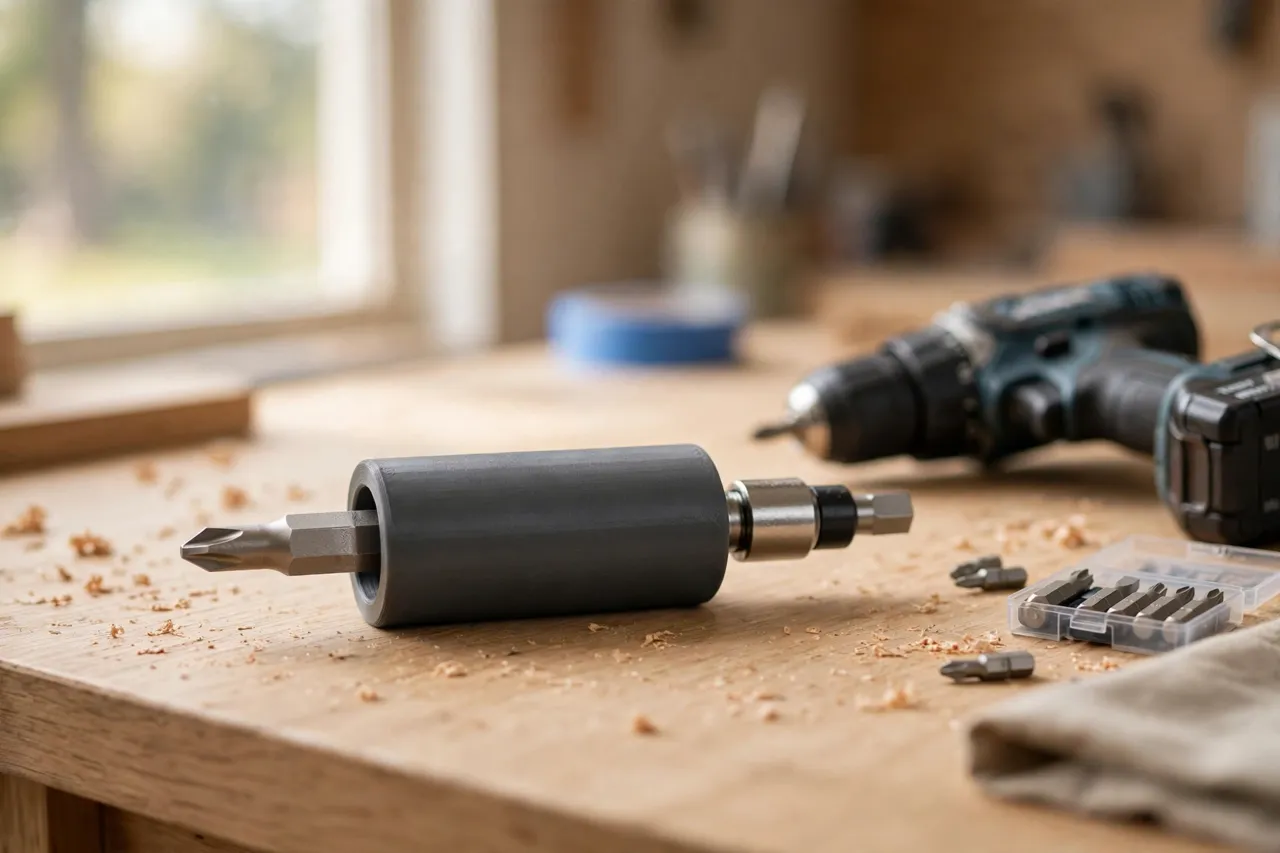
A 3D printed bit holder adapter fixes the interface instead of replacing the tools. It is a small sleeve, collar, or shim that lets a bit seat properly in a holder it was not made for — taking up slack, centering the bit, or extending the reach of a short holder.
A clear limit applies here: these adapters are for hand driving and light-duty drilling and driving with a cordless drill or driver at normal DIY speeds. They are not for impact drivers at full power, where the shock loading can crack printed plastic and throw a bit. For impact work, use the manufacturer’s own steel holders and bits.
What You Need
Bits and holders are small and standardized in theory, but worn and varied in practice. Measure the ones you own.
Materials and tools
- A home 3D printer with a build area of roughly 100 mm in at least one direction
- PETG filament for a tougher adapter, or PLA for a test fit
- The bits and holders you want to pair, plus calipers
- A cordless drill or driver, a screwdriver, and a small file or sandpaper
- A magnet, if you want to check or restore a holder’s magnetism
PETG is the better keeper: bit holders live in toolboxes, get knocked around, and see warm workshops.
Suggested print settings
- Layer height: 0.12 to 0.16 mm — small parts with hex bores benefit from finer layers and cleaner holes.
- Walls: 4 to 5 perimeters, since the adapter is squeezed every time a bit is inserted and driven.
- Infill: 50 to 60 percent, grid or gyroid, for a part that will not crush under driving torque.
- Top and bottom layers: 4 or more, for flat faces that seat squarely.
- Orientation: Print with the bit axis vertical where possible, so the hex bore prints truest.
- Supports: Usually none for sleeves; a collar with an overhanging lip may need a brim for bed adhesion.
Print one test piece and check it on the real bit and holder before printing a set.
Design Considerations
Bit holder mismatches come in a few repeatable forms, and each wants a different adapter.
1. The hex sleeve for loose bits
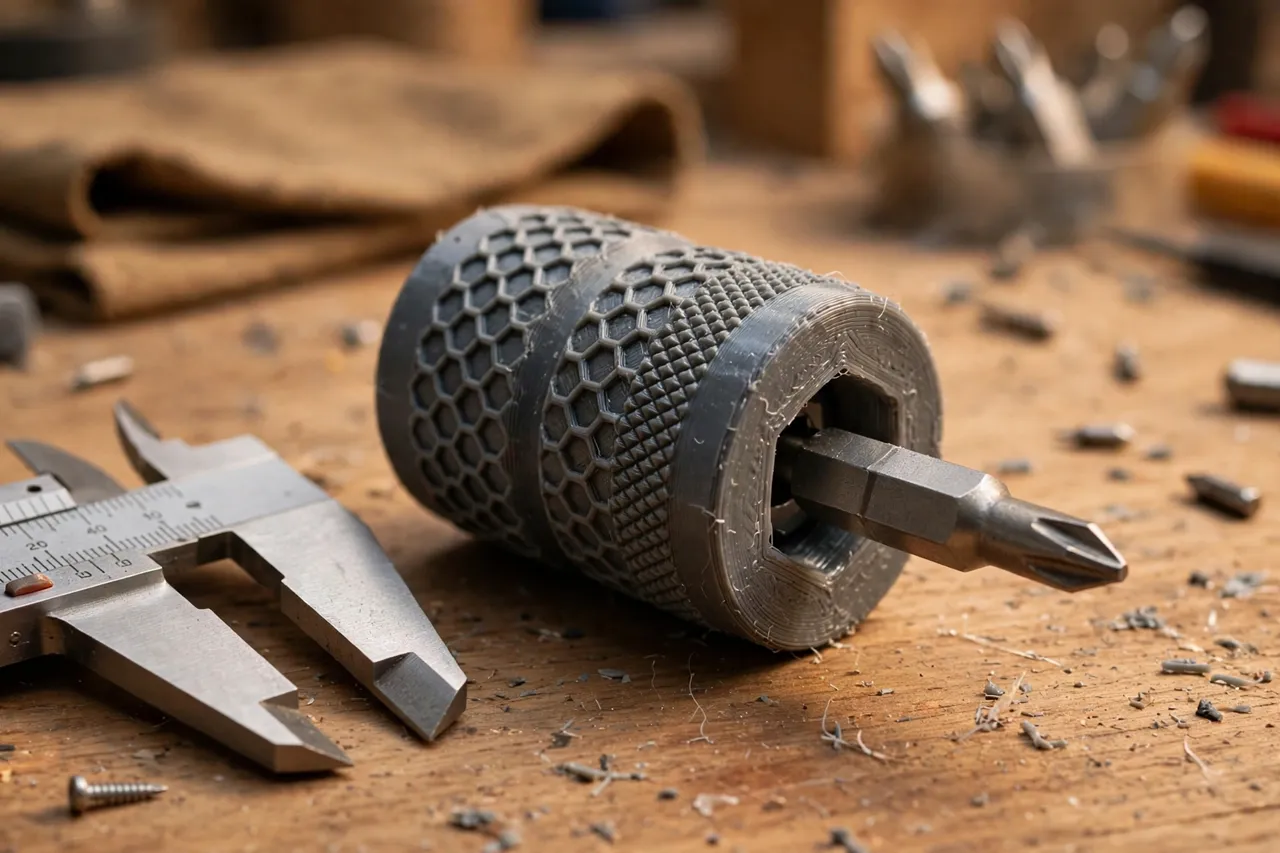
The most common problem is a bit that rattles in a worn holder bore. A thin hex sleeve wraps the bit’s shank and brings its effective size up to the holder’s bore. Model the sleeve as a hexagonal tube: the inner hex matches the bit (standard quarter-inch hex is about 6.35 mm across the flats), and the outer hex matches the holder bore. Give the inner bore about 0.1 to 0.2 mm of clearance — less than you would allow for wood, because bits are machined to tight tolerances. A small flange at the back stops the sleeve sliding into the holder.
2. The length extender
Short bits in a deep holder sit too far back to reach the screw, or disappear into the holder entirely. An extender sleeve grips the bit and presents a longer shank to the holder, or a collar sits on the holder’s mouth and stops the bit sinking too deep. Keep extenders short — every extra millimeter of overhang increases wobble. For driving, an extender longer than about 25 mm starts to flex noticeably, and a longer bit is the better answer.
3. The round-to-hex adapter
Some older holders and hand drivers take round-shank bits, while modern bits are hex. A round-outside, hex-inside sleeve translates between the two. This one needs care: the round outer must be a smooth, true cylinder, or the bit will wobble in the holder. Print it with the axis vertical and sand the outside lightly if needed.
4. The magnetic keeper
Many holders rely on a magnet to retain the bit, and a worn or weak magnet lets bits drop out. A thin printed collar with a small recess for a replacement disc magnet restores retention. Use a magnet sized to the holder, press it in firmly, and check the bit is held but still releases with a firm pull. This is a light-duty fix — if the holder’s magnet seat is cracked, replace the holder.
In every design, remember the bit must still be able to spin true. Any adapter that lets the bit sit off-center will show up immediately as a wobbling screwdriver tip and chewed screw heads.
Step-by-Step: Printing and Assembly
- Gather the bits and holders you want to pair, and measure the bit shank and the holder bore with calipers.
- Decide which adapter type each pairing needs — sleeve, extender, round-to-hex, or magnetic keeper.
- Model the part with tight clearance for machined bits, and a flange or stop where the design needs one.
- Print a test fit and try it on the real bit and holder, dry, before printing more.
- Clean it up. Clear the bore with a file if needed, sand the faces flat, and check the bit seats fully and squarely.
- Adjust if needed. Too tight? Open the bore by 0.1 mm. Too loose? Shrink it by the same amount and reprint. Small steps matter at this scale.
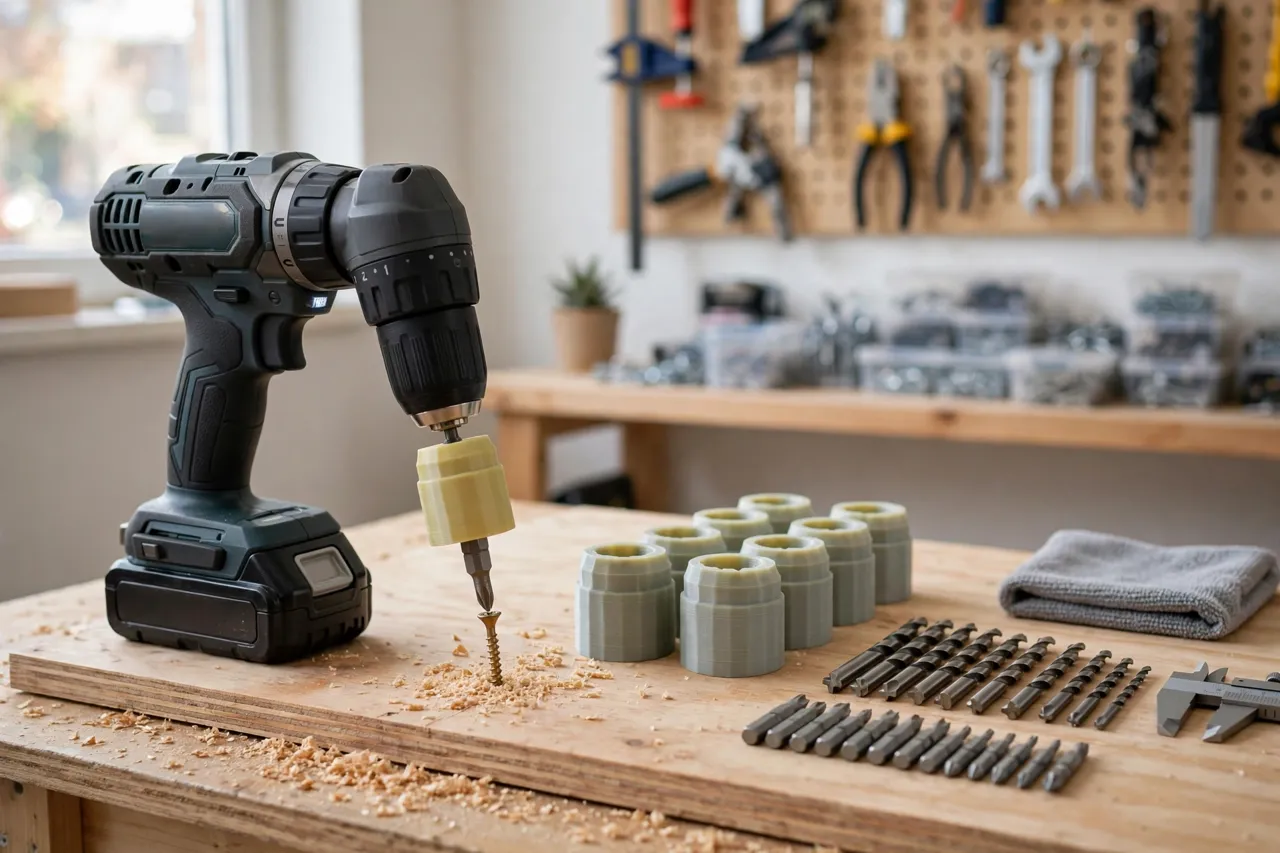
- Print the keeper set in PETG, one adapter per pairing, plus a spare for the most-used size.
Label adapters by size with a paint pen.
Step-by-Step: Using the Adapter With a Bit and Holder
- Slide the adapter onto the bit and check it seats fully, with the bit’s tip protruding correctly.
- Insert the assembly into the holder and check it locks or grips as the holder intends — magnet, spring clip, or friction.
- Spin the bit by hand and watch the tip. Any visible wobble means the adapter is off-center or the wrong size.
- Drive a test screw into scrap timber and check the bit stays seated and the screw drives cleanly.
- Check retention by pointing the holder downward and shaking gently. A bit that drops out needs a tighter sleeve or a restored magnet.
- Use at normal driving speeds and moderate torque. If the adapter creaks or flexes, stop — you are asking it to do more than light-duty work.
- Remove and store the adapter with its bit so the pairing stays together and you do not have to re-measure next time.
If a bit still wobbles after fitting, check the bit itself: a bent bit wobbles in any holder, adapter or not.
Tips for Better Results
- Measure with calipers, not a ruler. At bit scale, half a millimeter is the difference between a snug fit and a rattle.
- Test on scrap first. Driving a test screw shows wobble and retention problems that a dry fit can hide.
- Keep adapters short. The shorter the adapter, the less leverage it has to flex or wobble.
- Print spares in the same run. These parts are tiny; adding two spares costs almost nothing.
- Store pairs together. An adapter separated from its bit is a mystery part. Keep them clipped or bagged as a set.
Common Mistakes to Avoid
- Designing from a nominal size. A “quarter-inch hex” bit measures slightly under 6.35 mm, and a worn holder measures over. Measure your actual parts.
- Making the bore too tight. A bore that grips the bit’s flats will twist the adapter when you insert or remove the bit, cracking it over time.
- Using an adapter on an impact driver. Shock loading cracks printed plastic and can throw a bit. Use steel holders for impact work.
- Over-extending short bits. A long extender on a short bit flexes, wobbles, and chews screw heads. Buy a longer bit instead.
- Ignoring a bent bit. No adapter fixes a bent bit. Check bits by rolling them on a flat surface and discard the bent ones.
Care, Storage, and When to Choose an Alternative
Keep adapters with their bits in a small case or a labeled bag, and check them occasionally for cracks around the bore.
Sometimes the right answer is a new holder, not an adapter. If the holder’s locking mechanism is broken, the magnet seat is cracked, or you drive at impact-driver power all day, buy the manufacturer’s steel holder for your bits. Printed adapters are at their best rescuing good bits and sound holders from minor mismatches. For keeping the wider workshop tidy, our guide “3D Printed Drill Bit Depth Stop Collars: Drill to the Same Depth Every Time” pairs well with this one, and “3D Printed Screw Length and Pilot Hole Gauge: Pick the Right Screw Before You Drill” helps you pick the right screw before the bit even goes in.
FAQ
Will a printed adapter fit a quick-release bit holder?
Yes, if the adapter’s outer size matches the holder’s bore and the locking notch or groove is kept clear. Some quick-release holders grip a groove on the bit shank — if your adapter covers that groove, the lock cannot engage, so model a matching groove into the adapter.
Can I use these adapters with a magnetic bit holder that has lost its magnetism?
Yes, with the magnetic keeper design, or by fitting a new disc magnet. If the holder body itself is cracked, though, replace the holder — a magnet cannot fix a broken body.
My bit still slips in the adapter under torque. What should I do?
First check the bore size — it may be slightly oversized. Then check the bit’s flats are clean and not rounded. Rounded bit shanks slip in any holder. If both are good, add a thin wrap of tape around the shank as a quick test; if that fixes it, reprint the sleeve 0.1 mm smaller.
Is PLA strong enough for a bit holder adapter?
For hand driving and light drill driving, yes, especially with generous walls and infill. For daily workshop use, PETG lasts longer and resists cracking at the bore corners.
Conclusion
A drawer of mismatched bits and holders is not a reason to buy a new set. A handful of tiny printed sleeves, sized to the bits and holders you already own, puts good tools back to work — quietly, cheaply, and in an afternoon. Measure with calipers, print a test, check the spin before you drive, and keep impact work on steel holders.
Print the set, pair each adapter with its bit, and the next screw goes in with the bit you already had.