Introduction
A small speaker on a workbench is in harm’s way. It collects sawdust, gets nudged by offcuts, sits in the splash zone of finishing work, and takes up space that tools need. Moving it to the wall solves all of that at once — sound carries better from height, the bench stays clear, and the speaker stops being something you work around.
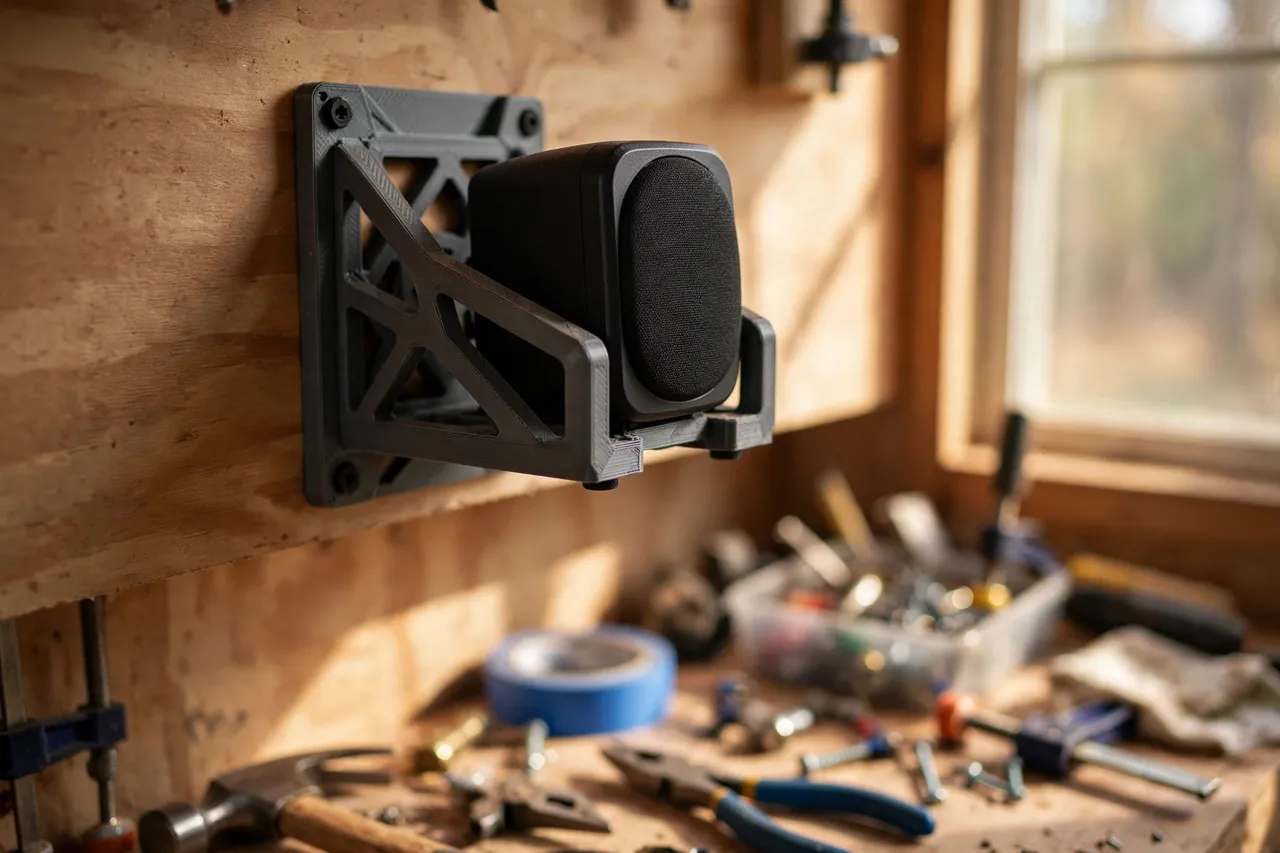
A 3D printed wall mount can do this job well for small, light speakers, provided it is designed honestly. That means a cradle shaped to your actual speaker, a back plate fixed into a stud or solid board, and a clear weight limit you respect. It does not mean hanging a heavy bookshelf speaker from a thin printed bracket and hoping for the best. This guide shows how to mount small finished speakers safely, and when to buy a manufactured metal mount instead.
A note on scope: this article is about holding a finished, manufactured speaker. It involves no electrical work, no wiring changes, and no modification to the speaker itself. If your speaker needs a power or audio cable, route the existing cable neatly — do not open the speaker, splice wires, or adapt mains equipment with printed parts.
What You Need
Speaker mounts are larger than most holder prints, so check your printer’s build area before you start.
Materials and tools
- A home 3D printer with a build area large enough for your speaker’s footprint, often 150 mm or more in one direction
- PETG filament for strength and warmth tolerance; PLA only for very light speakers indoors
- The speaker itself, plus a tape measure or calipers
- A stud finder, a spirit level, a pencil, and a drill or driver
- Screws suitable for stud or plywood fixing, plus wall anchors only if no stud is available — and only for the lightest speakers
- Sandpaper or a small file, and optional adhesive foam or rubber strip for the cradle
PETG is strongly preferred here. A speaker mount holds a valuable item above a bench, and PETG’s toughness and higher softening temperature give a real margin over PLA in a warm garage.
Suggested print settings
- Layer height: 0.20 mm, or 0.16 mm for smoother cradle surfaces.
- Walls: 5 to 6 perimeters, especially around the arms and back plate.
- Infill: 50 to 60 percent, gyroid, for a stiff cradle that does not creep under sustained load.
- Top and bottom layers: 5 or more.
- Orientation: Print the mount on its back, so the cradle arms print solidly and layer lines run across the load path.
- Supports: As needed for arms that project far from the back plate; keep overhangs gentle where possible.
Print one mount, test it with the real speaker, and leave it loaded for a day before printing the second.
Design Considerations
A speaker mount fails in three ways: the cradle is the wrong size, the fixing pulls out, or the plastic creeps under a speaker that is too heavy. All three are preventable at design time.
1. Measure the real speaker
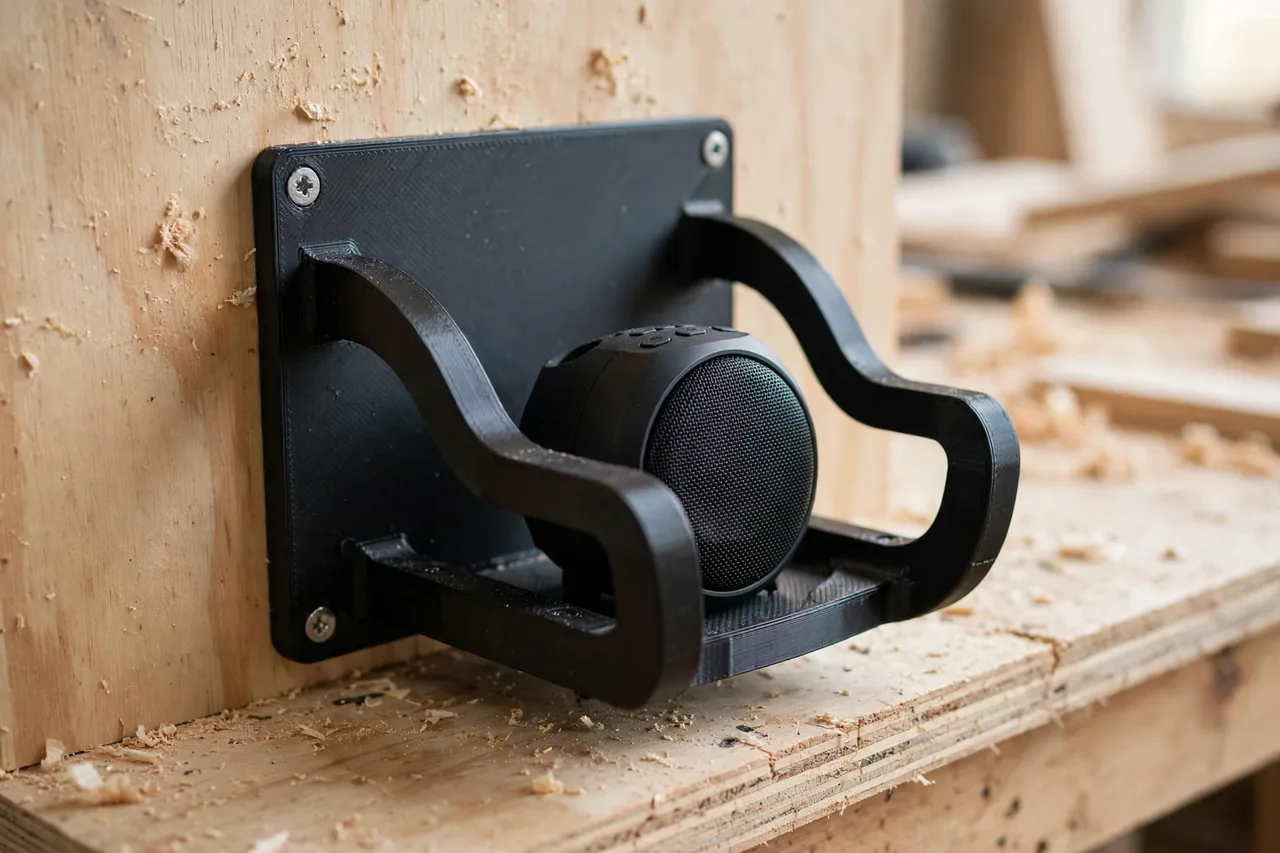
Measure width, depth, and height, and note where the speaker’s feet, ports, and controls sit. The cradle should support the speaker from below and grip its sides lightly, without blocking a rear port, a power switch, or a volume control. Leave a small gap — 1 to 2 mm — around the sides so the speaker slides in without forcing, and add a front lip of 10 to 15 mm so it cannot walk forward from vibration.
2. Keep the weight honest
As a practical rule, printed mounts suit small speakers up to about 1.5 kg, fixed into a stud or plywood panel. Above that, or for any speaker you would be upset to drop, use a manufactured metal mount rated for the weight. Never hang a speaker above a walkway, a chair, or anywhere a fall could hurt someone, and never rely on drywall anchors alone for anything heavier than a very light speaker.
3. Fixing first, plastic second
The strongest printed mount is useless if its screws pull out. Fix into a stud wherever possible, using screws long enough to bite at least 25 mm into solid timber. Into a plywood wall panel, use screws through the panel. Mark the stud, drill pilots, and check the mount is level before final tightening. A mount that is level and solid feels completely different from one that is merely screwed on.
4. Vibration and cable routing
Speakers vibrate, and vibration walks things off shelves. A thin foam or rubber strip inside the cradle damps buzz and stops the speaker creeping forward. Route the cable with a small printed cable clip beside the mount so its weight does not tug the speaker, and leave a gentle service loop so the speaker can be lifted out without yanking the cable.
Step-by-Step: Printing and Mounting
- Measure your speaker and note foot positions, ports, and controls to avoid.
- Model the mount. A back plate wider than the speaker, two side arms or a base shelf with a front lip, and at least four screw holes, two into the stud line.
- Print a test mount and check the fit. The speaker should slide in snugly, sit level, and lift out without tools.
- Clean up. Sand the cradle smooth, fit the foam strip, and clear the screw holes.
- Find the stud. Mark it, hold the mount at the planned height — above head height when seated at the bench is a good starting point, clear of dust and splashes — and mark the screw holes level.
- Drill pilots and fix. Drive screws into the stud or plywood, checking level as you go. Do not overtighten and crack the back plate.
- Load and test. Set the speaker in, route its cable, play something at normal volume, and watch for creep or buzz over a full session.
- Check after a week. Retighten if needed, and confirm the speaker still sits squarely. Only then print and mount the second speaker to match.
Take the time to get the first mount right. A matched pair looks intentional; a pair of different mounts looks improvised.
Tips for Better Results
- Angle the speaker slightly down toward the bench. A small wedge in the cradle aims sound where you work, rather than at the ceiling.
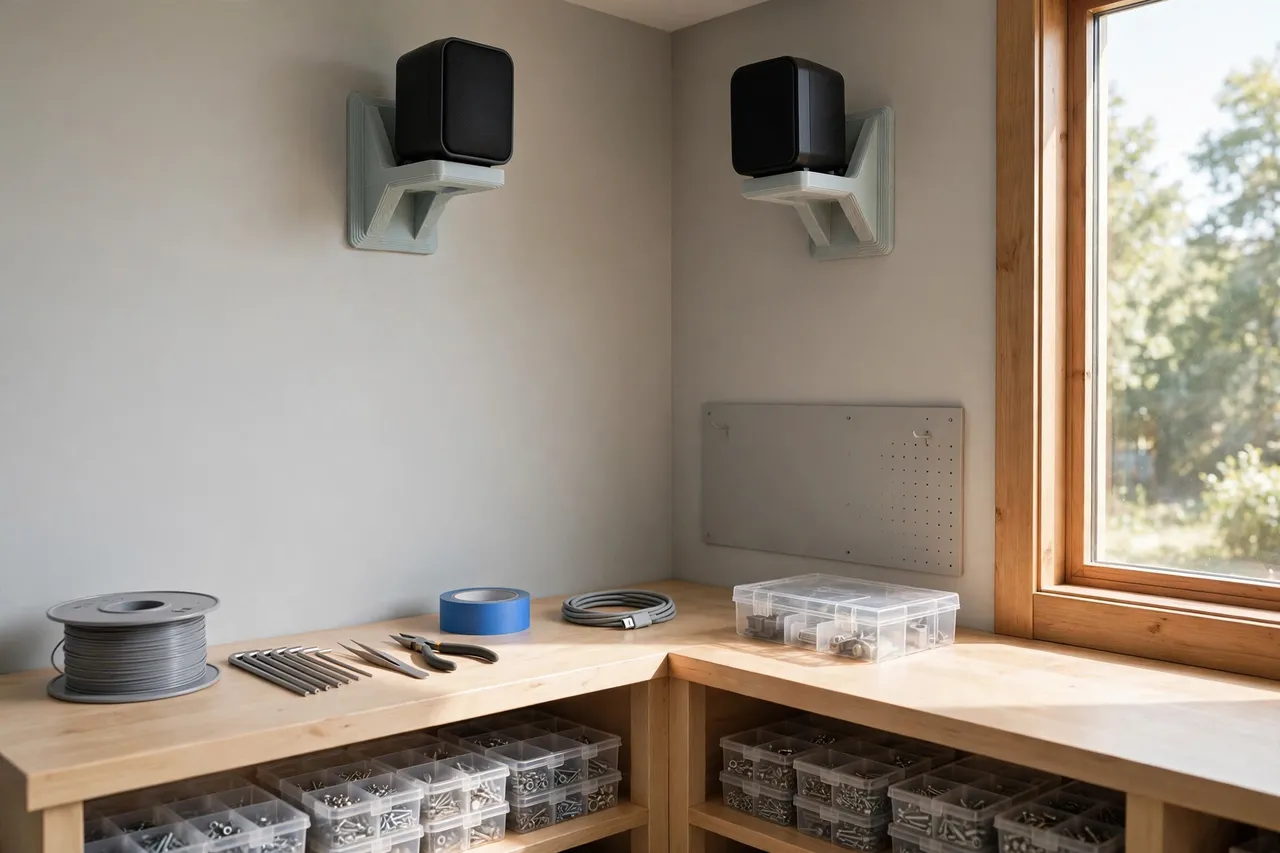
- Mount speakers as a pair, at the same height. Even spacing and height make the setup look deliberate and sound balanced.
- Keep mounts away from dust sources. High on the wall, away from the saw and sander, keeps grilles cleaner for longer.
- Print in a colour that blends in. Black or charcoal mounts disappear against a dark wall and let the speaker, not the bracket, be the visible object.
- Leave access to controls. If you adjust volume on the speaker itself, keep its controls reachable without a step stool.
For the rest of the bench clear-up, you may also enjoy “3D Printed Phone Holder for Workbenches: Your Phone Safe at the Bench,” which protects another bench item in the same spirit, and “3D Printed Ear Muff Wall Hooks: Hang Hearing Protection in Sight,” for the safety gear that also deserves a wall spot rather than bench space.
Common Mistakes to Avoid
- Designing from a product photo instead of your speaker. Speakers that look alike differ by millimetres, and a cradle that is 5 mm too narrow is useless. Measure the unit in your hand.
- Trusting drywall anchors with a heavy speaker. Anchors are for light loads. A speaker needs a stud or solid panel.
- Blocking a rear port or control. A mount that covers the port changes the sound and makes the speaker awkward to use. Map ports and controls before modelling.
- Printing too thin to save filament. A speaker mount is not the place to economise. Thick walls and dense infill are the whole point.
- Mounting where a fall would cause harm. Above a bench is one thing; above a seat or a walkway is another. Choose the location with a fall in mind, not just convenience.
Care, Storage, and When to Choose an Alternative
Wipe dust from mounts and speaker grilles regularly, and check screws every few months — vibration loosens fixings over time. If a mount shows whitening, cracking, or sag, take the speaker down and reprint before it fails. Printed mounts age, especially in warm garages, so treat inspection as routine.
Choose a manufactured metal mount when the speaker is heavy, valuable, or mounted where a fall could injure someone, or when you need tilt and swivel adjustment that a fixed printed cradle cannot offer. Metal mounts are rated, tested, and adjustable. Printed mounts are best for small, light speakers in low-risk positions, where a custom fit matters more than adjustability.
FAQ
What size speaker suits a printed mount?
Small desktop and mini bookshelf speakers, typically under 1.5 kg, with a footprint that fits your printer. Larger or heavier speakers belong on metal mounts rated for their weight.
Is PLA ever acceptable for a speaker mount?
For a very light speaker indoors, in a cool room, PLA can work. For anything else — a garage, a heavier speaker, or a mount above a bench — PETG is the responsible choice. When in doubt, choose PETG and a stud fixing.
Can I tilt or angle a printed mount?
Yes, with a fixed wedge built into the cradle. You cannot easily adjust it afterward, so test the angle with a temporary wedge before printing the final mount. For frequent adjustment, buy an adjustable metal mount.
Will the mount affect sound quality?
A cradle that blocks a port or presses against a driver can. A well-sized mount that supports the speaker from below and leaves ports and drivers clear has no meaningful effect on sound in a workshop setting.
Conclusion
Getting small speakers off the bench is a simple upgrade with real benefits: more workspace, less dust, better sound placement, and one less valuable item in harm’s way. A printed mount, sized to your speaker and fixed into a stud, does the job neatly — as long as you respect its weight limits and choose metal when the speaker deserves it.
Measure the speaker, print one mount, test it loaded for a week, and then match the pair. Your bench will feel bigger the moment the first speaker goes up on the wall.