Introduction
Ripping a full sheet of plywood straight with a handheld circular saw is one of those jobs that sounds simple and rarely is. The saw wanders a millimeter here, another there, and a shelf side that should be square ends up with a wavy edge that shows in every joint. Clamping a straight board as a guide helps, but then you must measure the offset from the guide to the blade, set it perfectly parallel, and hope the clamp does not slip mid-cut.
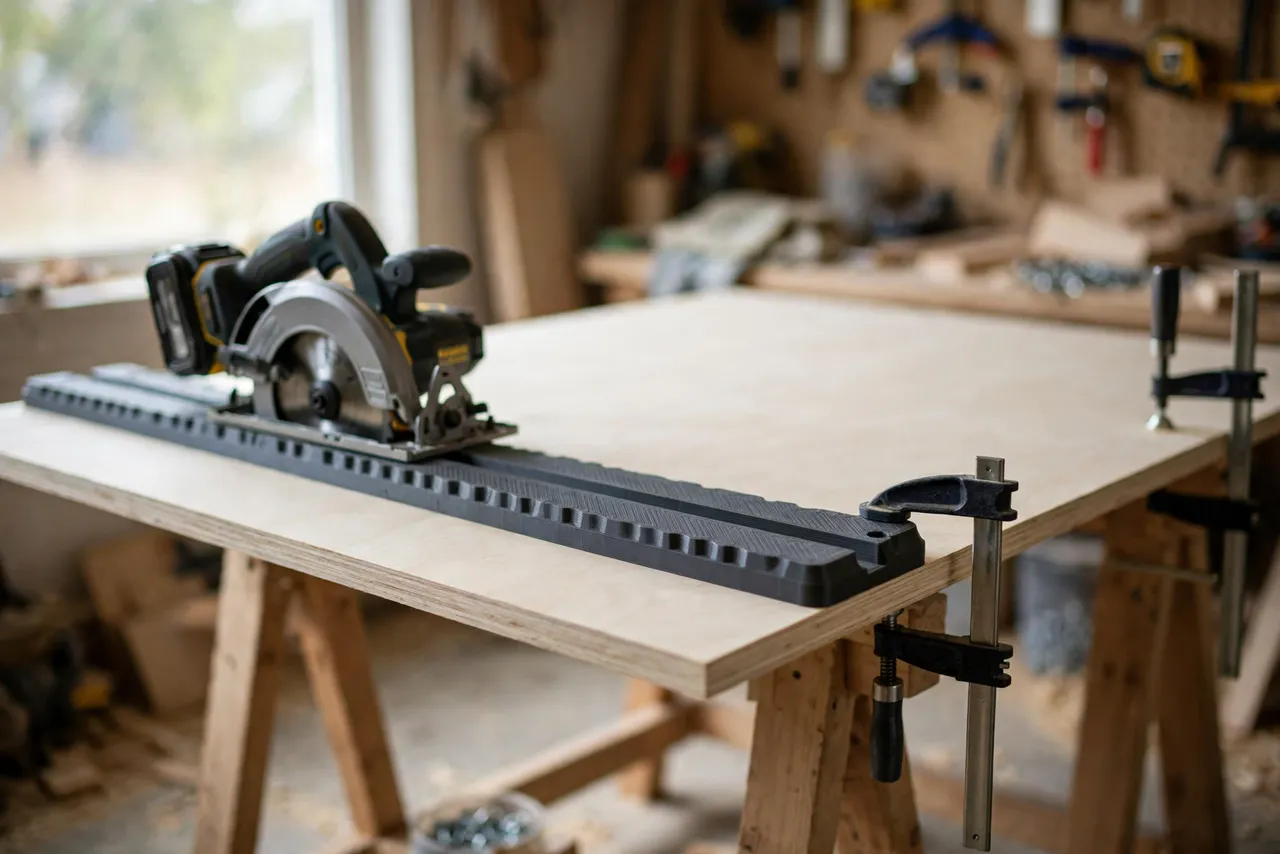
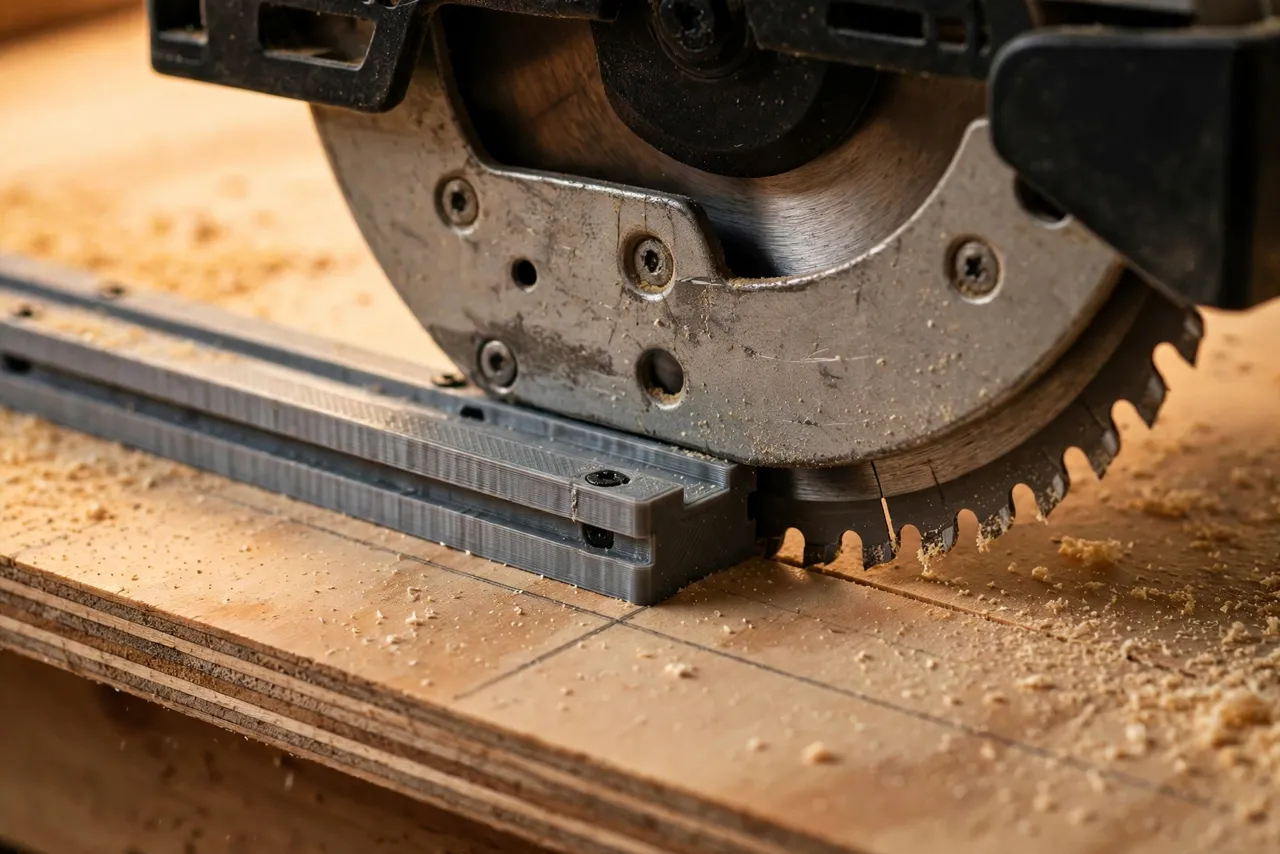
A 3D printed circular saw track guide removes the offset math. The guide carries a replaceable splinter strip that you trim with your own saw on the first pass, so the strip’s edge becomes the exact cut line. After that, you simply align the strip with your pencil line, clamp, and cut. No measuring the blade offset ever again.
Think of the guide as a cutting aid only — it does not guard the blade or replace the saw’s own safety features, and it never justifies cutting without proper support and eye and hearing protection.
What You Need
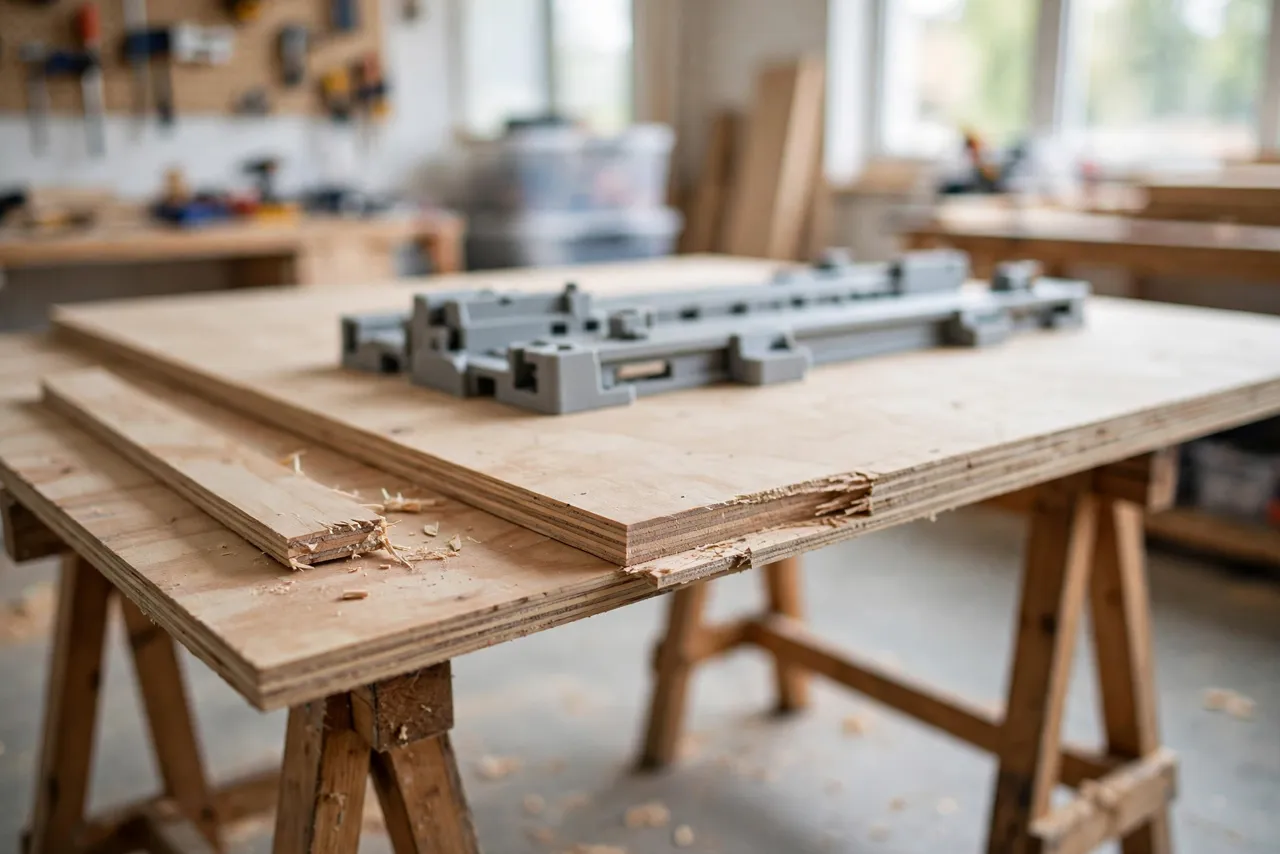
The guide is a hybrid: a long straight rail plus printed brackets, end caps, and clamps. The rail must be straight; the printed parts make it work with your saw.
Materials and tools
- A straight length of aluminum angle, box section, or flat bar for the rail, at least as long as your longest planned cut
- PETG filament for the printed fittings, or PLA for a first test version
- Your circular saw, plus a fine-tooth plywood blade for clean cuts
- A strip of thin MDF or hardboard for the splinter strip, plus double-sided tape or screws
- Two or three clamps, a tape measure, a pencil, and a square
- Sawhorses or a foam insulation board to support the sheet during the cut
PETG is the better keeper for brackets that see clamping pressure and job-site handling. PLA is fine for proving the fit, but replace it before heavy use.
Suggested print settings
- Layer height: 0.20 mm for strength and accuracy.
- Walls: 4 to 5 perimeters — brackets and clamp bodies take real force.
- Infill: 40 to 50 percent, grid or gyroid, so brackets do not flex under a clamp.
- Top and bottom layers: 4 or more, for flat mounting faces.
- Orientation: Print brackets flat, mounting face down, for the flattest contact with the rail.
- Supports: Only where overhangs demand them; keep mounting faces support-free.
Print one bracket first and test its fit on your rail and saw base before printing the full set.
Design Considerations
You can model these fittings in any basic CAD program. The system is simple: a rail, a saw shoe, and clamps.
1. The rail
The rail’s straightness is the whole game. Check it with a straightedge before building — a bowed rail gives bowed cuts no matter how good the printed parts are. Aluminum angle is light, stiff, and easy to clamp; a hardwood straightedge works too but can warp in a damp shop. Make the rail at least 300 mm longer than your longest cut so the saw starts and finishes fully supported.
2. The saw shoe and offset
Every circular saw has a different distance from its base edge to the blade. Rather than measuring it, the design sidesteps it: the saw base rides against a printed shoe or fence attached to the rail, and the splinter strip is trimmed by your own saw to record the exact offset. Size the shoe to your saw’s base plate with about 1 mm of clearance — snug enough to stop sideways drift, loose enough to slide freely. Add a small handle or grip area on the shoe so the saw stays pressed to the rail through the cut.
3. The splinter strip
A thin strip of MDF or hardboard, screwed or taped to the rail’s cut side, does two jobs: it shows exactly where the blade will cut, and it supports the plywood fibers at the cut line, reducing splintering on the show face. Make it replaceable — it wears with use and needs re-trimming after a blade change. Always cut with the show face down when using a standard circular saw blade, so any tear-out lands on the hidden side.
4. Clamping
The rail must not move during the cut. Use printed clamp brackets that accept ordinary spring or bar clamps, spaced at both ends and the middle for long cuts. Keep clamp bodies clear of the saw’s path, with generous margin, and check each clamp is tight before starting. On very long cuts, add a mid-span support under the sheet so it cannot sag and pinch the blade.
Step-by-Step: Building the Track Guide
- Check the rail with a straightedge along its full length. Reject or straighten any bowed section.
- Measure your saw base — width, thickness, and the shape of its edge where it meets the shoe.
- Model the shoe and brackets to fit your rail profile and saw base.
- Print a test shoe. The saw base should slide along it without binding or rocking.
- Attach the splinter strip to the rail, flush and straight, with screws or tape.
- Make the calibration cut. Clamp the rail to scrap plywood, run the saw along the shoe, and let the blade trim the splinter strip to your saw’s exact offset.
- Clean it up. Remove stringing, sand bracket faces, and confirm clamps seat firmly.
- Print the keeper set in PETG if your test was PLA, using the same files.
Label the guide with your saw’s name if you own more than one — the calibration belongs to one saw and blade combination.
Step-by-Step: Ripping Plywood With the Guide
- Support the sheet fully on sawhorses or foam board, with the cut line clear of supports so the offcut can fall away safely without binding.
- Mark the cut line on the sheet, squaring it from a known-straight factory edge.
- Align the splinter strip exactly on the line — the strip’s trimmed edge is the cut line, so no offset math is needed.
- Clamp the rail at both ends and the middle, and confirm it cannot shift.
- Set the blade depth just past the sheet thickness, no more.
- Start the saw clear of the sheet, let it reach full speed, then ease into the cut, keeping the base pressed firmly against the shoe.
- Cut steadily without stopping mid-sheet if you can help it; a pause can leave a mark.
- Check the edge with a straightedge. A true rip shows no light gap along its length.
Work slowly on the first sheet. By the second, the routine feels automatic — and that consistency is what keeps shelves and cabinet sides square.
Tips for Better Results
- Use a fine-tooth blade for plywood; a coarse framing blade tears veneer no matter how good the guide is.
- Score the cut line lightly with a utility knife on veneered sheets for an even cleaner edge.
- Keep the cord and hose clear of the rail and the cut path before starting.
- Re-trim the splinter strip after changing blades — a new blade may sit a fraction differently.
- Support the offcut so it cannot drop and splinter the edge at the end of the cut.
Common Mistakes to Avoid
- Measuring the blade offset by hand after building the guide. The calibration cut already records it — trust the strip, not the tape.
- Clamping only one end. A long rail pivots around a single clamp; always clamp both ends.
- Cutting with a dull blade. Dull teeth burn, wander, and push the saw away from the shoe.
- Letting the sheet sag. An unsupported middle pinches the blade and can kick back.
- Forgetting the shoe clearance. A shoe that binds makes the saw tilt, which is worse than a little play.
Care, Storage, and When to Choose an Alternative
Brush off dust, store the rail flat or hung straight — never leaning where it can bow — and replace the splinter strip when it gets chewed or loose. Re-check the rail with a straightedge every few months.
Sometimes a manufactured track saw is better. If you break down sheets every week, work to tight cabinet tolerances all day, or need plunge and bevel cuts on a rail, a real track saw system will outlast and outperform a printed guide. For occasional sheets, shelves, and home projects, a printed guide on a straight rail is cheap, accurate enough, and far easier to justify than a whole new saw.
FAQ
Will one guide fit every circular saw?
Not quite. The shoe is sized around one saw’s base plate, so a very different saw may need its own shoe. The rail, brackets, and clamps transfer easily, so adapting the system for a second saw is a small job, not a rebuild.
Is PLA strong enough, or do I need PETG?
For light brackets, PLA works and is great for testing fit. PETG is the better keeper because it handles clamping pressure, drops, and warm workshops better. Either way, generous walls and infill matter more than the name on the spool.
How long a cut can the guide handle?
As long as your rail, plus a margin for the saw to start and finish supported. For full 2400 mm sheets, join two rail sections with printed splice plates and check the joint with a straightedge before cutting.
My cut still wanders slightly. What went wrong?
Usually the rail moved, the shoe bound, or the blade is dull. Re-check clamp tightness, shoe clearance, and blade sharpness, and re-trim the splinter strip if you changed blades since calibration.
Conclusion
A wavy plywood rip is usually not a saw problem. It is a guidance problem, and that is exactly what a track guide solves. With a straight rail, a shoe fitted to your saw, and a splinter strip trimmed by your own blade, the cut line becomes a physical edge you simply follow.
Build one to fit your saw, keep the rail straight, and the next sheet breaks down clean, square, and ready for joinery.
If you enjoy sheet-goods jigs, you may also like “3D Printed Table Saw Jointing Sled: Straighten Board Edges Without a Jointer” and “3D Printed Table Saw Alignment Gauge: Check Blade and Fence Parallel in Minutes,” which pair naturally with this guide for a complete cutting setup.