Introduction
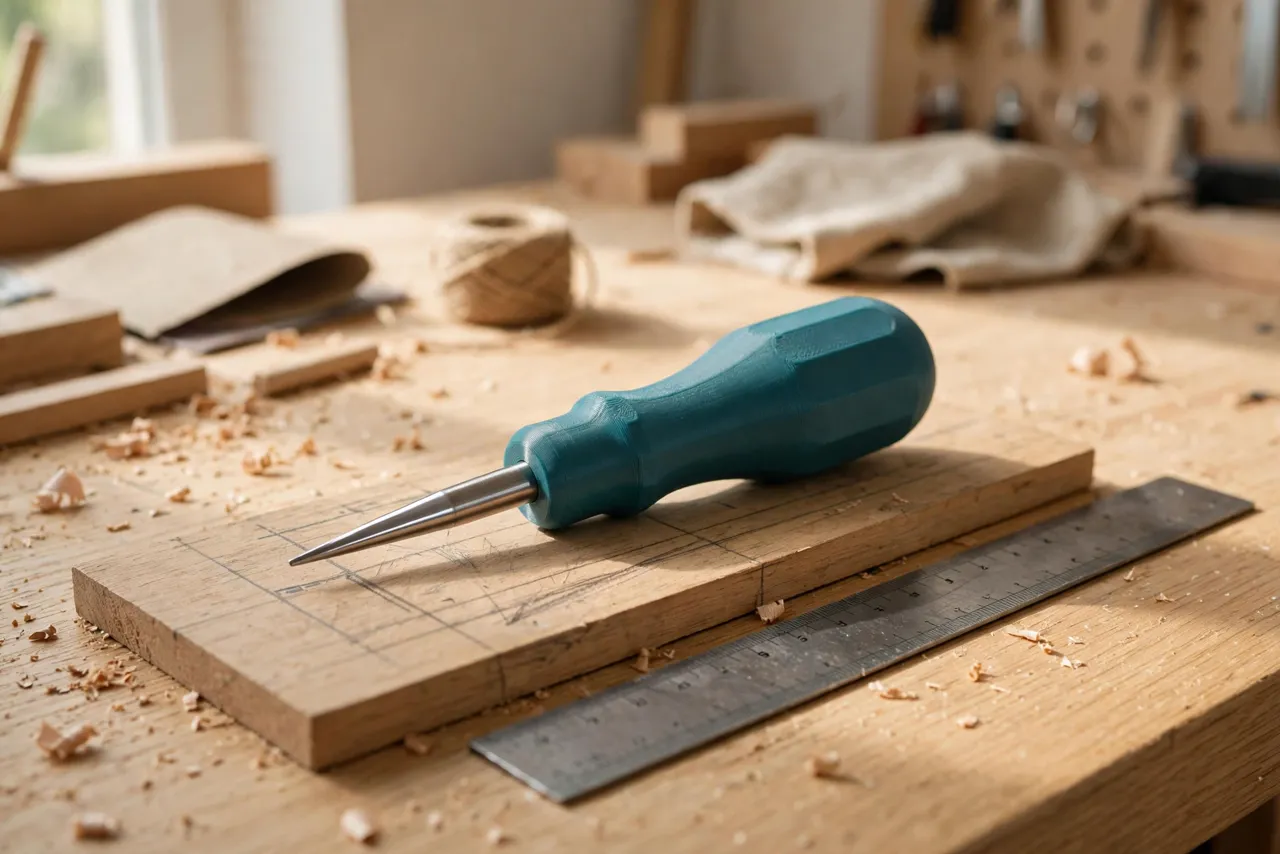
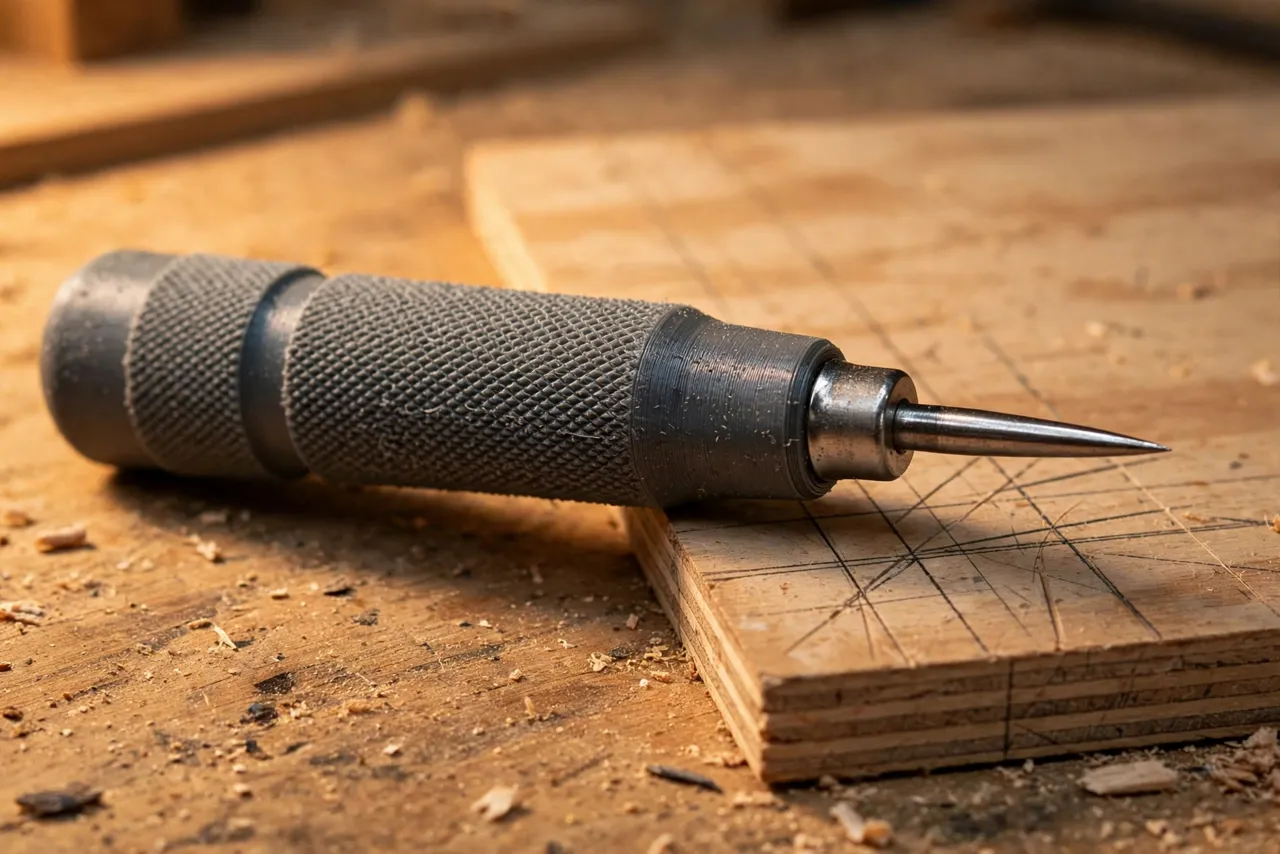
A scratch awl is one of the simplest tools in the workshop — a steel point and a handle — and yet a bad handle ruins it. The factory handles on cheap awls are often thin, slippery, or shaped for nobody’s hand in particular. After a few dozen scribed lines, your palm aches, the tool rolls in your grip, and your marks wander.
Printing your own handle fixes all three problems at once. You choose the diameter, the length, and the grip texture. You fit the steel point you already own. And you can print a second one in a different size for fine work, or a fatter one for gloved hands, for the price of a few grams of filament.
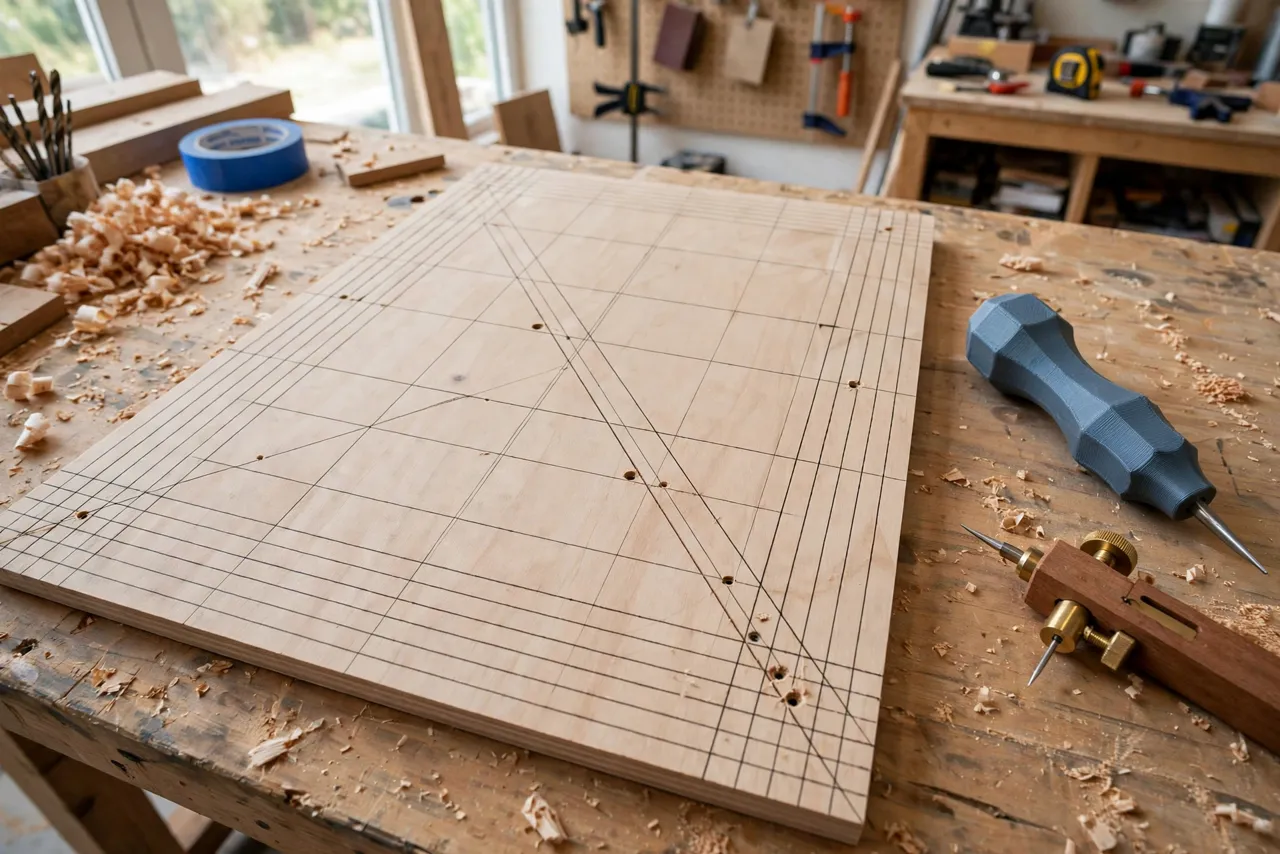
This guide covers designing, printing, and fitting a scratch awl handle that stays comfortable through a long marking session. The handle is a grip only — it holds a manufactured steel awl point, and it never replaces the point itself or turns the awl into a chisel, pry bar, or punch. Used as a marking tool, a good handle makes layout work noticeably more pleasant.
What You Need
The handle is a compact print, and the only specialty part is the steel point.
Materials and tools
- A home 3D printer with a modest build area
- PETG filament for a tough, slightly flexible grip, or PLA for a first test
- A manufactured steel awl point or a spare awl blade to reuse — measure its shank diameter
- A small drill bit or reamer for cleaning the socket, plus epoxy or a set screw if your design uses one
- Calipers for measuring the shank and your grip diameter
- Sandpaper in a couple of grits for smoothing the grip
- Optional: a rubber O-ring or grip tape for extra traction
If you do not have a spare awl point, buy a replacement awl blade from a hardware store rather than trying to print a point. A printed point will not hold an edge and will snap under hand pressure.
Suggested print settings
- Layer height: 0.20 mm for a good balance; 0.16 mm if you want a smoother grip surface.
- Walls: At least 4 perimeters — the handle wall carries all the pushing force.
- Infill: 40 to 60 percent, gyroid, so the handle feels solid rather than hollow.
- Top and bottom layers: 4 or more.
- Orientation: Print standing upright, socket end down, so the grip layers run around the handle and the socket prints cleanly.
- Supports: None for a simple tapered handle; a pommel cap or finger guard may need minimal support.
Print a test handle first and hold it in your hand before committing to a final version. Grip comfort is personal, and a test print is cheap.
Design Considerations
A good awl handle is shaped around two things: your hand and your point.
1. Diameter and length
For most adult hands, a handle diameter of 28 to 34 mm feels secure without forcing the fingers open. Smaller hands may prefer 24 to 28 mm; gloved work may want 34 to 38 mm. Length of 100 to 120 mm gives enough to palm comfortably while leaving the point visible. A gentle barrel or hourglass profile — slightly fatter in the middle — stops the handle rolling and gives the fingers something to register against.
The best test is embarrassingly simple: wrap your hand around a few dowels or markers of different diameters and note which one feels natural. Then model to that diameter.
2. The socket
The socket is the hole that holds the steel point. Measure the shank diameter with calipers and model the socket 0.1 to 0.2 mm smaller for a friction fit, or 0.3 mm larger if you plan to glue it. Depth should be at least 25 to 30 mm so the point cannot wobble. Add a small cross-hole for a set screw if you want the point removable, or a flat-bottomed socket with a drop of epoxy for a permanent fit.
Never rely on friction alone for a point you will push hard. A point that works loose mid-stroke can slip and gouge the work — or your hand. Glue it or screw it.
3. Grip texture
A smooth cylinder looks clean but gets slippery with dusty or sweaty hands. Add texture in the model: shallow lengthwise flutes, a diamond knurl pattern, or rings of small bumps. Keep texture shallow — 0.5 to 1 mm deep — so it grips without biting into the palm. Alternatively, print smooth and add a wrap of grip tape or a silicone sleeve afterward; that also lets you refresh the grip without reprinting.
4. The striking end
Many awls are tapped lightly with a palm or mallet to start a hole. If yours will see that use, add a slightly domed or flattened pommel cap, printed solid, that spreads the force. Do not hammer a printed handle hard — it is a marking tool, not a punch. For heavy starting work, use a manufactured awl or a center punch with a proper holder, like our guide “3D Printed Center Punch Holder: Hold Punches Without Hammering Fingers.”
Step-by-Step: Printing and Assembly
- Measure your awl point’s shank with calipers, and note the diameter and length.
- Pick your grip diameter using the dowel test described above.
- Model the handle: barrel profile, socket to suit your point, and your chosen grip texture.
- Print a test handle and check the socket fit with the real point before gluing anything.
- Clean up the print. Ream or drill the socket to a clean fit, sand the grip lightly, and remove any stringing.
- Fit the point. For a permanent handle, add a drop of epoxy and press the point fully home; for a removable one, fit the set screw and test that it holds under firm pushing.
- Let glue cure fully before using the awl — overnight is safest.
- Test on scrap. Scribe lines and start a few holes, checking comfort and that the point stays put.
Step-by-Step: Using Your Scratch Awl
- Mark your line position lightly with a pencil first for critical layout.
- Hold the awl like a pencil for lines, with the point where you want the mark, and draw it toward you with steady pressure.
- For starter holes, hold the handle vertically over the mark and press firmly, rocking slightly to open the hole.
- Scribe, don’t gouge. Two light passes give a cleaner line than one hard drag, and they keep the point sharp longer.
- Keep the point sharp. A dull awl tears instead of cutting; touch up the point with a fine file or sharpening stone, following the original bevel.
- Cap or sheath the point when the awl goes back in a drawer or pocket. A simple printed cap prevents cuts and protects the point.
Awls excel at marking wood, leather, soft sheet materials, and for starting small screw holes in wood. They are not for hardened steel, masonry, or heavy piercing — use the right manufactured tool for those.
Tips for Better Results
- Print two handles: a slim one for fine layout and a fat one for gloved or heavy marking work.
- Color-code your marking tools. A bright handle means the awl is easy to find on a cluttered bench.
- Add a lanyard hole through the pommel so the awl can hang on a pegboard hook.
- Match your marking knife handle too. Our guide “3D Printed Marking Knife Handle: A Handle That Fits Your Marking Knife” applies the same grip-fitting ideas to a knife handle, so your layout kit feels consistent.
- Keep the socket clean. Chips or glue in the socket stop the point seating fully, which causes wobble.
Common Mistakes to Avoid
- Printing a point instead of using steel. A printed point will not mark cleanly and will break. Always fit a manufactured steel point.
- Making the socket too shallow. Less than 20 mm of engagement lets the point flex and eventually work loose.
- Relying on friction alone. Glue or a set screw is not optional for a tool you push hard.
- Overdoing the texture. Deep knurling looks impressive and feels awful after ten minutes. Keep it shallow.
- Hammering the handle. Light palm taps are fine; mallet blows will crack the print and can drive the point through the socket.
- Using the awl as a pry bar or chisel. Sideways force snaps points and splits handles. If you need to pry, reach for a proper pry tool.
Care, Storage, and When to Choose an Alternative
Wipe the handle clean, keep the point capped, and store the awl where it will not roll onto the floor — a pegboard hook or a tool roll works well. If the grip wears smooth, reprint the handle; the steel point transfers to the new one.
A printed handle is ideal for home layout work. If you mark all day professionally, a manufactured hardwood or steel-handled awl will outlast plastic and feel better over thousands of marks. For occasional use, odd hand sizes, or a handle shaped exactly for you, printing wins.
FAQ
Can I print the whole awl, point included?
No — print only the handle. The point must be manufactured steel to hold an edge and survive pushing force. A printed point is a layout aid at best and a breakage risk at worst.
What if my awl point has a tapered shank?
Model the socket as a matching taper, or drill the socket straight and bed the point in epoxy. Epoxy fills small taper gaps and locks the point solidly; just keep glue off the cutting part of the point.
Is PETG or PLA better for a handle?
PETG for a keeper: it flexes slightly instead of cracking and handles a warm workshop better. PLA is fine for test fits and light use. Either way, generous walls and infill matter more than the filament brand.
My handle feels slippery even with texture. What helps?
Add a silicone sleeve, a wrap of self-fusing grip tape, or a rubber O-ring near the front of the grip. Any of these refreshes traction without a reprint.
Conclusion
A scratch awl is a tool you reach for constantly, and a handle shaped for your hand turns a chore into a pleasure. Measure your point, pick a diameter that feels natural, and print a handle that stays comfortable through a whole afternoon of layout.
Once you have fitted one handle to your hand, the same approach upgrades the rest of your marking kit — start with “3D Printed Marking Knife Handle: A Handle That Fits Your Marking Knife” and build a layout set that actually fits you.