Introduction
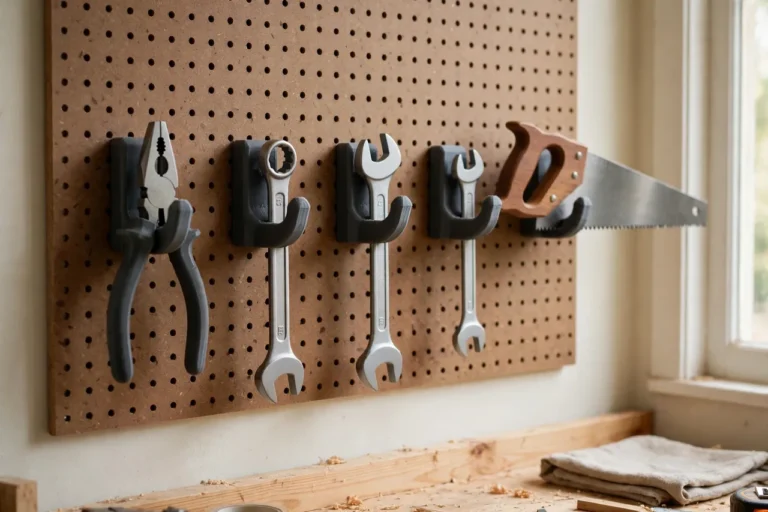
Every workshop wall tells the same story. One tool came with a wall bracket that fits a slat wall. Another came with a mount meant for pegboard. A third has keyhole slots that match nothing you own. The result is a wall full of odd brackets, extra holes, and tools that never quite sit where you want them.
The problem is not the tools. It is that every manufacturer invented its own mounting pattern, and none of them talked to each other. You end up drilling new holes for every new tool, or leaving a perfectly good mount in a drawer because it does not fit your wall.
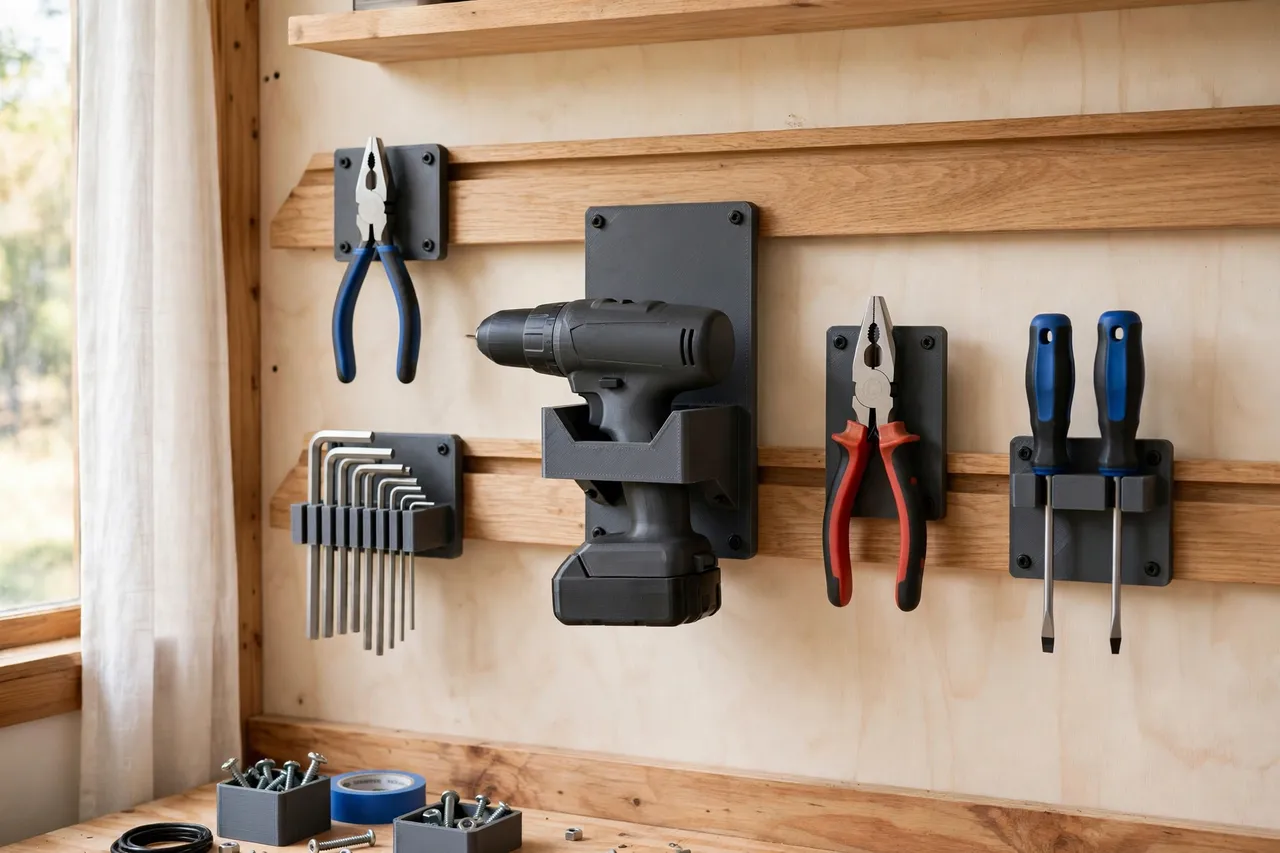
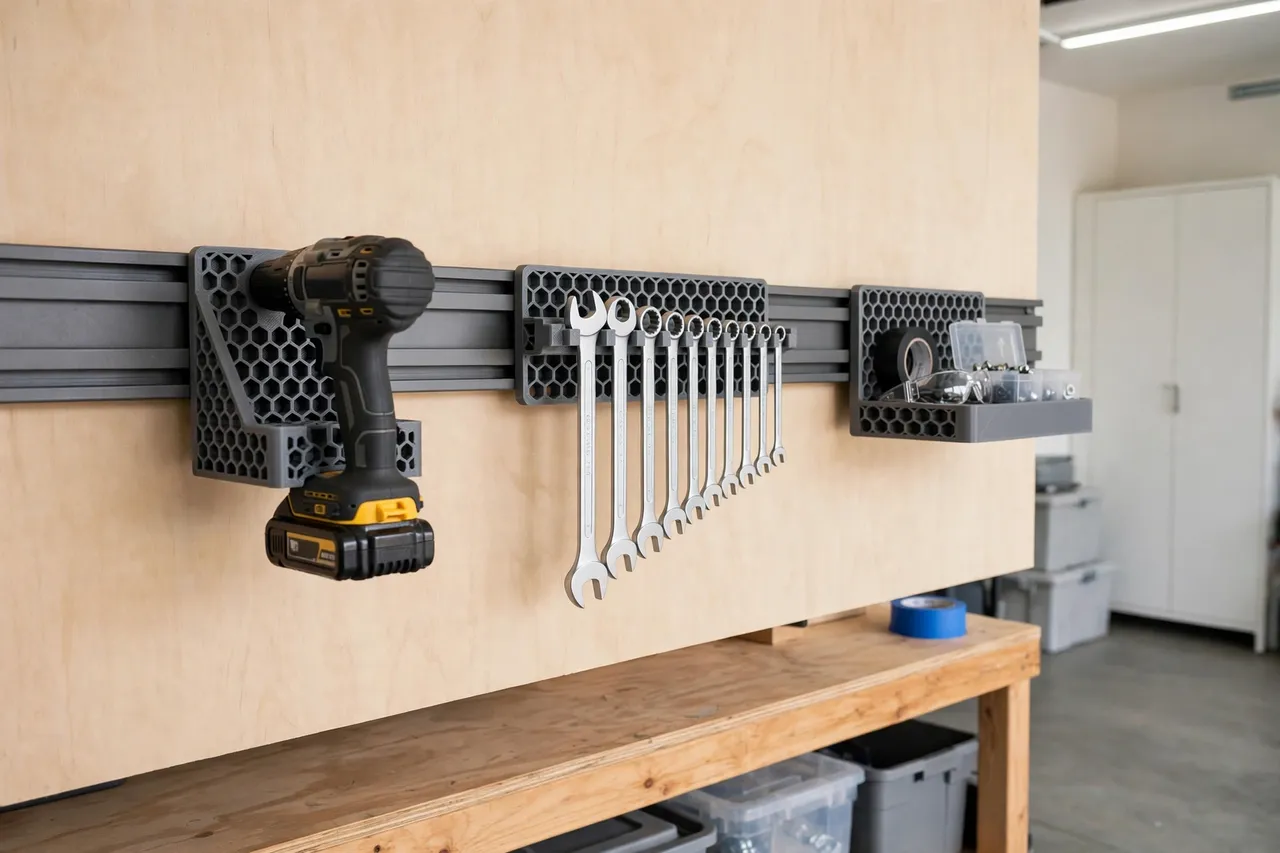
A 3D printed tool mount adapter solves that mismatch with a simple idea: a flat plate that speaks two languages. One side matches your wall system — a French cleat, a slat rail, a pegboard panel, or plain screw holes into a stud. The other side matches the tool mount you already have. Print one plate, and a mount that never fit your wall suddenly does.
This guide covers designing, printing, and using adapter plates for light-duty workshop storage. These plates are layout aids and light-duty helpers: they hold hand tools, small power tools, and accessories on a wall. They are not structural parts, and they are not a substitute for a manufactured mount when a tool is heavy, valuable, or hung overhead.
What You Need
An adapter plate is a flat part, easy to print on almost any home machine. The trick is measuring twice and printing once.
Materials and tools
- A home 3D printer with a build area of roughly 150 mm in at least one direction
- PETG filament for plates that will live in a garage, or PLA for indoor, climate-controlled walls
- The tool mount you want to adapt, plus its screws or bolts
- A tape measure or calipers, a pencil, and a spirit level
- A cordless drill, a small drill bit, a screwdriver, and wall fixings suited to your wall type
- Sandpaper or a small file for cleanup, and a stud finder if you are screwing into drywall
PETG is the better long-term choice for a workshop: it resists heat better than PLA and flexes instead of cracking under a bump. PLA is fine for a first test plate or a light indoor setup.
Suggested print settings
- Layer height: 0.20 mm balances speed and accuracy; 0.16 mm if mounting holes look rough.
- Walls: At least 4 perimeters — the screw holes and slot edges carry the load.
- Infill: 40 to 60 percent, grid or gyroid. A light 15 percent plate will flex and creep over time.
- Top and bottom layers: 4 or more, so both faces stay flat against the wall and the mount.
- Orientation: Print flat, wall-facing side down, for the flattest reference surface.
- Supports: A good flat plate design needs none.
Design Considerations
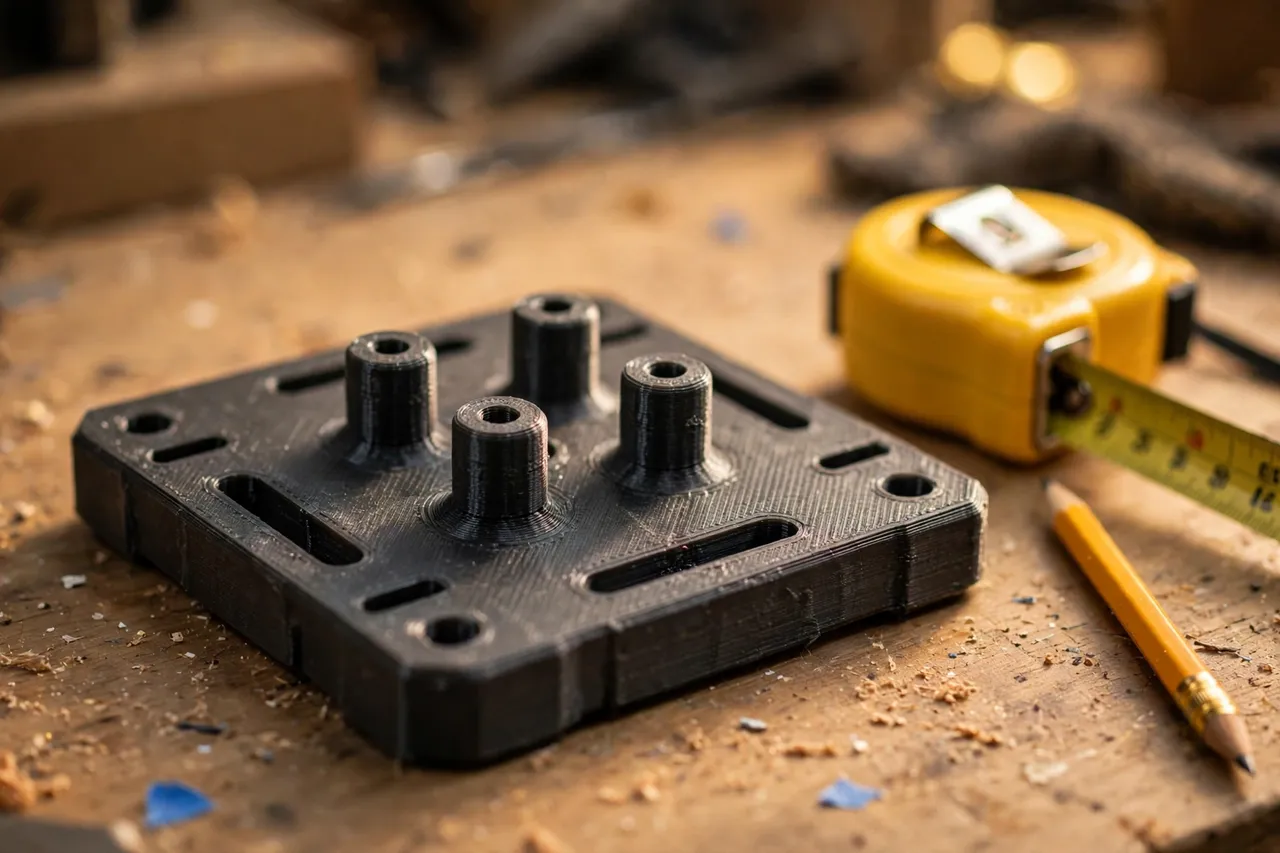
An adapter plate is deliberately simple: a flat plate with two sets of holes. Getting the details right is what makes it work.
1. Measure the wall side first
Start with whatever your wall already has. For a French cleat rail, measure the cleat angle (usually 45 degrees) and the rail thickness so the plate’s matching lip hooks on securely. For a pegboard panel, measure the hole spacing and diameter — the common grid is 25 mm, but older boards differ. For a plain wall, decide where the studs are and place your screw holes to land on them.
2. Measure the mount side
Lay the tool mount on the plate outline and mark every hole, slot, and keyhole. Keyhole slots need special care: the round entry must be big enough for the screw head, and the narrow slot must grip the screw shaft. Measure the actual mount in your hand rather than trusting a product photo, because lookalike mounts often differ by a few millimeters. Allow about 0.3 to 0.5 mm of clearance around screws and posts so the mount seats without force.
3. Plate thickness and ribs
A plate 4 to 6 mm thick suits most light-duty mounts. If the mount is wide or the tool is on the heavier side of light-duty — a cordless drill, for example — add shallow ribs on the back or a second row of wall screws rather than making the whole plate thicker, which only adds print time. Keep the plate outline a little larger than the mount itself so there is material around every hole; a hole 3 mm from an edge will tear out.
4. One plate, one job — or a universal plate
Two approaches both work. A dedicated plate, modeled for one specific mount, is strongest and simplest. A universal plate, with a grid of slots, can accept several mounts but is weaker at any single point.
Step-by-Step: Printing and Assembly
- Choose your wall system and measure its key dimensions: cleat angle and thickness, pegboard spacing, or stud positions.
- Measure the tool mount — every hole position, slot width, and keyhole size — with calipers.
- Model the plate, 4 to 6 mm thick, with wall-side features on one face and mount-side holes on the other.
- Print a test fit. Offer the mount up to the plate and check every screw lines up without forcing.
- Clean it up. Clear the holes with a small file, sand any rough edges, and check the plate sits flat.
- Adjust if needed. A hole 0.5 mm out is a quick model tweak, not a reason to live with a forced fit.
- Print the keeper in PETG if your test was PLA, using the same file.
- Pre-fit the mount to the plate on the bench, with its screws snug, before you put anything on the wall.
Step-by-Step: Using Tool Mount Adapters on Your Workshop Wall
- Plan the wall layout. Hold tools where you want them and mark positions with painter’s tape, keeping frequently used tools at comfortable reach height.
- Fix the wall side first. Screw the plate to the rail, panel, or studs, and check it with a spirit level. A tilted plate means a tilted tool.
- Attach the mount to the plate using the screws or bolts you test-fitted on the bench.
- Hang the tool and test it. Lift the tool off and replace it a few times. It should seat easily and stay put when you bump the wall lightly.
- Load gradually. Start with the tool alone, then add accessories. If the plate flexes visibly, add another wall screw or reprint thicker.
- Check after a week. Screws in a workshop wall can settle. Snug anything loose and look for cracks around holes.
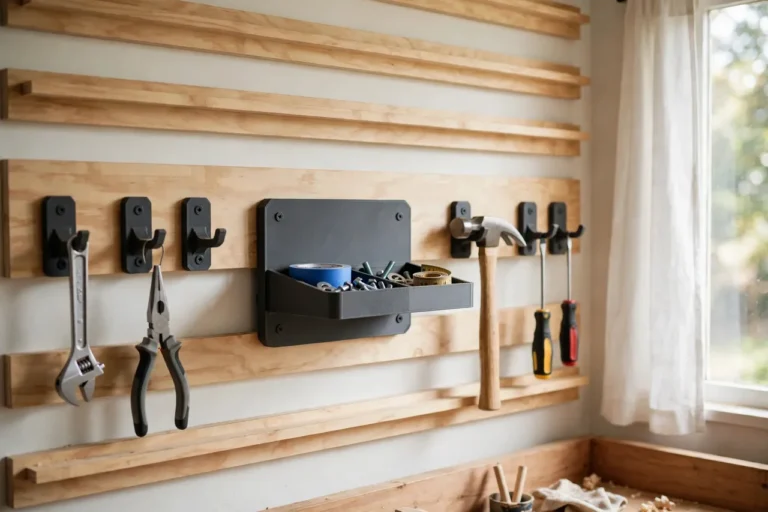
- Repeat for the next mount, keeping plate spacing even so the wall reads as one tidy system rather than a random collection.
Tips for Better Results
- Use the wall system you already have. Adapting to an existing rail beats building a new wall from scratch.
- Keep a template file. Save a blank plate model with your wall-side features already drawn, then add each new mount’s holes as a copy.
- Color-code by zone. One color for cutting tools, another for measuring tools, and the wall becomes scannable at a glance.
- Pair plates with matching storage. Once mounts share a system, small parts bins and holders can share it too — our guide “3D Printed Bolt and Nut Sorting Bins: Bins That Sort Hardware” shows the same adapter thinking applied to benchtop storage.
Common Mistakes to Avoid
- Designing from a photo instead of your own mount. Lookalike mounts differ by millimeters. Measure the hardware in your hand.
- Screwing only into drywall. Light-duty still means real fixings: hit studs, a rail, or a proper wall anchor rated for the weight.
- Putting holes too close to the edge. Leave at least 5 mm of material around every hole or it will tear out.
- Overloading a light-duty plate. If a tool needs two hands to lift, it needs a manufactured mount, not a printed adapter.
- Hanging tools overhead. Keep printed adapter plates at or below shoulder height, never above a workbench where a falling tool could hurt someone.
Care, Storage, and When to Choose an Alternative
Brush off dust, check screws every few months, and reprint any plate that shows cracks, whitening around holes, or permanent bending. PLA plates in a hot garage can soften in summer, so switch those to PETG or move them indoors.
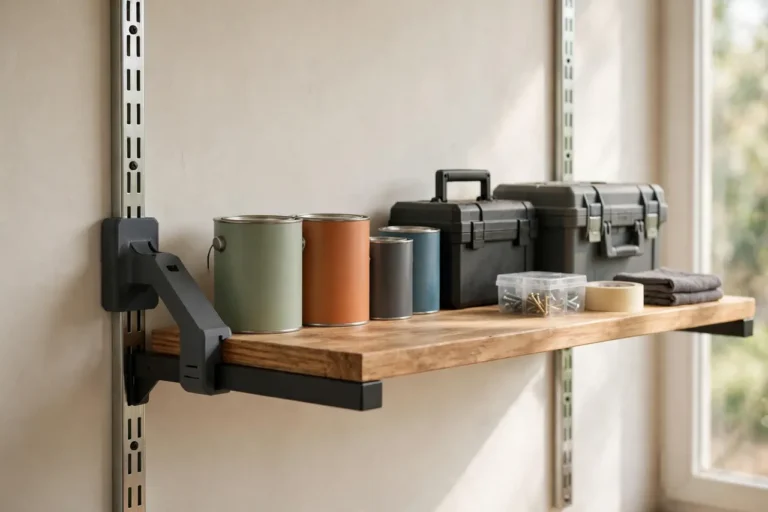
Sometimes a manufactured mount is the right call. If the tool is heavy, expensive, or used commercially all day, buy the mount made for your wall system instead of adapting. If a tool must hang where a fall could cause injury, do not rely on a printed plate at all. For the everyday mismatch — a good mount, the wrong wall — a printed adapter is faster, cheaper, and more flexible than replacing either side. The same logic scales to other wall systems, as in “3D Printed Pegboard Hook Adapters: Hooks That Fit Any Pegboard” and “3D Printed French Cleat Adapters: Cleats That Fit Any System“, which adapt individual hooks and cleats rather than whole plates.
FAQ
Will one adapter plate fit every tool mount I own?
No, and that is fine. A plate is modeled around one mount’s hole pattern. The wall side can stay identical across all your plates, which is what makes the system feel unified, but the mount side is specific.
Is PLA strong enough, or do I need PETG?
For light indoor tools, PLA is strong enough with generous walls and infill. PETG is the better keeper for garages and workshops because it handles heat, humidity, and knocks better. Wall thickness and infill matter more than the filament brand.
Can I adapt a mount to a wall with no rail or pegboard at all?
Yes. Design the wall side as a plain plate with screw holes positioned over studs, and screw it directly to the wall. The plate still does its job: it translates the mount’s pattern to holes you can actually drill.
My plate flexes when I hang the tool. What went wrong?
Usually one of three things: infill too low, too few wall screws, or a tool heavier than the plate was designed for. Reprint at 50 percent infill with an extra wall screw, and if it still flexes, step up to a manufactured mount for that tool.
Conclusion
A workshop wall should work as one system, not a collection of incompatible brackets. A 3D printed adapter plate is the small, unglamorous part that makes that possible: measure both sides, print a flat plate, and a mount that never fit your wall suddenly does.
Start with the one mount that has been annoying you the longest, print a test plate, and hang it properly. By the second or third plate you will have a wall that finally makes sense.