Introduction
Drilling a hole to the right depth sounds simple until you have to do it twenty times in a row. The first hole is perfect. The second goes a little deeper. By the tenth, you have one hole that nearly breaks through the other side of the board, and a shelf pin that will never sit level.
The problem is not your drill: a spinning bit gives no feedback about depth. Tape wrapped around a bit slips and tears, and eyeballing a mark fails the moment you look away to keep the drill square. What you need is a hard, physical stop that bottoms out at exactly the same point every time.
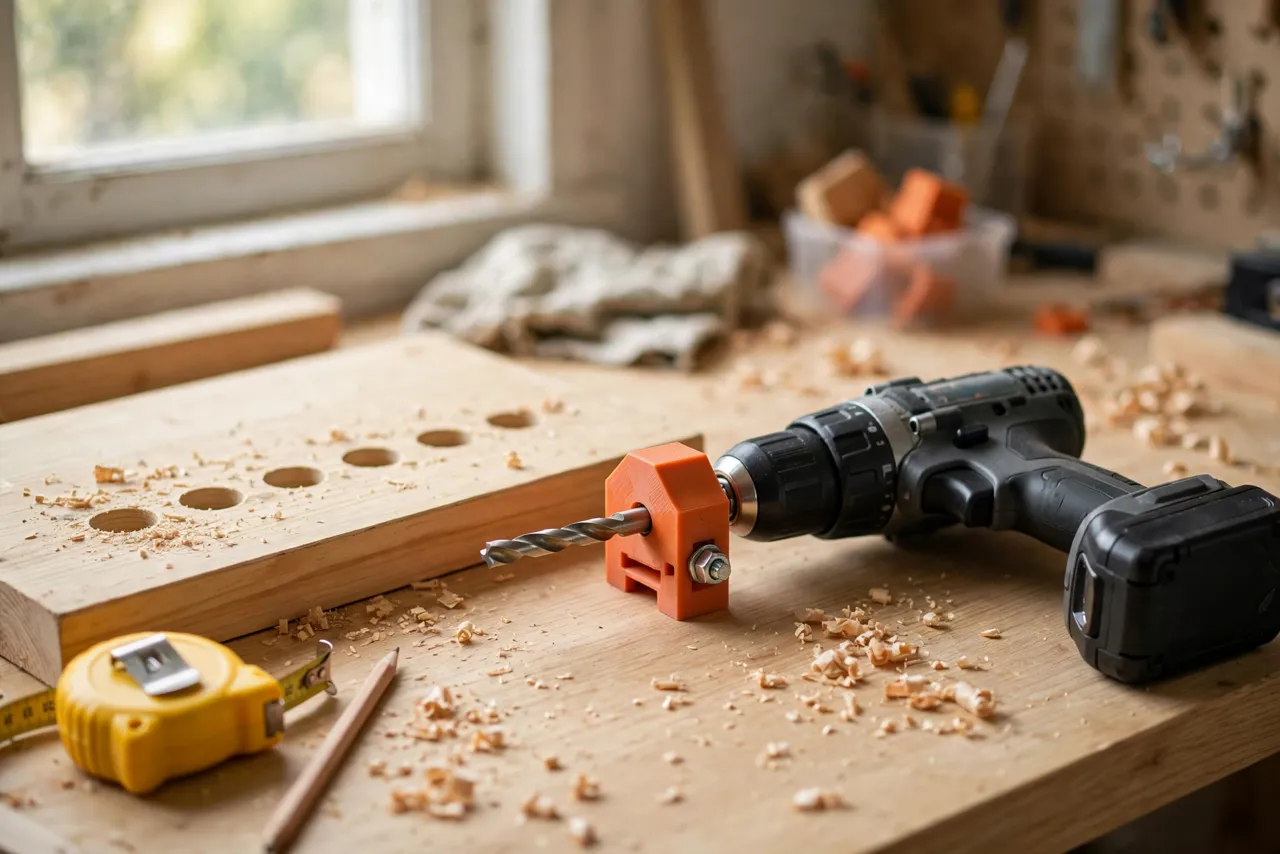
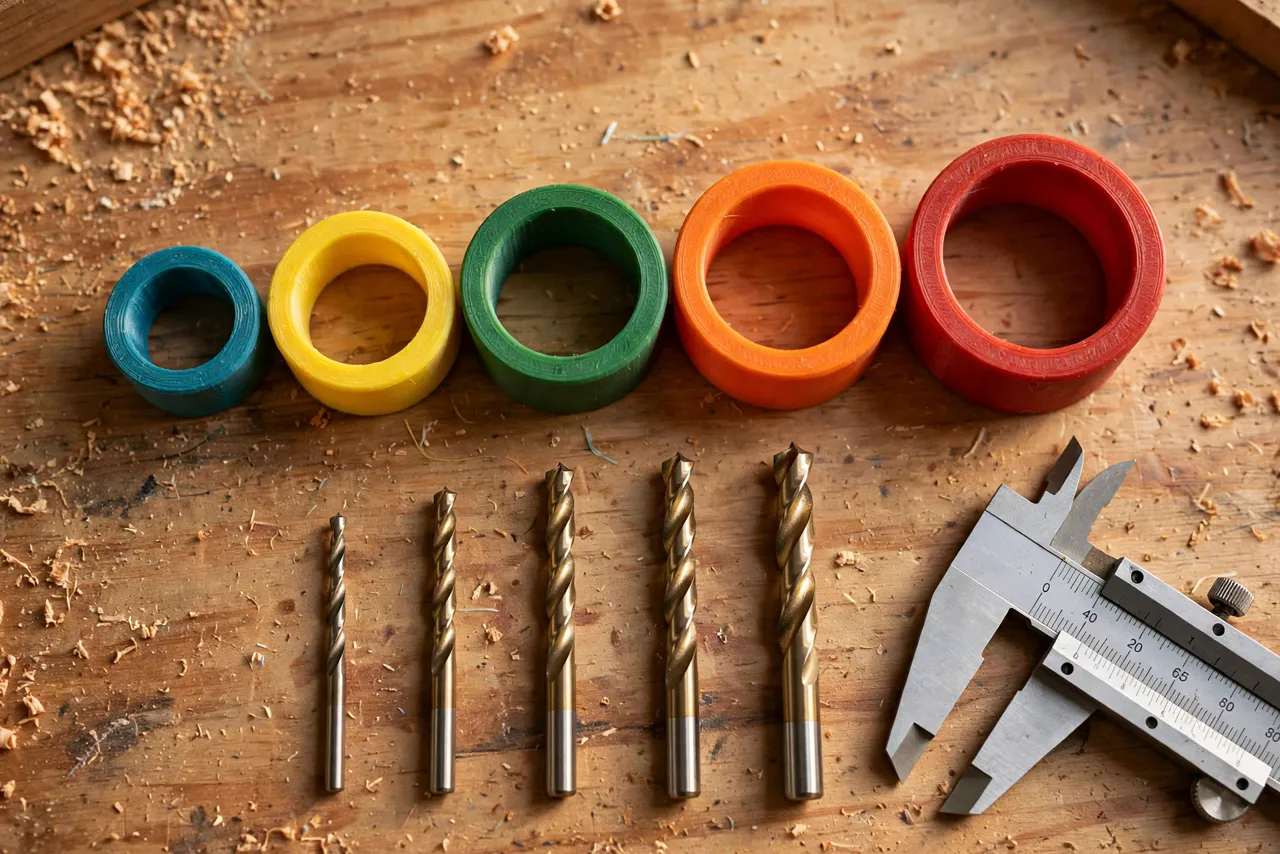
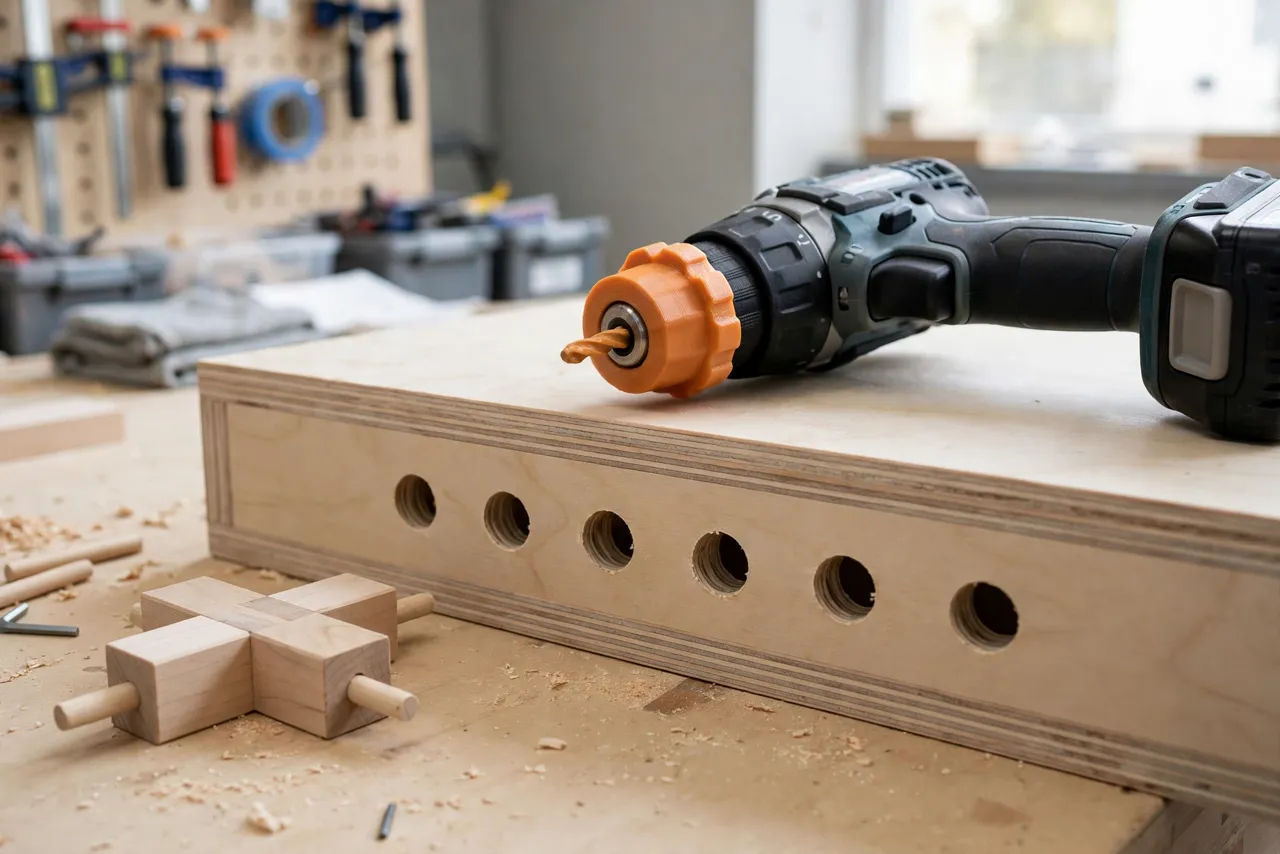
That is what a 3D printed drill bit depth stop collar does. It is a small ring that clamps around a drill bit at a measured distance from the tip. When the collar touches the workpiece, the bit cannot go any deeper. Print a set in a few common sizes, and dowel joints, shelf-pin holes, and hardware installs all become repeatable work instead of careful guesswork.
Think of the collar as a depth-limiting aid only: it does not carry load, and it is no substitute for checking the back of a board before you drill.
What You Need
A depth stop collar is a small, simple print. The whole set fits on a single build plate.
Materials and tools
- A home 3D printer with a modest build area
- PETG filament for collars that grip well and resist cracking, or PLA for a first test set
- The drill bits you actually use, for test fitting — common sizes are 5, 6, 8, and 10 mm
- A small hex key or screwdriver, depending on your collar design
- Calipers or a good ruler for measuring bit diameter and setting depth
- A cordless drill or drill press, plus scrap wood for testing
- Sandpaper or a small file for cleanup
PETG is the better keeper material here: it has a little give, so a split collar can clamp firmly without snapping. PLA works for light use but can crack if you overtighten a screw.
Suggested print settings
- Layer height: 0.20 mm is fine; 0.16 mm gives cleaner threads and screw holes.
- Walls: At least 4 perimeters — the collar wall is thin, and perimeters are its strength.
- Infill: 40 to 60 percent, gyroid or grid, so the ring resists crushing under a screw.
- Top and bottom layers: 4 or more, for a flat, square contact face.
- Orientation: Print standing on its flat end, so the contact face prints cleanly against the bed.
- Supports: None needed for a simple ring; a split design with a screw boss may need a tiny bit of support under the boss.
Print one collar first, test it on its bit, and only then print the whole set.
Design Considerations
A good depth stop collar has only a few features, but each one matters.
1. The bore: snug, not tight
Measure your actual bit with calipers, not the number printed on the shank — cheap bits vary. Design the bore about 0.2 to 0.3 mm larger than the measured diameter. The collar should slide onto the bit with light finger pressure. If it drops on loosely, it will wander; if you have to force it, the screw will crack the ring when you tighten it.
Note that twist bits are not perfectly round along their flutes, so test the fit at the position where you will actually use it.
2. The split and the clamp screw
The simplest reliable design is a split ring: a narrow slot cut through one side of the wall, with a small boss on each side of the slot carrying a screw. Tightening the screw closes the slot and grips the bit. Use an M3 or M4 screw with a captive nut on one side, or a threaded insert if you want a cleaner result. Keep the boss thick enough — at least 3 mm of wall around the screw — or it will split under load.
A grub-screw collar is simpler to model but can mark the bit and slip under vibration; the split-ring clamp is worth the extra effort.
3. The contact face
The bottom face of the collar is what stops the drill, so it must be flat and square to the bit. Print it against the bed, then rub it lightly on flat sandpaper to true it up — a wobbly contact face drills holes of slightly different depths as the drill tilts. Chamfer the outer edge slightly so it does not catch on rough wood or mark soft surfaces.
4. Length and visibility
Make the collar 12 to 20 mm long: shorter is hard to grip and set, longer hides the bit. A bright color helps you spot it against wood; use one color per size or mark each collar with a paint pen.
Step-by-Step: Printing and Assembly
- Measure your bits with calipers at the flutes, and write down each diameter.
- Model one collar for your most-used bit first: bore, split slot, and screw bosses.
- Print a test collar and check the fit on the bit. It should slide with light pressure and clamp firmly without cracking.
- Adjust the bore by 0.1 to 0.2 mm if the fit is too tight or too loose, and reprint.
- Fit the screw and nut. The nut should sit captive in its pocket, not spin.
- True the contact face on flat sandpaper, then test the collar on scrap.
- Print the rest of the set once the first collar is proven, in sizes matching your bits.
Label each collar as you go. A set of unmarked collars that all look alike is only slightly better than no set at all.
Step-by-Step: Using Depth Stop Collars
- Decide the hole depth. For dowels, that is usually the dowel length minus a millimeter or two for glue; for shelf pins, check the pin length against the panel thickness.
- Set the collar. Measure from the drill tip to the collar’s contact face and slide the collar to that distance. Measure from the tip, not from the end of the flutes.
- Clamp it firmly. Tighten the screw snugly — firm, not brutal. Give the collar a tug; it should not move.
- Test on scrap of the same thickness as your workpiece. Drill one hole, measure its depth, and adjust if needed.
- Mark your hole positions on the real workpiece before you start drilling.
- Drill steadily and square. Let the bit cut; do not force it. When the collar touches the surface, stop — pushing harder only dents the wood and heats the bit.
- Clear chips between holes, especially in deep holes, so packed chips do not push the collar off square.
- Check the first few holes with a depth gauge or a dowel before drilling the whole run.
The habit that makes collars work is the scrap test. A minute spent proving the setting saves a panel.
Tips for Better Results
- Keep a dedicated collar on your most-used bit. If you drill 8 mm dowel holes constantly, leave it on the bit between jobs.
- Use a drill press when you can. A press keeps the bit square, so the collar contacts evenly and depths stay consistent.
- Back up thin panels. Even with a collar, a through-hole risk remains if you mis-set it; a scrap board behind the workpiece catches mistakes.
- Recheck the collar after a dozen holes. Vibration can loosen a screw. A quick tug before each batch costs nothing.
- Pair collars with a marking guide. For shelf-pin rows, a printed drilling template keeps spacing as consistent as depth — our guide “3D Printed Drawer Pull Drilling Template: Center Handles Perfectly on Any Drawer” shows the same idea applied to handle holes.
Common Mistakes to Avoid
- Measuring from the wrong end of the bit. Depth is measured from the tip. Measuring from the chuck end or the flute end gives a wrong setting.
- Overtightening the clamp screw. This cracks PLA collars and can distort PETG ones. Snug is enough.
- Skipping the scrap test. Bit diameters, collar fit, and your measuring all have small errors; the scrap test catches them together.
- Drilling at an angle. A tilted bit means the collar touches on one edge first, and the hole goes deeper than set. Keep the drill square.
- Using a collar to stop a bit in metal or masonry. Printed collars are for wood and light workshop drilling. Heat, vibration, and hard materials will defeat them — use manufactured metal stops for those jobs.
- Forgetting the back of the board. A collar set deeper than the panel thickness drills straight through — always compare depth to panel thickness first.
Care, Storage, and When to Choose an Alternative
Brush chips out of the bore, keep collars in a small box or on a printed rack so sizes stay sorted, and retire any collar with a cracked boss. Store PLA collars away from heat.
For heavy or professional use — production doweling, metalwork, or all-day drill press work — manufactured steel collars are the right tool: tighter tolerances, and they survive heat and vibration plastic cannot. For home woodworking, a printed set is cheaper, customizable, and accurate enough.
FAQ
Will a printed collar slip on a smooth-shank bit?
It can, if the bore is oversized or the screw is loose. Size the bore to the fluted section, use the split-ring clamp, and tug-test before drilling; if it keeps slipping, reprint 0.1 mm tighter.
Can I use depth stop collars with a drill press?
Yes, and that is where they shine — the press keeps the bit square so the collar contacts evenly. Set the collar as usual, and still use the press’s own depth stop as a backup on critical work.
What if my drill bits are imperial, not metric?
The same design works; just model the bore to your measured bit diameter in whatever units your CAD tool uses. A mixed set is fine — label each collar with its bit size either way.
My holes are all slightly deeper than the collar setting. Why?
Usually the drill is tilted, so the collar touches on one edge while the bit keeps cutting, or the contact face is not flat. True the face on sandpaper, keep the drill square, and re-test on scrap.
Conclusion
Consistent hole depth separates tidy work from frustrating work. A 3D printed depth stop collar turns depth from something you judge into something you set — once, on scrap, then trust for the whole run.
Print one collar for your most-used bit this weekend, test it on an offcut, and you will wonder why you ever trusted tape around a spinning bit. For the next repeatability upgrade, pair it with a drilling template: “3D Printed Dowel Center Markers: Transfer Dowel Positions Dead-On” covers the matching half of accurate dowel joints.