Introduction
Removing upholstery staples is one of those jobs that looks easy and turns tedious fast. A flat screwdriver slips under the staple, pries, and tears the fabric you wanted to reuse — or gouges the wooden frame, or snaps one leg of the staple off inside the wood, leaving a metal stub that fights every tool you own.
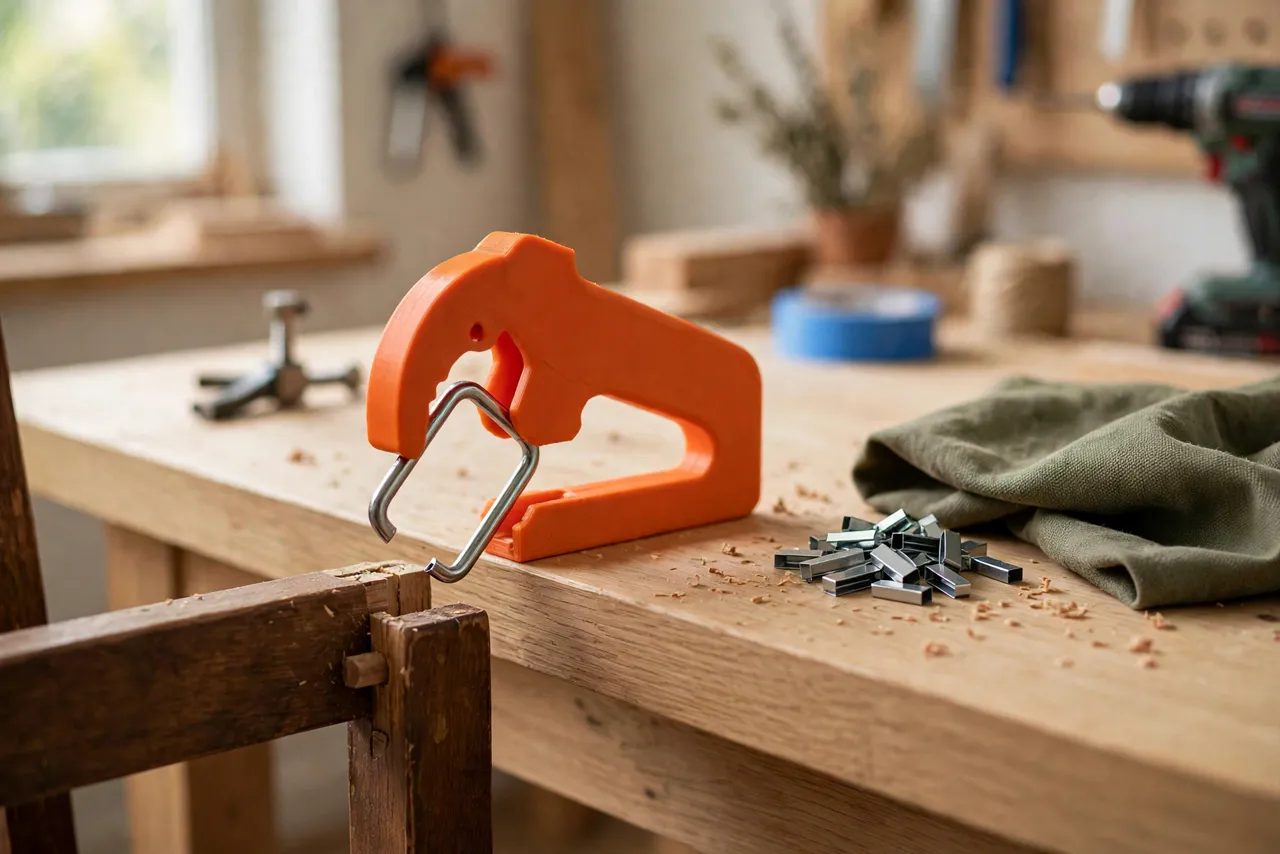
The trouble is leverage in the wrong place. A screwdriver lifts from one side, so the staple twists and one leg pulls while the other stays buried. A proper remover lifts both legs evenly, straight up, with a fulcrum that protects the surface underneath. You can print that tool: a forked tip that slides under the staple crown, a curved body that rolls the staple out, and a handle long enough to give you control without brute force.
This guide covers a printed staple remover for standard upholstery staples — the T50-style staples in chair frames, sofa bases, and fabric panels. The printed tool is a lever and guide only; it works with the staple’s own shape, and it never replaces pliers or a tack puller for the truly stubborn cases, which we will cover honestly below.
What You Need
The remover is a single medium print with no hardware, which makes it a satisfying one-evening project.
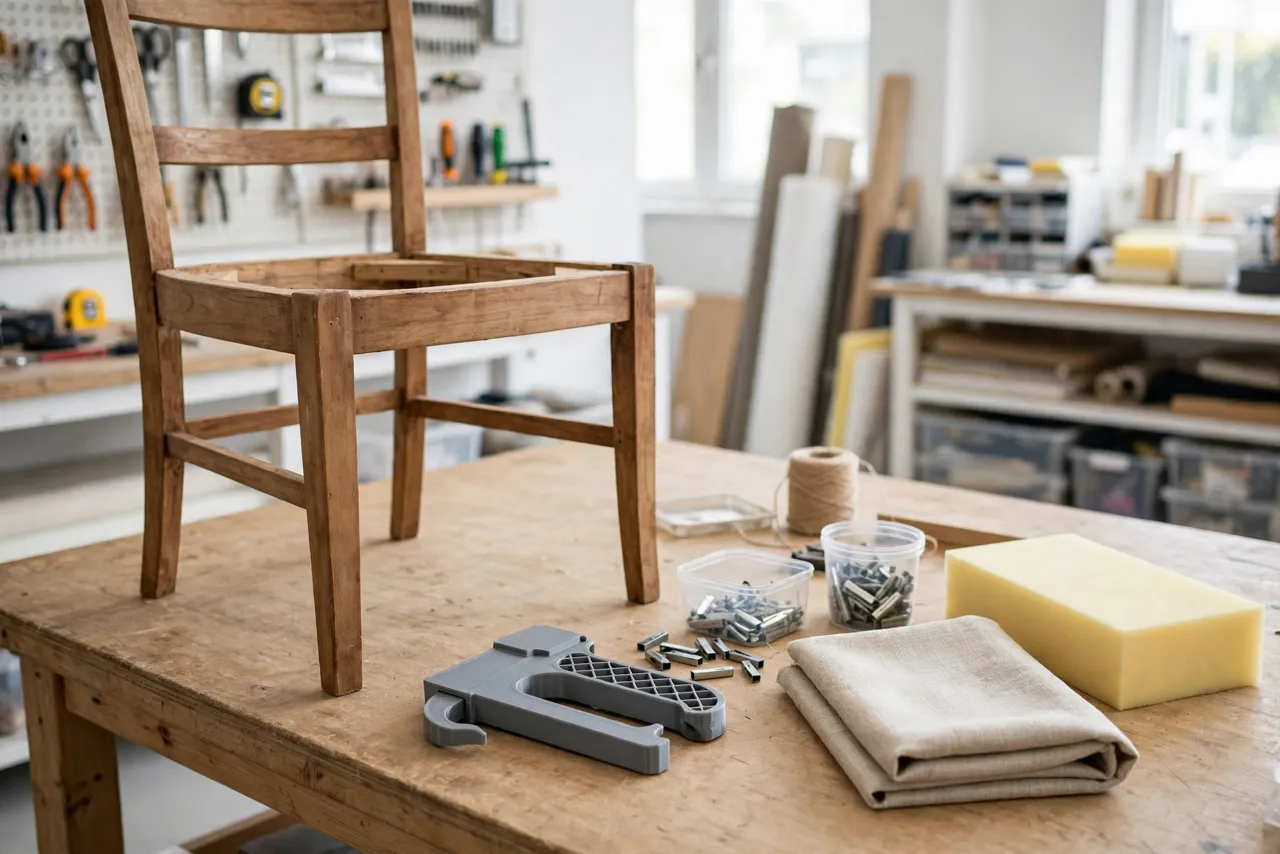
Materials and tools
- A home 3D printer with a modest build area
- PETG filament for a remover that flexes rather than snaps under leverage, or PLA for a test version
- Upholstery staples and a scrap frame or board to practice on
- Pliers for stubborn staples, plus a small container for pulled staples
- Sandpaper for smoothing the fork tips
- Optional: a magnet strip on the bench to collect pulled staples safely
Practice on scrap before touching a chair you care about. Staple removal has a feel to it, and scrap is where you learn it.
Suggested print settings
- Layer height: 0.20 mm is fine; 0.16 mm gives cleaner fork tips.
- Walls: At least 5 perimeters — the fork tips are thin and carry the lifting force.
- Infill: 50 to 70 percent, gyroid, so the body resists bending under leverage.
- Top and bottom layers: 4 or more.
- Orientation: Print flat on its side so the fork layers run along the lifting direction, giving the tips maximum strength.
- Supports: Minimal, only if your handle shape overhangs; a gentle curve usually avoids them.
Print a test remover first and try it on scrap staples before printing a final version.
Design Considerations
A staple remover is a lever, and its geometry matters more than its looks.
1. The fork
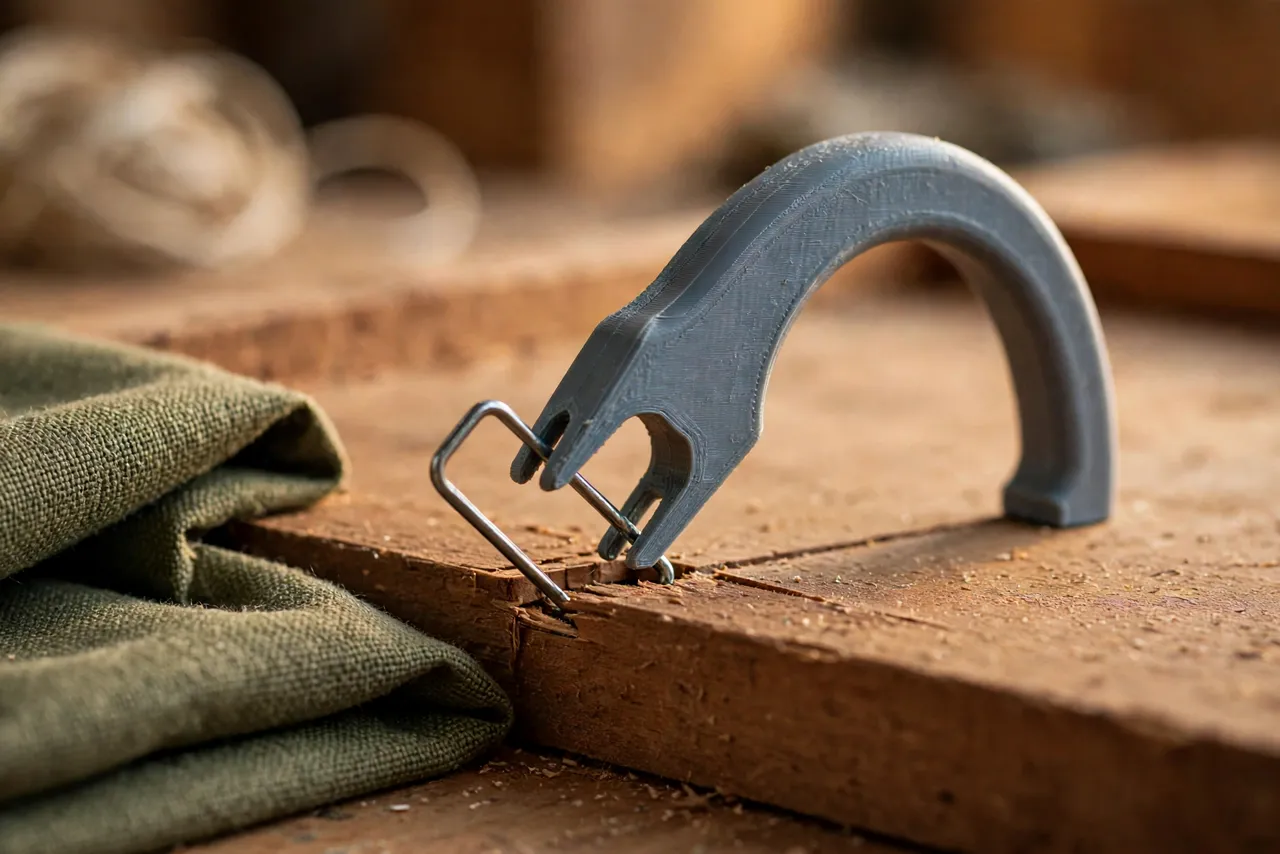
The fork is two thin prongs that slide under the staple crown, one on each side of the crown’s center. Each prong should be about 1.5 to 2 mm thick with a gently tapered, rounded tip that slides under a staple without digging into the wood. The gap between the prongs should match your staple crown width — T50 staples are about 10 mm across the crown, so a fork gap of around 8 to 9 mm lets the prongs straddle the crown’s legs while catching under the crown itself. Measure your staples; narrow-crown staples need a narrower fork.
Round the fork tips thoroughly. Sharp printed tips dig into wood and fabric; rounded tips slide.
2. The fulcrum and curve
Behind the fork, the body should curve downward into a rounded fulcrum — the rocking point that the tool rolls on as you lift. A fulcrum radius of about 15 to 20 mm gives smooth, controlled lifting. Too small a radius and the tool digs in; too large and you lose leverage. The underside of the fulcrum should be smooth and broad so it does not dent softwood frames. Some designs add a thin felt pad to the fulcrum for extra surface protection on finished wood.
3. The handle
The handle should be 120 to 150 mm long, with a diameter or width that fills the hand comfortably — around 25 to 30 mm — and a slight upward curve so your hand clears the work. Shallow grip texture helps when hands are dusty. A hanging hole in the handle end keeps the tool on a pegboard hook, where it is easy to find for the next reupholstery job.
4. Strength limits
A printed remover handles standard upholstery staples in softwood and plywood frames well. It is not a pry bar. Long, heavy-duty staples in hardwood, rusted staples, or staples driven at an angle may exceed what printed plastic can lift — those are plier or tack-puller jobs, and forcing a printed tool on them will snap the fork. Design the fork thick enough for normal staples, and accept the limit for the rest.
Step-by-Step: Printing and Assembly
- Measure your staples: crown width, leg length, and wire thickness.
- Model the remover with fork gap matched to the crown, a rounded fulcrum, and a comfortable handle.
- Print flat on its side so the fork layers run along the lifting direction.
- Clean up the print. Round and smooth the fork tips with sandpaper, and remove any stringing between the prongs.
- Test on scrap. Slide the fork under a staple crown, rock the tool back on its fulcrum, and check that both legs lift evenly.
- Adjust the fork gap by 0.5 mm at a time if staples slip through or the fork will not slide under the crown.
- Print the keeper in PETG once the test version proves itself on scrap.
Step-by-Step: Using the Staple Remover
- Clear the area. Fold fabric back and brush away dust so you can see each staple crown.
- Slide the fork under the crown from one side, keeping the tool flat against the surface so the prongs catch under the crown, not over it.
- Rock the tool back slowly on its fulcrum. Both legs should rise together. If one leg sticks, rock gently side to side rather than forcing it.
- Lift the staple clear and drop it in your container immediately — loose staples on a bench or floor are a foot hazard.
- For a stuck leg, grip the raised staple with pliers and pull straight up, or work the fork under the remaining leg and lift again. Do not twist the staple; twisting snaps legs.
- Check the frame after each staple. If the wood is dented, your fulcrum pressure is too high — ease off and let the fork do more of the work.
- Work systematically along one edge of the frame so you do not miss staples hiding under fabric folds.
Patience is the whole technique. Slow, even lifting removes staples cleanly; fast, hard prying tears fabric and breaks legs.
Tips for Better Results
- Print two removers: a standard fork for T50 staples and a narrow fork for narrow-crown staples. Swapping tools beats fighting the wrong fork.
- Keep pliers at hand. Even with a good remover, a few staples per chair will need pliers. That is normal, not a failure of the tool.
- Work from the underside where possible. Chair and sofa frames are usually stapled underneath, where small dents matter less than on visible faces.
- Save the old fabric as a pattern if you are reupholstering — remove staples carefully along one edge first so the fabric comes off in one usable piece.
- Pair staple removal with trim work. Our guide “3D Printed Trim Pry Tools: Remove Trim and Panels Without Denting Paint” covers the same gentle-leverage idea for trim, and the two tools complement each other on furniture repair jobs.
Common Mistakes to Avoid
- Prying from one side only. This twists the staple and snaps legs. Keep the fork centered so both legs lift together.
- Forcing a rusted or angled staple. If it will not lift with moderate pressure, switch to pliers. A snapped fork tip in the frame is worse than a slow staple.
- Using a screwdriver as a remover. It concentrates force on one point, tears fabric, and gouges wood — exactly what the fork design avoids.
- Leaving pulled staples loose. Collect them as you go. A staple in a shoe sole is a miserable end to a furniture project.
- Skipping the scrap test. Fork gap and fulcrum shape need proving on scrap before they touch a chair you care about.
- Printing the fork too thin. Prongs under 1.5 mm snap on the first stubborn staple. Print them solid and thick.
Care, Storage, and When to Choose an Alternative
Brush dust out of the fork gap, hang the remover on its hook, and inspect the fork tips before each job — a chipped tip digs into wood and should be sanded smooth or reprinted. If the fork snaps, reprinting takes under an hour.
A printed remover is ideal for home reupholstery and occasional furniture repair. For a professional upholstery shop removing thousands of staples a week, a manufactured steel staple remover will outlast plastic and handle the hardest staples. For a chair or sofa at home, a printed remover sized to your staples is cheaper, gentler on fabric and frames, and easy to replace.
FAQ
Will the remover work on narrow-crown staples?
Only with a matching narrow fork. Print a second remover with a fork gap sized to your narrow staples — a standard fork will slip over them without catching.
What if a staple leg breaks off in the wood?
Grip the stub with needle-nose pliers and pull straight up. If it is flush, work a thin pry tip under it or drive it slightly deeper with a nail set and fill over it, as in our guide “3D Printed Nail Set Kit: Drive Nails Below the Surface Cleanly.” Never leave a sharp stub proud of the surface.
Can I use the remover on staples in hardwood?
Lightly, and with care. Hardwood grips staples far tighter than softwood, and printed forks have a real strength limit. Try one staple gently; if it resists strongly, switch to a steel remover or pliers rather than snapping the fork.
The fork slides over the staple instead of under it. What is wrong?
Usually the fork tips are too thick, the gap is too wide, or the tool is angled up instead of flat. Sand the tips thinner and rounder, check the gap against your staple crown, and keep the tool flat as you slide it in.
Conclusion
Staple removal does not have to mean torn fabric, gouged frames, and broken legs. A printed remover with a fork matched to your staples and a smooth fulcrum lifts both legs evenly, straight up, and leaves the frame ready for its next life.
Print one, practice on scrap, and the next chair you strip will come apart cleanly — fabric intact, frame undamaged, and every staple in the container where it belongs.