Introduction
Hand files are awkward to store. They are long, their handles roll, their teeth catch on each other, and a drawer full of them becomes a tangled bundle where every file dulls its neighbors. You reach for a flat file and pull out a round one, or you grab the right shape and find its teeth clogged with filings from rubbing against another file for months.
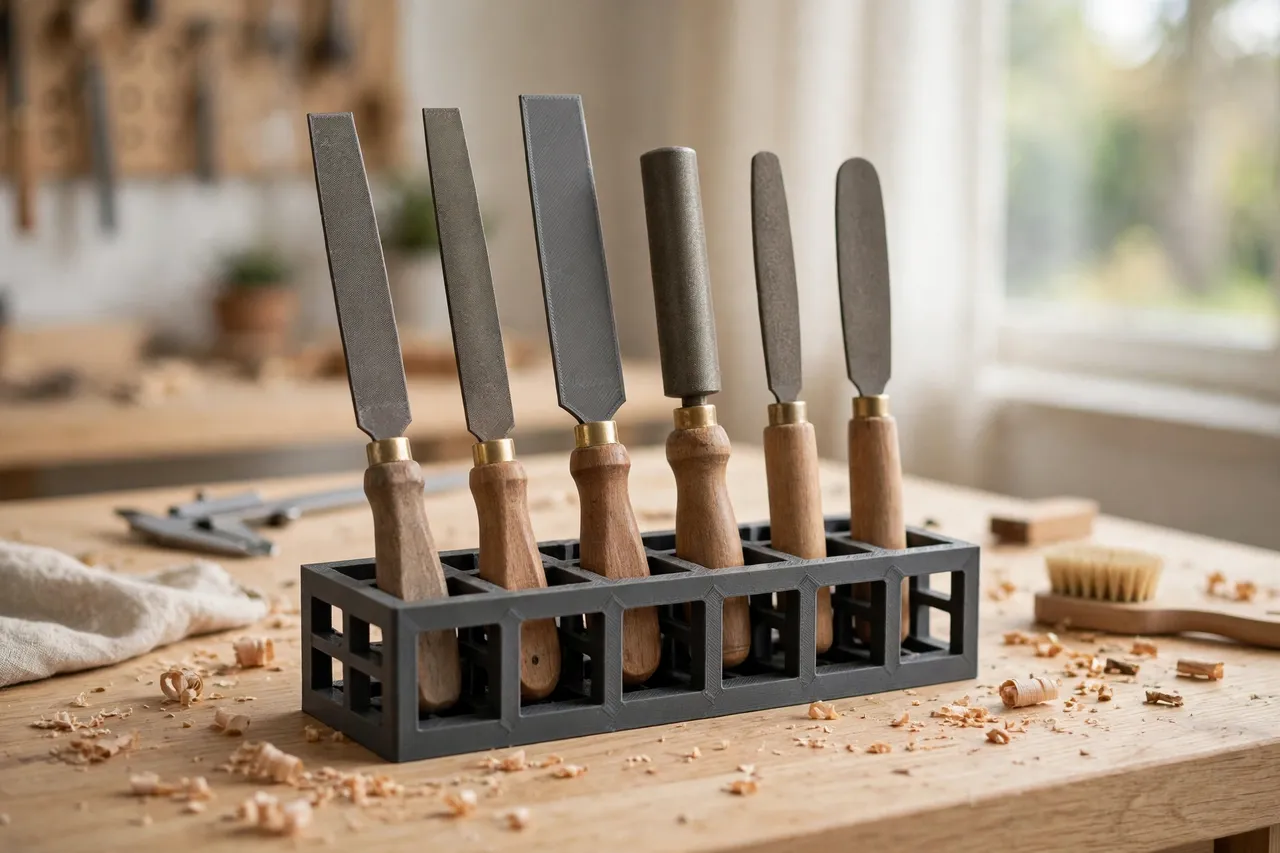
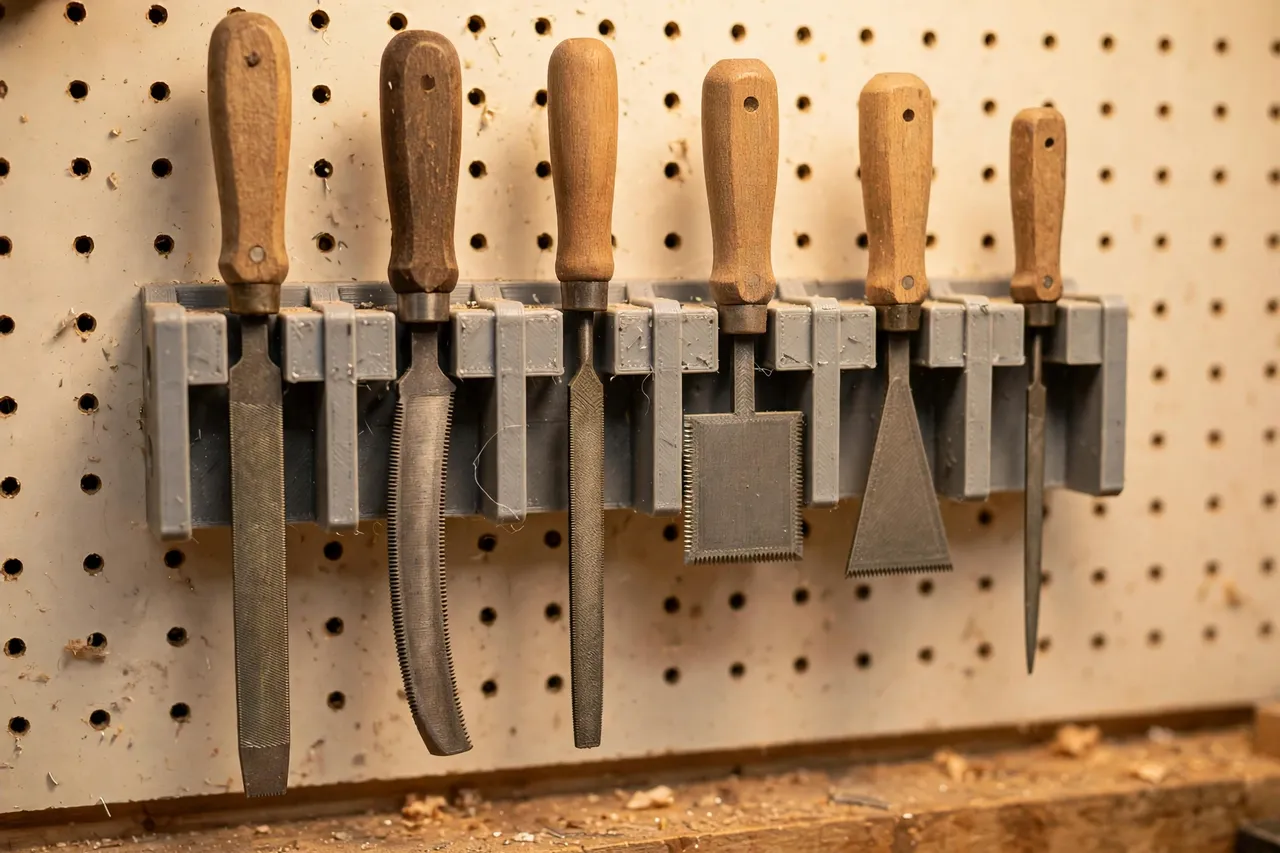
A 3D printed file rack ends that tangle by giving each file its own slot, held upright or hung separately so cutting faces never touch. Because you print it, you can size the slots for the files you actually own — flat, half-round, round, triangular, and needle files all have different profiles, and a generic rack rarely fits them all.
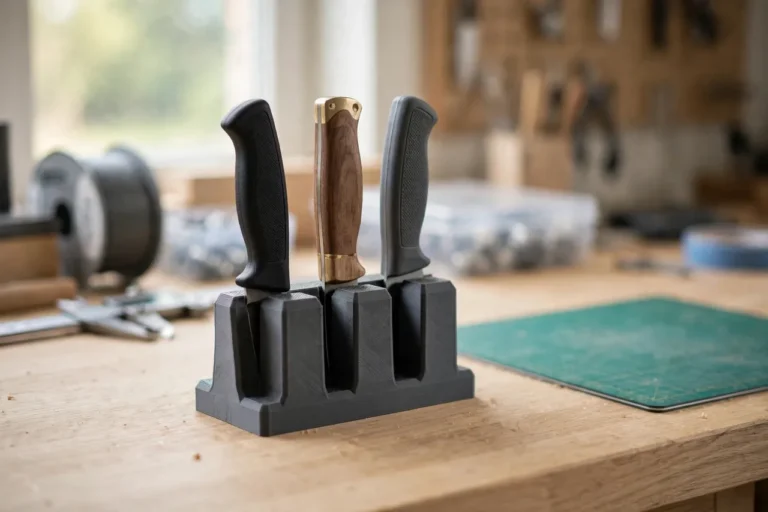
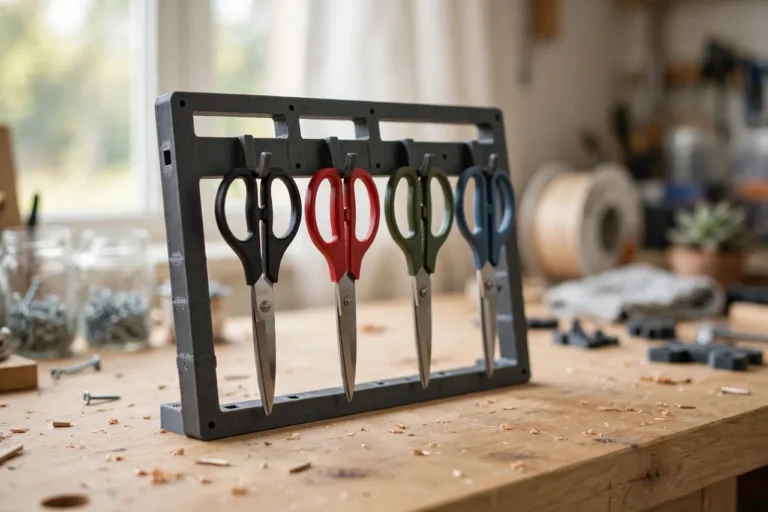
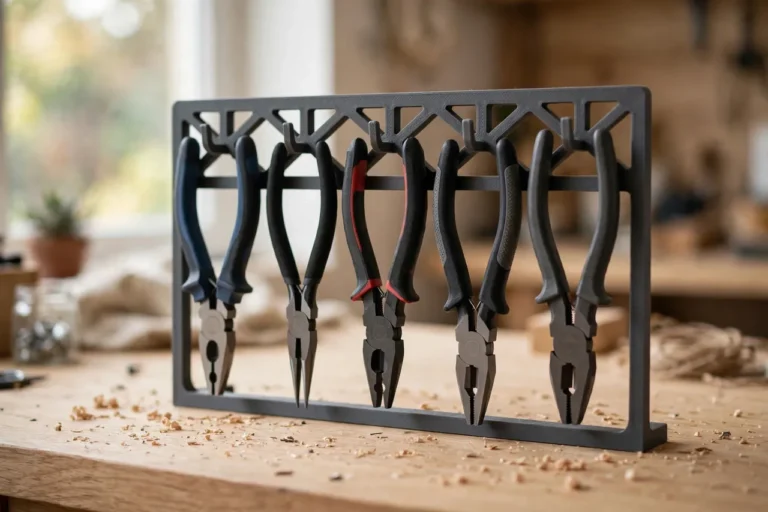
This guide covers a light-duty rack for ordinary hand files used in home repair and workshop fitting. It is storage only: it does not sharpen files, hold them under cutting force, or carry heavy tools. The same separated-storage logic works for other long hand tools, as in “3D Printed Scissor Rack: Scissors Hung and Ready” and “3D Printed Pliers Rack: Pliers Hung in a Row,” which keep neighboring tools from damaging each other too.
What You Need
Files are long, so the rack is longer than most organizer prints — but it is still a simple part, mostly slots and a back plate.
Materials and tools
- A home 3D printer with a build area of roughly 200 mm in at least one direction, or a design that prints in two bolted sections
- PLA filament for a bench or wall rack indoors, or PETG for a warm garage
- Every file you want to store, for measuring length, width, and handle size
- A tape measure or calipers and a pencil
- A wall screw and wall plug if you plan to hang the rack, or a non-slip mat for a bench version
- Sandpaper or a small file for cleanup, and a brush for clearing filings
PLA is fine for a rack that holds hand files indoors. The files themselves are steel and heavier than tape or blades, so give the rack generous walls and solid mounting — the plastic is light-duty, but the load is real, if modest.
Suggested print settings
- Layer height: 0.20 mm for a good balance of speed and finish.
- Walls: 4 perimeters on slot walls and the back plate, since files lean and pull sideways.
- Infill: 30 to 40 percent, grid or gyroid, for a rack that does not flex when loaded.
- Top and bottom layers: 4 or more.
- Orientation: Print the back plate flat; print slot blocks flat or upright depending on your design.
- Supports: Keep overhangs gentle so the rack prints support-free where possible.
Print one test slot for your fattest file handle and your widest file blade before printing the whole rack.
Design Considerations
A file rack has to handle three differences at once: blade shape, handle size, and length.
1. Slots that separate cutting faces
The golden rule is simple: no two files should touch each other along their cutting faces. Give each file its own slot, spaced at least 10 mm from its neighbor, so teeth cannot rub. For flat files, a rectangular slot works; for round files, a round or U-shaped cradle; for half-round files, a slot wide enough for the curved side. If a file wobbles in a slot that is too generous, add a small foam or rubber pad inside the slot rather than shrinking the whole design.
2. Hanging by the handle or standing in a cup
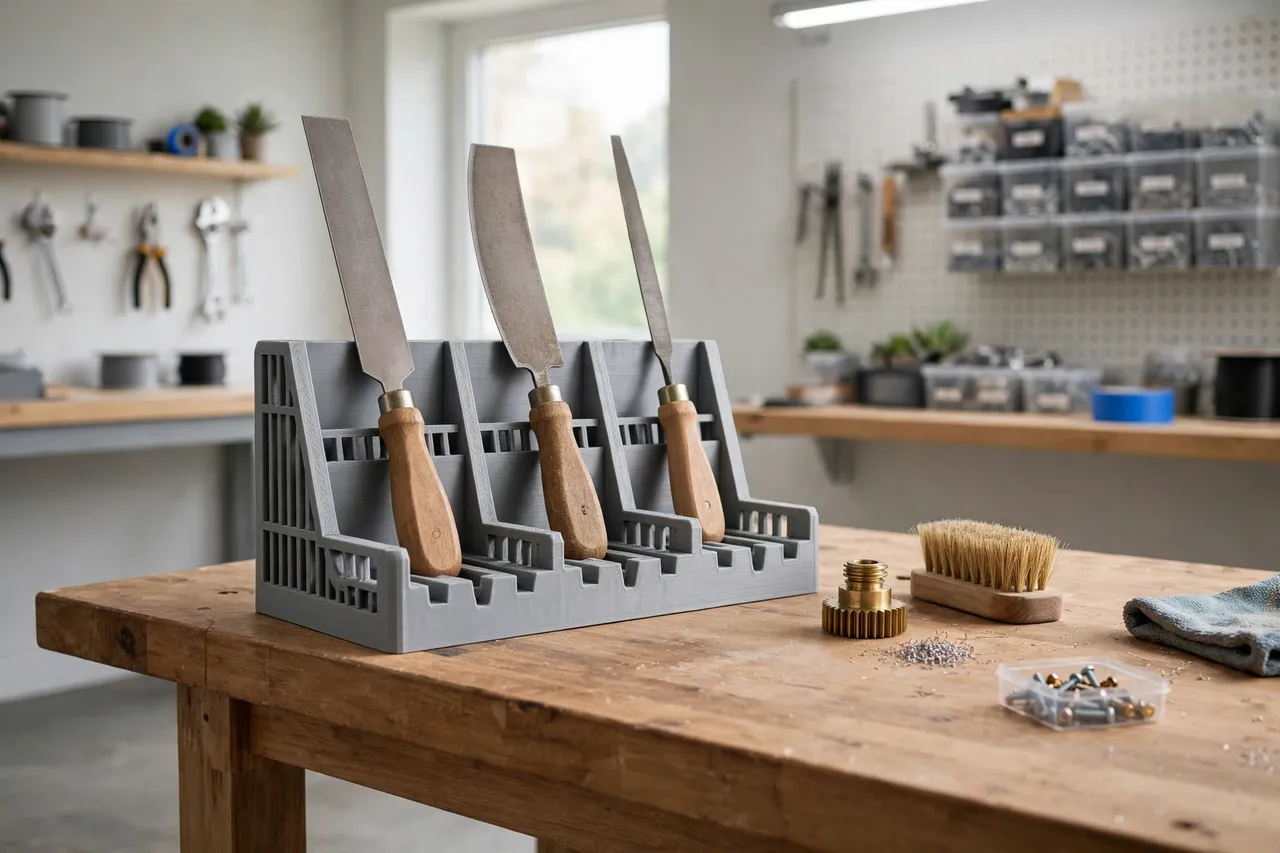
Two styles work well. In a hanging rack, each file hangs handle-up from a hook or slot near the top, with the blade hanging free below — easy to see and grab, and ideal for a wall. In a standing rack, each file stands blade-down in a cup or slot on a bench, handle up — stable, compact, and good when wall space is tight. Hanging suits longer files; standing suits a bench where you want files within arm’s reach. Whichever you choose, the handle should be easy to grip without touching another file’s teeth.
3. Sizing for length
Files range from short needle files under 150 mm to long bastard files over 300 mm. A wall rack should be tall enough that the longest file hangs clear of the bench or shelf below, with room to lift it out. A bench rack needs cups deep enough — 50 to 70 mm — to keep tall files from tipping. Group files by length if you can: long files together, short files together, so no file hides behind a longer neighbor.
4. Labels and cut types
Files also differ by cut: bastard, second cut, smooth, and by shape. A small label area at the top of each slot — flat, half-round, round, smooth — turns the rack into a reference as well as storage. You will reach for the right file first time instead of testing two or three, and your files will last longer because each one gets used for the job it suits.
Step-by-Step: Printing and Assembly
- Gather every file you own. Include needle files and any odd shapes hiding in tool rolls.
- Measure each file: blade width and profile, handle diameter, and overall length. Group by shape and length.
- Choose hanging or standing and sketch the layout with spacing that keeps cutting faces apart.
- Model the rack with slots sized to your groups, a back plate with mounting holes for a wall version, and a spare slot.
- Print a test slot for your widest flat file and your fattest handle, and check the fit.
- Adjust if needed — a slot that grips the handle too tightly is annoying, and one that is too loose lets files lean into each other.
- Print the full rack, or print it in two sections and bolt them together if it is longer than your build plate.
- Clean up and mount. Sand slot edges, brush out dust, mount level on the wall or place on a non-slip mat, then load the files.
If the rack is long, printing in sections is not a compromise — it is often stronger, since each section can be printed flat with good layer orientation.
Step-by-Step: Using It
- Sort files by shape when loading. Flat files together, round together, half-round together, so you can find a shape by position alone.
- Slide each file into its own slot, handle out. Never stack two files in one slot, even “just for now.”
- Brush a file clean before returning it. A quick pass with a file brush or an old toothbrush clears filings that would otherwise transfer to the next job.
- Grab by the handle only. Reaching past teeth to grab a blade is how hands get nicked and teeth get chipped.
- Return files right after use. Files left on the bench get knocked together, buried under project parts, and dulled by contact.
- Check the rack monthly. Tighten wall screws, clear filings from slots, and retire any file whose teeth are worn smooth or chipped beyond use.
Tips for Better Results
- Keep a file brush with the rack. Cleaning takes ten seconds when the brush is right there, and never happens when it is in another drawer.
- Store needle files in a smaller sub-rack. Tiny files vanish in slots sized for full-size files; a small block with narrow slots keeps them findable.
- Do not store files with oily rags in the same slot. Oil on a file’s teeth attracts dust and filings and makes the next cut less predictable.
- Label by cut as well as shape. Knowing which flat file is bastard and which is smooth saves test cuts on your workpiece.
- Test on scrap first. When filing a new material, test pressure and cut on an offcut — a sharp file removes material fast, and a test pass prevents over-filing a finished part.
Common Mistakes to Avoid
- Letting files touch in storage. This is the mistake the rack exists to prevent. One slot per file, always.
- Sizing every slot the same. Round files rattle in flat slots and flat files jam in round ones. Size by profile.
- Mounting a loaded rack on weak fixings. A full rack of steel files is heavier than a tape rack. Screw into a stud or solid plugs.
- Forgetting handle clearance. If handles crowd each other, you cannot grip one file without moving two others. Space handles generously.
- Storing files blade-up on a bench rack. Exposed teeth on a bench catch sleeves, rags, and hands. Blade-down or hung with teeth away from reach is safer and kinder to the teeth.
Care, Storage, and When to Choose an Alternative
Brush filings out of the slots regularly, wipe handles occasionally, and keep the rack dry — damp workshops rust file teeth faster than use does. If a slot cracks under a heavy file, reprint that section in PETG with thicker walls. A rack that lives in a toolbox rather than on a wall may be better as a roll or a lidded case, since open slots spill when a toolbox tips.
For a mobile kit, a manufactured tool roll is often the better choice: it wraps files individually and travels well. For a home bench or wall where files live in one place and get used weekly, a printed rack sized to your set is the tidier, more visible option — and it pairs with the wider bench organization in “3D Printed Bolt and Nut Sorting Bins: Bins That Sort Hardware.”
FAQ
Will one rack fit flat, round, and half-round files?
Yes, if you size slots by profile rather than making them identical. Rectangular slots for flat files, round cradles for round files, and wider slots for half-round files in the same rack work well together.
Should files hang or stand?
Either works. Hanging suits long files on a wall and keeps blades fully separated; standing suits a bench where wall space is tight. Choose the style that matches where you actually work.
Is PLA strong enough for a rack full of steel files?
For a bench rack, yes, with 4 walls and solid infill. For a wall rack holding many full-size files, PETG and solid wall fixings are the safer combination.
What about needle files?
Give them their own small sub-rack with narrow slots. Mixed into a full-size rack they slide around, hide, and get lost.
Conclusion
Files last longer and work better when they stop rubbing against each other in a drawer. A printed rack with one slot per file, sized to the shapes you own, turns a tangled bundle into a visible, grab-and-go set. Measure your files, print a test slot, and hang or stand the rack where you file things.
Once each file has its own home, you will reach for the right one first time — and that alone is worth the print.