Introduction
Every workshop accumulates paper: tool manuals, furniture plans, cut lists, printed drawings, and the instruction sheet for the gadget you assembled three months ago and now need to repair. Left flat on the bench, that paper disappears under offcuts, gets stained by glue, or blows off when a door opens. Folded into a drawer, it creases and becomes impossible to find when you need a single measurement mid-project.
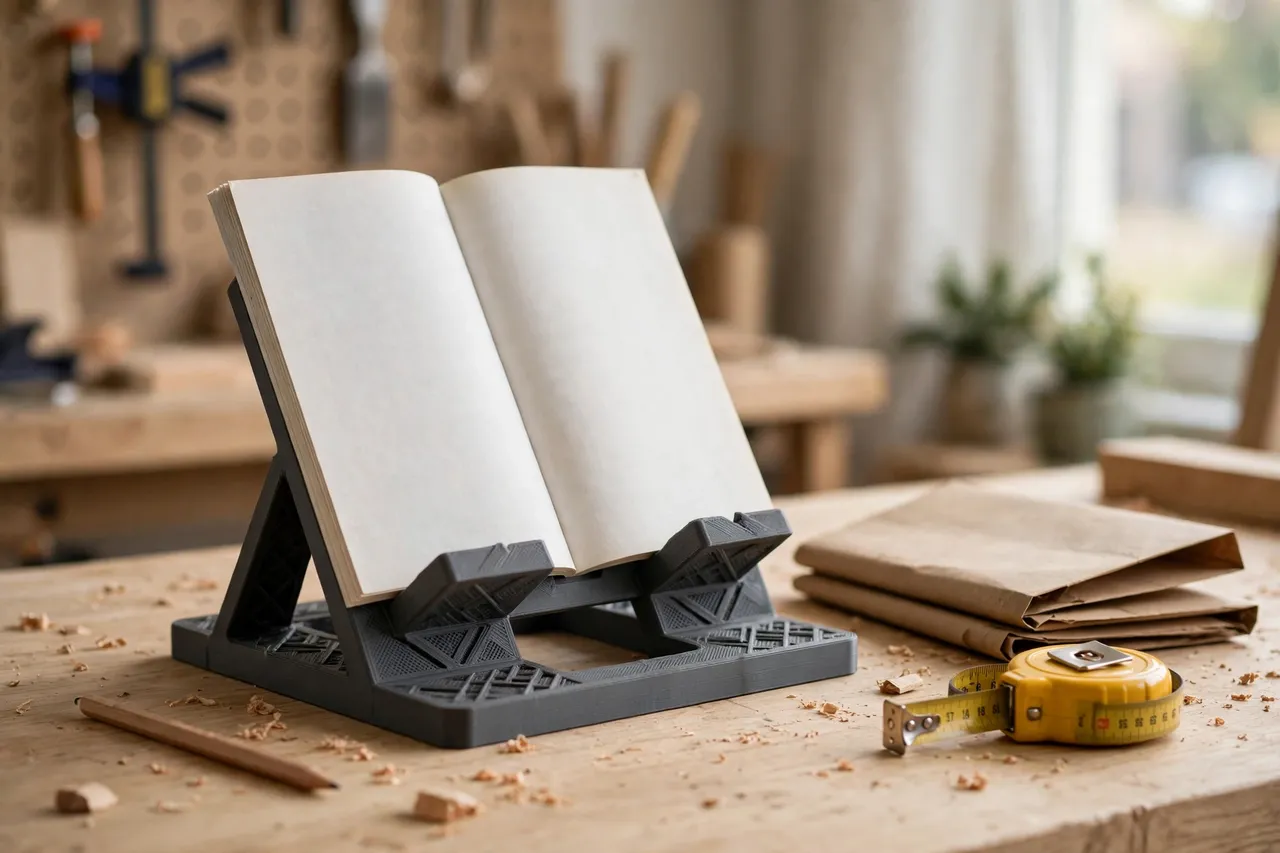
A 3D printed manual and plan holder keeps paper where you can see it and use it. A book-stand style holder props a manual open at a readable angle on the bench; a vertical file or cradle stores plans upright on the wall or shelf so you can flip to the right sheet without unfolding a stack. Printed to fit the paper sizes you actually use — A4, letter, or large folded plans — these holders turn workshop paperwork from clutter into a working reference.
This guide covers both styles: the bench stand for the manual you are reading right now, and the storage holder for the plans you will need next week. Both are light-duty organizers, simple to print, and immediately useful.
What You Need
Manual holders are flat-ish prints with a ledge and a back; plan holders are taller cradles or vertical files. Neither needs hardware beyond optional wall screws.
Materials and tools
- A home 3D printer; plan cradles may need a 200 mm build area or a two-part design
- PLA filament for indoor use, or PETG for a warmer garage
- The manuals and plans you want to store, measured flat and folded
- A ruler or calipers, a screwdriver, and screws for wall-mounted versions
- Sandpaper or a small file for smoothing ledges and edges
- Optional: small binder clips to hold plan sheets flat in the holder
Measure before modeling. A standard manual is roughly A4 or letter size (about 210 by 297 mm), but tool manuals vary, and folded plans can be anything from A3 folded to letter. Design the holder around your largest common item, and let smaller items sit comfortably inside it.
Suggested print settings
- Layer height: 0.20 mm for a clean finish on visible parts.
- Walls: 3 to 4 perimeters, so the ledge and back stay rigid under a heavy manual.
- Infill: 20 to 30 percent, grid or gyroid. A holder for a thick manual needs more rigidity than a holder for a single sheet.
- Top and bottom layers: 4 or more, for a solid base that does not rock.
- Orientation: Print the stand back flat or upright depending on the design; keep the ledge free of support-heavy overhangs.
- Supports: Minimal — design ledges with a chamfer or a 45-degree brace so supports are rarely needed.
Print a small ledge test first if you are unsure about the angle: a short section of the stand, checked with a real manual, confirms the reading angle before you print the full part.
Design Considerations
The two holder styles solve different problems, but both depend on angle, grip, and size.
1. The bench reading stand
A bench stand holds a manual open at roughly 60 to 70 degrees from the bench surface — steep enough to read standing up, shallow enough that the book does not slide off. A ledge 15 to 25 mm deep catches the bottom edge of the manual, and a small lip or page clip keeps pages from flipping in a breeze. The back should be at least as wide as your largest manual, with side arms or a center spine support so a thick manual does not sag. For heavy manuals, add a triangular brace behind the back panel; a flat panel alone flexes under a thick book.
2. The plan storage holder
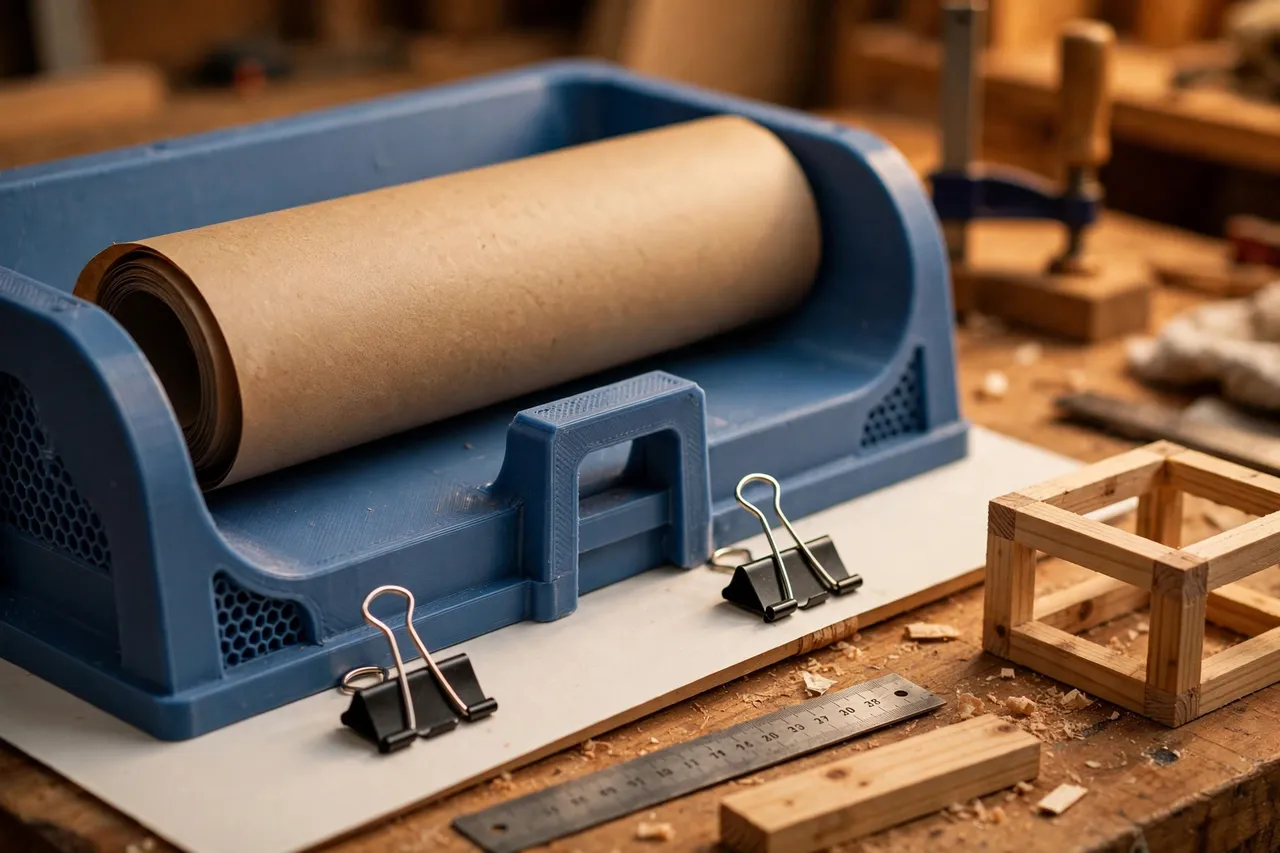
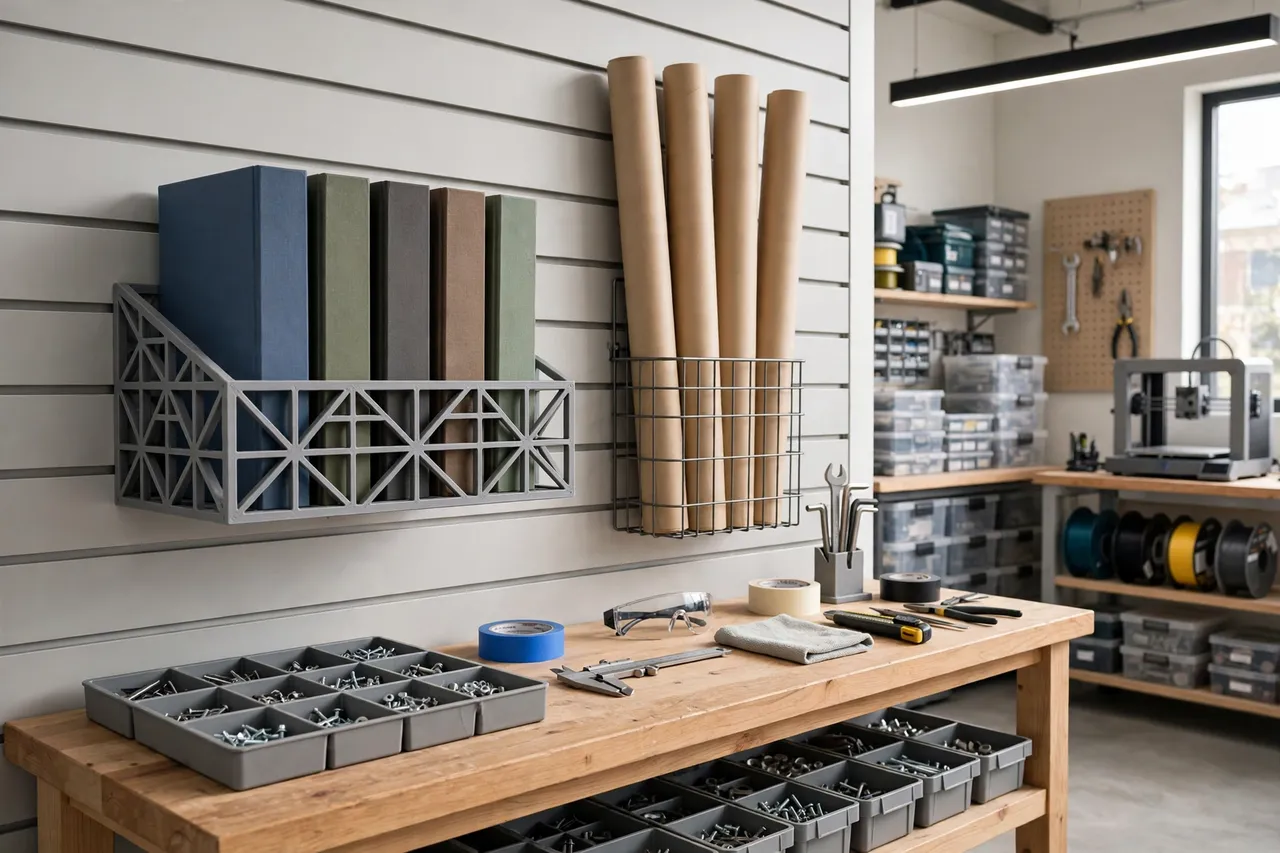
Plans are best stored vertically, like files in a filing cabinet, so you can flip through them without unfolding. A vertical holder is a U-shaped cradle or a series of dividers, tall enough to support a folded plan (typically 150 to 250 mm of height for folded A3 or letter plans) and deep enough that plans do not topple forward. Dividers every 20 to 30 mm keep plans separated by project; without dividers, a tall stack leans and falls. Rolled plans need a different shape — a wide cradle or a tube-style holder that supports the roll along its length rather than pinching it at one point.
3. Angle, friction, and page control
A reading stand that is too steep drops the manual; one that is too shallow is hard to read. Test with your real manual at 60, 65, and 70 degrees and pick the angle that holds it without sliding. A thin strip of rubber, cork, or even a few dots of hot glue on the ledge adds friction that stops sliding without any moving parts. For plans used outdoors or near an open garage door, a binder clip on the top edge of the sheet in the holder stops wind from flipping pages.
4. Wall versus bench
A bench stand lives where you read — near the assembly table or the tool you are setting up. A wall-mounted vertical file keeps plans off the bench entirely and works well beside the bench or near the plan shelf. If bench space is tight, wall-mount the storage holder and keep only the reading stand on the bench. This split mirrors the logic of other bench organizers such as 3D Printed Marker Holders: Holders for Shop Markers, where each item lives at its point of use rather than in one crowded spot.
Step-by-Step: Printing and Assembly
- Gather and measure your paper. Note the size of your largest manual and your largest folded plan.
- Choose the holder style. Reading stand, vertical plan file, rolled-plan cradle, or a combination.
- Model the holder. Back panel sized to your paper, ledge 15 to 25 mm deep, braces or dividers as needed.
- Print a test section. Check the reading angle with a real manual, or the divider spacing with real plans.
- Print the full holder. Clean up ledges and edges with fine sandpaper so paper does not catch.
- Add friction if needed. Cork, rubber strip, or hot-glue dots on the ledge.
- Mount wall versions. Mark screw positions, drill pilots, and fasten level into a stud or wall anchors.
- Load it. Place the current manual on the stand and file plans by project in the storage holder.
Step-by-Step: Using It
- Put the current manual on the stand before you start. Reading the setup steps before cutting saves more time than any tool upgrade.
- Keep the cut list visible. The plan or cut list for today’s job goes on the stand next to the manual, or clipped to the plan holder.
- File plans by project as soon as a job finishes. A plan filed immediately is a plan you can find; a plan left on the bench is a plan you will search for.
- Protect plans from the bench. Keep glue, finishes, and wet rags away from the holder — a stained plan is a lost plan.
- Update the file when a project changes. If a plan gets revised, replace the old sheet rather than stacking revisions together.
- Clear the stand between jobs. An empty stand invites the next manual; a stand holding last month’s manual just becomes another pile.
Tips for Better Results
- Print the stand in a light color. Light plastic shows less dust and makes the holder visible on a dark bench.
- Add a pencil slot. A small slot on the side of the reading stand keeps a pencil exactly where you mark up plans.
- Label divider tabs. Small embossed or clip-on labels by project name turn flipping into finding.
Common Mistakes to Avoid
- Designing for one paper size only. Workshops mix A4, letter, and folded large plans; size for the largest and let smaller items fit inside.
- Skipping the brace on a tall back. A tall, flat back panel flexes under a heavy manual. Add a triangular brace or thicker walls.
- Making the ledge too shallow. A 10 mm ledge drops thick manuals; 15 to 25 mm holds them securely.
- Storing plans flat in a pile. Flat piles are where plans go to be forgotten. Vertical filing is what makes them retrievable.
- Placing the holder far from the bench. A plan file in another room does not get used. Keep storage within arm’s reach of where plans are read.
Care, Storage, and When to Choose an Alternative
Brush dust off holders occasionally and wipe them with a damp cloth when grimy. Keep PLA holders out of direct sun and extreme heat. If a ledge chips or a divider snaps, reprint just that part — holders are easy to repair in sections.
Choose a different solution if you store large numbers of full-size unfolded drawings; those belong in a flat file cabinet or a plan chest, not a printed holder. For the manuals and folded plans of a home workshop, though, printed holders are ideal, and they complete a bench organization setup that might also include 3D Printed Glove Dispenser Box: Gloves Dispensed One at a Time for the consumables used alongside the paperwork.
FAQ
Will one stand fit both thick manuals and thin plan sheets?
A stand sized for a thick manual will hold thin sheets too, though thin sheets may need a binder clip to stay put. If you use both constantly, print a stand for manuals and a vertical file for plans — each does its job better than one compromise holder.
Can I wall-mount a reading stand?
Yes, with a wall bracket version that holds the manual at reading height beside the bench. It works well for setup instructions you consult while standing at a machine, but a bench stand is more flexible if you move between stations.
How do I store rolled plans?
Use a wide cradle that supports the roll along its length, or a vertical tube holder. Do not pinch a rolled plan at a single narrow point — it creases the paper and the roll slides out.
My manual keeps sliding off the stand. What helps?
Increase the ledge depth, add a friction strip to the ledge, or steepen the angle slightly. Also check that the stand sits on a level surface — a tilted bench makes every stand look faulty.
Conclusion
Workshop paper is only useful if you can find it and read it while you work. A printed manual stand puts today’s instructions at a readable angle on the bench, and a printed plan holder files tomorrow’s projects upright where they can be flipped through in seconds. Together, they end the cycle of lost manuals, stained plans, and measurements guessed from memory.