Introduction
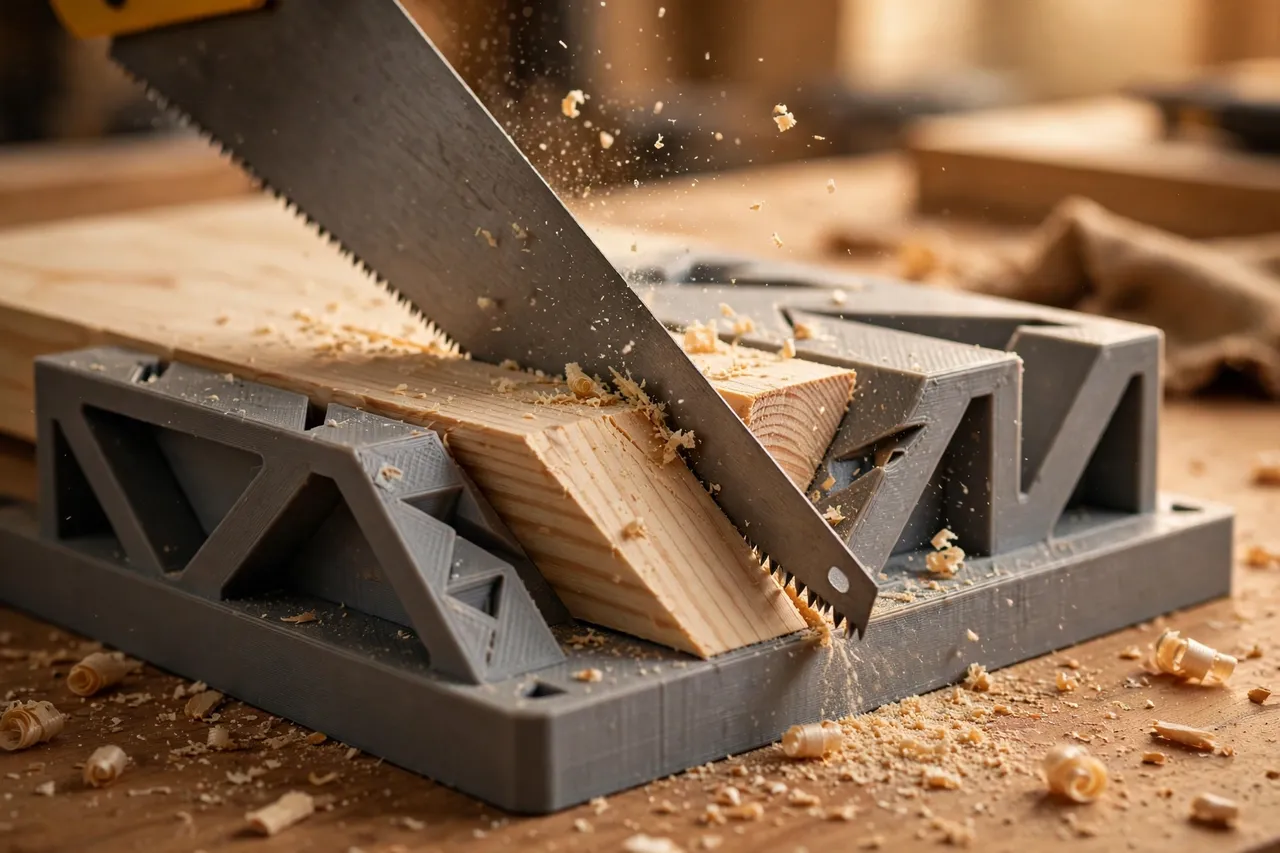
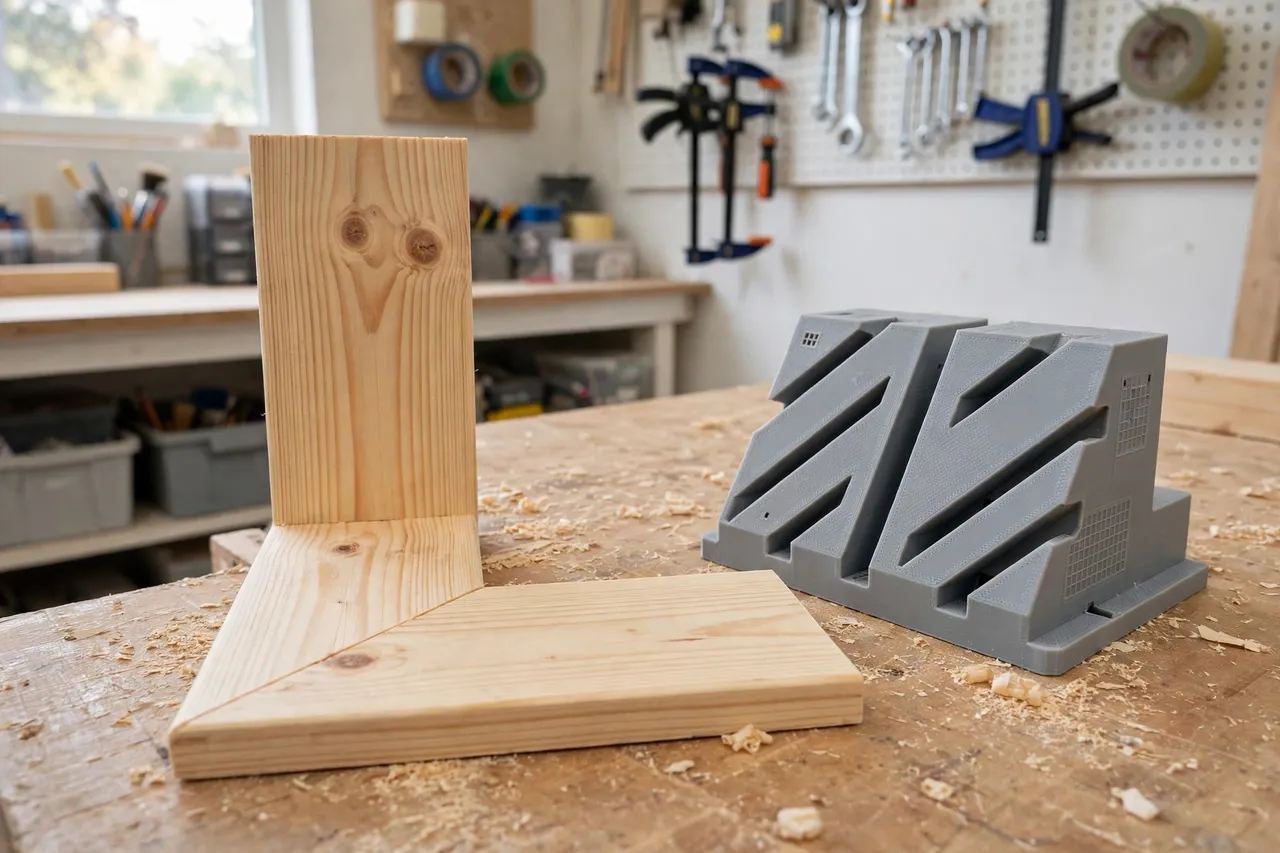
Mitered corners are where trim work shows its quality. A picture frame, a skirting joint, or a small wooden box all depend on two 45-degree cuts meeting cleanly. Cut freehand, those angles wander by a degree or two, and the joint shows a gap that no amount of filler truly hides. A miter box fixes the angle for you, guiding the saw blade through fixed slots so every cut lands at the same angle.
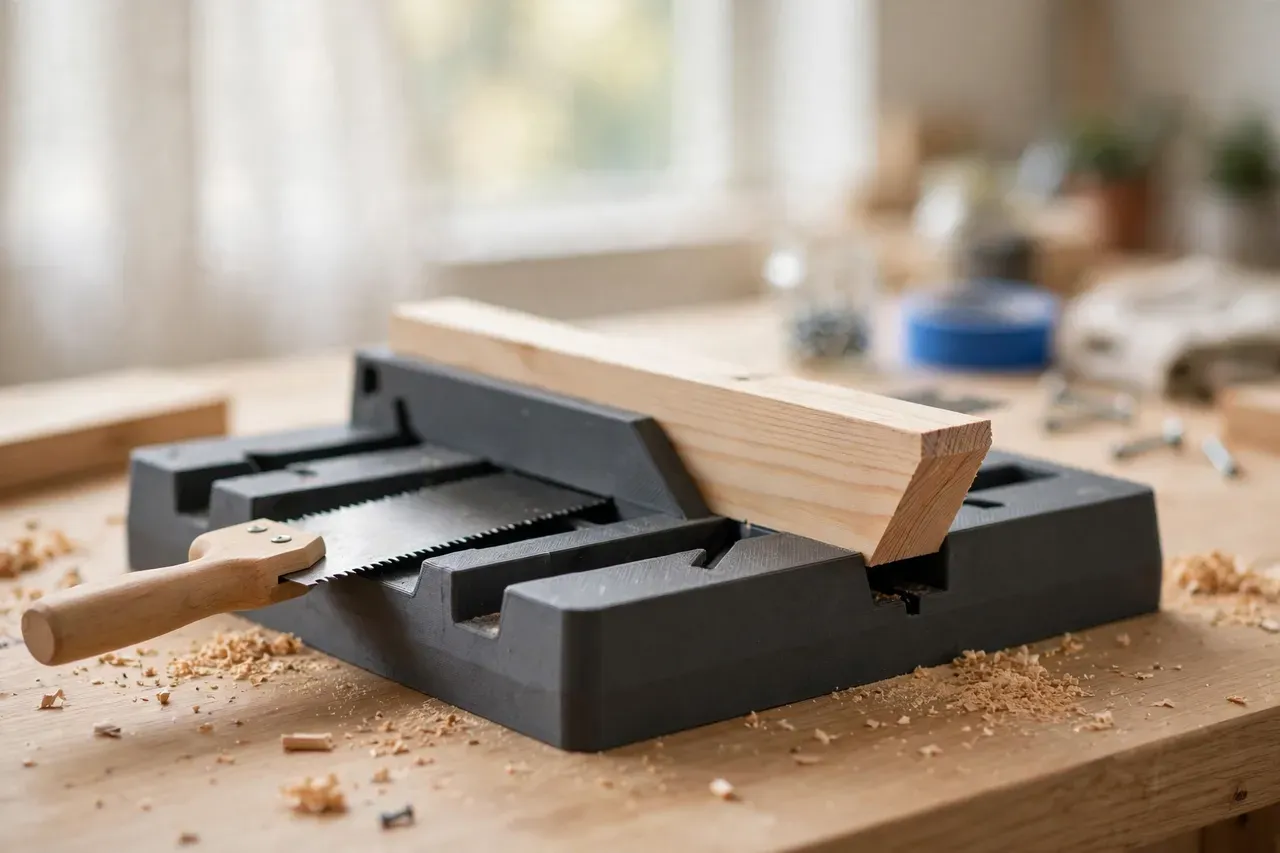
A 3D printed miter box brings that guide into the workshop-made toolkit. It is a U-shaped channel with saw slots cut at common angles — usually 90 degrees and 45 degrees in both directions — sized to the saw and the trim you use. It is a light-duty sawing guide for small trim and repair pieces, not a replacement for a powered mitre saw on large or production work, but for home repairs it is fast, cheap, and surprisingly accurate.
This guide covers designing, printing, and using a miter box for hand saws, with an honest look at where a printed box shines and where a manufactured box or a power saw is the better choice.
What You Need
A miter box is a channel with two side walls and a base. The workpiece lies in the channel, and the saw runs through slots in the side walls that set the cutting angle.
Materials and tools
- A home 3D printer with a build area of roughly 200 mm, or a design printed in sections that bolt together
- PETG filament for a tougher box, or PLA for a first version
- A hand saw with a thin, fine-toothed blade, such as a dovetail saw, a tenon saw, or a fine panel saw
- Trim or small boards to cut, plus a pencil, a square, and a tape measure
- Sandpaper, a small file, and optionally a clamp
- A sacrificial base strip, if your design uses one
The saw matters more than the box material. A coarse, thick-bladed saw will chew through printed guide slots quickly, while a fine-toothed saw glides through them and leaves a cleaner cut. Choose the finest saw that suits your trim thickness.
Suggested print settings
- Layer height: 0.20 mm for general parts.
- Walls: 4 to 5 perimeters, especially on the side walls, where the saw slots need to hold their shape.
- Infill: 40 to 60 percent, grid or gyroid, for a stiff box that does not flex under sawing pressure.
- Top and bottom layers: 4 or more.
- Orientation: Print the box upright or flat in sections, depending on your printer size and design.
- Supports: Only for overhanging slot bridges, if your design includes them.
Print a test section with one slot first, and check that your saw blade fits the slot with a small clearance — snug enough to guide, loose enough to slide freely.
Design Considerations
A miter box has only a few angles, but each one needs to be true, or the joints will show it.
1. Slot angles
The standard set is 90 degrees straight across, and 45 degrees in both directions. Some boxes add other angles, but 45 and 90 cover most home repair trim work. Model the slots at exactly those angles, and check them with a square and a protractor or a known 45-degree triangle after printing. A slot that is 44 or 46 degrees will give you a joint with a visible gap.
2. Slot width and saw fit
Size each slot about 0.3 to 0.5 mm wider than your saw blade’s thickness, including any set on the teeth. Too tight and the saw binds; too loose and the blade wanders and the angle drifts. If you own two saws of different thicknesses, size the box for the finer one, or print a second box for the thicker saw. Note the saw it fits on the box itself.
3. Channel size
The channel must fit your trim: wide enough for the board, with walls tall enough to guide the saw for most of its stroke. For skirting and small trim, a channel roughly 100 mm wide and 60 mm tall works well. For wider boards, print a larger box or cut in sections. Keep the channel floor flat so the board does not rock.
4. Sacrificial base and slot wear
The saw will eventually cut into the base of the box and wear the slots wider. Design the base as a replaceable strip, and accept that the slots are wear items: when they get sloppy, reprint the side walls or the whole box. A printed box is cheap to replace, and that is part of its appeal. Adding thin metal or hardwood liners to the slots extends their life, if you want a longer-lasting hybrid.
Step-by-Step: Printing and Assembly
- Measure your saw blade. Record its thickness, including tooth set, and its depth.
- Measure your trim. Record the widest and tallest pieces you plan to cut.
- Model the box. Build the channel, base, and side walls, with slots at 90 and 45 degrees.
- Print a test slot section. Check the saw fit and the slot angle before printing the full box.
- Print the full box. Clean up the slots with a small file, removing stringing and rough edges.
- Fit the sacrificial base strip. Glue or screw it into the channel floor.
- Check the angles. Square the 90-degree slot and check both 45-degree slots with a triangle.
- Test on scrap. Cut two scrap pieces at 45 degrees and join them to check the corner closes cleanly.
If the test corner shows a gap, check the slot angles before blaming your sawing technique. A printed slot that is off by a degree will show up in every joint.
Step-by-Step: Using the Miter Box
- Place the box on the bench. It should sit flat and not rock. Clamp it if needed.
- Mark your cut. Measure and pencil-mark the trim, and note which direction the miter faces.
- Lay the trim in the channel. Push it firmly against the back wall of the channel, with the mark aligned to the correct slot.
- Hold the trim steady. Press it to the channel wall with your free hand, fingers clear of the saw path.
- Start the saw in the slot. Rest the blade in the slot and take light, short strokes to establish the kerf.
- Saw with steady strokes. Let the slot guide the blade, keeping the saw level and the trim pressed to the wall.
- Finish carefully. Slow down as the saw exits the trim, so the last fibres do not tear.
- Check the joint. Join the two mitered pieces and check the corner before cutting the next piece.
For a frame, cut all four pieces before assembling any of them, and check each corner as you go. A small error compounds across four corners.
Tips for Better Results
- Cut on the waste side of the line. The saw kerf removes material, so cutting on the line shortens the piece.
- Mark the miter direction. A left-hand and a right-hand 45 look identical until you try to join them the wrong way.
- Use a fine-toothed saw. Finer teeth leave cleaner miter faces and wear the slots more slowly.
- Keep the trim pressed to the wall. A board that lifts or shifts mid-cut gives a wavy miter face.
- Replace the base strip often. A chewed base lets the saw drop and changes the cut angle slightly.
- Test-join before gluing. Dry-fit every corner before glue, so a small error can be corrected with a light pass of a plane or sandpaper.
Common Mistakes to Avoid
- Cutting the wrong-hand miter. Mark each piece clearly, especially for frames where opposite sides mirror each other.
- Using a coarse saw in fine slots. A thick, coarse blade binds, wanders, and wears slots quickly.
- Letting the box rock. A box that moves on the bench gives moving cuts. Clamp it for longer pieces.
- Ignoring slot wear. Worn, widened slots no longer guide the blade, and miters drift. Reprint when slots get sloppy.
- Expecting power-saw speed. A hand-saw miter box is for small, careful cuts. For dozens of miters or large stock, a powered mitre saw is faster and more consistent.
Care, Storage, and Alternatives
Brush sawdust out of the slots after use, store the box flat or hung on a wall, and keep it out of direct heat. Replace the sacrificial base strip when it gets chewed, and reprint the box when the slots wear wide.
A manufactured metal or hardwood miter box lasts longer and guides a saw more rigidly, and a powered mitre saw is the right tool for production trim work. For occasional home repairs, small frames, and trim pieces, a printed box is a fast, inexpensive guide that you can size to your saw and your trim. It also fits naturally into a hand-tool workflow: for holding boards while you crosscut them square, you may also enjoy our related guide, “3D Printed Bench Hook for Sawing: Hold Boards Steady for Hand Sawing,” which covers the square-cut side of the same work. And for truing up a sawn edge afterwards, “3D Printed Shooting Board for Hand Planes: Square Edges With a Hand Plane” shows how to finish the cut cleanly.
FAQ
Will a printed miter box stay accurate?
For a reasonable number of cuts, yes, provided the slots are sized to your saw and you use a fine-toothed blade. Slots wear with use, especially with coarse saws, so check accuracy periodically and reprint when slots get loose.
Is PLA strong enough for a miter box?
For light trim work, yes. PETG is tougher and better for a keeper that will be used regularly. The side walls and slots take the most wear, so generous walls and infill help either way.
Can I cut angles other than 45 and 90 degrees?
You can, by adding slots at other angles to your design. Keep the set small, though: each additional slot weakens the side walls slightly, and most home repair work needs only 45 and 90.
Why does my mitered corner have a gap?
Check the slot angles first, then whether the trim was held firmly against the channel wall, then whether the saw blade fits the slot snugly. A gap on one side usually means one of the two cuts is off, not both.
Conclusion
A miter box is a simple guide that makes a visible difference to trim work. It holds the angle steady, lets you concentrate on the saw stroke, and turns two 45-degree cuts into a corner that actually closes.
Print a box sized to your saw and your trim, check the angles, use a fine blade, and replace the base strip when it wears. For small frames, skirting joints, and repair trim, this printed jig will give you corners you can be proud of — without a power saw in sight.