Introduction
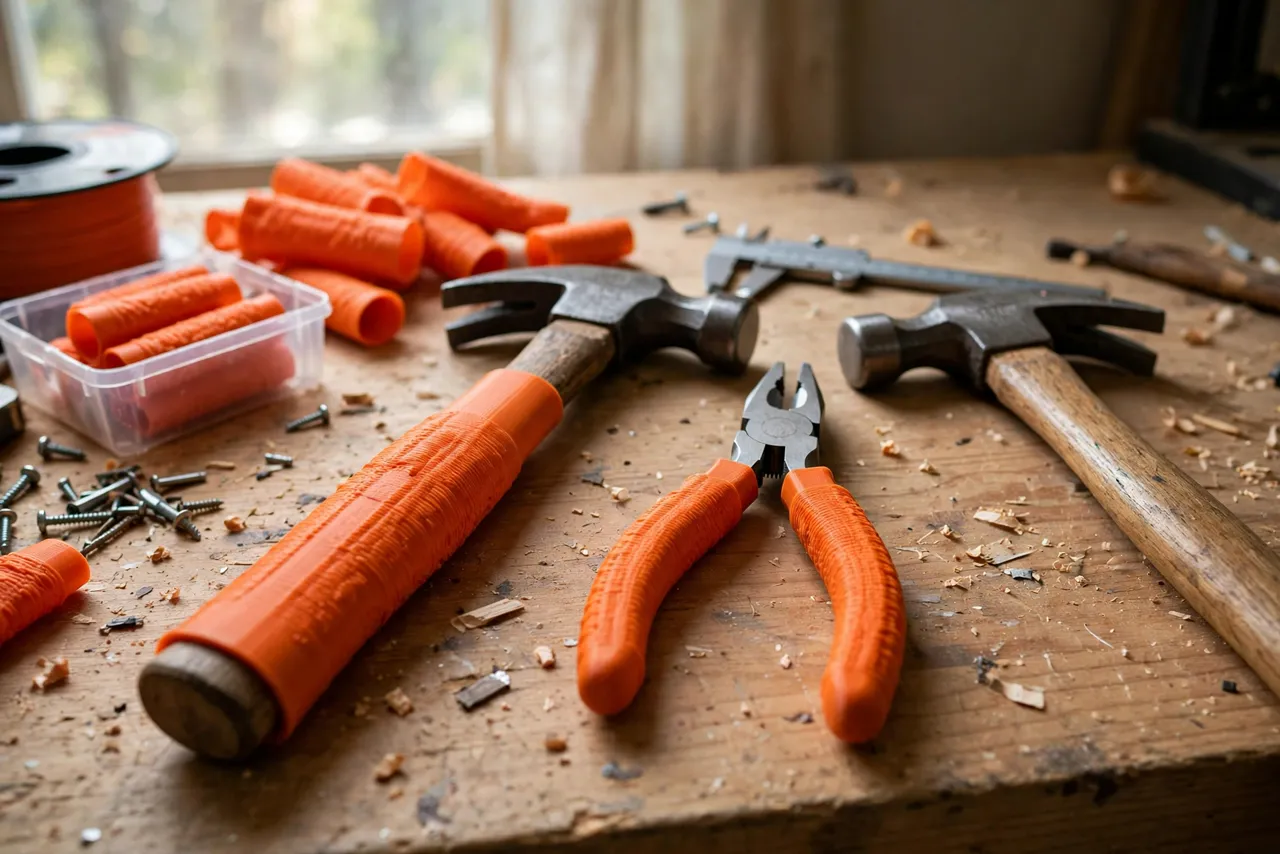
Good tools often have bad grips. A hammer handle goes smooth with age, a plier grip cracks or slides off, and a perfectly sound tool becomes tiring or slippery to use. Replacing the whole tool for a grip problem is wasteful, and wrapping handles in tape is a short-lived fix that leaves a sticky mess.
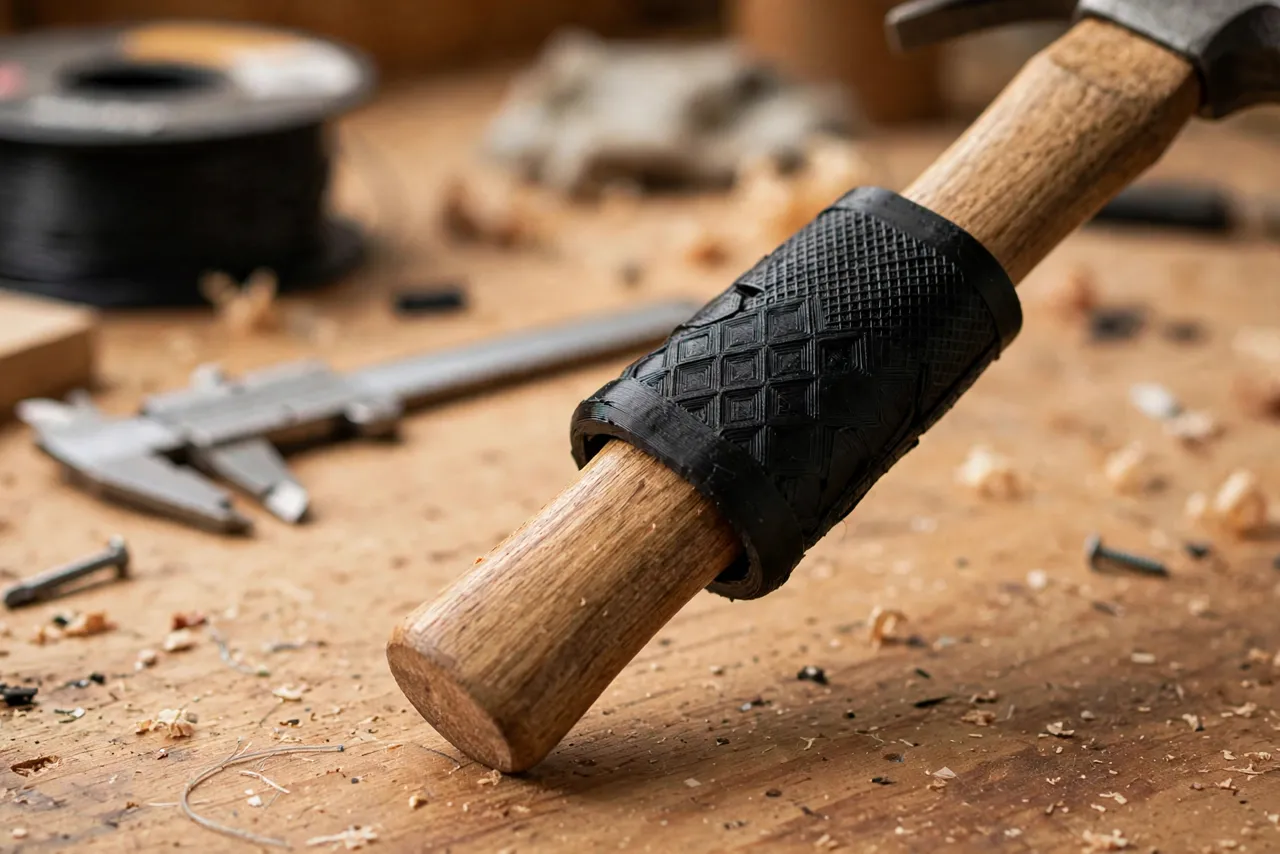
A 3D printed tool handle grip sleeve is a better answer. It is a tube, shaped to your hand, that slips over the existing handle and stays there by friction. It adds cushion, texture, and diameter where you need it, without changing the tool itself. Print a set in an afternoon, fit them to the tools you reach for most, and those tools feel new again.
This guide covers measuring, designing, printing, and fitting slip-on grip sleeves for hammers, pliers, and similar hand tools. Treat sleeves as comfort and grip aids only — they do not strengthen a cracked handle, and if a hammer head is loose or a plier joint is worn, fix or replace the tool itself. A sleeve must never be used to hold a damaged tool together.
What You Need
Grip sleeves are simple, quick prints. The main work is measuring each handle, since hammer and plier handles vary widely in shape.
Materials and tools
- A home 3D printer with a build area of at least 150 mm in one direction
- TPU filament for a flexible, grippy sleeve, or PETG for a firmer sleeve
- The hammers, pliers, and other tools you want to fit, with their old grips removed if they are loose
- Calipers or a ruler, a pencil, and fine sandpaper or a small file
- Warm soapy water, useful for easing a tight sleeve on, and a clean rag
TPU is the best material for most sleeves because it stretches slightly to slip on, then grips firmly, and it cushions the hand. PETG gives a firmer, more rigid sleeve, which suits tools where you want a larger diameter rather than cushion. Print a test sleeve in whichever material you have, and choose based on feel.
Suggested print settings
- Layer height: 0.20 mm for a comfortable surface.
- Walls: 3 to 4 perimeters, enough for a firm tube that still flexes if printed in TPU.
- Infill: 20 to 30 percent for TPU, 40 percent for PETG, grid or gyroid.
- Top and bottom layers: 4 or more.
- Orientation: Print upright, opening up, so the sleeve’s inside stays smooth.
- Supports: None, for a simple tube; add a brim if a tall TPU print wobbles.
Print one test sleeve first and check the fit on the actual tool before printing a set.
Design Considerations
A grip sleeve must fit snugly, feel good for a full job, and stay put under use. Those three goals shape every design decision.
1. Measuring the handle
Measure each handle at several points along its length: near the head, in the middle, and at the end, since handles taper. Note the cross-section shape — oval, round, or rectangular — and any flare at the end that will stop a sleeve sliding off. Model the sleeve’s inside to match the handle’s largest cross-section, minus about 0.5 to 1 mm if printing in TPU, so it stretches on and grips. For PETG, match the size closely and add a split or a locating feature, since rigid plastic cannot stretch.
2. Sleeve shape and texture
Make the sleeve about 100 to 130 mm long for a hammer, shorter for pliers, covering the area your hand actually holds. Shape the outside as a gentle oval, slightly wider in the middle, with rounded ends. Add texture: shallow ribs across the sleeve, a diamond pattern, or small bumps all improve grip, especially with dusty or damp hands. Keep texture shallow, about 0.5 to 1 mm, so it grips without digging into your palm.
3. Staying put
A sleeve that slides off mid-swing is worse than no sleeve. For TPU, friction plus a slight taper usually holds it. Add an internal rib near each end that bites gently into the handle, or a small end flare that catches the handle’s own flare. For PETG, design a split sleeve that closes with a printed clip or a cable tie recess, so it clamps onto the handle. Test by pulling firmly: a sleeve should resist a strong tug, not slide off with a light pull.
4. Comfort and diameter
Many sleeves fail because they make the handle too fat. Add only 2 to 4 mm of diameter overall, unless the original handle is uncomfortably thin. A sleeve that is too thick tires the hand faster than a thin one, especially on pliers where you must close the jaws repeatedly. Print a test, hold it for a few minutes, and adjust the diameter before printing a set.
Step-by-Step: Printing and Assembly
- Measure each handle at several points, noting taper, shape, and any end flare.
- Model the sleeve to match the handle, with a textured outside and a ribbed inside.
- Print a test sleeve in your chosen material and try it on the tool.
- Clean it up. Remove stringing, sand sharp edges, and check the texture feels comfortable, not abrasive.
- Adjust if needed. If it slips, tighten the inside by 0.5 mm; if it will not go on, loosen it or warm the sleeve slightly.
- Fit the keeper sleeves, easing TPU on with a little soapy water if needed, and letting them dry in place.
- Print sleeves for other tools once the first design proves itself, adjusting dimensions per tool.
There is no assembly beyond fitting. A sleeve that needs glue to stay on is a sleeve that does not fit — resize it instead.
Step-by-Step: Fitting and Using Sleeved Tools
- Clean the handle first. Dust and grease under a sleeve let it slip, so wipe the handle clean and dry.
- Slide the sleeve on from the end of the handle, working it along steadily. For TPU, a little soapy water helps; for a split PETG sleeve, open it gently and clip it shut.
- Position it where your hand sits. The sleeve should cover your normal grip area, not the whole handle.
- Check it stays put. Pull and twist firmly. If it moves, resize it before use.
- Use the tool normally, but check the sleeve after the first heavy session. Heat, sweat, and vibration can loosen a fit that felt fine when new.
A good sleeve should disappear in use — you notice the comfortable grip, not the sleeve itself.
Tips for Better Results
- Fit one tool first. Prove the design on your most-used hammer before sleeving a whole drawer.
- Colour-code by tool type. One colour for hammers, another for pliers, makes the right tool easy to grab.
- Keep texture shallow. Deep texture traps dirt and feels harsh after an hour.
- Replace worn sleeves promptly. A sleeve that has gone smooth or loose is easy to reprint.
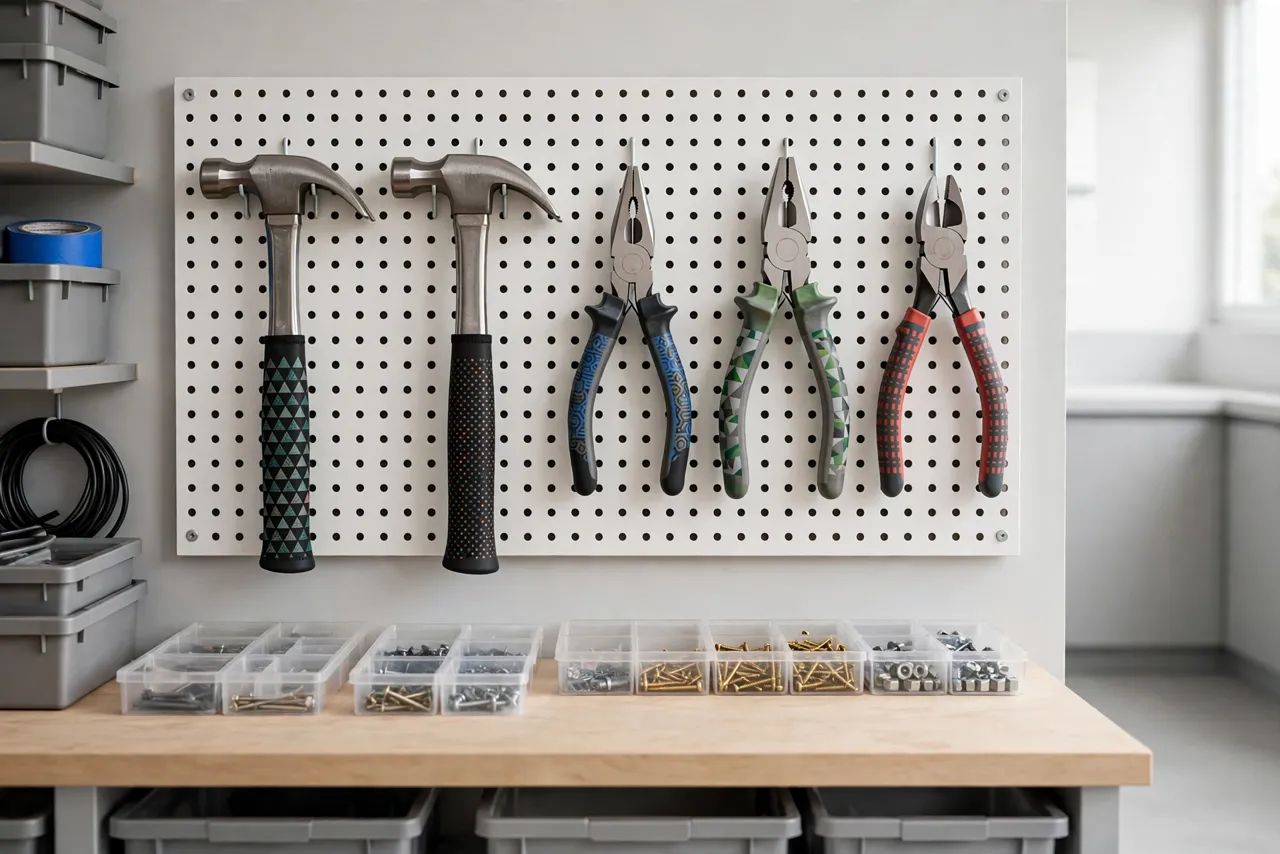
- Store tools hanging. Hanging keeps sleeves clean and stops them picking up bench dust.
Common Mistakes to Avoid
- Making the sleeve too thick. A fat grip tires the hand, especially on pliers. Add diameter sparingly.
- Using a loose sleeve. A sliding sleeve is distracting and, on a hammer, unsafe. Resize it.
- Covering a damaged handle. A sleeve does not repair a cracked hammer handle or a loose head. Fix the tool first.
- Printing in the wrong material. Rigid PLA sleeves crack and slide; TPU or PETG suit grip work far better.
- Ignoring taper. A sleeve modelled to one measurement will not fit a tapered handle. Measure at several points.
Care, Storage, and When to Choose an Alternative
Wipe sleeves clean after use and store tools hanging or in a drawer, away from heat. TPU sleeves can be washed in warm soapy water. If a sleeve wears smooth, splits, or loosens, reprint it from the proven file. For tools with badly damaged handles, loose heads, or worn joints, manufactured replacement handles or new tools are the right choice. Sleeves rescue good tools with tired grips; they do not rescue broken tools.
FAQ
Will one sleeve fit every hammer and plier?
No. Handles vary in size, taper, and shape, so each sleeve must be sized to its tool. The design approach is the same, but measurements must come from the handle in your hand.
Is TPU necessary, or will PETG work?
TPU is best for a flexible, grippy, cushioned sleeve. PETG works for a firmer sleeve, especially where you want extra diameter, but it needs a split or clip design since it cannot stretch on. PLA is not recommended for grip sleeves.
Can I use a sleeve on a tool with a loose head?
No. Fix the head first. A sleeve adds comfort, not structural strength, and must never be used to hold a damaged tool together.
My sleeve keeps sliding off. What went wrong?
Usually the inside is too large, the handle is tapered and was measured at only one point, or the handle was greasy when fitted. Clean the handle, measure at several points, and tighten the sleeve inside by 0.5 mm.
Conclusion
Tired grips should not retire good tools. Measure the handle, print a snug, textured sleeve in TPU or PETG, and fit it where your hand actually sits. A hammer that felt slippery and a pair of pliers that felt thin become comfortable again, for the cost of a little filament.
Print sleeves for the tools you reach for most, keep them clean, and your hands will notice the difference on the very next job.
For storing those tools where you can grab them, you may also enjoy our related guide, “3D Printed Wrench and Pliers Rail: Wall-Mounted Hand Tool Storage You Can Customize,” and for a full workshop setup, see “The Complete 3D Printed Home Repair Toolkit: Every Jig, Clamp and Organizer to Print Next.”