Introduction
A proud screw head is a small flaw that catches the eye every time. It snags cloth, stops a second board sitting flat, and makes an otherwise tidy project look rushed. A screw sunk too deep is just as bad: it blows out the wood fibers, weakens the hold, and leaves a crater that filler never quite hides.
The difference between flush and flawed is often less than a millimetre of countersink depth, and freehand countersinking is a poor way to hit that window repeatedly. A 3D printed countersink depth setter is a small collar, gauge, or stop that controls how deep the countersink bit cuts — set it once for your screw and board, and every hole matches.
This guide covers designing, printing, and using your own setter. It is a layout and depth-control aid only — it does not carry load and does not replace checking the first hole in scrap before drilling the real workpiece.
What You Need
The setter is tiny — most versions fit in a 60 mm cube — so any home printer can make it in under an hour. You need the actual screws and bit you plan to use, because depth is meaningless without them.
Materials and tools
- A home 3D printer and PETG filament for a collar that survives drill vibration and repeated use
- The screws you plan to install, plus a matching countersink bit
- A cordless drill or drill press, a steel ruler or calipers, and a pencil
- Scrap boards in the same wood and thickness as your workpiece
- A screwdriver or driver bit, and a small brush to clear chips
- Sandpaper or a small file for cleanup
PETG is the better choice for a collar that grips a spinning bit shank; PLA works for a flat go/no-go gauge that never spins. Print both if you like — the gauge checks the collar’s work.
Suggested print settings
- Layer height: 0.20 mm, or 0.16 mm for a clean gauge edge.
- Walls: 4 or more perimeters — thin collars split if printed with only two walls.
- Infill: 40 to 60 percent, grid or gyroid.
- Top and bottom layers: 4 or more.
- Orientation: Print collars upright so the bore prints round; print flat gauges flat.
- Supports: None for a simple collar or gauge.
Print a test collar first and check the bore fit on your bit shank before printing the final version.
Design Considerations
There are two useful setter styles, and many makers print both. Choose the one that fits your drilling setup.
1. The collar stop
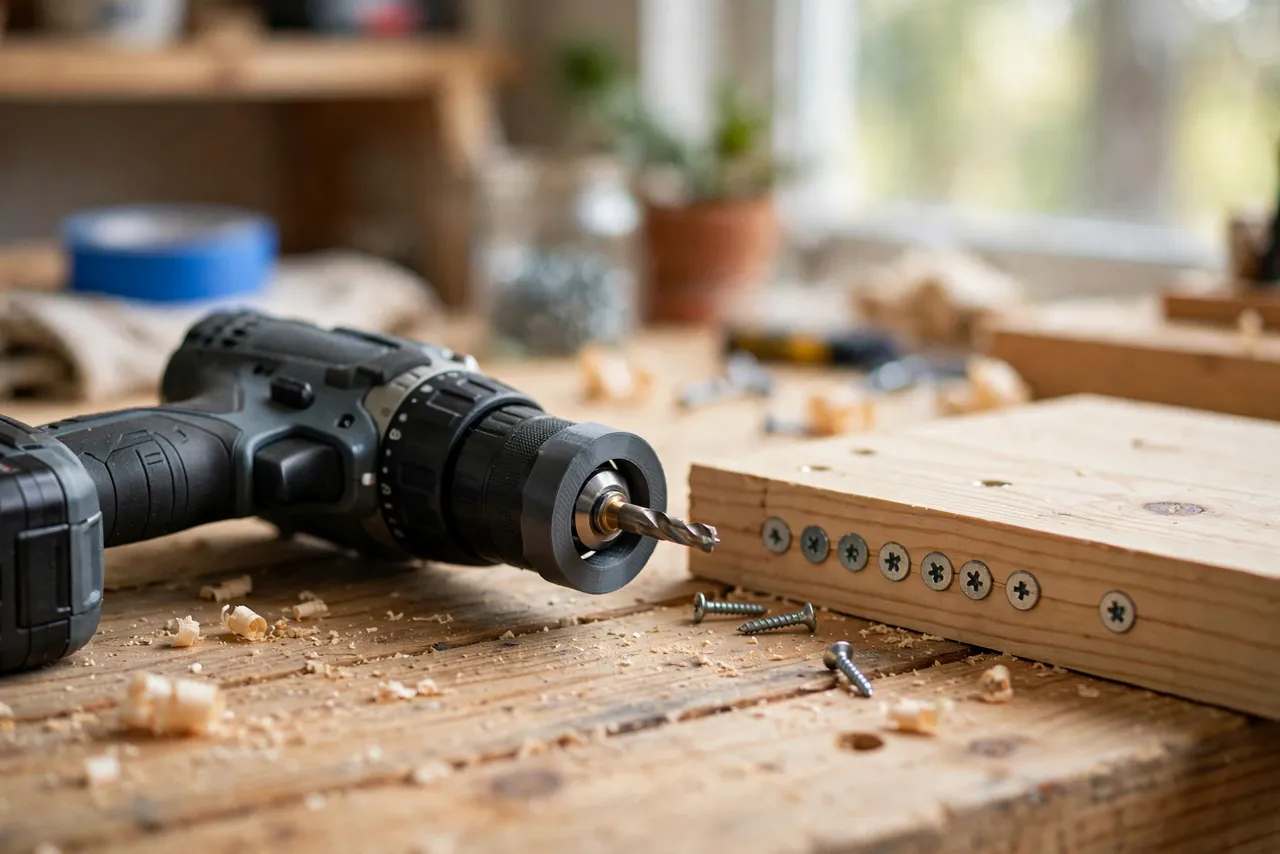
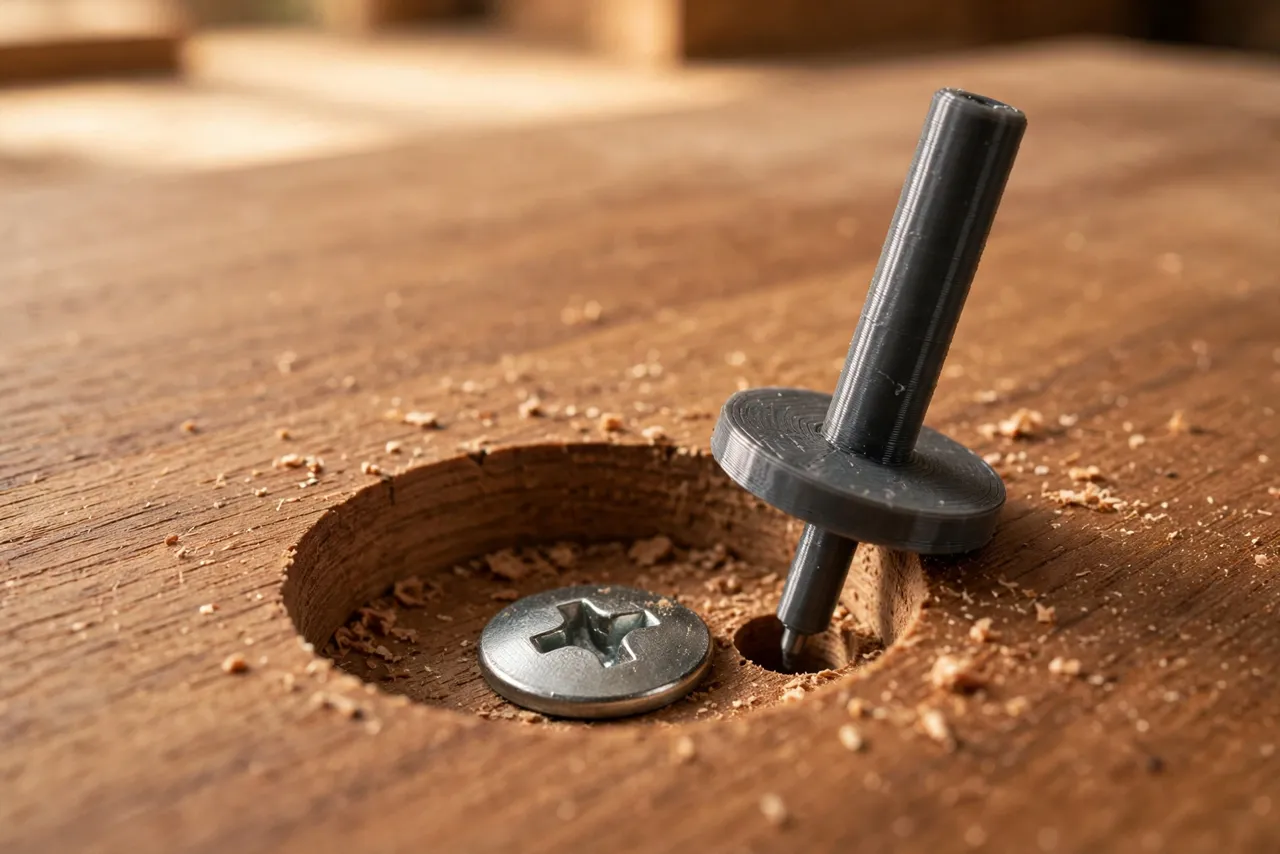
A collar slides onto the countersink bit’s shank and locks with a small printed screw or a grub screw. It stops the bit at a fixed depth: when the collar touches the wood surface, the cut is done. This is the fastest style for repeated holes, especially with a drill press.
Size the bore to your bit shank with about 0.2 mm of clearance, and add a split in the collar wall so it clamps when the screw tightens. A collar that spins freely on the shank is useless; a collar that cannot be adjusted is only slightly better. Mark the collar with the screw size it belongs to.
2. The go/no-go gauge
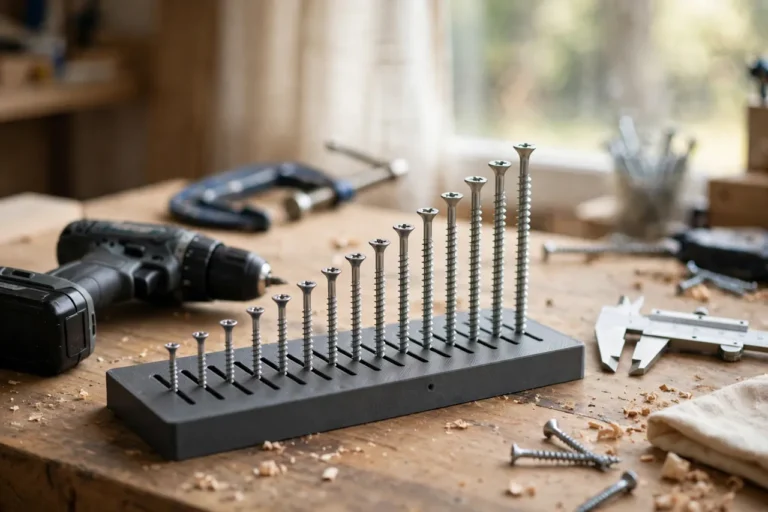
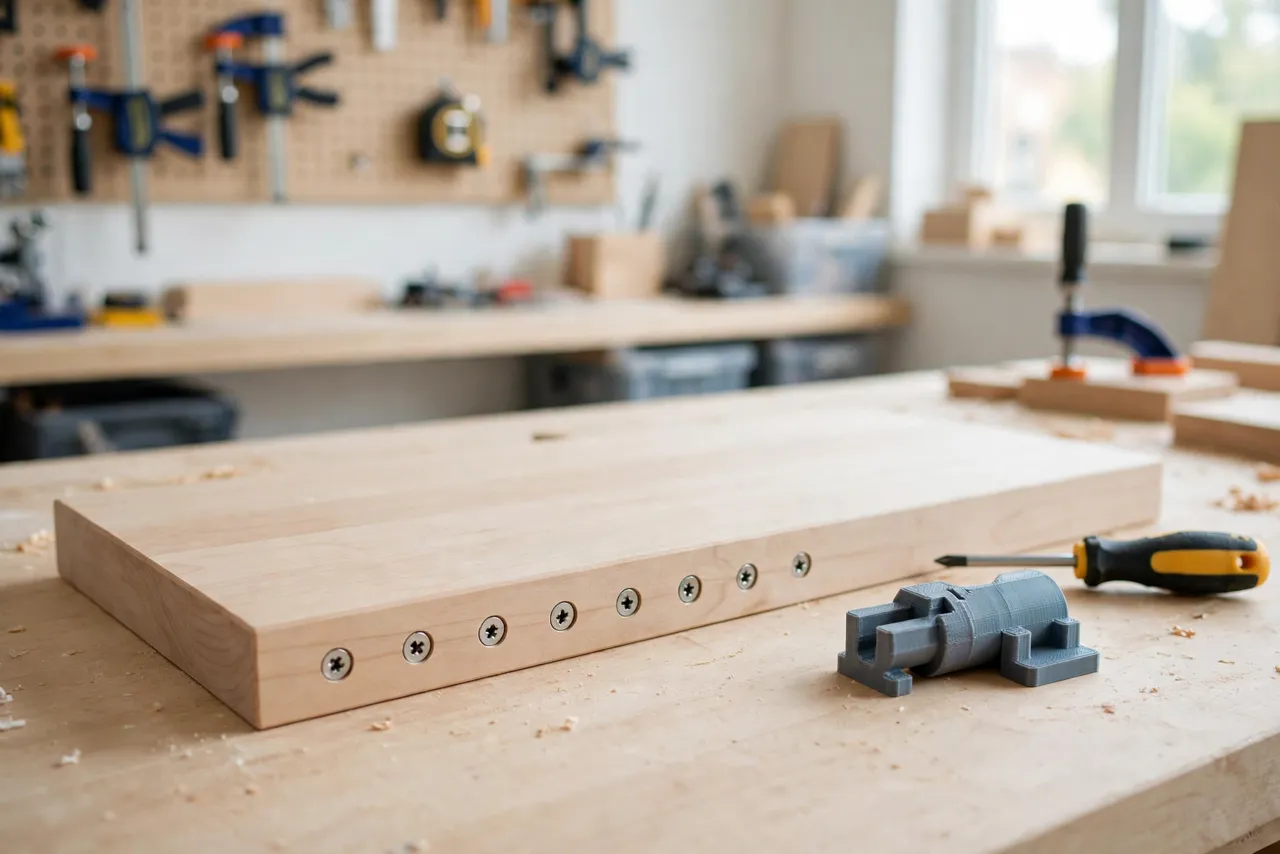
A flat gauge has a stepped notch or a hole sized to your screw head. Press it over a countersunk hole: if the screw head sits flush with the gauge face, the depth is right; if it stands proud or sinks below, adjust and retest. Gauges are slower than collars but work with any drill, need no fitting to a bit, and double as a quick check on work someone else drilled.
Some makers combine both: a collar for drilling and a gauge for checking. The pair costs little extra filament and removes all guesswork.
3. Matching the screw head
Countersink angles vary — 82 degrees is common for wood screws, 90 degrees for many metric screws — and the setter must match your bit and screw. A gauge shaped for one angle reads wrong for another. Measure your screw head diameter and your bit angle before modeling, and label the finished setter with both numbers.
4. Board thickness and screw length
Depth setting only makes sense alongside screw choice. A screw that is too long for the board will poke through no matter how perfect the countersink is, and a screw that is too short will not hold even when flush. Set your depth for the screw you actually plan to drive, in the board you actually plan to drill.
Step-by-Step: Printing and Assembly
- Measure your screw — head diameter, head angle, and length.
- Measure your countersink bit — shank diameter and cutting angle.
- Model the collar and/or gauge to those measurements.
- Print a test collar and check the bore fit on the bit shank.
- Print the final setter, clean up the bore by hand if needed, and fit the locking screw.
- Test on scrap in the same wood as your project: drill, drive a screw, and check flushness.
- Adjust and label. Move the collar in small steps until screws sit flush, then mark the position with a paint pen.
Small adjustments matter here. A quarter-turn of the collar position can be the difference between flush and proud, so adjust in tiny increments and retest.
Step-by-Step: Using the Setter
- Choose the screw and board for the job and confirm the screw length suits the board thickness.
- Set the collar on the bit at your tested position and lock it firmly.
- Clamp the workpiece and mark your hole positions.
- Drill a pilot hole first if the wood is hardwood or near an edge, then countersink with the collared bit.
- Clear chips between holes — packed chips lift the collar off the surface and shallow the cut.
- Drive the first screw and check it with the gauge or by fingertip and straightedge. Flush means the surface feels smooth with no edge catching.
- Adjust if needed, then drill the rest. Recheck every few holes, since collars can creep under vibration.
- Finish the row and run a hand over the work. Every head should feel identical.
For a drill press, the same collar works, and the press’s depth stop can back it up. For a hand drill, keep the drill square to the surface — a tilted countersink makes one side of the head sit proud even at the right depth.
Tips for Better Results
- Always test on scrap first. Same wood, same thickness, same screw — no exceptions on visible work.
- Check collar tightness often. Vibration loosens printed locking screws faster than metal ones.
- Keep the bit sharp. A dull countersink tears instead of cutting and needs extra pressure that flexes the collar.
- Clear chips between holes. A chip under the collar is a shallow hole waiting to happen.
- Print one setter per screw size. A labeled set beats one adjustable setter you constantly reset and misremember.
Common Mistakes to Avoid
- Setting depth on a different wood. Soft pine and hard oak countersink differently; a setting that is flush in one can be proud or sunk in the other.
- Skipping the pilot hole in hardwood. The screw can split the board or wander, and no depth setter fixes that.
- Driving screws with the drill on full torque. Overtorqued screws sink past flush and strip the hole. Drive gently and finish by hand on visible work.
- Trusting the first hole without checking. The first hole is the test. The second hole is where production starts.
- Using a worn countersink bit. A chipped bit cuts an oversized, ragged seat that no depth setting can rescue.
Care, Storage, and When to Choose an Alternative
Brush chips out of the collar bore, store setters in a labeled box or on a peg with your countersink bits, and keep PLA gauges away from heat. If a collar bore wears loose, reprint it — the file and the fit are the valuable parts, not the plastic.
Sometimes a commercial countersink set with built-in depth stops is the better buy. If you countersink all day, work in production quantities, or need stops for many bit sizes at once, a metal set will be faster and more durable. For home projects with a few favorite screw sizes, a printed setter is accurate enough and costs almost nothing.
FAQ
Will one setter work for all my screws?
No. Depth depends on screw head diameter and angle, so one setter per common screw size is the practical approach. A small labeled set covers most home projects.
My screws sit flush in scrap but proud in the real board. Why?
Usually the wood differs — density, grain direction, or a finish already on the surface. Test on offcuts of the actual project board whenever possible, and recheck the collar after the first real hole.
Can I use the collar on a drill press?
Yes, and it works very well there. The press keeps the bit square, so depth is the only variable left, which is exactly what the collar controls. Use the press depth stop as a backup.
The screw head spins and strips before sitting flush. What went wrong?
The pilot hole is likely too small, the screw is too long for the board, or the driver torque is too high. Fix the pilot size or screw length first; depth setting cannot compensate for a stripped hole.
Conclusion
Flush screws are not a finishing touch. They are evidence that every earlier step — screw choice, pilot hole, countersink depth — was done right. A printed depth setter makes the last of those steps repeatable instead of hopeful.
Print a collar and gauge for your most-used screw size, test them on scrap, and keep them with your countersink bits. For the step before countersinking, our related guide, “3D Printed Screw Length and Pilot Hole Gauge: Pick the Right Screw Before You Drill,” covers choosing the screw itself — and once screws are sitting flush, “Pocket-Screw Drilling Guide: 3D Print a Jig for Strong Hidden Joints in Furniture Repairs” is a natural next read for hidden-joint work.