Introduction
A single-edge razor blade is one of the best scraping edges in the house. It peels paint drips off glass, lifts stickers and their glue ghost, shaves dried gunk from a hob surround or a workbench top, and does it all flush and clean in a way thicker blades cannot match.
The problem was never the blade. It is holding it. Pinched between fingertips, a bare blade is awkward, tiring, and far too easy to slip with. Cheap holders exist, but many grip loosely or leave the edge exposed in the drawer, waiting for fingers.
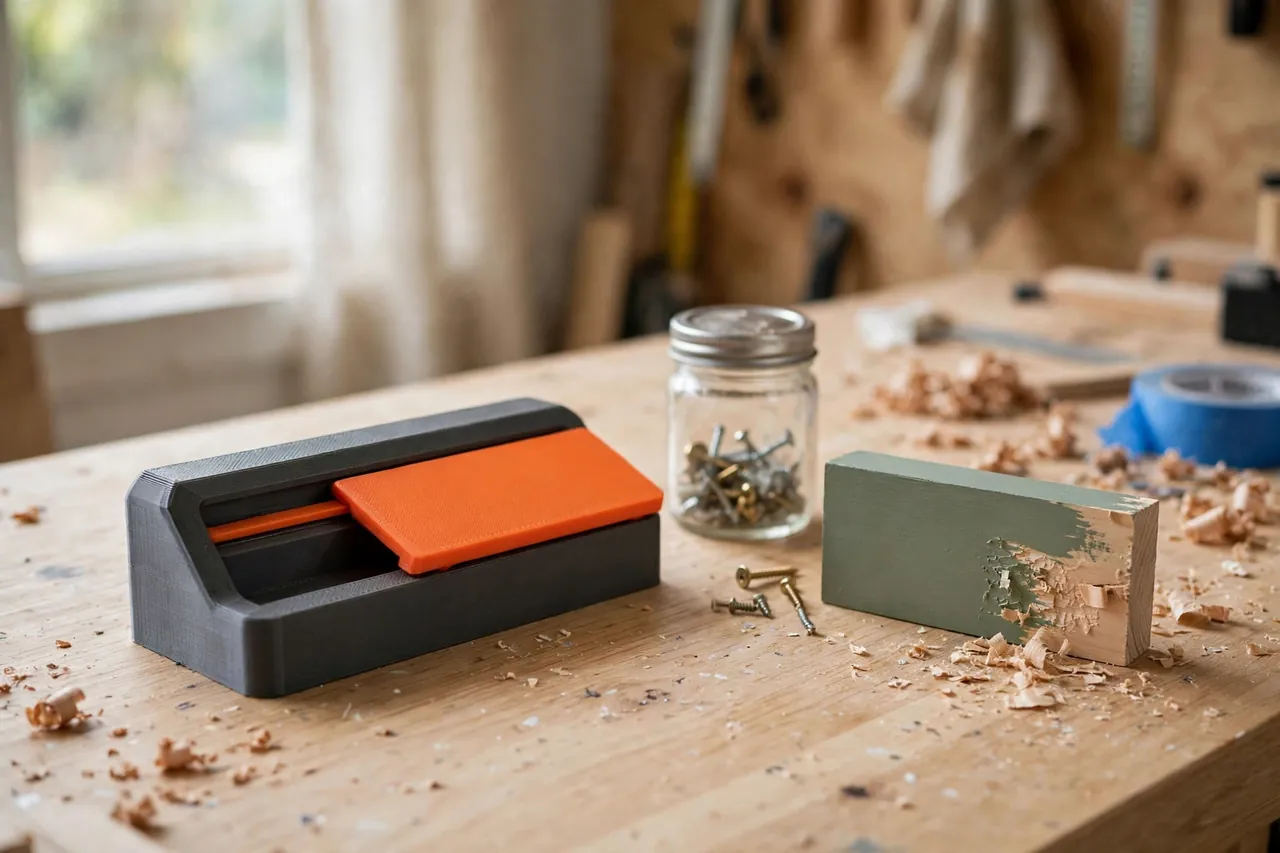
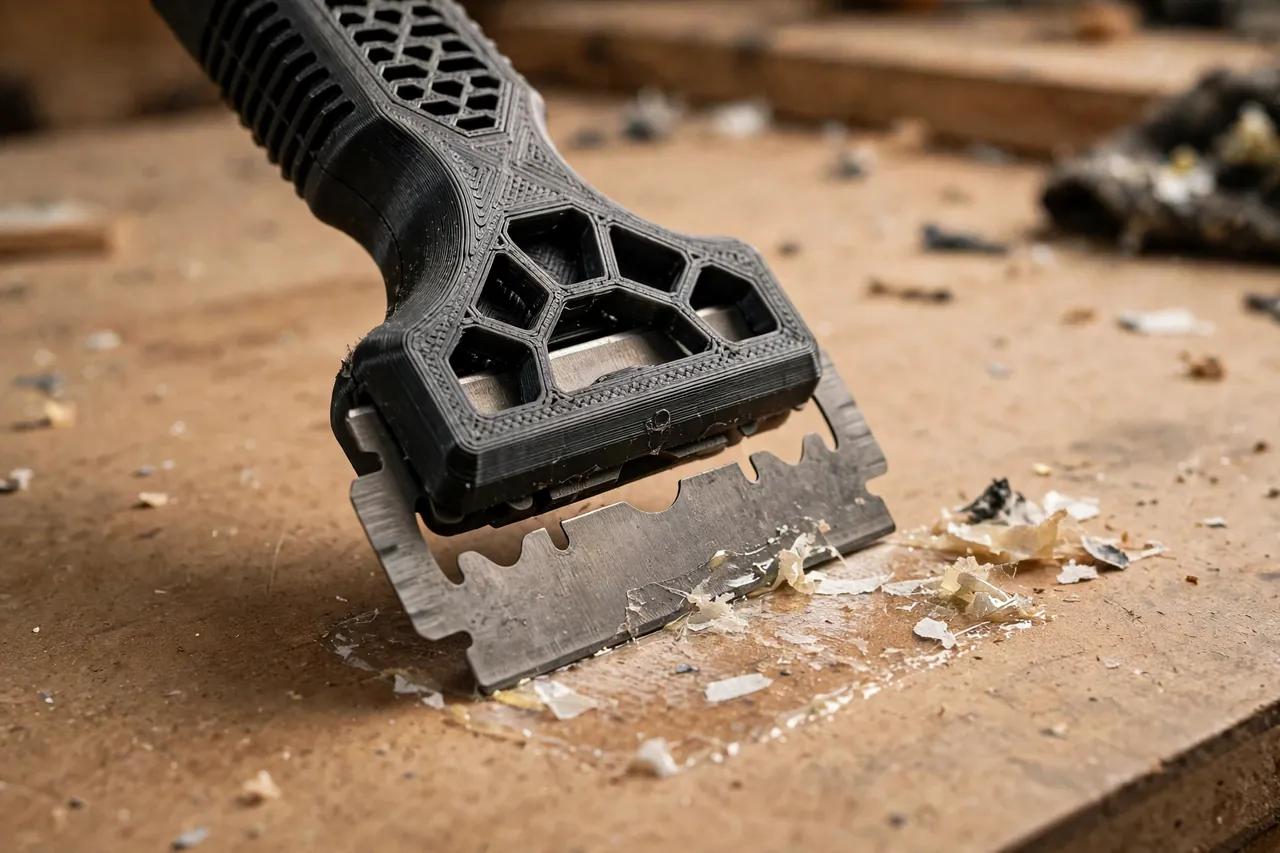
A 3D printed holder fixes the grip, the angle, and the storage in one small print. It clamps a standard single-edge blade firmly, presents it at a low, controllable angle, gives your hand a proper handle, and — designed right — covers the edge the moment you finish.
This guide covers designing, printing, and using the holder, with safe handling throughout: keep the blade covered when stored, treat the tool as a scraper only — never a knife or pry bar — and dispose of dull blades in a sharps container, never loose in household rubbish.
What You Need
The holder is a small print — a body that grips the blade, a handle, and a cover — using one standard consumable: the blade itself.
Materials and tools
- A home 3D printer with a build area of roughly 120 mm in at least one direction
- PETG filament for a tough, slightly forgiving grip; PLA works but is more brittle if dropped
- Standard single-edge razor blades, the common type with a folded spine along one edge — buy fresh, in their dispenser packaging
- A flat surface to test on: glass, a smooth board, or a painted scrap piece
- A small screwdriver if your design clamps the blade with a screw, or nothing if it uses a sliding grip
- A sharps container or a dedicated blade disposal tin for dull blades — set this up before the first blade change
- Soapy water or a suitable residue remover for softening stubborn stickers, used per its own instructions
PETG suits this tool well: the grip must clamp without cracking and the cover must survive hundreds of slides. PLA is fine for a first version, but print the keeper in PETG.
Suggested print settings
- Layer height: 0.16 to 0.20 mm — the blade slot needs clean, accurate walls more than speed.
- Walls: At least 4 perimeters around the blade grip and handle neck, where stress concentrates.
- Infill: 50 to 70 percent, grid or gyroid. The handle must not flex mushily under scraping pressure.
- Top and bottom layers: 4 or more, so faces stay smooth and easy to wipe clean of residue.
- Orientation: Print the body flat so the blade slot forms cleanly and the handle’s layers run along the push direction.
- Supports: Avoid supports inside the blade slot. Design slot geometry to print clean, or orient to keep supports out of the grip.
Design Considerations
Three details decide whether this holder is a pleasure or a hazard: how it grips the blade, the angle it enforces, and how completely it covers the edge at rest.
1. Grip the spine, expose only the edge
A single-edge blade has a folded metal spine along its blunt edge — that spine is what your holder should clamp. Model a slot that receives the spine snugly, leaving only the working edge and a few millimeters exposed. A screw-clamped plate or a firm sliding wedge both work; what matters is zero wobble. Build in about 0.2 to 0.3 mm clearance, then let clamping pressure do the final holding.
2. A low, fixed scraping angle
Scraping works at roughly 20 to 35 degrees: low enough to slide under paint and residue, steep enough to bite rather than skate. Design the handle so the blade meets the work at that angle naturally. A flat reference face near the blade can ride the surface and hold the angle on glass. Keep 90 to 120 mm of grip so fingers stay well behind the edge.
3. The cover is not optional
Design storage safety into the print. A sliding sleeve, snap-over cap, or retracting carriage all work; an exposed edge in a drawer does not. The cover should close with a positive feel and stay closed under a knock. Print it bright so its closed state is easy to confirm.
4. Blade changes without bare fingers on edges
The blade should slide out spine-first into a grip on its blunt spine, without fingers ever crossing the edge’s path. A small push tab helps. The workflow ends at the sharps container — dull blade from holder to container in one motion, every time.
Step-by-Step: Printing and Assembly
- Measure a fresh blade from your pack — overall length, width, and spine thickness — since the holder models around real dimensions.
- Model the body and slot with the clearance above, the fixed scraping angle, and your chosen clamp method.
- Print the body and clean the slot carefully; any stringing inside will fight the blade and misalign it.
- Test-fit the blade by its spine. It should slide home fully, sit square, and expose only the intended edge.
- Check the grip. Clamp or wedge as designed, then push the holder against a bench edge with scraping force. The blade must not creep, tilt, or chatter.
- Print and fit the cover. It should close positively over the edge with the blade fitted, and open only when you deliberately slide or unsnap it.
- Assemble the set — body, cover, and a storage spot — and put the sharps container where blade changes will actually happen.
Step-by-Step: Using the Scraper Holder
- Soften first where you can. Warm water and soap, or a residue remover used as directed, loosens stickers and gunk so the blade shaves rather than fights. Give it a few minutes.
- Uncover the blade deliberately, check it is fresh and firmly gripped, and keep the cover within reach for the moment you pause.
- Set the low angle. Rest the holder’s reference face or your knuckles’ natural line so the edge meets the surface around 20 to 35 degrees.
- Push in short, controlled strokes, away from your body and your free hand, letting the edge slide under the residue. Long heroic strokes are how edges jump and surfaces gouge.
- Keep the free hand behind the work, never in front of the stroke, and never use fingers to test how clean the surface is while the blade is out — wipe with a cloth instead.
- Work paint on glass and hard, flat surfaces confidently; on wood and softer finishes, lighten pressure, lower the angle, and test in a hidden spot, since a razor can shave soft finishes too.
- Clear residue from the edge by wiping it on a cloth laid flat on the bench — never across a fingertip.
- Cover the blade the instant you finish, even mid-job for a long pause. An uncovered scraper on a bench is an accident on a timer.
- Change blades promptly when dull. A dull blade needs force, and force causes slips. Eject the old blade straight into the sharps container and fit a fresh one by its spine.
Tips for Better Results
- Let chemistry and time do the heavy lifting. Ten minutes of soaking saves twenty of scraping and most of the risk.
- Use the right surface expectations. Razor scraping shines on glass, tile, metal, and sealed stone. On painted wood and delicate finishes, it is a precision tool for drips and spots, not a stripper for whole surfaces.
- Dedicate the tool. A scraper borrowed as a box opener or pry tool comes back bent or dull. Give it one job.
Common Mistakes to Avoid
- Using the holder as a knife or pry bar. It is neither. Cutting toward yourself and levering under load bend blades, break grips, and cause injuries. Scrape only, pushing away, edge down.
- Storing it uncovered “just for tonight.” Tonight becomes the drawer it lives in. Cover it every time, or dock it covered — no exceptions worth making.
- Loose disposal. A dull blade in household rubbish endangers everyone who handles that bag. Sharps container, every blade, every time.
- Scraping with a dull or damaged blade. Nicks in the edge leave tracks and demand force. Change early; blades are the cheapest part of this system.
- Bare-blade habits sneaking back. If the holder is in another room, fetch it rather than pinching a bare blade “for one quick drip.” The quick ones are the ones that slip.
Care, Storage, and When to Choose an Alternative
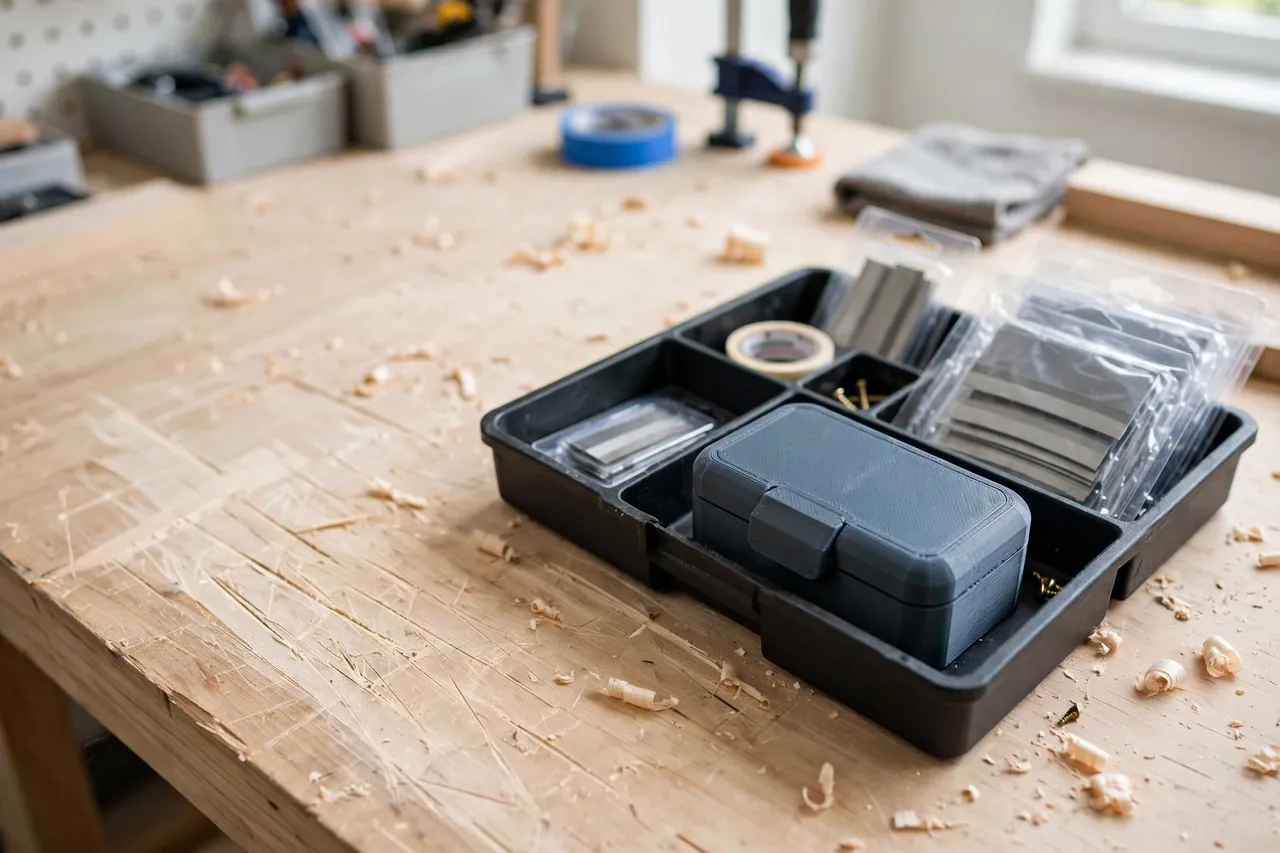
Store the holder covered, in a dock or tray, and keep spare blades in their dispenser until fitted. Wipe residue before it hardens, check the grip each blade change, and reprint the body if the clamp ever loosens.
For large-scale paint stripping, a heat or chemical method suited to the surface, or a wide metal pull scraper, will outpace any razor. The printed holder wins at home because it fits your hand, your angle, and your storage system, with cover and grip designed together.
FAQ
Which blades does the holder take?
Standard single-edge razor blades — the rectangular type with a folded spine, sold for scrapers everywhere. Measure your pack before modeling, and keep buying the same standard type so fit never changes.
Is it safe to scrape paint with a razor?
On suitable hard surfaces, with the method above, yes — it is a standard household technique. Take extra care with very old paint: if you suspect pre-regulation paint layers, do not dry-scrape them into dust; check local guidance for testing and safe handling first.
Can I scrape wood without damaging it?
Carefully, for spots. A low angle, light pressure, and strokes with the grain lift drips from sealed wood. Bare softwood gouges easily, so test underneath first.
How often should I change the blade?
Whenever scraping starts needing force, the edge chatters, or you can see a nick against the light. Frequent changes are the safety feature, not a waste — sharp scrapes, dull slips.
Conclusion
The razor blade was always a great scraper trapped in a bad handle. A printed holder gives it a firm spine grip, a true working angle, and a cover that makes safe storage automatic — turning a fingertip gamble into a calm, controlled bench tool.
Print the body, prove the grip, fit the cover, and set up the sharps container before the first job. Then let paint drips, stickers, and mystery gunk meet the edge they were avoiding.
For gentler surfaces where a razor is too much, our related guide, “3D Printed Putty Knives and Spreaders: Flexible Blades for Filler and Spackle,” offers flexible printed blades from the same drawer, while “Contour Sanding Blocks: 3D Print Custom Blocks for Curved Trim and Furniture Repairs” picks up the surface-prep story once the scraping is done.