Introduction
A router is at its best when it has something to follow. Left to freehand, even a steady hand drifts: a groove that should run parallel to the edge wanders in and out, a roundover that should be even digs deeper where the hand pressed harder, and a dado that should be straight ends up with a wave the eye catches immediately.
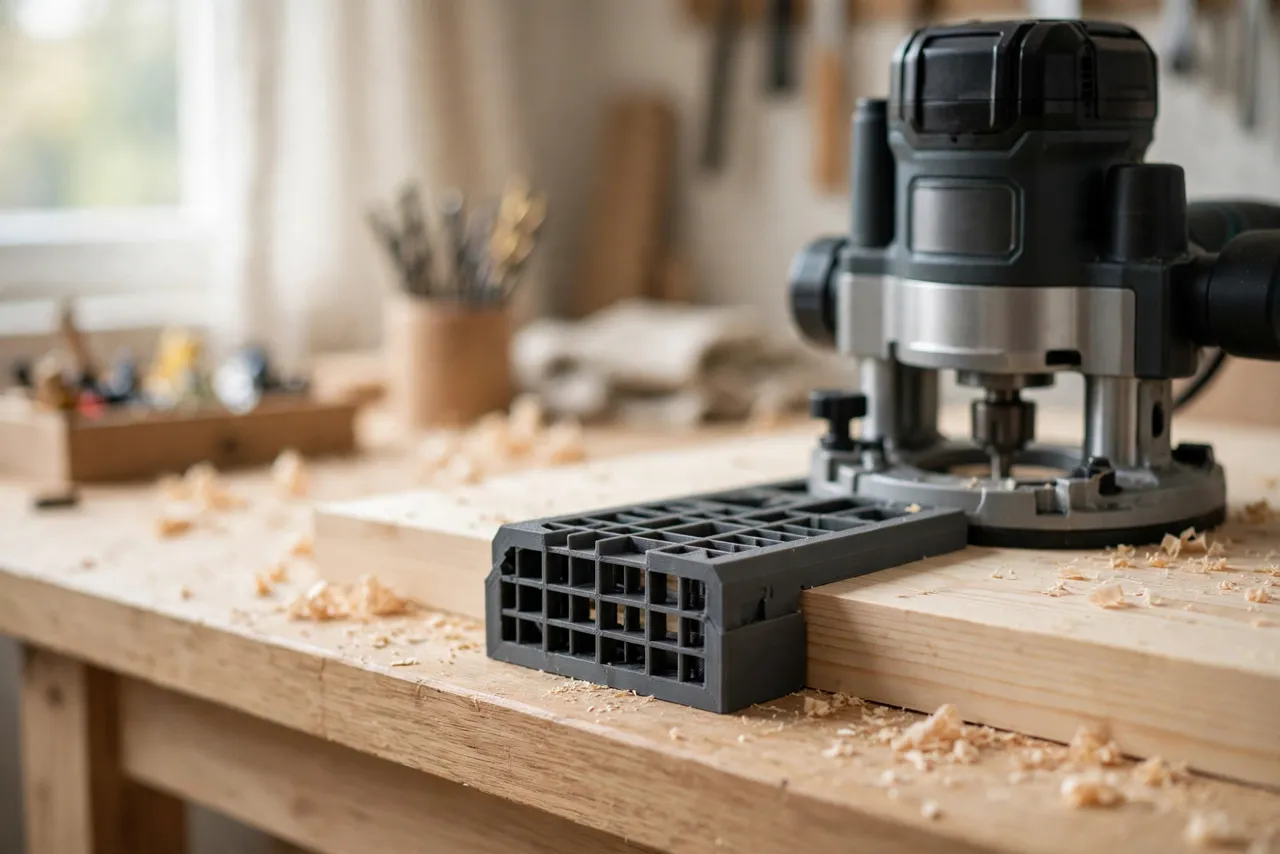
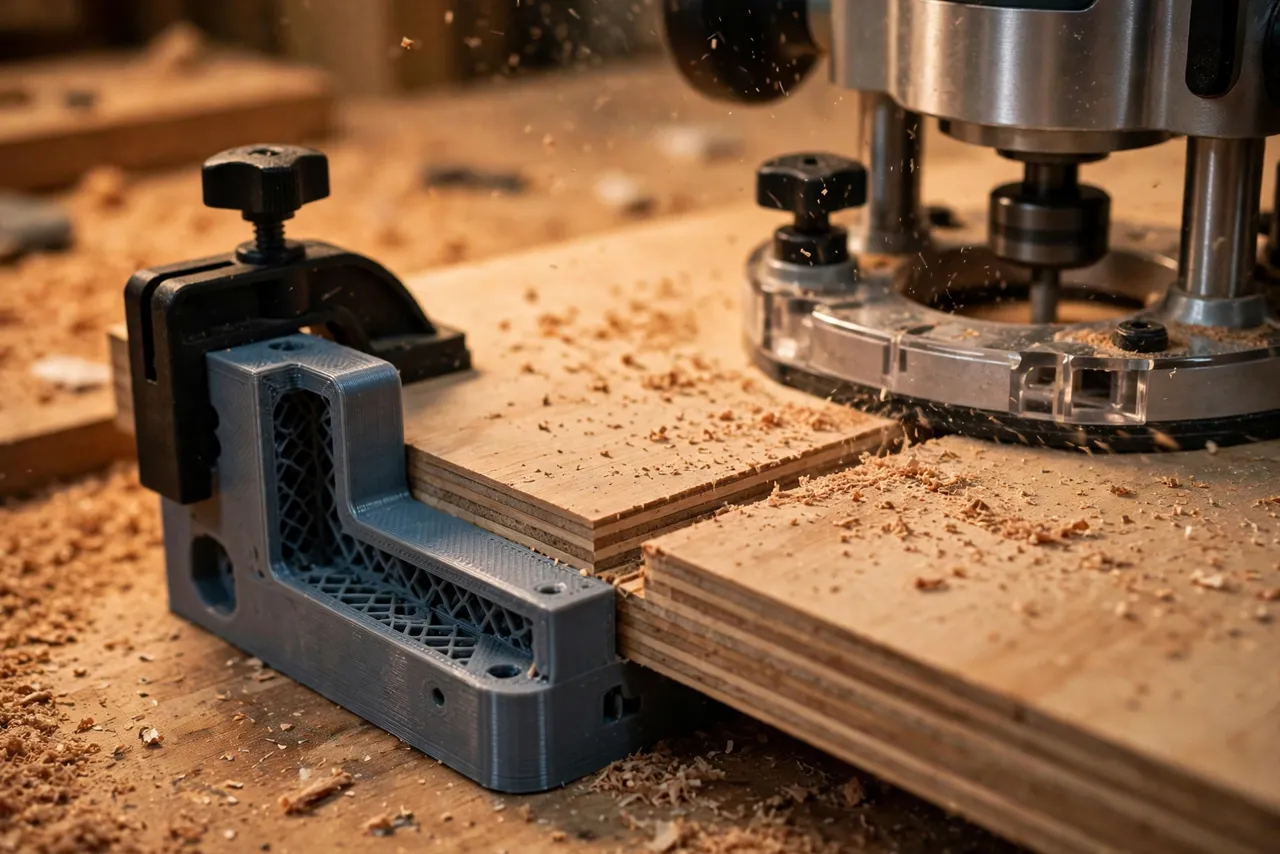
An edge guide fixes this by giving the router a fence that rides against the board’s edge. Set the distance from fence to bit once, and every pass follows the edge at exactly that distance, for as long as the edge itself is straight. It turns the router from a freehand tool into a precision grooving and profiling machine — for grooves, dados, rabbets, and edge profiles alike.
This guide covers a 3D printed edge guide sized to your router: printed fence arms, a fence face, and micro-adjustment. The guide is a positioning aid only — it does not guard the bit or replace the router’s own safety features, and the usual router safety rules still apply in full.
What You Need
The guide is a compact set of printed parts that bolts to your router’s base. Most routers have mounting holes or an edge-guide slot in the base; the design adapts to whichever yours has.
Materials and tools
- A home 3D printer with a build area of roughly 150 mm in at least one direction
- PETG filament for a durable guide, or PLA for a first test version
- Your router, plus the bits you use most for grooves and edge profiles
- A straight hardwood or plywood strip for the fence face, if your design uses one
- Bolts, wing nuts, and washers for mounting and adjustment, plus a screwdriver
- A tape measure or calipers, a pencil, a square, and scrap boards for testing
PETG is the better keeper: it resists the vibration and handling of router work without cracking. PLA is fine for proving the fit, but replace it before heavy use.
Suggested print settings
- Layer height: 0.20 mm for strength and accuracy.
- Walls: 4 to 5 perimeters — the fence arms take sideways force during every pass.
- Infill: 40 to 50 percent, grid or gyroid, so arms do not flex under pressure.
- Top and bottom layers: 4 or more, for flat mounting faces.
- Orientation: Print arms flat, so their long direction runs along the layers rather than across them.
- Supports: Only where overhangs demand them; keep mounting faces support-free.
Print one arm first and test its fit on your router base before printing the full set.
Design Considerations
You can model this guide in any basic CAD program. The system is simple: two arms, a fence, and an adjustment.
1. Mounting to your router
Start by measuring your router’s base: the mounting hole spacing, the edge-guide slot if it has one, and the base plate thickness. Design printed arms that bolt through those holes or slide into that slot, with washers to spread the load. The mount must be rigid — any play between the guide and the router becomes wander in the cut. Test the mount by pushing the fence firmly by hand; if it shifts, the design needs more grip area or a second bolt.
2. The fence face
The fence face rides against the board edge, so it must be straight, smooth, and long enough to bridge small irregularities — at least 150 mm, longer for long boards. A printed face works for short work; a hardwood or plywood face bolted to printed arms stays truer over longer runs and can be replaced when it wears. Keep the face tall enough to register firmly against the edge — 25 to 40 mm is comfortable — without blocking your view of the bit.
3. Distance adjustment and micro-adjustment
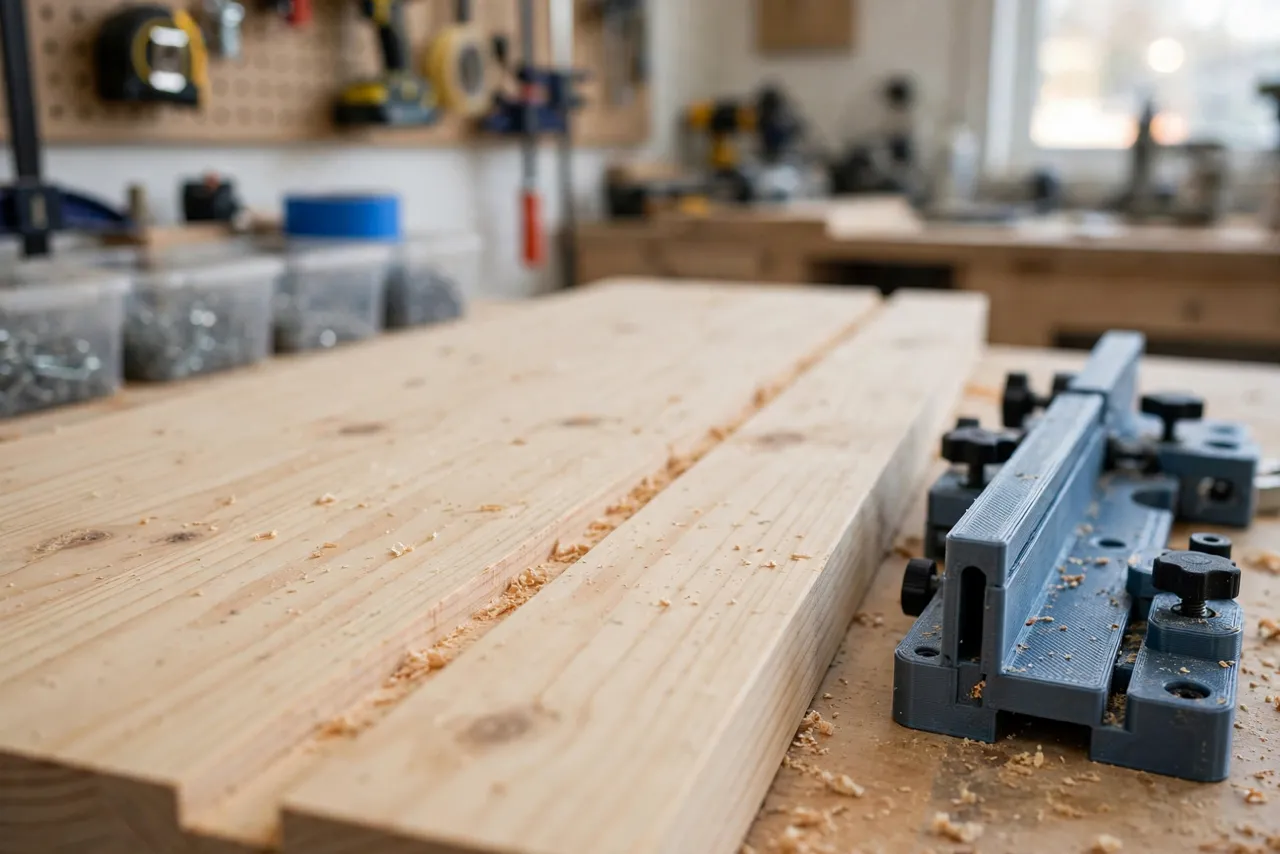
The fence must slide toward and away from the bit and lock solidly. Slotted arms with wing nuts give coarse adjustment; a printed thumb wheel or a fine-thread screw between the arms gives micro-adjustment for dialing a groove into its final position. Add a ruler scale on one arm so you can return to a previous setting without re-measuring. For critical work, set the distance slightly wide, test on scrap, then sneak up on the final setting with the micro-adjuster.
4. Working with curved or uneven edges
An edge guide follows the edge it rides on — faithfully, including its flaws. If the board edge is wavy, the groove will be wavy too, at a constant distance from it. For a groove that must be straight regardless of the edge, use a straightedge guide instead. For edge profiles and roundovers, where following the edge is exactly what you want, the edge guide is the right tool.
Step-by-Step: Building the Edge Guide
- Measure your router base — hole spacing, slot size, and base thickness.
- Model the arms and fence to fit your router and your usual board thicknesses.
- Print a test arm. It should bolt to the base rigidly, with no play.
- Assemble the guide and check the fence face is square to the base and parallel to the bit’s travel.
- Add the scale to one arm, aligned so readings repeat between setups.
- Test on scrap. Rout a groove and measure its distance from the edge at several points.
- Adjust if needed. A groove that drifts means play in the mount or a fence face that is not straight.
- Print the keeper set in PETG if your test was PLA, using the same files.
Take your time here. A guide built carefully once serves for grooves, dados, and profiles for years.
Step-by-Step: Routing a Groove With the Edge Guide
- Choose the bit and set the depth for a shallow first pass — never the full depth in one go on a deep groove.
- Set the fence distance from the bit to the fence face, and lock the arms.
- Test on scrap of the same material, measuring the groove position at both ends.
- Micro-adjust if needed, re-testing until the groove lands exactly where you want it.
- Place the router on the board with the fence firmly against the edge, bit clear of the wood.
- Start the router and ease into the cut, moving against the bit’s rotation — left to right on the near edge for a handheld router — keeping the fence pressed to the edge throughout.
- Make steady passes, deepening gradually, until the groove reaches full depth.
- Check the groove with a straightedge and a tape measure before cutting project parts.
Work slowly on the first board. By the second, the routine feels automatic — and that consistency is what keeps grooves straight and profiles even.
Tips for Better Results
- Keep the fence pressed to the edge through the whole pass; a moment’s gap becomes a bump in the groove.
- Take shallow passes. Deep single passes burn, chatter, and push the fence off the edge.
- Support the router fully at the start and end of the cut so it cannot tip into the groove.
- Use a sharp bit. A dull bit tears the groove walls and pushes the router away from the fence.
- Clear chips often on deep grooves; packed chips overheat the bit and roughen the cut.
Common Mistakes to Avoid
- Trusting the scale without a scrap test. Scales get you close; the scrap cut tells you the truth.
- Routing in the wrong direction. Moving with the bit’s rotation — climb cutting — can grab the router and pull it off the edge. Move against the rotation unless you know exactly why you are climb cutting.
- Letting the fence ride over a bump or chip on the board edge. Clear the edge before the pass.
- Tightening the arms unevenly. One loose arm lets the fence skew, and a skewed fence cuts a tapered groove.
- Forgetting the edge must be straight for a straight groove. Joint or straighten the edge first if the groove must be true.
Care, Storage, and When to Choose an Alternative
Brush off dust, store the guide flat or hung from a peg, and keep PLA away from hot cars and radiators. If a fence face wears or an arm cracks, reprint it — a worn guide quietly degrades every groove after it.
Sometimes a manufactured guide is better. If you rout edges all day, work in hardwoods that punish plastic arms, or need a cast guide with a fine micrometer adjuster, metal will outlast plastic and hold tighter tolerances. For home grooves, dados, and edge profiles, a printed guide is cheap, easy to customize to your router, and accurate enough.
FAQ
Will one guide fit every router?
Not quite. The arms are sized around one router’s base and mounting holes, so a very different router may need its own arms. The fence design transfers easily, so adapting the guide for a second router is a small job, not a rebuild.
Is PLA strong enough, or do I need PETG?
For light routing, PLA is strong enough and great for testing fit. PETG is the better keeper because it handles vibration, clamping pressure, and warm workshops better. Either way, generous walls and rigid mounting matter more than the name on the spool.
Can I use the edge guide for curved edges?
Yes — that is one of its strengths. The fence follows the edge’s curve, so a roundover or groove on a curved board stays a constant distance from the edge. For a straight groove on a curved board, use a straightedge guide instead.
My groove is straight but not where I set it. What went wrong?
Usually the scale was read from the wrong reference, or an arm slipped during the pass. Re-check the scale zero against a scrap cut, tighten both arms evenly, and re-test before cutting project parts.
Conclusion
A wandering router cut is usually not a skill problem. It is a guidance problem, and that is exactly what an edge guide solves. With the fence set once and pressed to the edge, grooves run parallel, dados run straight, and profiles stay even, pass after pass.
Print one to fit your router, prove it on scrap, and the next grooved or profiled board starts with a cut you can trust.
If you enjoy router jigs, you may also like “3D Printed Router Inlay Templates: Inlay Shapes Cleanly With a Bushing” and “3D Printed Router Circle Cutting Jig for Perfect Circles in Panels, Signs and Tabletops,” which pair naturally with this guide for a complete router setup.