Introduction
Every saw blade cuts a slot — the kerf — slightly wider than the blade’s own plate, because the teeth are set outward. That width matters more than most home woodworkers expect. Set a dado stack by guessing the kerf and the shelf rattles. Cut a spline slot by eye and the spline either falls out or splits the joint going in. Even a simple groove for a drawer bottom needs to match the panel, not the blade’s label.
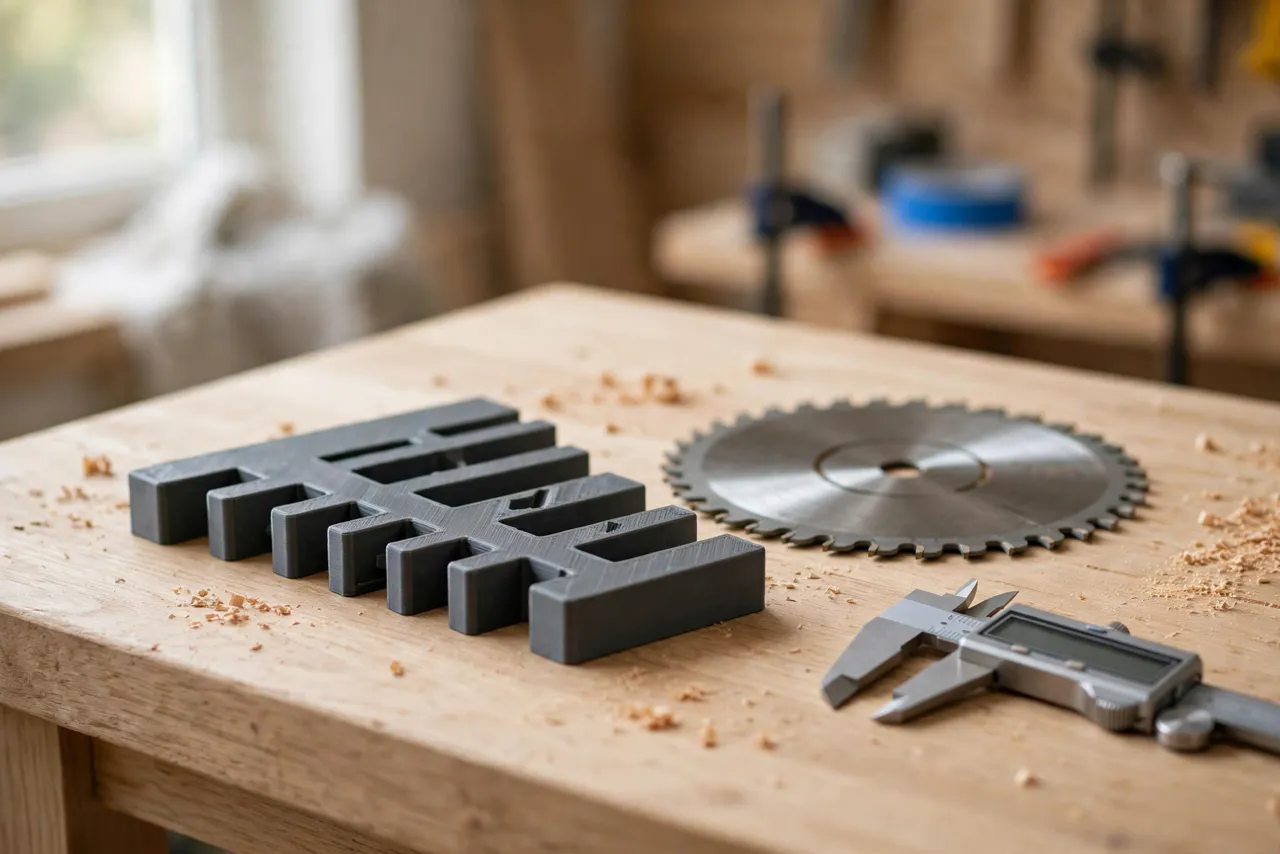
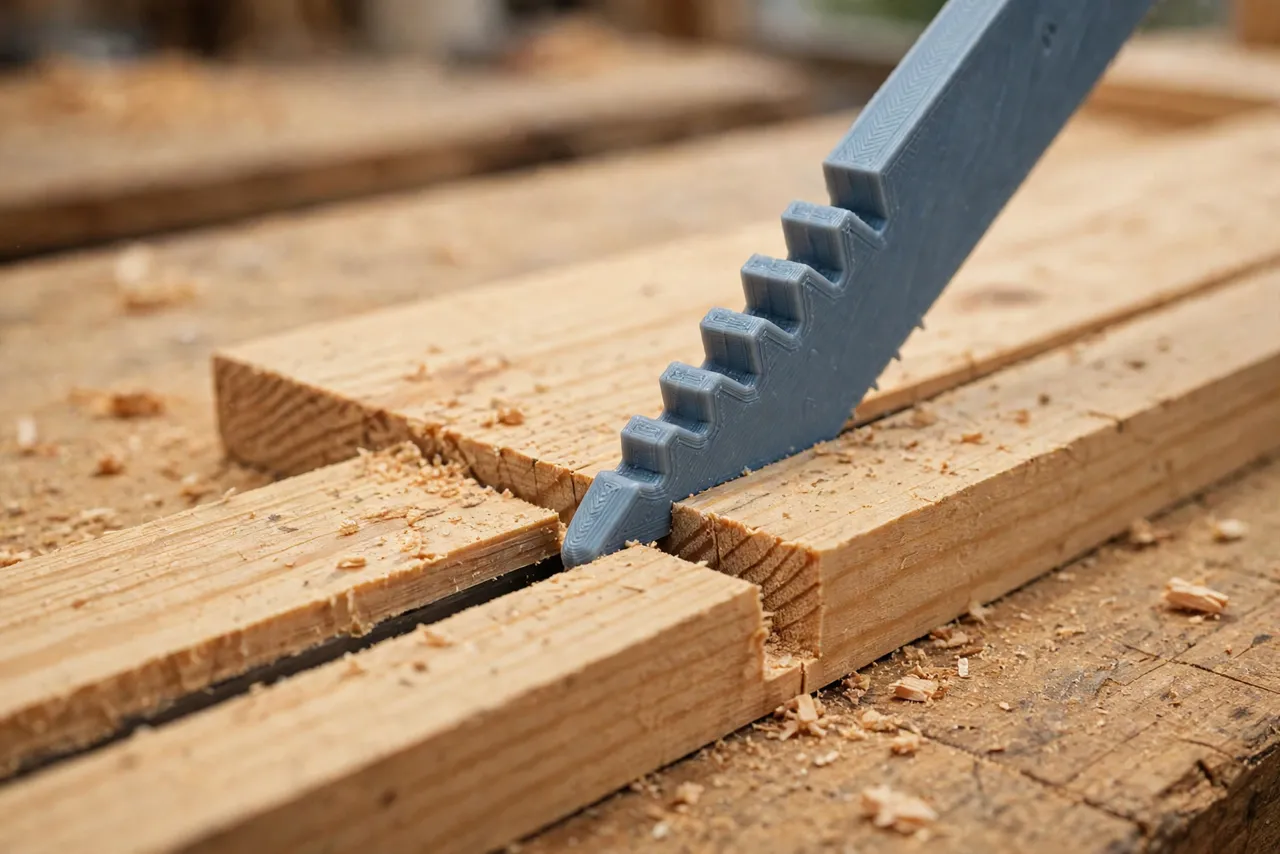
The trouble is that kerf width is awkward to measure directly. Calipers struggle inside a narrow slot, and a ruler cannot read a tenth of a millimeter. A 3D printed kerf gauge solves this with a set of stepped feelers: thin printed leaves of known thickness that you slide into the cut until one fits snugly. The leaf that fits is the kerf — measured in seconds, with no squinting.
Think of the gauge as a measuring aid only — it does not set the blade or hold the workpiece, and it never replaces checking a critical fit on scrap before cutting a project part.
What You Need
The gauge is a small, flat part — a fan of stepped leaves on a pivot, or a comb of fixed steps. It prints quickly and fits in an apron pocket.
Materials and tools
- A home 3D printer with a build area of roughly 120 mm in at least one direction
- PETG filament for a durable gauge, or PLA for a first test version
- Calipers accurate to 0.1 mm, for calibrating the gauge after printing
- The saw blades you use most, plus scrap boards for test cuts
- Sandpaper or a small file, a pencil, and a small bolt or pin for the pivot
- A label pen for marking leaf thicknesses
PETG is the better keeper: it resists wear from repeated sliding into kerfs without chipping. PLA works for a first version, but its thin leaves wear faster.
Suggested print settings
- Layer height: 0.12 to 0.16 mm — thin leaves need fine layers to hold their thickness accurately.
- Walls: 3 to 4 perimeters; on the thinnest leaves, walls are essentially the whole part.
- Infill: 50 percent or more, grid or gyroid, so leaves stay rigid.
- Top and bottom layers: 4 or more, for smooth, consistent leaf faces.
- Orientation: Print leaves flat, so thickness is set by layer count and stays consistent.
- Supports: A flat gauge needs none.
Print one test leaf first, measure it with calipers, and adjust your flow or thickness before printing the full set.
Design Considerations
You can model this gauge in any basic CAD program. It is essentially a set of thin leaves, each a known thickness, arranged so any one can be tried in a kerf.
1. The leaf steps
Cover the range your blades actually cut: thin-kerf blades around 2.2 to 2.6 mm, standard blades around 3.0 to 3.4 mm, and dado stacks from 6 mm upward in wider steps. A useful set steps by 0.2 mm through the common blade range — for example, 2.2, 2.4, 2.6, 2.8, 3.0, 3.2, 3.4 mm — then by 1 mm for dado widths. Label every leaf clearly on its face; an unmarked gauge is a guessing game.
2. Calibration against real prints
Printed thickness rarely equals nominal thickness exactly — flow rate, filament, and printer calibration all shift it slightly. After printing, measure every leaf with calipers and write the true thickness on it. A gauge calibrated this way is more accurate than its nominal steps suggest, and it stays honest as long as you use the written numbers. Re-measure after heavy use, since worn leaves read thin.
3. Fan versus comb
Two layouts work well:
- Fan: Leaves pivot on a bolt like a feeler gauge set, fanning out for use and folding away for storage. Compact and pocket-friendly.
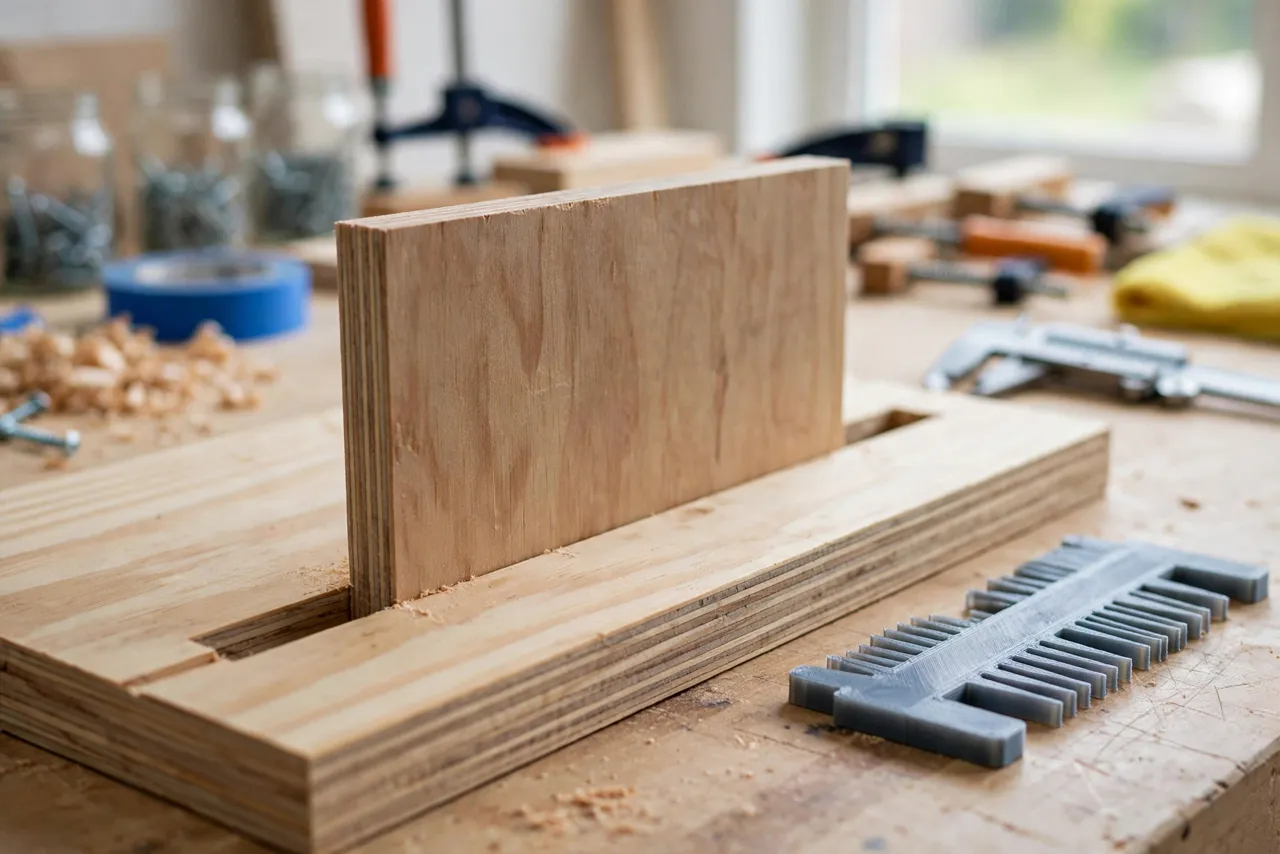
- Comb: Leaves fixed in a row on a handle, tried one after another. Simpler to print and impossible to lose a leaf.
Choose the fan if the gauge travels with you; choose the comb if it lives on the saw bench. Either way, round the leaf tips slightly so they enter a kerf without catching.
4. A kerf-test block
Add a small printed test block to the set: a block with a slot of known width, used to check the gauge itself. If a leaf that should fit the test slot does not, the gauge has worn or warped and needs re-measuring. This sounds fussy, but it takes ten seconds and keeps the gauge trustworthy.
Step-by-Step: Printing and Calibrating the Gauge
- Decide your leaf range from the blades you actually own — thin-kerf, standard, and dado widths.
- Model the leaves, each labeled with its nominal thickness, plus a handle or pivot hole.
- Print a test leaf at the middle thickness and measure it with calipers.
- Adjust flow or thickness if the test leaf is consistently over or under, then print the full set.
- Sand leaf faces lightly to remove any rough top layer that would change the reading.
- Measure every leaf with calipers and write its true thickness on it with a fine pen.
- Assemble the fan or comb and test it in a known kerf — a slot cut by a blade you have measured another way.
- Print the keeper in PETG if your test was PLA, using the same files.
Keep the calibration notes with the gauge. A gauge without its true numbers is just a set of plastic strips.
Step-by-Step: Measuring a Kerf and Setting a Dado
- Cut a test kerf in scrap of the same material as your project, with the blade and setup you plan to use.
- Try the leaves from thin to thick, sliding each gently into the kerf without forcing it.
- Read the fit. The correct leaf slides in snugly with light friction along its length; a leaf that rattles is too thin, and one that needs force is too thick.
- Record the kerf — write it on the scrap or in your project notes.
- Set the dado stack to the panel thickness using the gauge: stack blades and chippers, cut a test slot, and check it with the gauge and the actual panel.
- Adjust and re-test until the panel slides into the test slot with a snug, hand-pressure fit.
- Cut the project parts only after the test slot fits the real panel.
Work slowly on the first setup. By the second, the routine feels automatic — and that consistency is what keeps dados snug and splines fitting first time.
Tips for Better Results
- Measure the kerf in the actual material. Plywood, hardwood, and softwood can cut slightly differently with the same blade.
- Check both ends of a long kerf. A blade that wobbles or a fence that drifts gives a kerf that varies along its length.
- Keep leaves clean. A speck of pitch or dust on a leaf changes its reading.
- Use the gauge for spline slots too. A spline that fits the measured kerf exactly glues stronger than one hammered in.
- Store the gauge flat. Warped leaves read wrong, and a fan left splayed in a hot shop warps fastest.
Common Mistakes to Avoid
- Trusting nominal leaf thickness. Always measure and label the true thickness — that is the whole point of calibration.
- Forcing a leaf into a kerf. Forcing wedges the slot wider and tells you nothing; the snug leaf is the reading.
- Measuring a kerf with a dull or wobbling blade and then changing blades before the real cut. Measure with the blade you will cut with.
- Setting a dado from the blade label alone. Labels describe the blade, not the cut it makes in your material on your saw.
- Skipping the test slot. A gauge reading is a number; the panel fitting the slot is the proof.
Care, Storage, and When to Choose an Alternative
Brush off dust, store the gauge flat or folded in a pocket, and keep PLA away from hot cars and radiators. If a leaf chips or wears thin, reprint the set — it takes minutes.
Sometimes a manufactured gauge is better. If you measure kerfs commercially, need certified accuracy, or work to tolerances tighter than a tenth of a millimeter, a steel feeler gauge set will outlast plastic and hold its calibration longer. For home dados, splines, and blade setups, a printed gauge is cheap, fast to replace, and accurate enough.
FAQ
How accurate is a printed kerf gauge?
As accurate as its calibration. With fine layers and caliper-measured leaves labeled with their true thickness, it reads reliably to about 0.1 mm — plenty for dados, splines, and grooves. It is not a metrology instrument, and it does not pretend to be.
Is PLA strong enough, or do I need PETG?
For occasional measuring, PLA is strong enough and great for testing the design. PETG is the better keeper because its thin leaves resist chipping and wear far longer. Either way, fine layers and calibration matter more than the name on the spool.
Can the gauge measure a dado stack’s width directly?
Yes — cut a test slot with the stack and measure the slot with the gauge, just as you would a single blade’s kerf. That is the most reliable way to set a dado, because it measures the cut, not the stack’s arithmetic.
My gauge leaves disagree with my calipers. Which do I trust?
Trust the calipers for the leaf, and the leaf for the kerf. Re-measure the leaves first — if a leaf reads differently than its label, relabel it. If the leaves are right and the kerf still surprises you, the blade or setup changed between cuts.
Conclusion
A loose dado or a split spline joint is usually not a skill problem. It is a measurement problem, and that is exactly what a kerf gauge solves. With a fan of calibrated leaves, any blade’s cut becomes a number you can read in seconds — and any dado becomes a slot you set to the panel, not to a guess.
Print one to cover your blades, calibrate it with calipers, and the next groove, dado, or spline slot starts with a measurement you can trust.
If you enjoy saw setup jigs, you may also like “3D Printed Dado Width Gauge: Set Your Dado Stack to the Exact Width” and “3D Printed Table Saw Alignment Gauge: Check Blade and Fence Parallel in Minutes,” which pair naturally with this gauge for a complete saw setup.