Introduction
Cutting a circle freehand on a bandsaw is an exercise in frustration. The blade wanders, the curve flattens in places, and the result needs so much sanding that it ends up smaller — and still not round. Round table tops, clock faces, lazy Susan discs, and stool seats all deserve better.
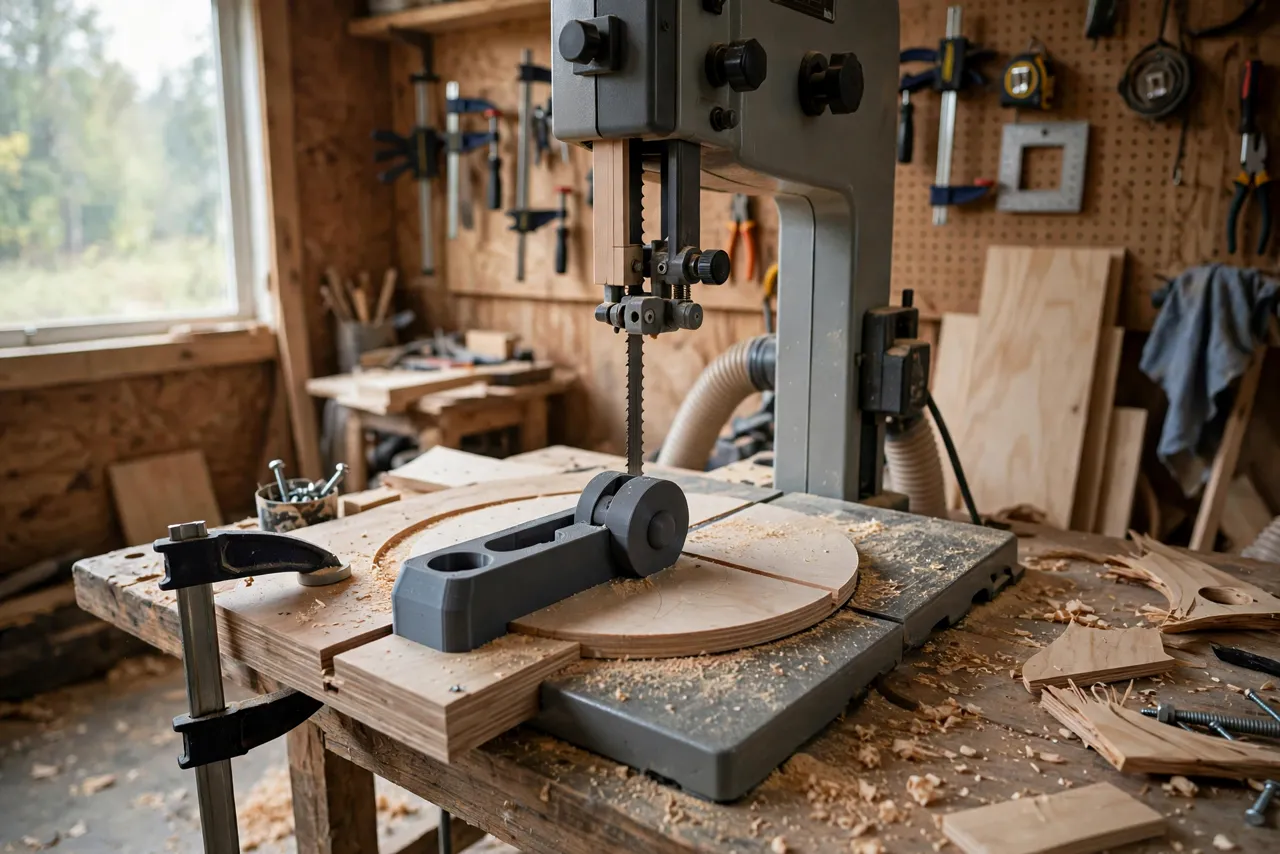
A circle cutting jig fixes the geometry. The workpiece pivots around a fixed pin set at exactly the radius from the blade, and you simply rotate the board into the cut. The blade can only cut at that radius, so the result is a true circle, not an approximation of one.
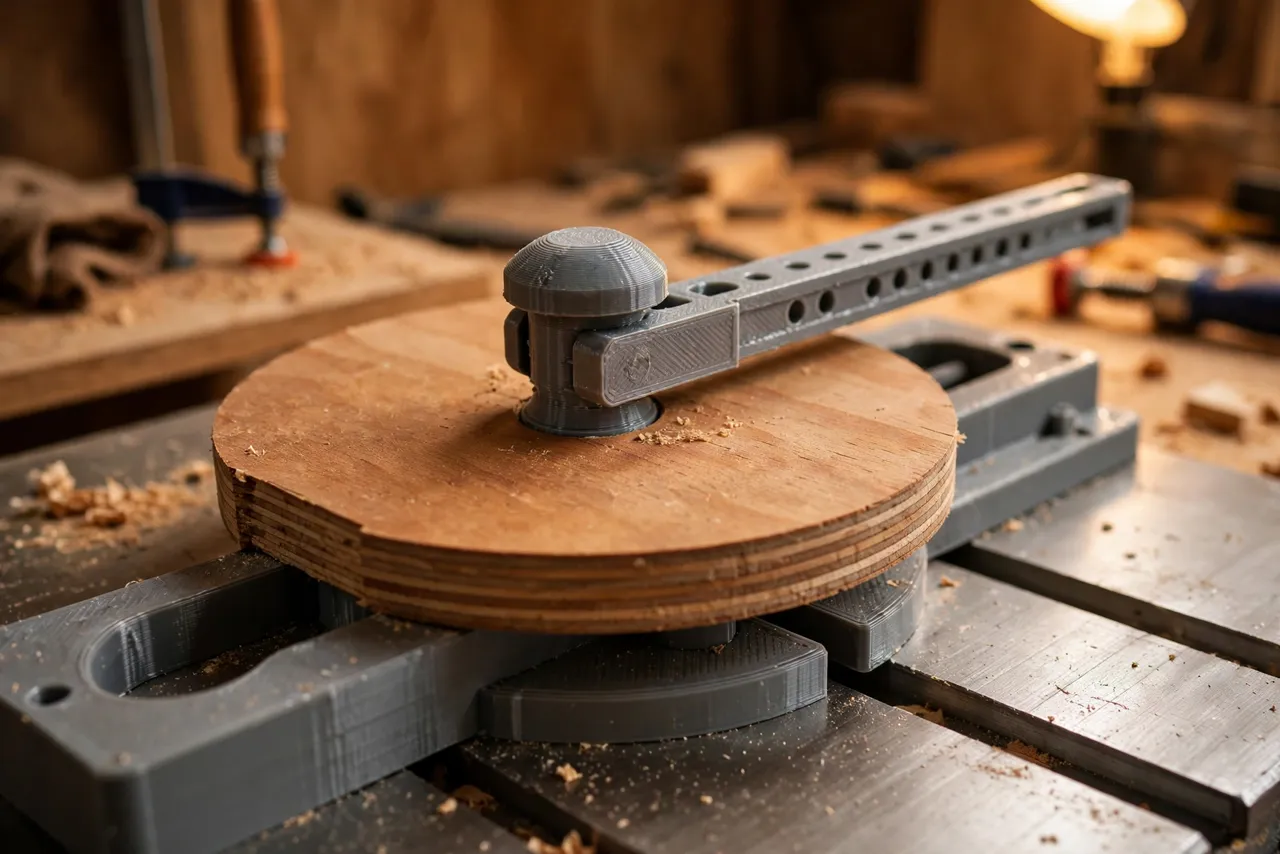
The printed parts here are guides and pivot hardware — a pivot pin holder, a sliding arm, and a scale. They position the work; they do not carry cutting loads beyond holding a light board steady. Think of the jig as a layout and guiding aid, and keep the bandsaw’s guards in place and your hands clear of the blade path, as with any bandsaw work.
What You Need
The jig base is plywood; the printed parts provide the adjustable pivot.
Materials and tools
- A piece of flat plywood or MDF for the jig base, sized to your bandsaw table
- PETG filament for the printed pivot holder and slider
- A short steel pin or nail for the pivot itself — metal, not plastic, since the pin takes the rotational wear
- A miter bar or clamps to fix the jig to the bandsaw table
- A narrow bandsaw blade (6 to 10 mm) for tight curves, plus safety glasses
- A drill, a square, and a tape measure
The pivot-and-rotate idea is a cousin of “3D Printed Router Circle Cutting Jig for Perfect Circles in Panels, Signs and Tabletops,” which cuts circles with a router instead of a bandsaw — useful when the workpiece is too large for your saw.
Suggested print settings
- Layer height: 0.20 mm.
- Walls: 4 perimeters minimum for the pivot holder and slider.
- Infill: 40 to 60 percent, grid or gyroid.
- Top and bottom layers: 5 or more.
- Orientation: Print the pivot holder flat for strength around the pin bore.
- Supports: Only where the design needs them.
Print the pivot holder and slider, and check the pin fits snugly without wobble.
Design Considerations
A circle jig has one job — hold the pivot at a fixed distance from the blade — and every design choice serves that.
1. The pivot distance equals the radius
The distance from the pivot pin to the blade’s cutting edge is the radius of the finished disc. For a 300 mm disc, the pin sits 150 mm from the blade. Measure to the blade’s teeth, not to the side of the blade, and double-check with a test cut.
2. A sliding arm for adjustable sizes
A fixed pivot only cuts one size. A sliding arm with a locking screw lets you set any radius up to the jig’s maximum, so one jig cuts clock faces and table tops alike. Add a scale along the arm, zeroed at the blade, for fast setup.
3. A metal pivot pin
The pivot pin itself should be steel — a short nail, a dowel pin, or a bolt shank. A plastic pin wears quickly, develops play, and lets the circle drift oval. The printed holder grips the metal pin; the metal pin carries the rotation.
4. A base that locks to the table
The jig base must not move during the cut. Clamp it to the table or run it in the miter slot, and check it is square to the blade before cutting. Any base movement shows up directly as a wobble in the circle.
Step-by-Step: Printing and Assembly
- Measure your bandsaw table and cut a plywood base to fit, with room for the largest disc you plan to cut.
- Print the pivot holder and sliding arm in PETG with the settings above.
- Fit the steel pivot pin into the holder, checking it is perpendicular to the base and free of wobble.
- Mount the slider on the base so it runs straight toward and away from the blade line.
- Fix the base to the table with clamps or a miter bar, aligning the slider’s travel with the blade.
- Calibrate with a test cut on scrap: cut a disc, measure its diameter in several directions, and adjust the scale zero until the disc is true.
Step-by-Step: Using the Jig to Cut a Disc
- Rough-cut the workpiece into an approximate octagon or square slightly larger than the finished disc — less waste for the blade to remove.
- Mark the center on the underside of the workpiece with diagonals or a center finder.
- Drill a small pivot hole at the center, sized to the pin. This hole is on the underside and usually hidden in the finished piece, or plugged later.
- Set the pivot distance to your desired radius and lock the slider.
- Seat the workpiece on the pin and check it rotates freely without lifting.
- Start the saw, and feed slowly, rotating the workpiece steadily into the blade. Let the blade cut; do not force the rotation.
- Complete the full rotation in one smooth motion where possible, keeping hands clear of the blade and the cut line.
- Lift the disc off the pin only after the blade has stopped, and sand the edge lightly to remove saw marks.
For discs larger than your saw’s throat capacity, the jig cannot help — the workpiece must be able to rotate fully on the table. Check capacity before committing to a size.
Tips for Better Results
- Use a sharp, narrow blade. A dull or wide blade resists turning and leaves a rough, wandering edge.
- Rotate steadily, not in jerks. Pauses leave blade marks; a smooth rotation leaves a smooth edge.
- Cut slightly oversize and sand to final size if the disc must fit a precise opening.
- Mark the radius setting for sizes you cut often, so setup takes seconds next time.
- Support large workpieces so they do not tip as they rotate past the table edge.
Common Mistakes to Avoid
- Measuring the radius to the wrong point on the blade. Measure to the teeth, and verify with a test disc.
- Using a plastic pivot pin. It wears, wobbles, and turns circles oval.
- Forcing the rotation. Let the blade cut at its own pace; forcing it causes drift and can stall the blade.
- Skipping the rough cut. Feeding a full square corner into the blade wastes time and stresses the cut.
- Letting the base shift mid-cut. Clamp it properly; a moving base ruins the circle.
Care, Storage, and When to Choose an Alternative
Store the jig flat, keep the slider clean of dust, and check the pivot pin for wear before each use. Reprint a worn holder promptly — play in the pivot is play in every circle.
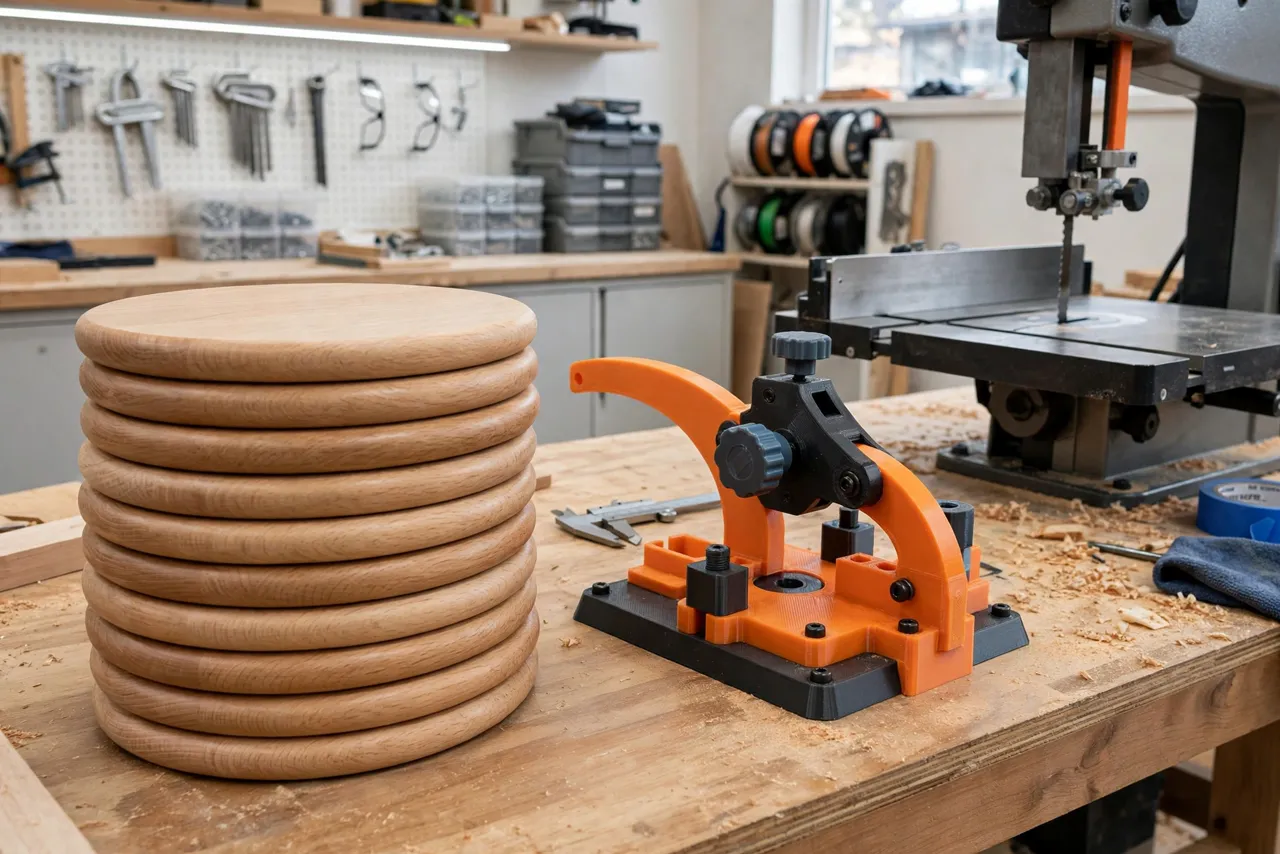
A router circle jig suits very large discs or panels too big for the bandsaw table, and a manufactured circle jig may suit daily production work. For home workshop discs — seats, tops, clock faces — a printed-pivot bandsaw jig is accurate, cheap, and satisfying to use.
FAQ
What sizes can this jig cut?
Any radius up to the jig’s arm length and your saw’s throat capacity, whichever is smaller. Small discs need a blade narrow enough to turn at that radius without binding.
Is PETG strong enough for the pivot holder?
Yes, with thick walls and a steel pin taking the actual rotational wear. The printed part positions and holds the pin; the pin does the pivoting.
Will the center pivot hole show in the finished disc?
It is drilled on the underside, so on a table top or seat it is hidden. On a through-visible piece, plug it with a matching dowel or design around it.
My disc is slightly oval. What went wrong?
Usually pivot play, a shifting base, or a radius measured to the wrong point on the blade. Check the pin fit, re-clamp the base, and recalibrate with a test cut.
Conclusion
A true circle on the bandsaw is not a test of hand skill; it is a test of geometry. A pivot jig locks that geometry in place, and then every rotation produces the same perfect disc.
Print the pivot holder, fit a steel pin, calibrate on scrap, and the next round project will come off the saw ready for a light sanding — not an hour of corrective shaping.
If you also cut circles with a router, you may enjoy our related guide, “3D Printed Router Circle Cutting Jig for Perfect Circles in Panels, Signs and Tabletops,” which covers the same geometry with a different tool. For laying out the curve before you cut, 3D Printed Beam Compass for Large Circles: Mark Arcs Too Big for a Compass handles arcs too big for an ordinary compass.