Introduction
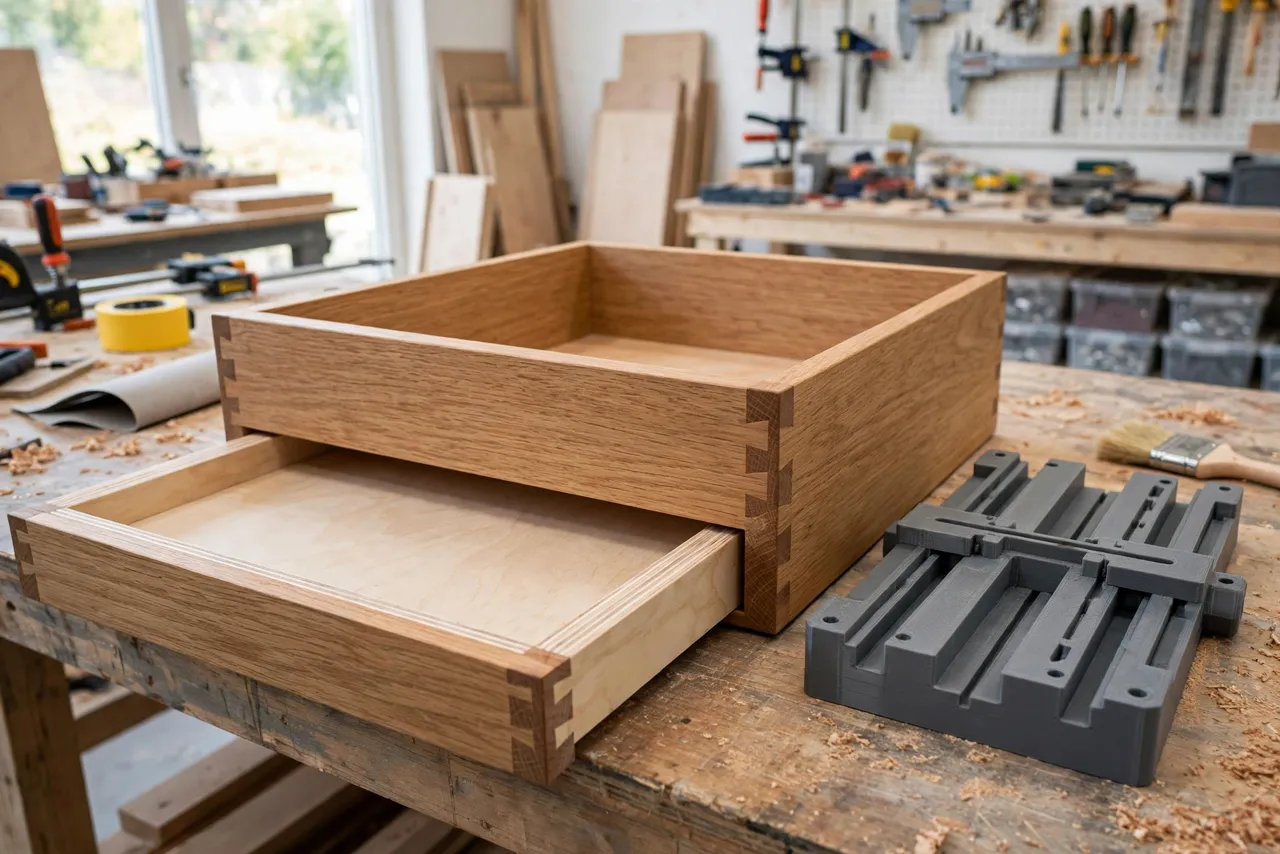
A drawer bottom that fits is a quiet pleasure: the panel slides into its grooves on all four sides, sits flat, and never rattles. A drawer bottom that does not fit is a familiar annoyance — a groove too shallow lets the panel pop out, a groove too wide lets it rattle, and a groove at the wrong height leaves the panel proud of the drawer side.
The usual cause is not the panel; it is groove inconsistency. Cutting grooves freehand with a router, or setting up a table saw groove by trial and error on each side, invites small differences that add up to a panel that binds on one side and gaps on another.
A 3D printed groove cutting jig fixes the setup. It guides the router or sets the fence distance, gauges the groove depth, and checks the panel fit — all from one printed reference sized to your actual panel thickness. Think of the printed parts as guides and gauges only: they position the cut and check the result, while the router or saw does the cutting.
What You Need
The jig is small, but it pairs with a router or a table saw, so gather the cutting tool setup too.
Materials and tools
- A home 3D printer with a modest build area
- PETG filament for parts that will see router dust and handling
- A router with a straight bit, or a table saw with a suitable blade setup
- Calipers for measuring your drawer bottom panel thickness
- A clamp, a pencil, a square, and scrap wood for testing
- Safety glasses and hearing protection
If you are rebuilding drawers more broadly, the repeatable-setup approach here matches “Drawer Slide Jig: 3D Print an Installation Guide for Perfectly Level Drawer Slides,” which keeps drawer hardware as consistent as these grooves keep panels.
Suggested print settings
- Layer height: 0.20 mm.
- Walls: 3 to 4 perimeters.
- Infill: 30 to 50 percent, grid or gyroid.
- Top and bottom layers: 4 or more.
- Orientation: Print gauge blocks flat for accurate thickness; print guide fences on their side for rigidity.
- Supports: None needed for flat gauge blocks; minimal for fence shapes.
Print the gauge set first and check it against your real panel before cutting anything.
Design Considerations
A groove jig system has three jobs: set the position, set the depth, and check the fit.
1. The edge guide
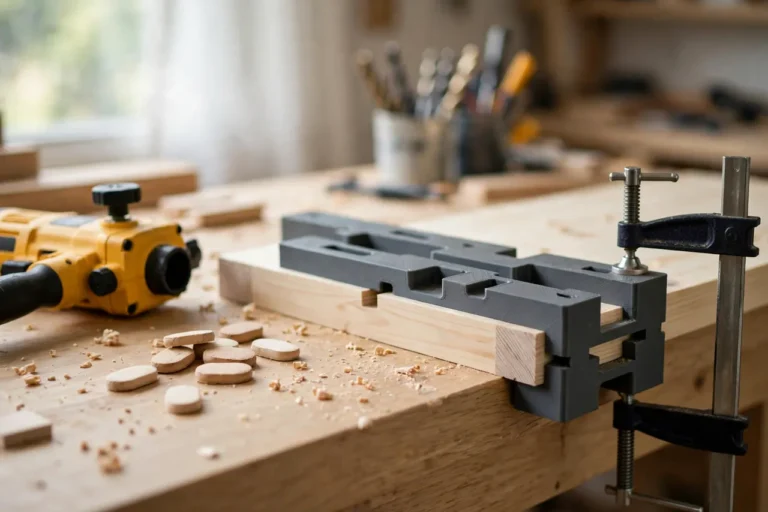
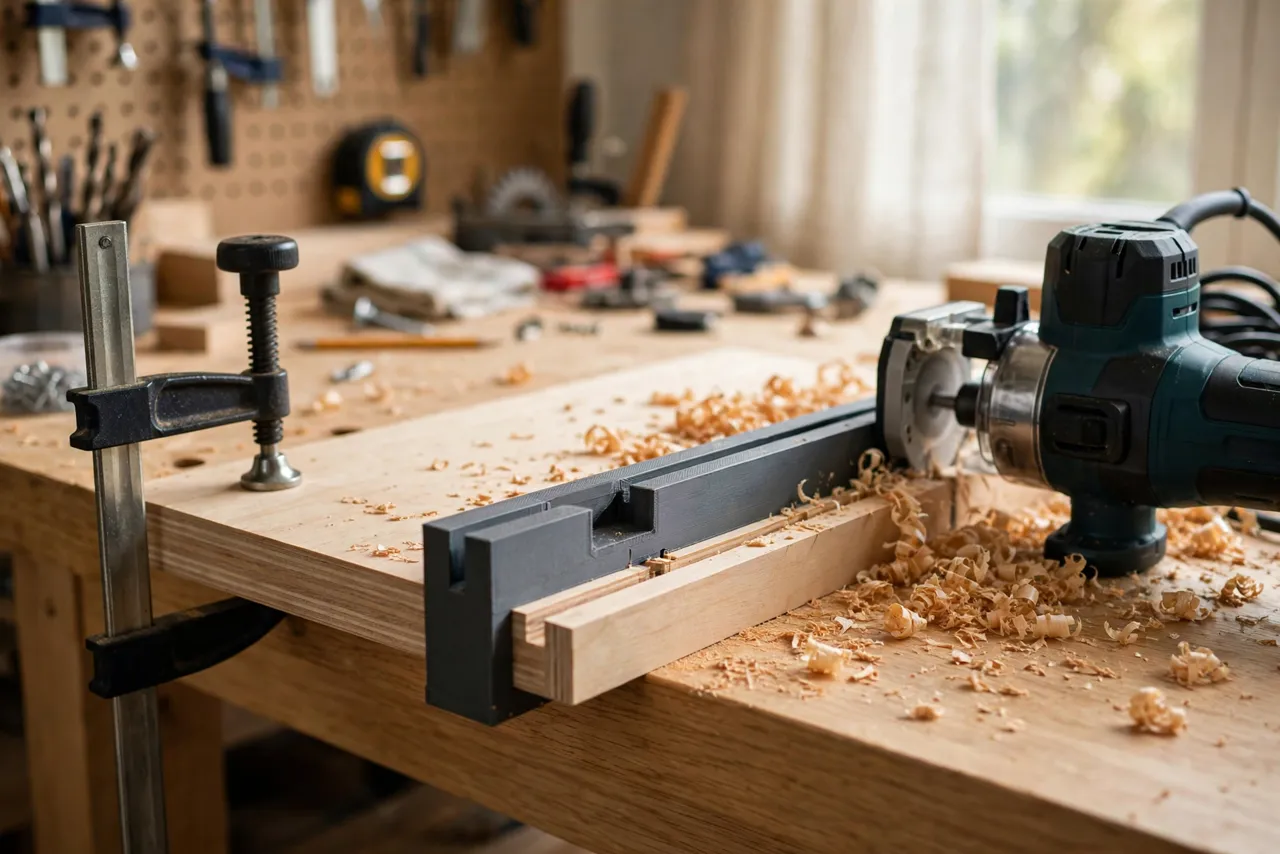
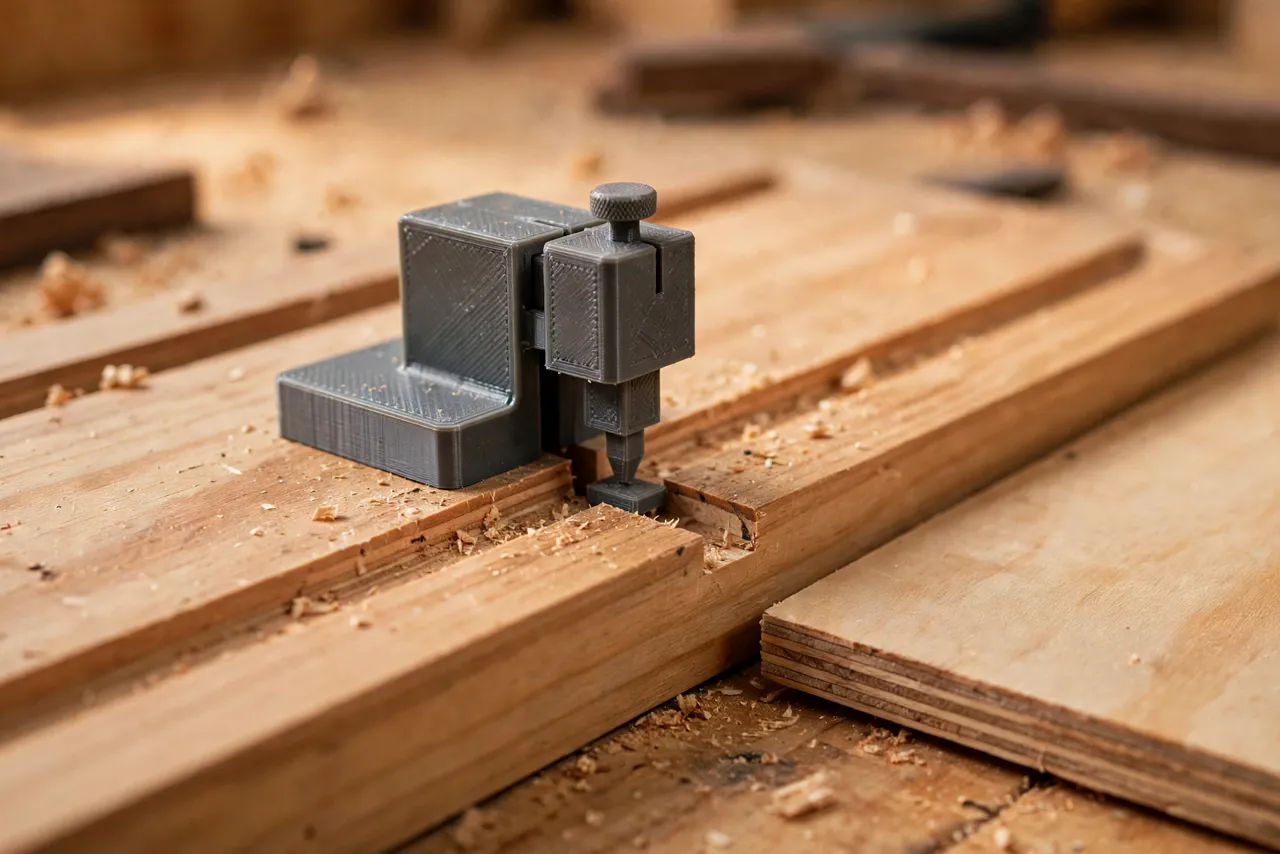
For router work, the jig includes an edge guide that clamps to the drawer side and positions the router at a fixed distance from the edge. The guide’s reference face registers against the drawer’s bottom edge, so every groove lands at the same height on every side.
2. The depth gauge
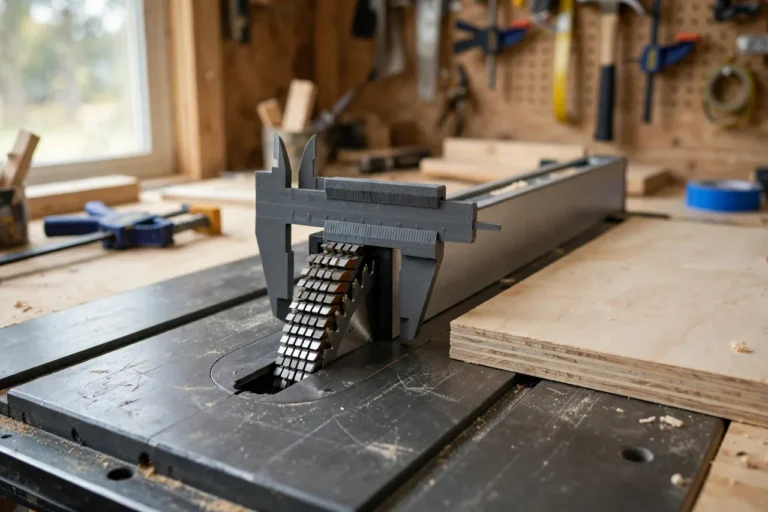
A small printed gauge block, exactly as deep as the intended groove, lets you set the router bit depth or check the finished groove without calipers. Print one gauge per groove depth you use, and label each with its depth.
3. The panel-fit checker
The most useful piece is a fit checker: a small block with a slot exactly as wide as your panel thickness, plus a touch of clearance. Slide it over the panel edge to confirm the panel fits the groove before assembly. If the checker slides on snugly, the panel will slide into the groove snugly.
4. Size everything to your real panel
Drawer bottom panels vary — 6 mm plywood, 9 mm plywood, solid wood panels, and hardboard all differ. Measure the panel you will actually use, including any finish, and size the groove and checker to that measurement, not to a nominal size from a plan.
Step-by-Step: Printing and Assembly
- Measure your panel thickness with calipers in several places; use the largest reading.
- Decide the groove width and depth: width equals panel thickness plus about 0.3 mm clearance; depth is typically 6 to 10 mm into the drawer side.
- Model the edge guide, depth gauge, and fit checker to those dimensions.
- Print the set and check the fit checker against the real panel — snug but sliding.
- Sand any rough edges so the guide sits flat and the checker slides smoothly.
- Label each piece with its dimension using a paint pen.
Step-by-Step: Using the Jig to Cut Drawer Grooves
- Mark the groove position on the inside face of each drawer side, using the edge guide to keep the height consistent.
- Clamp the edge guide to the first drawer side, reference face against the bottom edge.
- Set the router bit depth using the depth gauge, and make a test groove in scrap of the same thickness.
- Check the test groove with the fit checker and the real panel — it should slide in with light finger pressure, not force.
- Cut the grooves in all four drawer sides with the same setup, without changing the bit depth or guide position.
- Test-assemble the drawer dry, sliding the panel into all four grooves before gluing anything.
- Adjust once if needed, then cut a fresh test piece to confirm, rather than reworking finished sides.
Cut grooves before assembling the drawer box. Grooving assembled drawers is awkward and risks cutting into the wrong piece.
Tips for Better Results
- Cut all four grooves without changing the setup. One setup, four identical grooves — that is the whole point of the jig.
- Make the groove slightly deeper than the panel needs at the back, so the panel can slide in fully and still leave room for seasonal movement in solid wood panels.
- Ease the panel edges lightly with sandpaper so the panel slides instead of catching.
- Test on scrap of the same thickness as the real drawer sides, not on a random offcut.
- Keep the router base flat on the guide throughout the cut; tipping the router changes groove depth instantly.
Common Mistakes to Avoid
- Sizing the groove to a nominal panel thickness. Real panels vary; measure yours.
- Changing the bit depth between sides. One setup for all four sides, or the panel will bind.
- Cutting grooves after assembly. It is possible but far harder to keep consistent.
- Forcing a tight panel. A panel that needs hammering will split a groove or bow the drawer side; ease it or widen the groove slightly.
- Forgetting panel movement. Solid wood panels need a little extra room to expand and contract; plywood panels need less.
Care, Storage, and When to Choose an Alternative
Store the gauge set together, labeled, in a small bag or box with your router bits. Reprint a gauge if its slot wears or its edge chips — accuracy here is the product.
A manufactured router edge guide or a table saw dado setup may suit high-volume drawer production better. For home drawer repairs and small batches, a printed guide-and-gauge set is cheaper, faster to customize to odd panel thicknesses, and accurate enough.
FAQ
How much clearance should the groove have over the panel?
About 0.3 mm on the width is a good starting point — enough to slide, tight enough not to rattle. Test with the fit checker before cutting the real sides.
Is PLA strong enough for a groove gauge?
For checking and light guiding, yes. PETG is the better keeper for parts that live near the router and get handled often, but either works as a gauge.
Can I use this jig with a table saw instead of a router?
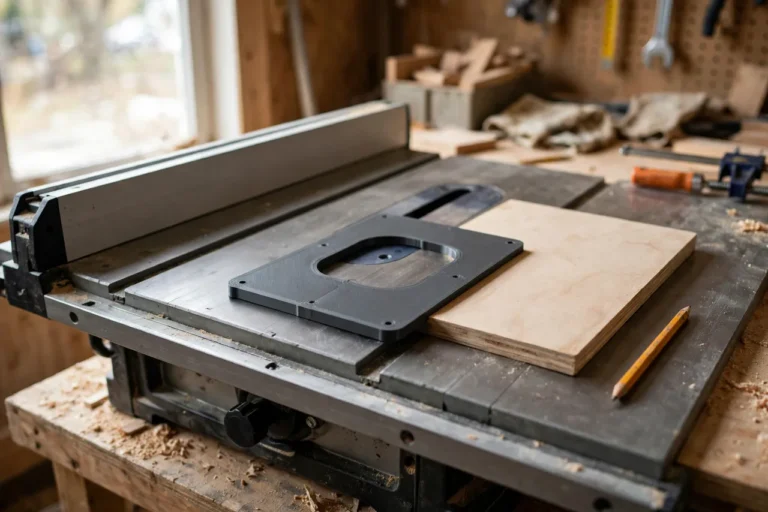
Yes. The depth gauge and fit checker work identically; only the edge guide changes, becoming a fence-distance gauge for the saw setup instead of a router guide.
My panel fits three sides but binds on the fourth. What went wrong?
One side’s groove differs — usually a changed bit depth, a tipped router, or a guide that shifted. Re-check that side’s groove with the depth gauge and re-cut it with the original setup.
Conclusion
A drawer bottom that slides in smoothly is not luck; it is consistent grooves. A 3D printed guide, depth gauge, and fit checker lock your panel’s real thickness into the setup, and then all four sides inherit the same accuracy.
Print the set for your panel, test on scrap, and the next drawer you build will close with that satisfying, rattle-free slide.
If drawer work is your current project, you may also enjoy our related guide, “Shelf Pin Drilling Jig: 3D Print a Cabinet Shelf Jig for Perfectly Even Pin Holes,” which brings the same consistent-setup thinking to the cabinet the drawer lives in.