Introduction
A floating shelf lives or dies by holes you never see. Steel rods fixed to the wall slide into holes drilled into the back edge of the shelf, and if those holes are straight, level, and correctly spaced, the shelf sits level and feels solid. If one hole angles upward, the shelf tilts. If holes are mis-spaced, the shelf will not slide on at all, and widening a hole to force it leaves a loose, sagging shelf.
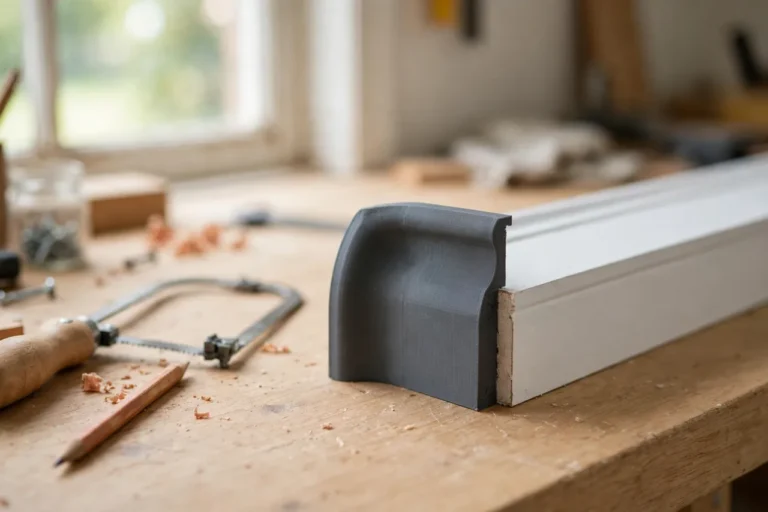
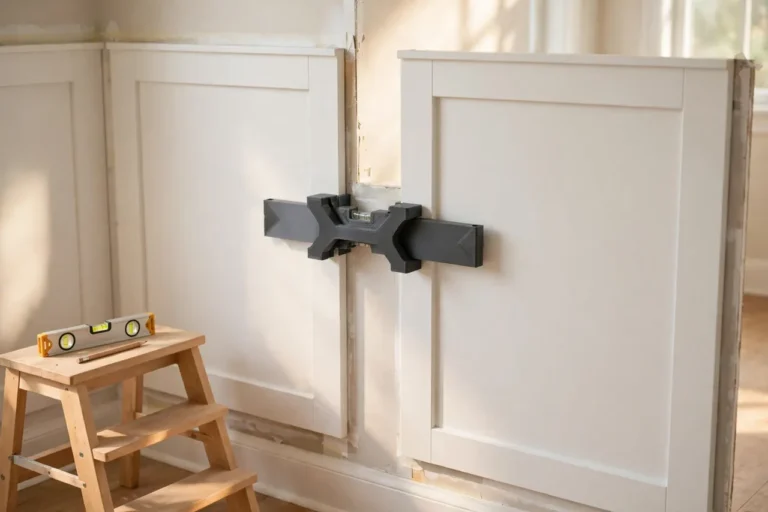
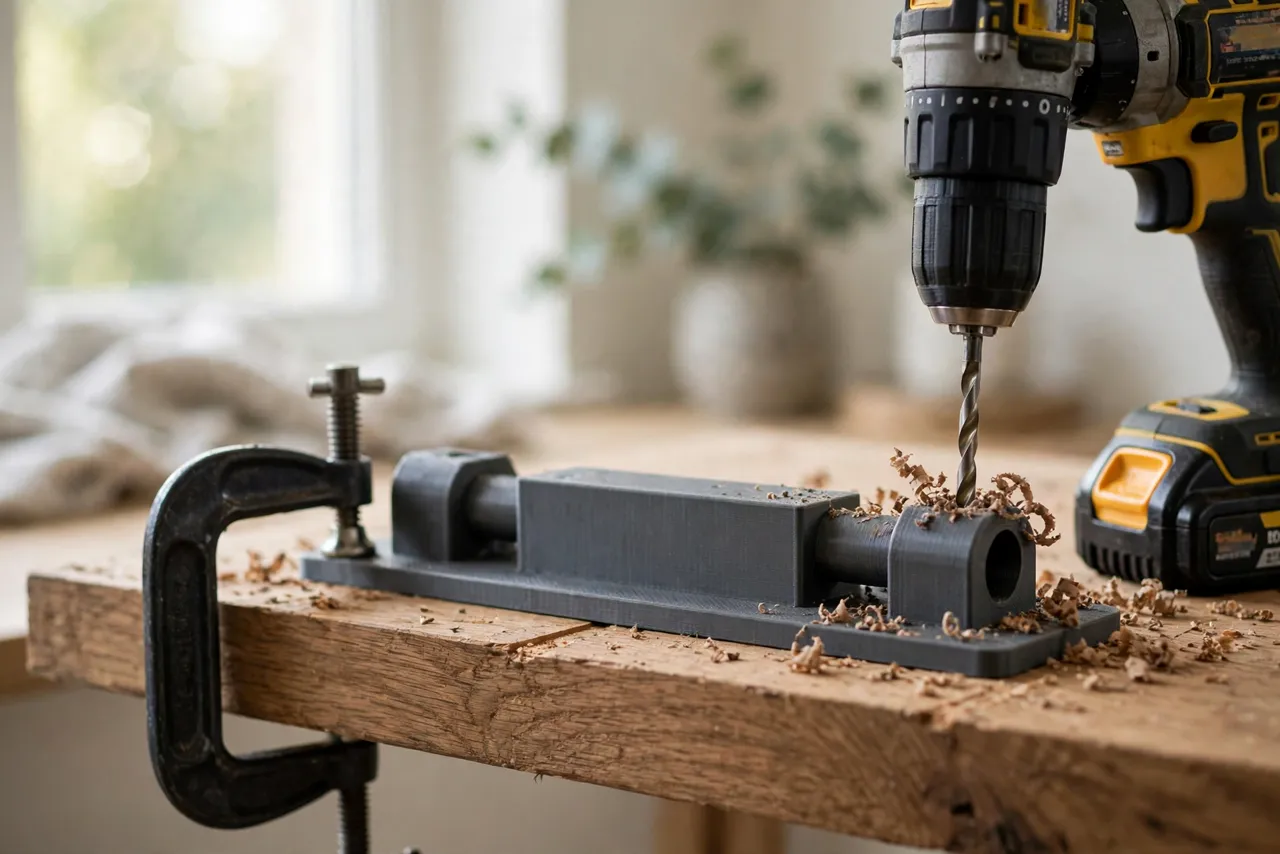
Drilling a long, straight hole into the end grain of a thick board freehand is genuinely hard. The bit wanders with the grain, the drill tilts without you noticing, and the error grows with every centimetre of depth. A 3D printed floating shelf support rod template is a block that clamps to the shelf’s back edge and guides the drill bit straight in, at the right height and spacing, for every rod.
This guide covers designing, printing, and using your own template. It is a drilling guide only — it does not carry load, and it does not change the structural questions that matter for floating shelves: rod size, rod spacing, wall fixing type, and the weight the shelf will carry. Those must suit your wall type and load, and when the load is heavy or the wall is uncertain, a manufactured floating shelf hardware kit with rated fixings is the safer choice.
What You Need
The template is a chunky block, sized to your shelf thickness and rod diameter, so check your printer’s build area before modeling. You need the actual rods and shelf board to size it.
Materials and tools
- A home 3D printer and PETG filament for a guide block that survives drill vibration and repeated clamping
- The support rods you plan to use, plus their wall fixings, rated for your wall type and shelf load
- The shelf board itself, or an offcut of identical thickness for testing
- A drill, a long drill bit matching your rod diameter, and a level
- Clamps, a tape measure, a pencil, and a combination square
- A stud finder and the correct drill bits and fixings for your wall type
- Sandpaper or a small file for cleanup
Print the template in PETG if you can. A guide block takes side pressure from the drill bit, and PETG resists that pressure and workshop warmth better than PLA.
Suggested print settings
- Layer height: 0.20 mm for clean guide bores.
- Walls: 5 or more perimeters — the guide bore walls do the real work.
- Infill: 50 to 70 percent, grid or gyroid, so the block does not flex under drill pressure.
- Top and bottom layers: 5 or more.
- Orientation: Print with the guide bore vertical if your design allows, so the bore prints round; otherwise print flat and ream the bore by hand.
- Supports: Only if your design includes an overhanging clamp lip.
Print a short test block first with one guide bore and check the bit fit before printing the full template.
Design Considerations
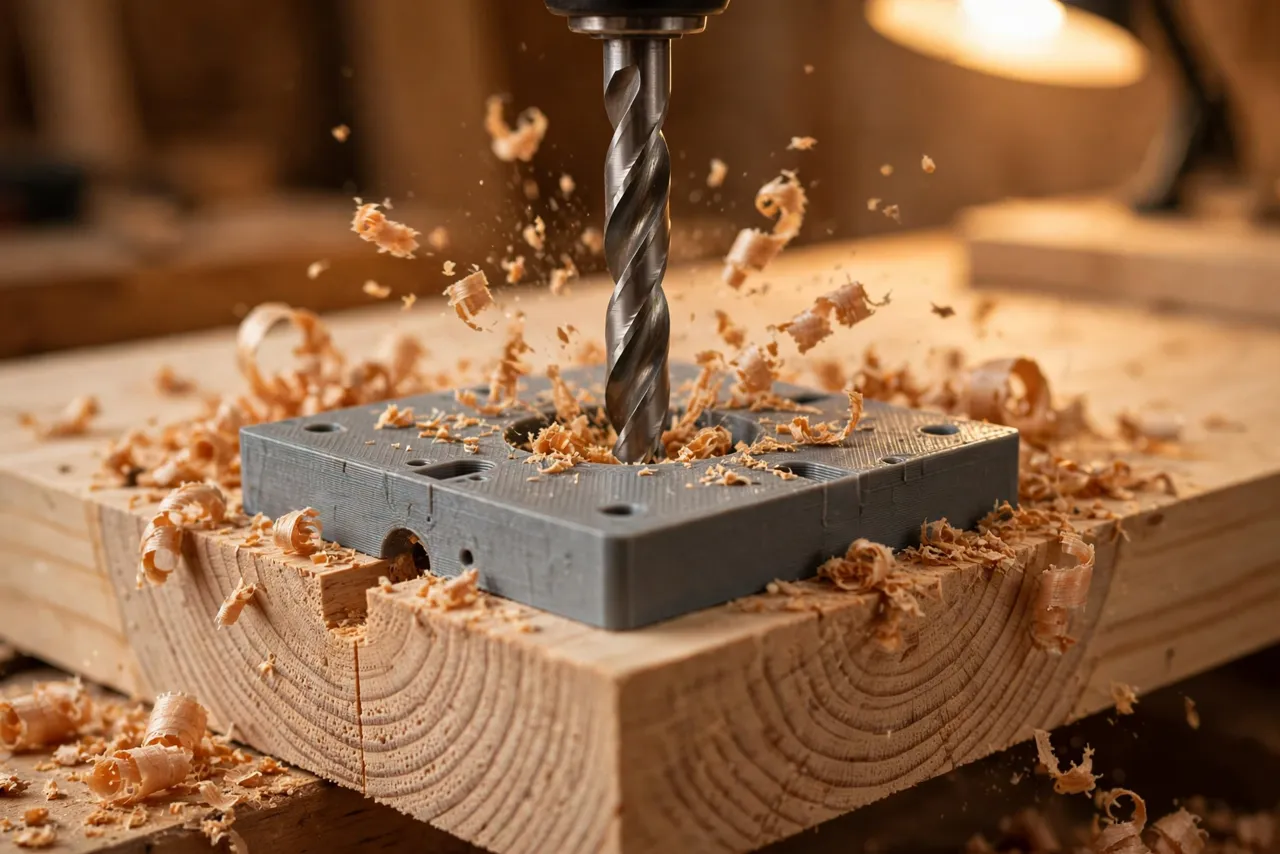
A rod template has one job — keep the bit straight — and three features that deliver it: a long guide bore, a flat registration face, and a way to clamp it solidly.
1. The guide bore
The bore should be as long as practical — at least 40 to 50 mm of guide length — because a short guide barely corrects a tilting drill, while a long guide forces the bit straight before it reaches the wood. Size the bore to your bit with about 0.2 to 0.3 mm of clearance: snug enough to guide, loose enough that the bit does not bind and heat up.
For heavy use, press a short metal tube into the printed bore as a bushing; it survives the spinning bit far longer than plastic alone.
2. Registration and spacing
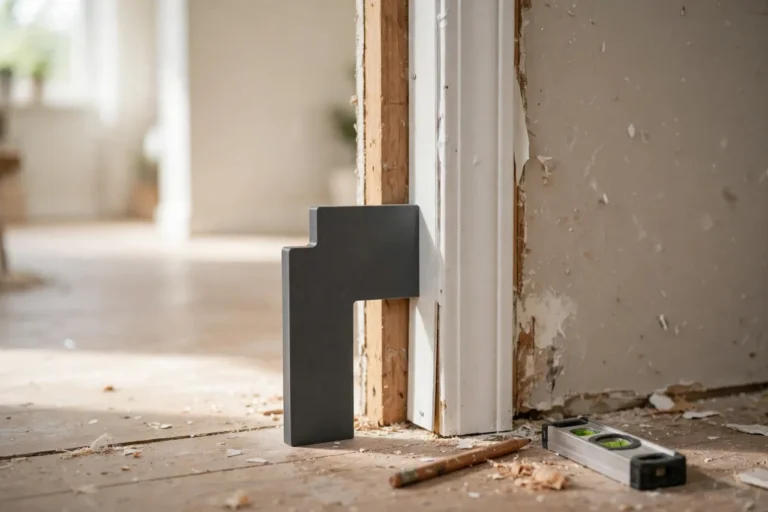
The template must register against the shelf’s back edge and its top or bottom face, so every hole lands at the same height in the board. Add a flat reference face and a lip that hooks over the top face of the shelf. Add spacing marks or a second bore so rod positions repeat exactly across the shelf width — or print a multi-bore template with all rod positions in one block for short shelves.
Rod spacing must match the wall-side fixings exactly. Measure the rod positions on the wall bracket first, then model the template to those positions.
3. Clamping
The template must not move while drilling. A long bit exerts side force, especially on entry, and a shifting template drills a shifting hole. Add clamp flats or ears on both sides of the block where a clamp can grip the shelf without blocking the bore. Test the clamped setup on scrap before drilling the real shelf.
4. Depth control
Rods need holes of a specific depth — deep enough to engage fully, shallow enough not to break through the shelf front. Add a depth stop to the drill bit (a collar or tape flag) set from a test hole, and mark the target depth on the template. Drilling blind to depth without a stop is how shelf fronts get pierced.
Step-by-Step: Printing and Assembly
- Measure your shelf board — thickness, and the rod positions you need.
- Measure your rods and bit — rod diameter, bit diameter, and required hole depth.
- Model the guide block with a long bore, registration lip, clamp flats, and spacing marks.
- Print a test block with one bore and check bit fit and squareness on scrap.
- Print the full template, clean up the bore by hand, and press in a metal bushing if using one.
- Test-drill a scrap board of identical thickness and check the hole with a rod: straight, level, correct depth, correct spacing.
- Label the template with the rod size and shelf thickness it belongs to.
If the test hole angles at all, check the template’s registration face for flatness and the bore for roundness before blaming your drilling. A guide that is not square guides crooked holes perfectly.
Step-by-Step: Using the Template
- Fix the wall side first. Locate studs or suitable fixings for your wall type, mount the rod bracket or rods level, and measure the exact rod positions and heights.
- Transfer those positions to the shelf’s back edge with a pencil and square. Double-check the measurements — a millimetre of error here is a shelf that will not fit.
- Clamp the template to the shelf’s back edge at the first rod position, registration lip flat against the shelf face.
- Set the drill depth stop to your tested depth.
- Drill slowly, withdrawing the bit periodically to clear shavings. Packed shavings overheat the bit and push it off line.
- Move the template to the next rod position and repeat, using the same registration face every time.
- Test-fit the shelf on the rods before finishing. It should slide on with light pressure and sit level with no rocking.
- Adjust if needed. A hole that is slightly tight can be eased with a round file; a hole that is mis-spaced or angled cannot be fixed by widening without loosening the shelf — in that case, plug and redrill, or remake the shelf section.
Tips for Better Results
- Drill from the back edge only. Drilling from both ends to meet in the middle rarely meets cleanly at these depths.
- Clear shavings often. A hot, packed bit wanders and burns, and a burned hole grips the rod unevenly.
- Use a sharp, long bit. A dull bit needs pressure, and pressure bends the drilling line.
- Finish the shelf after test-fitting. Fit first, finish second.
Common Mistakes to Avoid
- Measuring rod positions from the shelf instead of the wall. The wall fixings are fixed; the shelf must match them, not the reverse.
- Drilling without clamping the template. A hand-held guide is barely better than freehand.
- Skipping the scrap test. Shelf boards are expensive and visible; scrap is neither.
- Over-drilling depth. A bit through the shelf front ruins the board. Set the stop and respect it.
- Using rods too small for the load. Thin rods flex under books and heavy objects, and no drilling accuracy compensates for undersized hardware. Size rods and fixings for the real load.
- Ignoring wall type. Plasterboard fixings, masonry fixings, and stud fixings are not interchangeable. Match the fixing to the wall and the load, or use a rated kit.
Care, Storage, and When to Choose an Alternative
Brush out dust, check the bore for wear before each use, and store the template flat with your shelf hardware. If a bore wears oversize, reprint the block or replace the metal bushing — a loose bore guides a loose hole.
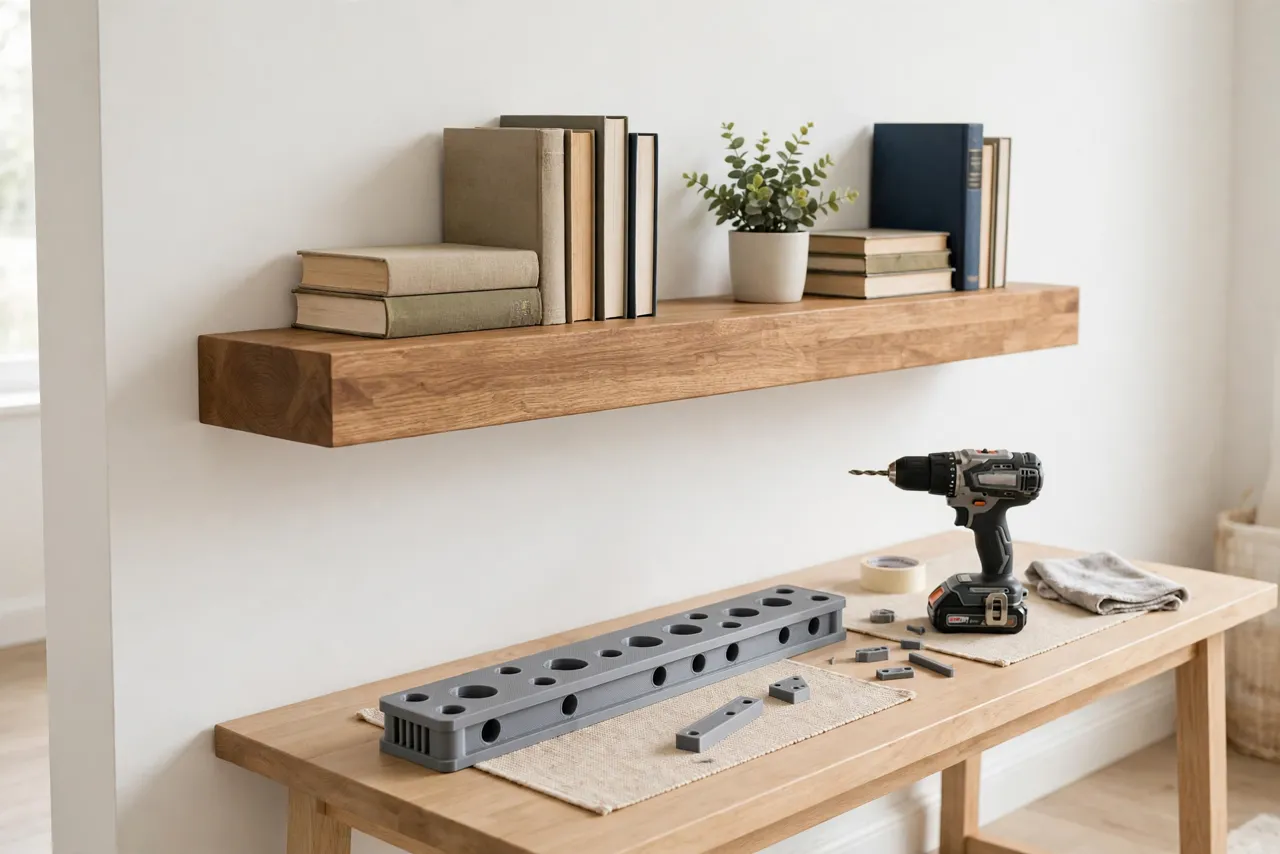
Sometimes a manufactured floating shelf kit is the better buy. If the shelf will carry heavy loads, if your wall is plasterboard without studs at the right positions, or if you want a rated, tested system rather than a DIY rod arrangement, a kit with engineered rods and fixings is the safer and simpler choice. For light to medium shelves on solid walls or studs, a printed template plus correctly sized rods gives a clean, level result for very little cost.
FAQ
How deep should rod holes be?
Deep enough for the rod to engage most of its wall-side length inside the shelf — typically at least two-thirds of the rod’s exposed length — without breaking through the shelf front. Test on scrap and set a drill depth stop to that measurement.
Can I use this template for shelves of different thicknesses?
No, not accurately. The registration lip and bore height depend on shelf thickness, so print one template per shelf thickness you use and label each one.
The shelf slides on but tilts forward slightly. Why?
Usually one hole angles downward, or the rods themselves are not level on the wall. Check rod level first — if the wall side is true, the shelf holes are the culprit, and a tilted hole cannot be straightened by widening.
What rod size do I need?
It depends on shelf depth, thickness, and load. As a starting point, thicker shelves with deeper spans need thicker rods spaced closer together, but the honest answer is to follow a rated kit’s guidance or size generously and test with the real load before final mounting.
Conclusion
Hidden rods reward precision and punish guesswork, and the drilling is where that precision is won or lost. A printed guide block turns a long, wandering freehand hole into a controlled, repeatable operation — straight, level, and spaced to match the wall.
Print one for your rod size and shelf thickness, test it on scrap, and check the fit before finishing. For the rest of the shelf project, our related guide, “3D Printed Hinge Jig for Cabinet Doors: Get Perfect Alignment on Every Repair,” shares the same alignment-first thinking, and if your shelf is part of a wider wall project, “3D Printed Picture Hanging Jig: Mark Perfect Positions Every Time, No Extra Holes,” covers the finishing layout that makes a wall look intentional.