Introduction
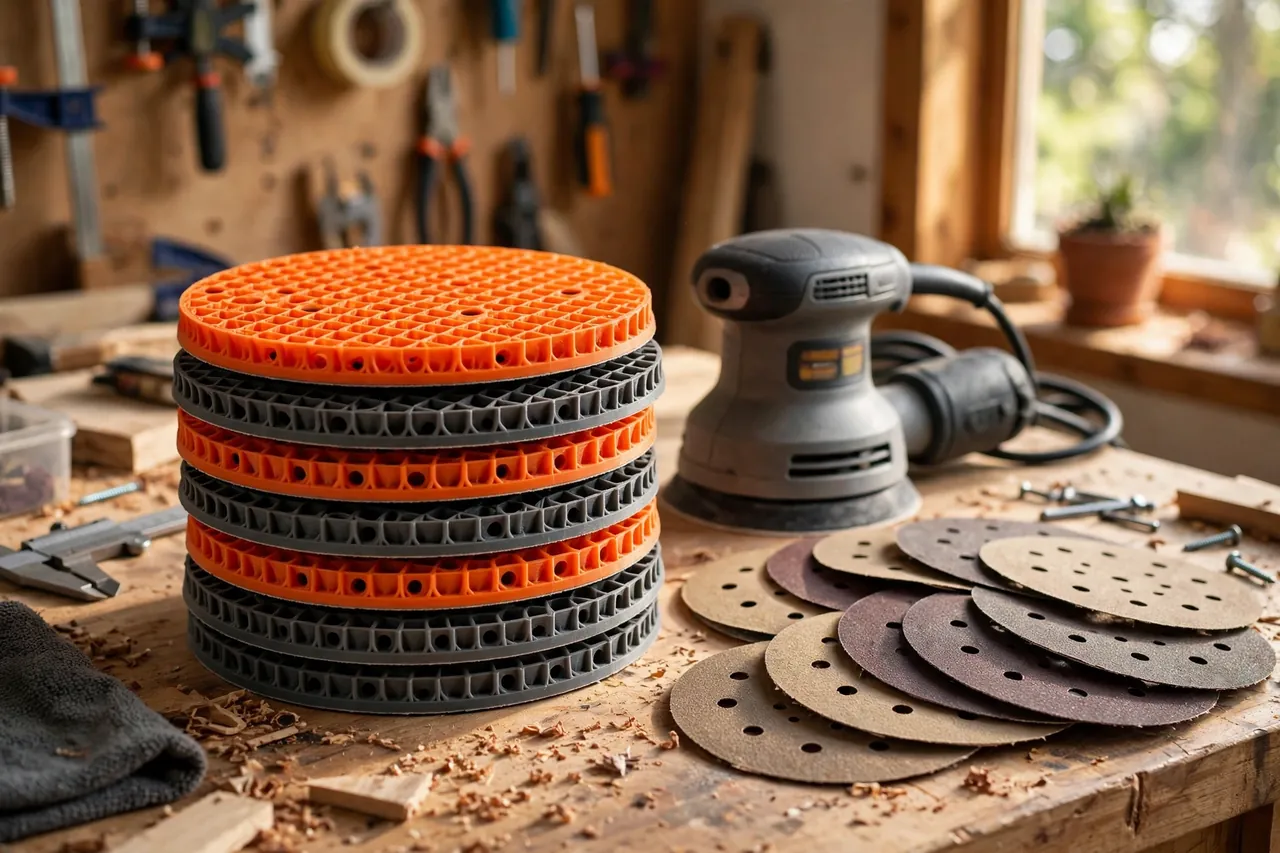
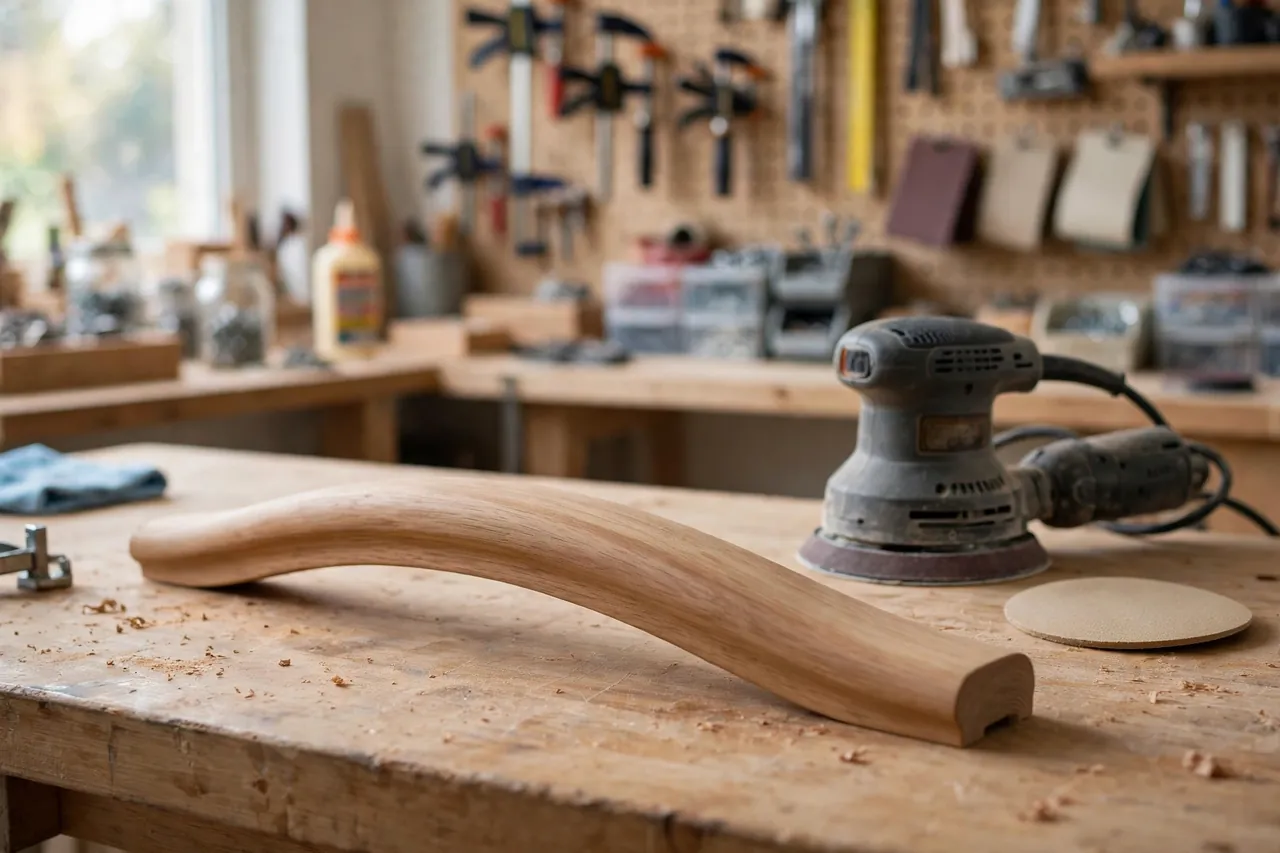
A random-orbit sander is a wonderful tool with one stubborn habit: its hard, flat pad only truly loves flat work. Take it to a curved chair rail, a rounded table edge, or a gently crowned panel, and the rigid pad bridges the curve, digs at the edges, and leaves a finish that looks striped under good light.
Interface pads exist to soften that behavior — a cushioned disc that sits between the sander and the abrasive, flexing into curves and evening out pressure. The catch is variety. Pads differ by diameter, hole pattern, and thickness, and the exact softness you want for a given job is rarely the one in stock.
Printing your own pads in flexible filament adapts the sander to the job instead of the other way round. You choose the diameter, the cushion thickness, and even step between disc sizes, so a 125 mm sander can run larger discs for broad, gentle work.
This guide covers sizing, flexible materials, hook-and-loop surfaces, and sanding technique with a printed pad. Keep the honest framing in mind: an interface pad is a consumable comfort layer for finishing work, not a way to make a sander grind harder or remove stock faster.
What You Need
This is one of the few workshop prints where flexible filament is the whole point. A spool of TPU turns your sander into a much more versatile tool.
Materials and tools
- A home 3D printer that handles flexible filament reliably, ideally direct-drive
- TPU filament, around 95A hardness for pads; softer grades for extra cushion
- Your sander, plus the discs you plan to run, for measuring diameter and holes
- Hook-and-loop sheet material — hook on one side, loop-compatible fabric on the other
- Strong flexible adhesive or contact cement suited to plastics
- Scissors and a hole punch or craft knife for dust holes
- Calipers for pad diameter and sander pad measurements
TPU in the 95A range is the workhorse choice: flexible enough to cushion, firm enough to hold a disc flat on straight work. Softer TPU feels lovely on curves but can feel vague on edges. Avoid PLA entirely here — a rigid interface pad defeats its own purpose — and keep PETG only for a special firm pad design discussed below.
Suggested print settings
- Layer height: 0.20 mm; flexible pads are forgiving, and speed matters for a consumable.
- Walls: 3 perimeters to seal the edge; the pad’s body is mostly infill behavior.
- Infill: 15 to 25 percent gyroid — the infill pattern is your cushion spring, so keep it consistent between pads.
- Top and bottom layers: 3 solid layers each face, enough for the adhesive to grip.
- Orientation: Print flat, sander side down, for the truest mounting face.
- Supports: None — a pad is a simple disc.
Print one test pad in your cheapest TPU first and run it for ten minutes. Cushion feel is personal, and one short test teaches you more than any hardness chart.
Design Considerations
A pad is just a disc, but diameter, cushion, and dust holes decide whether it helps or hinders.
1. Diameter: match, or step up on purpose
For everyday work, match the pad to your sander’s own diameter so the disc edge stays supported. Stepping up — say a 150 mm pad and discs on a 125 mm sander — spreads pressure beautifully on large, gentle curves and tabletops, at the cost of edge control. Stepping down is rarely useful and leaves disc edges unsupported and prone to tearing. Whichever you choose, the abrasive disc must match the pad, not the sander.
Add a small edge chamfer. A square flexible edge catches on workpieces; a 45-degree edge glides.
2. Thickness and cushion tuning
Most useful printed pads land between 6 and 12 mm thick. Thin pads sharpen control for nearly flat work with a hint of forgiveness. Thick pads shine on curves, carved details, and refinishing where the surface is already close to final. Tune softness with infill before changing filament: the same TPU at 15 percent gyroid feels noticeably softer than at 30 percent. Print a matched pair — one firm, one soft — and label them, because they look identical on the shelf.
3. Dust holes and hook-and-loop faces
If your sander uses dust extraction, mirror its hole pattern in the pad and punch matching holes through the hook-and-loop layers; a pad that blocks extraction coats the room and clogs discs. Bond hook material to the disc side and a loop-friendly or plain smooth face to the sander side, depending on how your sander’s own pad grips. Spread adhesive thinly and evenly, let it cure fully, and trim the sheet flush with the pad edge so no flap can catch and peel at speed.
Step-by-Step: Printing and Assembly
- Measure your sander pad — diameter and dust-hole layout — and the discs you intend to use.
- Model the disc at your chosen diameter and thickness, with dust holes and an edge chamfer.
- Print the test pad in TPU with the settings above, watching the first layers for clean adhesion.
- Flex and inspect it. The pad should bend smoothly with no layer separation at the edge.
- Bond the hook sheet to the abrasive side and the mounting face material to the sander side.
- Trim flush and punch the dust holes through both layers, using the printed holes as your guide.
- Let the adhesive cure fully — overnight is safest — before the pad’s first spin.
- Mount a disc and run a short test on scrap, checking for wobble, heat, and disc grip.
Step-by-Step: Using Interface Pads
- Match pad to task. Firm and thin for flat panels, soft and thick for curves and contours.
- Seat the disc carefully, centered on the pad; an off-center disc vibrates and wears one edge of the pad.
- Start the sander on the work, not in the air, so the soft pad does not grab an edge at full speed.
- Use light pressure. The cushion only works if you let it conform; leaning on the sander flattens the pad back into a hard disc.
- Keep the sander moving in slow, overlapping passes, especially on curves where dwell marks appear quickly.
- Check the pad temperature after a few minutes. Warm is normal; hot means too much pressure or a clogged disc.
- Swap discs sooner than usual. A cushioned pad hides a worn disc’s poor cutting, so change on schedule, not on feel.
- Peel discs slowly at a low angle to spare the hook surface, and brush the pad clean before storage.
Tips for Better Results
- Print pads in pairs and mark them. A paint-pen dot code for firm and soft saves guesswork mid-project.
- Store pads flat, disc side up, never folded or under heavy tools; TPU remembers bad shapes.
- Keep one sacrificial pad for messy stripping work, so dried finish and grit never reach your finishing pads.
- For broad flat work, the extended reach described in our guide, “3D Printed Pole Sander Adapter: Sand Walls and Ceilings from the Floor,” combines well with a firm pad on walls.
- Renew hooks cheaply. When a pad’s hook sheet tires, peel, re-bond a fresh sheet, and the printed core works again.
Common Mistakes to Avoid
- Printing pads in rigid filament. A PLA interface pad is just a spacer; it cannot cushion, and it can crack at speed.
- Blocking the dust holes. Skipping the punch step kills extraction and shortens every disc’s life.
- Over-pressuring the sander. Force defeats the cushion and dishes soft work — the exact fault the pad exists to prevent.
- Running mismatched disc and pad sizes. Unsupported disc edges tear, fold, and can score the workpiece.
- Storing pads stuck to the sander for months. Long compression takes a set in the cushion; store pads separately and flat.
Care, Storage, and When to Choose an Alternative
Brush discs’ dust from the hook face after each session, store pads flat in a drawer or on a peg away from heat, and retire a pad when its edge tears, its cushion stays compressed, or its hook layer will no longer hold a disc at speed. Treat pads as the consumables they are: a reprint costs little and restores the whole system’s feel.
Choose commercial pads when you need an exact factory hole pattern with molded hooks, work production hours daily, or run specialty mesh abrasives that demand specific backers. Molded commercial pads are consistent in a way printed consumables are not. For home finishing, curves, and odd disc sizes, though, printed pads in tuned softness are more versatile than any single store-bought option.
FAQ
Can my printer handle TPU well enough for pads?
Almost certainly, with patience. Print slowly, keep the filament path as direct as your machine allows, and dry the spool if it strings. Pads are short, flat, forgiving prints — an ideal first flexible project even on a Bowden machine run at gentle speeds.
How long does a printed interface pad last?
Expect a season of regular home use from the printed core, with the hook sheet usually tiring first. Heat, pressure, and torn disc removals shorten life. Because the sheet can be re-bonded, many makers refresh a pad twice before reprinting the core itself.
Does a thicker pad reduce sanding quality on flat work?
It can. Thick, soft pads round over edges and blur crisp lines if you lean on them. For flat panels, choose the thinnest, firmest pad — or none at all — and save the thick cushions for curves, where that same softness is exactly what the finish needs.
Can I print a firm pad in PETG for shaping work?
Yes, as a deliberate exception: a thin PETG disc works as a firm backer that adapts disc size without cushioning, useful for keeping a larger disc flat. Label it clearly so it is never mistaken for a cushion pad, and keep speeds moderate, since a rigid pad transmits every bump.
Conclusion
An interface pad is a small, cheap layer that changes what your sander is good at. Printed in TPU at the diameter, thickness, and softness each job wants, it turns a flat-work tool into a curve-friendly finisher — and turns worn-out pads from a purchase into a quick reprint.
Print the firm-and-soft pair first, label them honestly, and let light pressure do what force never could.
For the shaped work these pads smooth so well, you may also enjoy our related guide, “Contour Sanding Blocks: 3D Print Custom Blocks for Curved Trim and Furniture Repairs,” and for detail areas no power sander should touch, see “3D Printed Sanding Stick Set for Tight Corners, Grooves and Detail Work,” which completes a well-rounded sanding kit.