Introduction
Stain cans are the shelf’s worst citizens. They are round, so they roll. They are top-heavy when part-used, so they tip. Their labels face whatever direction they landed in, so finding “walnut” means turning every can around. And a tipped stain can is not just untidy — it is a lid that may leak, a shelf that may stain, and a color you may lose.
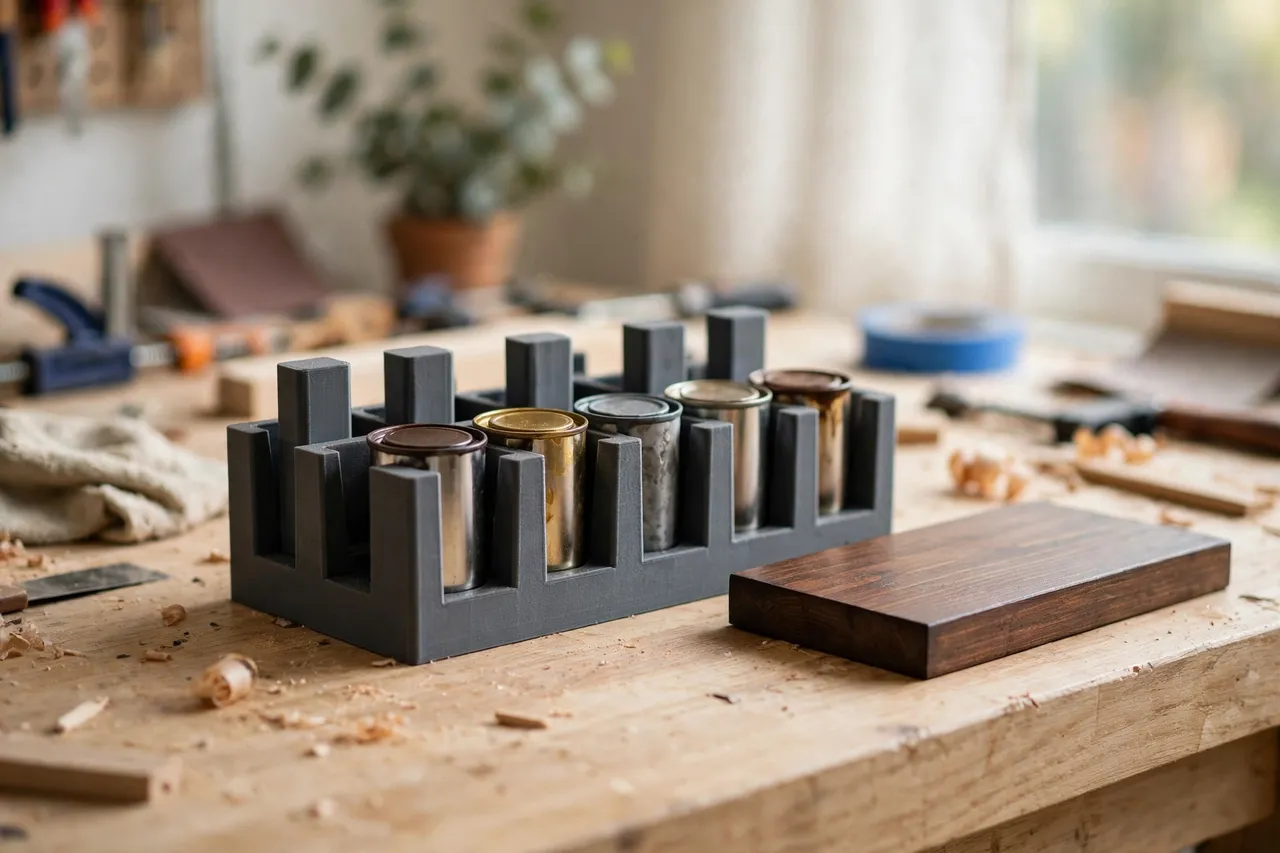
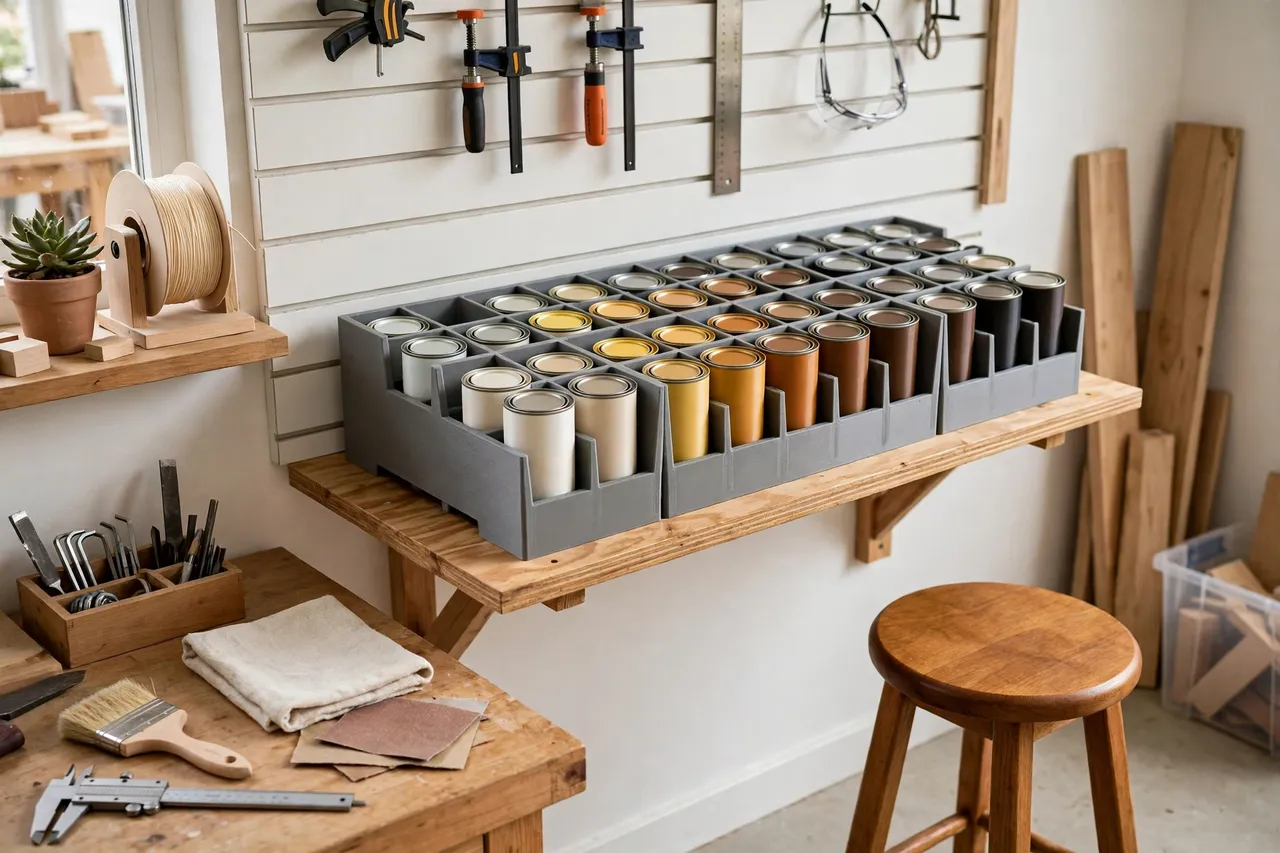
A 3D printed stain can rack gives each can a bay: a shallow cup or a ring that holds it upright, labeled by color, where you can see it. You scan the rack, spot the color, and lift the can out. When the job is done, the can goes back to its bay, lid sealed, label facing out. The shelf stops being a game of chance and starts being a stockroom.
This is a light-duty storage rack for sealed, finished stain cans. It holds cans upright on a shelf. It is not a finishing bench, and it does not change how stain itself should be handled: keep cans sealed when stored, work in a ventilated space when you use them, stir before use, and follow the maker’s instructions for application and cleanup. The rack organizes. The stain work starts when you take a can out of it.
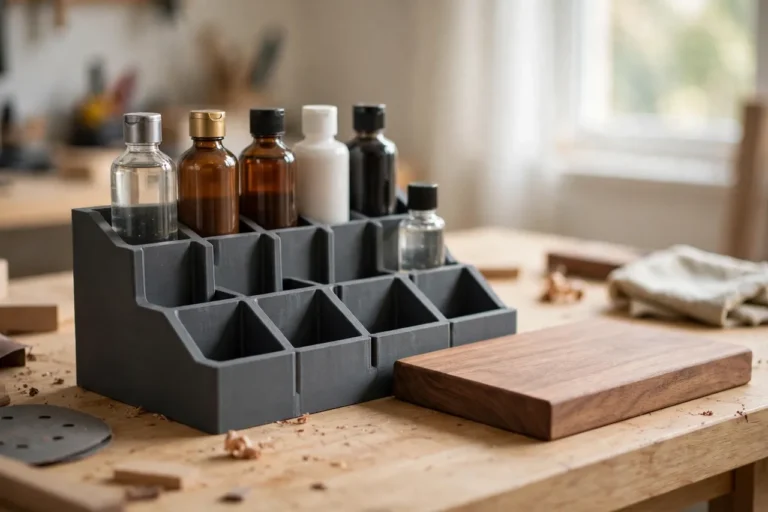
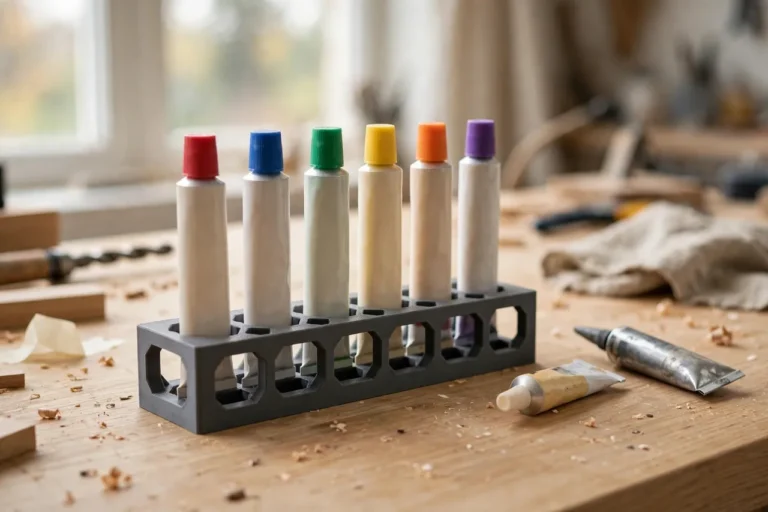
The same upright-and-labeled system runs through “3D Printed Touch-Up Paint Tube Rack: A Rack for Touch-Up Tubes” and “3D Printed Finish Bottle Rack: Finish Bottles Sorted by Type” — every finish container with a visible home.
What You Need
The rack is a printed tray with bays sized to your cans, optionally with a drip tray beneath. It prints in one piece for small cans, or in sections for a larger shelf rack.
Materials and tools
- A home 3D printer with a build area of roughly 150 mm in at least one direction
- PETG filament for a tougher rack that resists drips and garage heat, or PLA for light indoor use
- Your stain cans, measured, with lids checked for a tight seal
- A tape measure or calipers, a pencil, and sandpaper or a small file
- A label maker or paint pen, and a stir stick for use at the bench
PETG is the better default here: stain drips happen, garages get warm, and PETG handles both better than PLA. PLA works for a small indoor rack holding light cans, but if a can leaks onto PLA and the drip dries, the stain can mark the plastic permanently. Either way, print bay walls thick enough to survive being knocked.
Suggested print settings
- Layer height: 0.20 mm for a good balance of speed and finish.
- Walls: 4 perimeters, so bay walls stay rigid when cans are lifted in and out.
- Infill: 25 to 35 percent, grid or gyroid. Part-used cans are heavier than they look.
- Top and bottom layers: 4 or more, for a flat base that sits steadily.
- Orientation: Print the rack flat, bays facing up, for the cleanest bays.
- Supports: A good design needs none.
Print a single test bay first and check that your largest can sits upright with a little clearance and your smallest can does not rattle. A short test saves a full rack reprint.
Design Considerations
Stain cans come in several sizes — small sample cans, quart cans, and the odd tall tin — so design for the cans you own, not a generic can.
1. Bay sizing
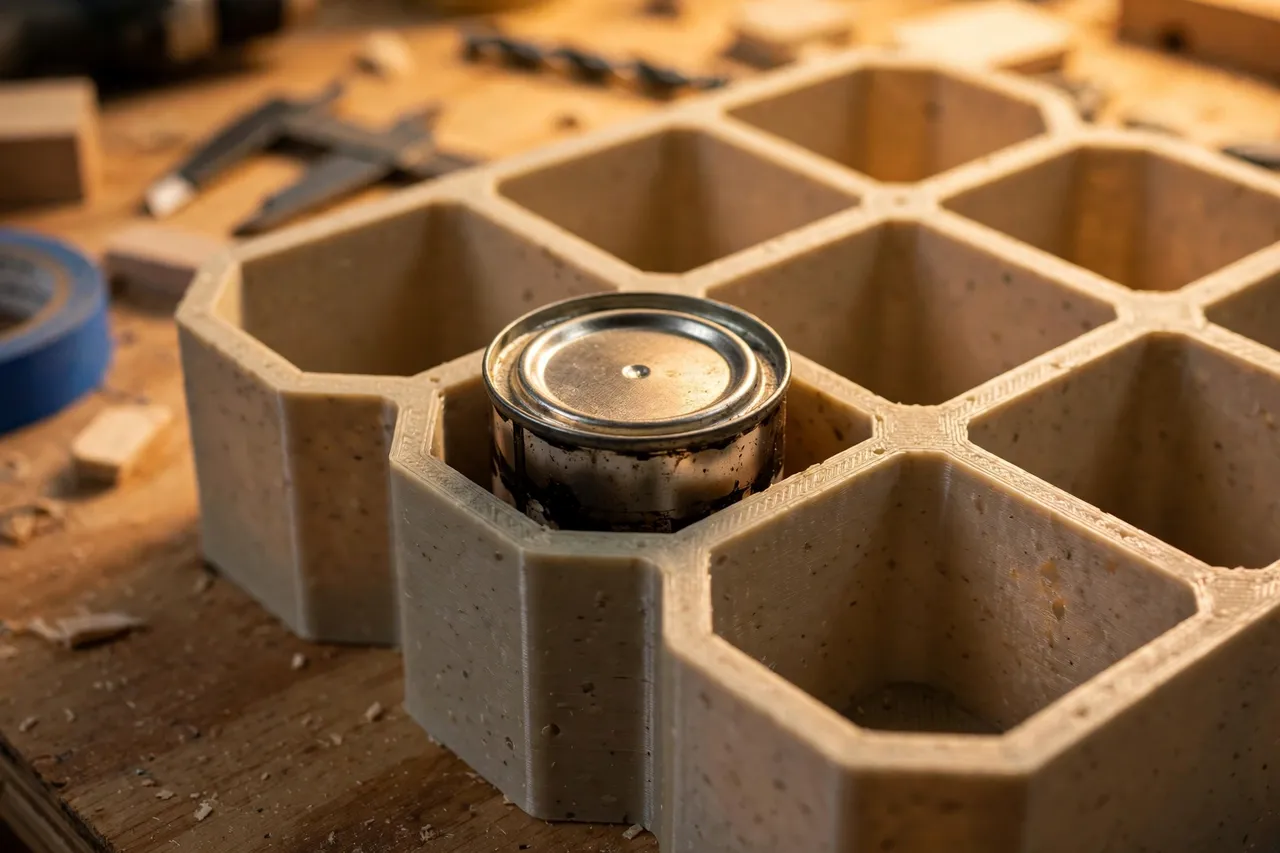
Measure the diameter of your largest can and your smallest can. Size bays to the largest, with about 2 to 3 mm of clearance, and add a removable reducer ring for smaller cans that would otherwise wobble. Bays about 20 to 30 mm deep hold a can upright without swallowing it so far you cannot grip it. A bay that is too deep turns every can retrieval into a fingertip exercise; a bay that is too shallow lets cans tip.
2. One row, or two
A single row of bays, facing out from the shelf, is the easiest to use: every can is visible and reachable. Two rows suit a deep shelf, but the back row will be forgotten unless you leave a gap to reach it or label the front edge clearly. For most workshops, two single-row racks — one per color family — beat one deep double-row rack.
3. Labels that face out
Label each bay on its front edge with the stain color and, if you use several brands, the brand: “walnut,” “oak,” “ebony.” Stain colors that look alike in the can often differ on wood, so write the color as it appears on the can’s own label, not a nickname you will forget. A front-edge label works even when the can’s own label has rotated or stained over.
4. Drips and shelf protection
Stain drips, especially around lids that have been pried open before. Add a shallow drip tray under the rack, or print the rack with a raised lip around its base, so a drip lands on plastic you can wipe, not on the shelf. If a can leaks badly, remove it, clean it up, and replace the lid or the can — a rack full of leaking cans helps nobody.
5. Placement and safety
Keep the rack on a stable, level shelf, upright, out of direct sun, and away from heaters. Heat and sun degrade stain and warp PLA, so a cool, shaded shelf is best. Keep the rack out of reach of small children, and never store stain cans where they can fall from height: a falling can can burst its lid and spill. This rack is storage, not child-proofing, and it does not replace safe storage habits for finishing products.
Step-by-Step: Printing and Assembly
- Gather your stain cans and check that every lid seals tightly.
- Measure the diameter of your largest and smallest cans.
- Sketch the rack layout: rows, bay spacing, and where labels will go.
- Model the rack with bays sized to your cans, walls about 3 mm thick, and a base about 3 mm thick.
- Print a test bay and check can fit and grip.
- Print the full rack and any reducer rings or drip tray.
- Clean up stringing and sand bay edges smooth so cans slide in without catching.
- Label each bay before loading a single can.
- Load the cans upright, lids sealed, labels facing out, and place the rack on its shelf.
If your rack is wider than your printer, split it into sections with a simple overlapping joint and glue them. The seam sits between bays and will not be noticed.
Step-by-Step: Using It
- Find the color on the rack first. Read the bay label, pull the can, and compare it against a test board before opening it.
- Test on scrap. Brush a little stain on an offcut of the same wood and let it dry — stain colors shift as they dry and vary by wood species.
- Stir before use, following the maker’s instructions, and work in a ventilated space.
- Seal the lid fully after use. A half-sealed lid dries the stain out and invites leaks on the way back to the shelf.
- Return the can to its labeled bay the same day, so the next finishing job starts at the rack.
- Check the rack twice a year for dried-out, leaking, or rusted cans, and dispose of dead stock properly rather than keeping it “just in case.”
Tips for Better Results
- Sort by color family: light woods together, dark woods together, so you scan a short section instead of the whole rack.
- Keep a stain sample board beside the rack: a strip of wood with a labeled swatch of each stain, dried and finished, for matching without opening cans.
- Print the rack in a light color so dark cans and their labels stand out.
- Leave one empty bay for the next stain you buy with the next project.
- Store stir sticks and a small brush with the rack, in their own slot, so finishing supplies are never separated.
Common Mistakes to Avoid
- Sizing bays from one can. Cans vary by brand and size, and a rack sized to one can will grip some and drop others. Measure the range.
- Storing cans on their sides. Side storage hides labels, invites leaks past the lid seal, and lets pigment settle unevenly.
- Skipping labels. Unlabeled cans all look alike, and you will open three wrong cans before finding the right color.
- Ignoring a leaking can. One leaking can stains the rack, glues neighboring cans in place, and ruins the shelf beneath.
- Stacking cans on top of the rack. A can balanced on another can is a fall waiting to happen. If the rack is full, print a second rack.
Care, Storage, and When to Choose an Alternative
Wipe the rack and drip tray occasionally, and clean any drip before it dries. If a bay cracks, reprint that section or the whole small rack — can racks are cheap prints. Keep PLA racks out of sustained heat; PETG suits a garage better. Replace cans that have dried out or rusted rather than keeping them in labeled bays that a live can needs.
A manufactured shelf organizer or metal can rack is the better buy if you stock dozens of cans for a trade, need a rack that survives daily commercial use, or store large gallon cans that exceed what printed plastic should hold. Metal racks carry more weight and resist solvents better. For a home collection of a dozen or so stain cans, a printed rack is cheaper, sized to your exact cans, and easy to reprint when the collection changes.
FAQ
How many cans will one rack hold?
A rack roughly 300 mm by 150 mm with a single row holds six to ten typical small stain cans. Larger collections deserve two racks sorted by color family rather than one crowded rack.
Should cans be stored upright?
Yes, always, for this rack: upright keeps the lid seal working as designed, keeps labels visible, and keeps pigment settling predictably so stirring restores the color. Side storage invites leaks and uneven settling.
Will stain damage the printed rack?
A sealed can will not. A leaking can can stain PLA and PETG, which is why the drip tray matters and why leaking cans should be removed promptly. Wipe drips before they dry.
Can I use the rack for paint cans too?
Small paint cans that fit the bays work fine, in their own labeled section. Keep different product types in separate rows and label them clearly, so a stain never gets confused with a paint or a finish.
Conclusion
Stain only helps if you can find the right color — and find it before the project loses momentum. A printed rack, with bays sized to your cans, labels facing out, and drips caught, turns a shelf of rolling, tipping cans into a visible, grab-and-go collection.
Print one to fit your shelf, sort your cans into it, and the next finishing job will start with the right can in your hand, not a shelf full of mystery tins.