Introduction
A drawer pull that is off by three millimeters does not sound like much — until you stand back and see it. One handle sits a little high, the next leans left, and the whole run of cabinets looks slightly drunk. Worse, you cannot undo a drilled hole without filling, sanding, and hoping the finish still matches.
The problem is centering under pressure. A drawer front has no reference marks once it is finished, tape measures slip on glossy paint, and a bar pull needs two holes the exact distance apart, level, and centered both ways. Measure each drawer separately and small errors stack up differently every time.
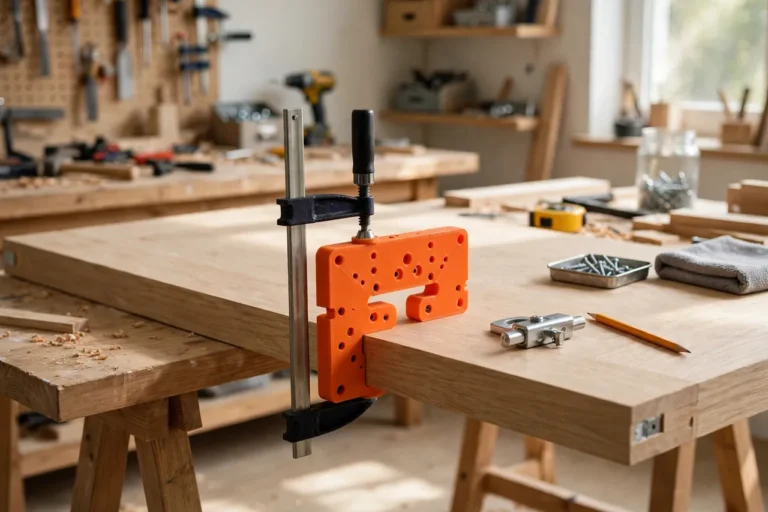
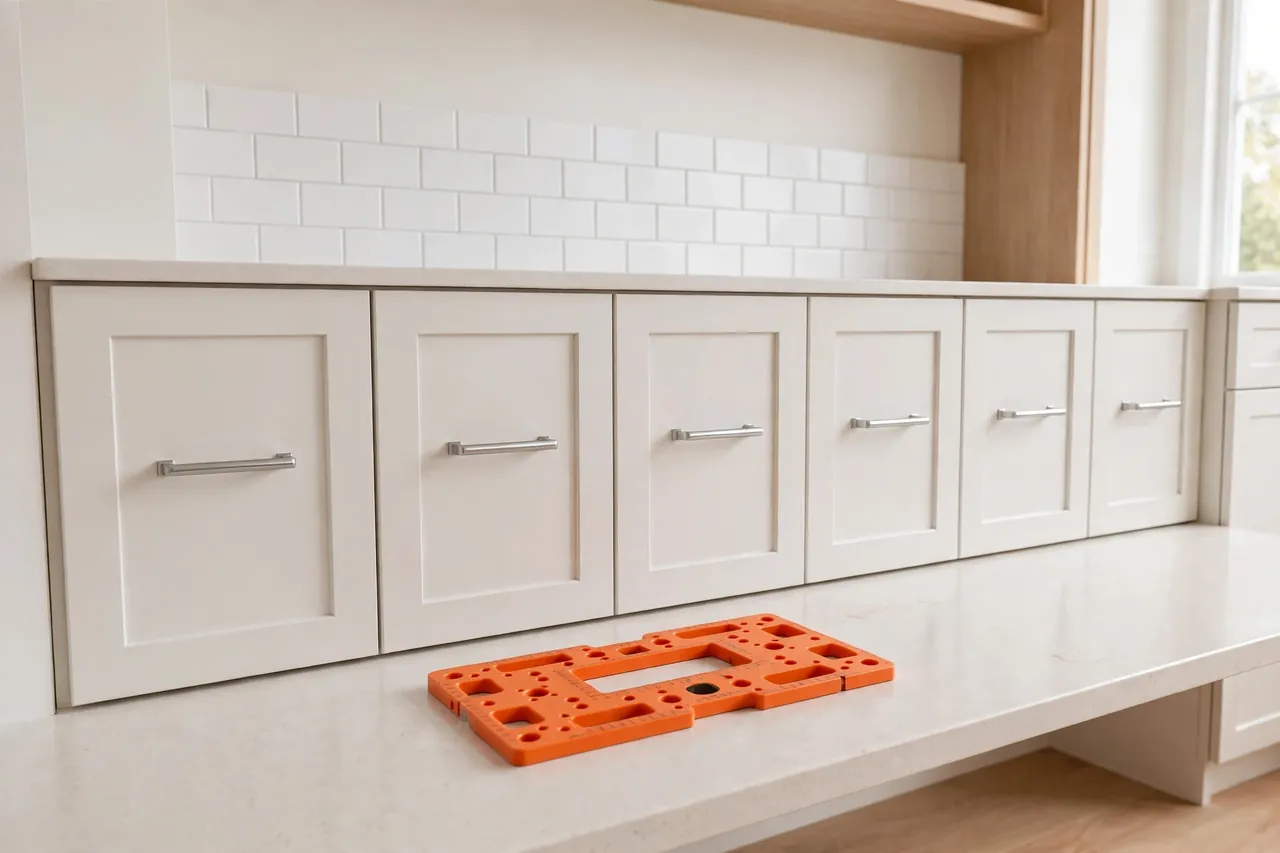
A 3D printed drawer pull drilling template removes the measuring from the job. It hooks over the top edge of the drawer, centers itself with adjustable stops, and puts the guide holes exactly where your pull needs them. Find the center once, lock the template, and every drawer after that is identical.
This guide covers designing, printing, and using a template you can size to your own pulls and drawer fronts. Treat it as a layout aid only — it marks and guides, it does not carry load, and the real hardware does the holding once installed.
What You Need
The template is a flat L-shaped part that prints in a couple of hours and fits most home printers. Gather your actual pull first, because the whole design keys off it.
Materials and tools
- A home 3D printer with a build area of roughly 180 mm in at least one direction
- PETG filament for durability, or PLA for a first test version
- The actual drawer pull you plan to install, plus its mounting screws
- A drawer front to measure, plus calipers or a steel ruler
- A cordless drill, a brad-point or twist bit to suit your screws, and a screwdriver
- Painter’s tape, a pencil or awl, and a small clamp
- Scrap wood the same thickness as your drawer fronts for test drilling
- Sandpaper or a small file for cleaning up print edges
PETG is the better keeper material here because the hook over the drawer edge gets flexed and knocked around in a toolbox. PLA prints crisper test versions and is perfectly fine for a single kitchen project if you store it flat and out of heat.
Suggested print settings
- Layer height: 0.20 mm for a good balance of speed and hole accuracy.
- Walls: 3 to 4 perimeters so the guide holes and edge hook stay rigid.
- Infill: 30 to 40 percent, grid or gyroid, so clamping does not bow the plate.
- Top and bottom layers: 4 or more for a smooth face that slides on finished wood.
- Orientation: Print flat, face down, for the truest reference surface.
- Supports: Design to avoid them; a flat plate with a simple hook needs none.
Print a test version first, even in cheap PLA, and drill a scrap drawer front before you touch the real cabinets.

Design Considerations
Model the template in any basic CAD tool. The shape is simple: a flat plate, a top hook, two side stops, and a row of guide holes.
1. The top-edge hook registers every drawer the same way
A lip that folds over the top edge of the drawer front, about 15 to 20 mm deep, sets the vertical position without measuring. Every drawer in a run usually shares the same height, so hooking from the top puts the pull at the same height on each one.
2. Adjustable side stops find the center automatically
The neatest versions use two sliding stops that squeeze in from both sides and meet the drawer edges evenly. When both stops touch, the template is centered by geometry, not by eyesight. Allow 0.3 to 0.5 mm of slip clearance in the stop slots so they slide freely after printing, and add a thumb screw or simple friction fit to lock them.
3. Guide holes must match your pull exactly
Bar pulls are sold by center-to-center spacing — common sizes include 76 mm, 96 mm, and 128 mm — but never trust the packet. Measure the pull in your hand from screw center to screw center with calipers. Put a pair of guide holes at that spacing for single-pull drawers, and a second pair wider out if you sometimes fit two knobs instead.
4. Knobs, wide drawers, and rails need small tweaks
For a single central knob, you only need one center hole. For very wide drawers over about 600 mm, many makers fit two pulls, so add a mirrored set of holes measured from each side stop. If your drawers have a raised panel or frame, deepen the hook so the plate still sits flat on the flat border, not on the raised center.
Step-by-Step: Printing and Assembly
- Measure your pull — center-to-center screw spacing, screw diameter, and how far the pull stands off the drawer.
- Measure your drawer fronts — width, height, and thickness at the top edge where the hook will sit.
- Model the plate, roughly 40 to 60 mm tall, long enough to cover your widest pull spacing plus margins, with hook, stops, and guide holes.
- Print a test fit. The hook should drop over the drawer edge without rocking, and the stops should slide smoothly.
- Clean it up. Clear stringing from the holes, lightly sand the hook’s inside corner, and check the plate sits flat.
- Adjust if needed. Open tight slots by 0.2 mm, correct any hole spacing error, and reprint.
- Print the keeper in PETG if your test was PLA, using the corrected file.
- Mark the template with a paint pen showing pull spacing and top direction, so future-you grabs it with confidence.
Step-by-Step: Using the Template on Your Drawers
- Find the center once. On the first drawer, measure the width, halve it, and make a tiny pencil tick at the top edge. Double-check it.
- Set the stops. Slide both side stops in until they touch the drawer edges evenly with the arrow on your center tick, then lock them.
- Hook the template on. Seat the lip fully over the top edge and confirm the plate lies flat with no sawdust trapped behind it.
- Clamp lightly if needed. Finished fronts are slippery; a small clamp or a strip of painter’s tape keeps the template honest while you mark.
- Mark through the guide holes with an awl or sharp pencil. A small indent beats a dot — your drill bit will find it and stay there.
- Remove the template and check the two marks for level and spacing against the pull itself before drilling anything.
- Drill on the marks, holding the drill square to the face. On scrap first if this is your first drawer; drill from the front with a backing board behind to prevent tear-out on the inside.
- Fit the pull, driving screws snugly from inside the drawer. Do not overtighten into soft drawer fronts.
- Repeat down the run. Hook, check the stops still touch both sides, mark, drill. The rhythm takes under two minutes per drawer once set.
Hang one finished drawer and check it from the doorway before drilling the rest.
Tips for Better Results
-
Tape the face first. Painter’s tape over the drilling area reduces chip-out on painted and veneered fronts and takes pencil marks cleanly.
-
Do a dry layout first. Stand back and check the first marked drawer against its neighbors before drilling.
-
Work in a set order. Mark every drawer first, then drill every drawer — batching keeps your setup honest.
-
Keep the awl sharp. A crisp indent, not a dent, is what your drill bit wants to find.
Common Mistakes to Avoid
- Trusting the packet spacing. Pulls that look identical vary by a millimeter or two. Measure your own hardware every time.
- Centering by eye on each drawer. That is the habit the template exists to replace. Set the stops once and trust them.
- Drilling through the guide holes. Hogging out the holes destroys their accuracy. Mark with the template, drill without it.
- Skipping the backing board. Exit tear-out inside the drawer looks rough forever. A clamped offcut prevents it.
Care, Storage, and When to Choose an Alternative
Wipe dust off the template, store it flat in a drawer or hung from its hook on a peg, and keep PLA versions away from hot cars and radiators. Check the guide holes occasionally — if marking has worn one oval, reprint the plate; it is a short job.
A commercial metal drilling jig is the better tool if you fit hardware professionally, drill hundreds of fronts, or need hardened bushings for a self-centering bit all day. For a kitchen refresh, a bathroom vanity, or matching one odd pull size you already own, a printed template is quicker to make, exactly your size, and easily accurate enough.
FAQ
Will one template work for different pull sizes?
The stops handle different drawer widths, but the guide holes are fixed to one pull spacing. Adding two or three common spacings as extra hole pairs covers most homes. For a very different pull, print a second plate — it shares the same hook and stops.
Should I drill from the front or the back of the drawer?
From the front, on your awl marks, with a backing board clamped behind the front panel. That combination gives you a clean entry hole where it shows and prevents blow-out where the screw exits inside.
What if my drawers have no separate front panel?
The template still works on slab drawer boxes. Hook it over the top edge of the box front, mark and drill the same way, and choose screws that suit the thinner material without poking through.
My first pull still looks slightly off-center. What happened?
Usually a stop shifted, debris sat under the hook, or the original center tick was wrong. Loosen the pull, check whether the holes themselves are centered, and correct the tick before blaming the template — the template faithfully repeats whatever center you gave it.
Conclusion
Centered pulls are not about having a steadier hand. They are about removing repeated measuring from a job that punishes tiny differences. Set a printed template once, and every drawer in the run inherits the same correct answer.
Print one to suit the pulls in your hand, test it on scrap, and a whole kitchen of hardware becomes a calm, assembly-line task instead of a row of small gambles.
If you are updating the pulls themselves as well as their position, you may also enjoy our related guide, “Custom Drawer Pulls and Cabinet Knobs: 3D Print Matching Replacement Hardware for Old Furniture,” which covers printing the hardware to match. And once the fronts are drilled, our guide “Drawer Slide Jig: 3D Print an Installation Guide for Perfectly Level Drawer Slides” helps the drawers behind them run just as straight.