Introduction
A phone at the workbench is almost essential these days: plans, measurements, a video showing a technique, a timer for glue, a message from someone asking when the project will be done. But a phone loose on the bench is in constant danger — dust, glue drips, a sliding board, a splash from a finishing rag, or the simple act of sweeping tools aside and knocking it to the floor.
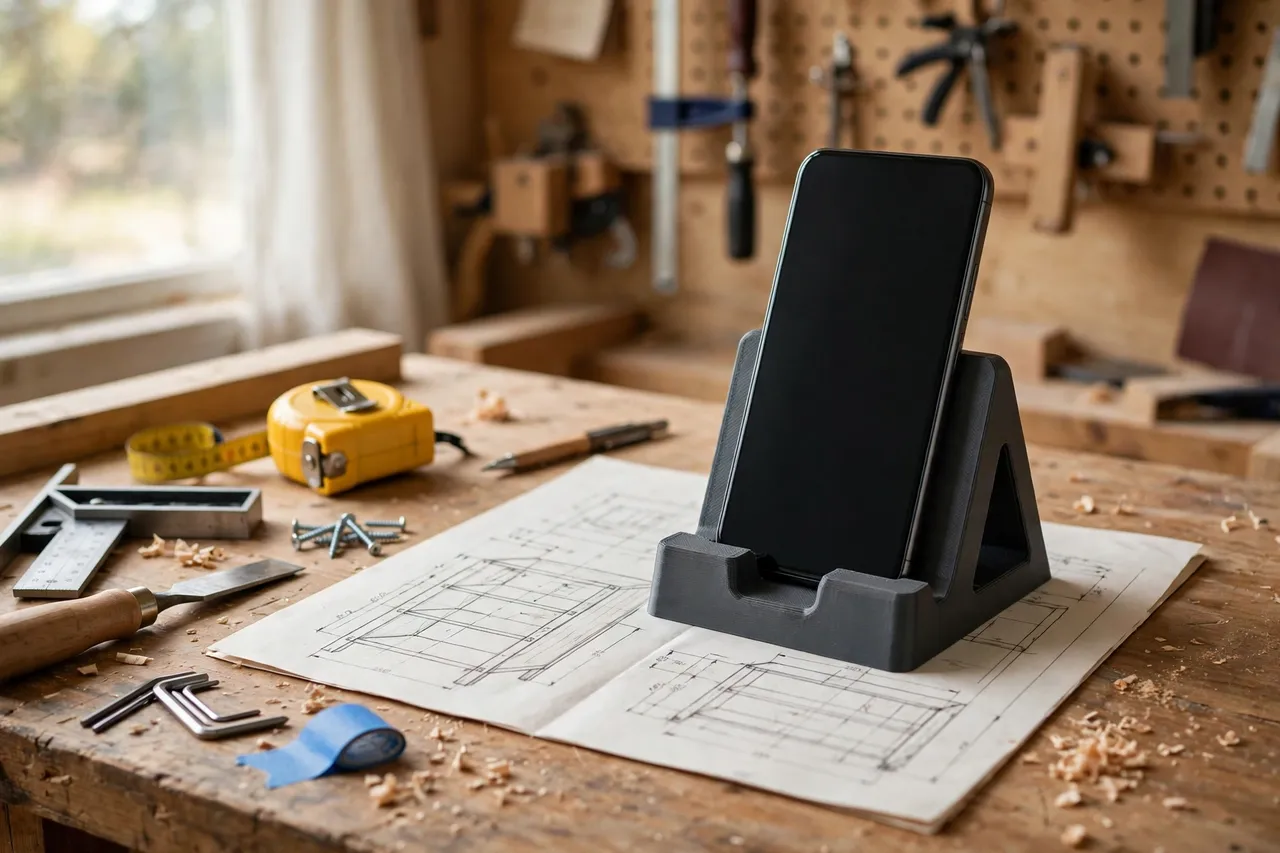
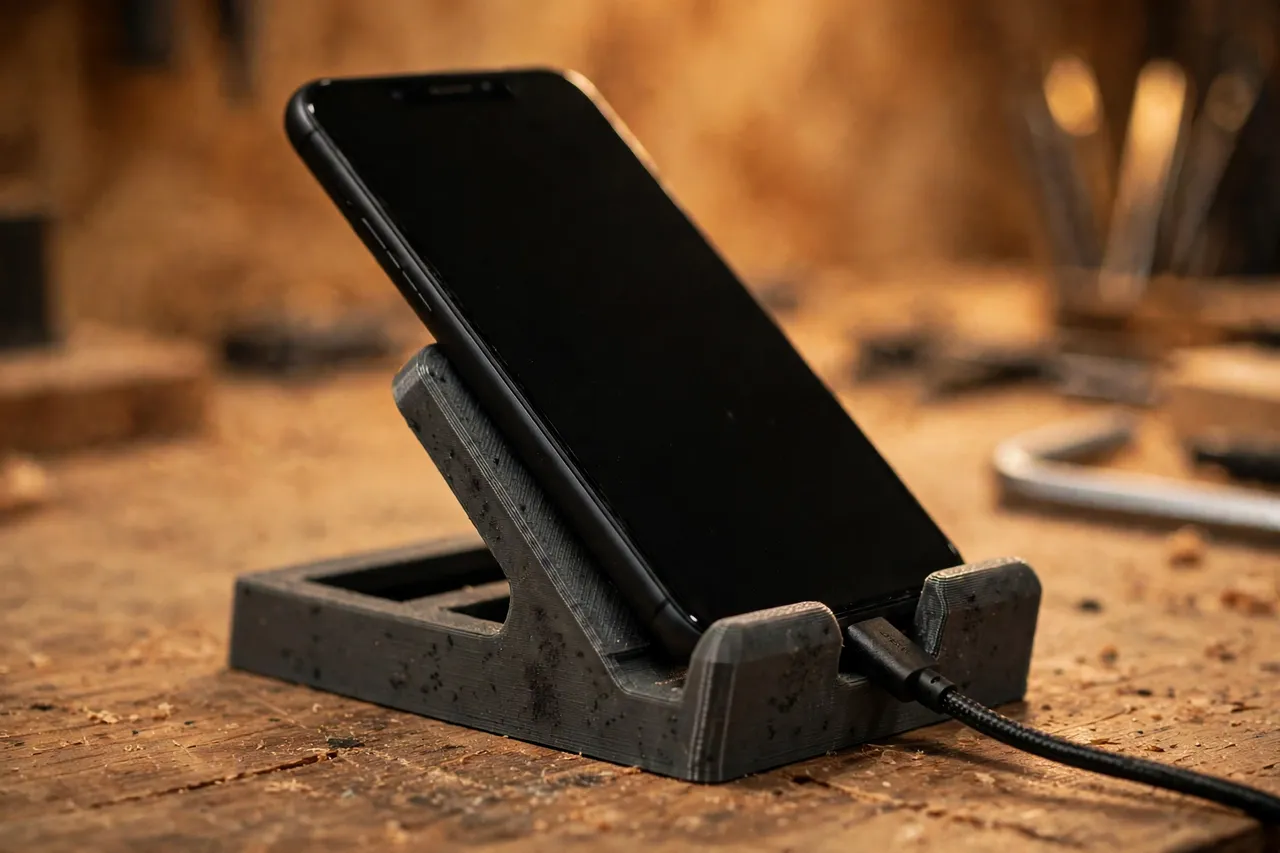
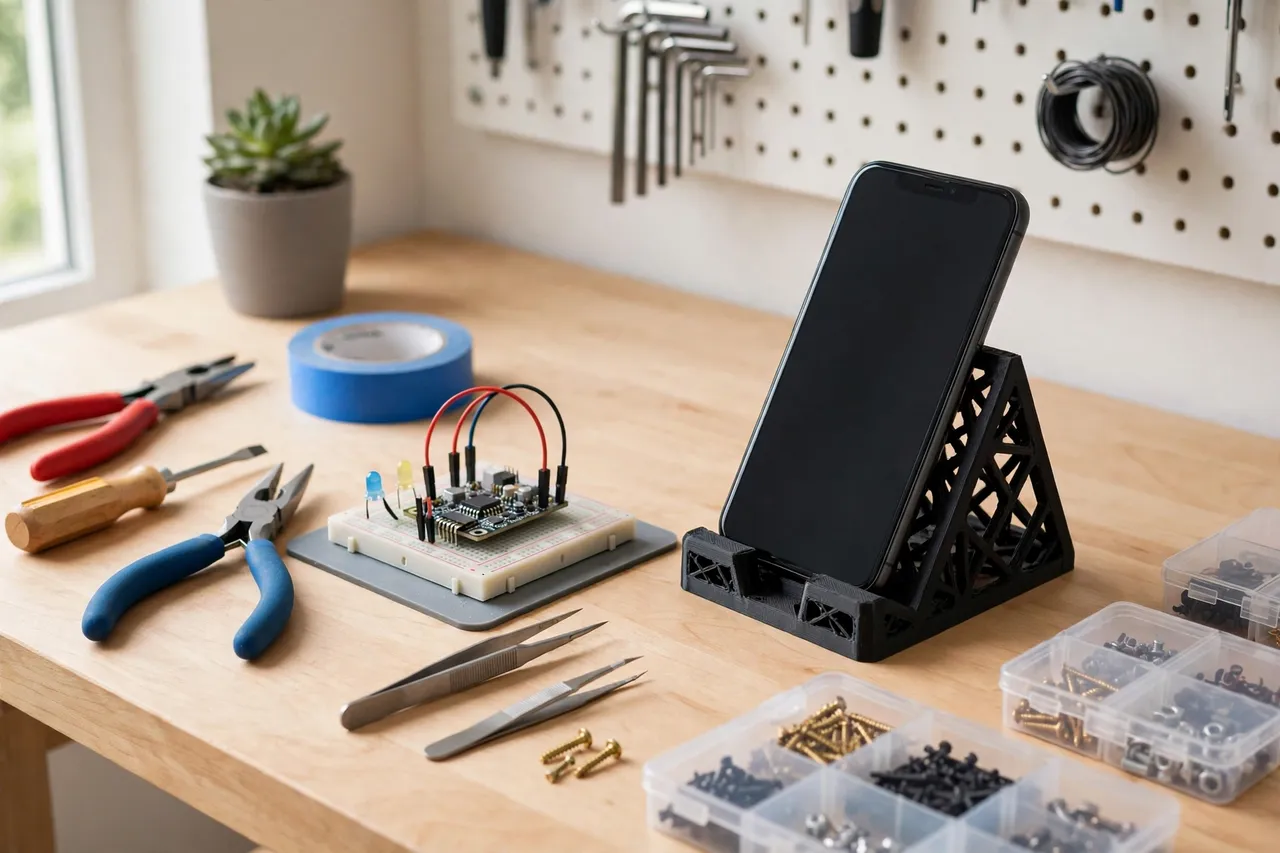
A printed bench holder gives the phone a proper place: upright, angled so you can read it, held clear of the bench surface, and stable enough that a bump to the bench does not send it sliding. It is a bench stand for a finished phone — nothing electrical, no wiring, no charging modification — just a well-shaped cradle that keeps a valuable tool safe while you work.
This guide covers a holder you can size to your phone, with or without a case, and adapt to portrait or landscape viewing. It is a small print with a big payoff the first time it saves a phone from a glue puddle.
What You Need
This is one of the quickest prints in the workshop, and it needs no fixings at all unless you want to mount it.
Materials and tools
- A home 3D printer with a build area of roughly 120 mm in at least one direction
- PLA or PETG filament; either works, since the holder carries only a phone’s weight
- Your phone, with its case on, for measuring width, thickness, and cable position
- A tape measure or calipers, and a pencil
- Sandpaper or a small file for cleanup
- Optional: adhesive felt or rubber pads for the base and cradle, and a short charging cable to test the cable slot
Suggested print settings
- Layer height: 0.20 mm is fine; 0.16 mm gives a smoother cradle face against the phone.
- Walls: 3 to 4 perimeters for a sturdy stand.
- Infill: 25 to 40 percent, gyroid or grid. A phone is light, so high infill is unnecessary.
- Top and bottom layers: 4 or more for a flat, stable base.
- Orientation: Print flat, base down, for the flattest footing and the cleanest cradle.
- Supports: Usually none, unless your design includes a steep overhang at the back rest.
Print one holder first and test it with your actual phone and case before printing variations.
Design Considerations
A phone holder looks simple, but a few dimensions decide whether it is genuinely useful or just a phone-shaped ornament.
1. Sizing for phone and case
Measure the phone with its case on, since that is how it will sit in the holder. The cradle slot should be about 2 to 3 mm wider than the phone-plus-case thickness, so the phone drops in without forcing and lifts out with one hand. The cradle width should suit the phone’s width in the orientation you use most — portrait for plans and messages, landscape for videos — and a holder that works in both orientations needs a wider, more open design.
If you change cases often, size the holder for the fattest case, or print a thin shim that adapts a loose holder to a slim case.
2. Viewing angle
A back rest angled at about 60 to 70 degrees from the bench suits reading plans while standing at the bench. Steeper angles suit video watching from a stool; shallower angles suit glancing down while working. A 65-degree rest is a good all-round default. Add a small lip at the front of the cradle, about 10 to 15 mm high, so the phone cannot slide forward off the stand.
3. Cable access
If you charge the phone at the bench, include a slot or notch at the back or bottom of the cradle for the charging cable, so the cable does not push the phone out of position. The holder itself involves no electrical work — it simply leaves room for a standard cable you already own. Keep the cable routed away from the work area so it does not snag on tools or projects.
4. Stability and bench placement
A wide base — at least 90 to 100 mm wide for a standard phone — keeps the holder stable when you tap the screen. Rubber or felt pads under the base stop it sliding on a smooth bench and protect the bench surface. Place the holder at the back corner of the bench, away from the main work zone, glue-ups, and finishing areas, so the phone is visible but never in the path of a board or a spill.
Step-by-Step: Printing and Setting Up
- Measure your phone with its case on — width, thickness, and cable port position.
- Choose portrait, landscape, or both, and pick a viewing angle around 65 degrees.
- Model the holder with a cradle slot, a front lip, a back rest, a cable notch, and a wide flat base.
- Print one test holder and clean up any rough edges that touch the phone.
- Test-fit the phone. It should drop in easily, sit steady, and lift out with one hand.
- Test the viewing angle from your normal standing position at the bench. Can you read it without bending down?
- Test the cable, if you use one, checking it does not lift the phone or snag.
- Adjust if needed. Too tight? Widen the slot by 2 mm. Tips when tapped? Widen the base or add pads.
- Print the keeper once the test passes, and fit base pads.
- Place it at the bench in its back-corner home, and make a habit of putting the phone there the moment you arrive at the bench.
For the wider bench organization picture, the guide 3D Printed Pencil and Marker Holders for Benches: Marking Tools Always in Reach covers keeping small bench items in their places, and 3D Printed Apron Hooks: Hang Aprons Where You Work keeps another everyday item off the bench entirely — the same keep-it-in-its-place logic that makes a phone holder work.
Tips for Better Results
- Keep the phone out of the dust path. Place the holder upwind of sanding if you can, or wipe the phone before it goes back in your pocket. A holder helps, but it is not a dust-proof box.
- Use the holder for timers and plans, not just calls. A phone on a stand is a glanceable reference; a phone flat on the bench is a distraction you have to pick up.
- Print a second holder for the finishing bench or the assembly table if you work in more than one spot. Small prints are cheap; phones are not.
- Add a small tray or lip beside the cradle for a pencil or a stylus, so the tools you use with the phone have a home too.
- Clean the cradle now and then. Dust and glue drips in the slot make the phone sit unevenly. A quick wipe keeps the fit true.
Common Mistakes to Avoid
- Sizing for the phone without its case. A holder that fits a bare phone will not fit a cased one, and most people use a case.
- Making the base too narrow. A narrow base tips when you tap the screen. Wide bases are stable bases.
- Forgetting the front lip. Without a lip, the phone slides forward off a shallow rest the first time the bench is bumped.
- Placing the holder in the work zone. The holder belongs at the back corner, not in the middle of the bench where boards and glue live.
- Routing the cable across the bench. A cable across the work area snags. Route it behind the holder and off the bench edge.
- Printing a cradle that grips too tightly. A phone should lift out with one hand. A tight cradle means two hands and a wrestling match every time.
Care, Storage, and Alternatives
The holder needs almost no care: wipe dust out of the cradle, replace base pads when they wear, and reprint if you change to a much larger phone or a far thicker case. If you move benches, the holder moves with you — it is freestanding, so there is nothing to uninstall.
Alternatives include a commercial phone stand, which works but rarely matches your bench height and viewing angle, and a simple wooden wedge, which is sturdy but cannot be resized without a new build. A printed holder wins on fit: it matches your phone, your case, and your bench position, and it can be reprinted in minutes when any of those change.
FAQ
Will one holder fit any phone?
Not quite. Phones vary in width and thickness, especially with cases. A holder sized for your phone and case fits best; a holder sized for the largest phone in the household works for smaller ones too, but with a looser fit that may need a shim.
Can I charge my phone in the holder?
Yes — include a cable notch in the design and use your normal charging cable. The holder itself has no electrical parts and does not modify charging in any way; it simply holds the phone where the cable can reach it.
PLA or PETG for a phone holder?
Either works. The holder carries only a phone’s weight, so strength is not a concern. PETG is slightly better in a warm shop, but PLA is perfectly fine for a bench stand.
My phone tips the holder when I tap the screen. How do I fix it?
Widen the base, add rubber pads underneath, or lower the phone’s center of gravity by reducing the viewing angle slightly. A holder that tips when tapped is too narrow or too top-heavy for its base.
Conclusion
A phone holder is a tiny project that protects an expensive tool and makes bench work smoother. Plans stay visible, timers stay glanceable, and the phone stays out of glue, dust, and harm’s way.
Measure your phone with its case on, print one test holder, and put it in its back-corner home. From then on, the phone goes in the holder the moment you reach the bench — and stays safe until the job is done.