Introduction
Countertop edges take a surprising amount of punishment. Pots get set down hard, vacuum cleaners bump into them, chair backs catch them, and bags get swung against them. On laminate and timber counters, that punishment shows up as chips, dents, and lifted edges — small damage that is hard to repair invisibly and that tends to spread once the surface is broken.
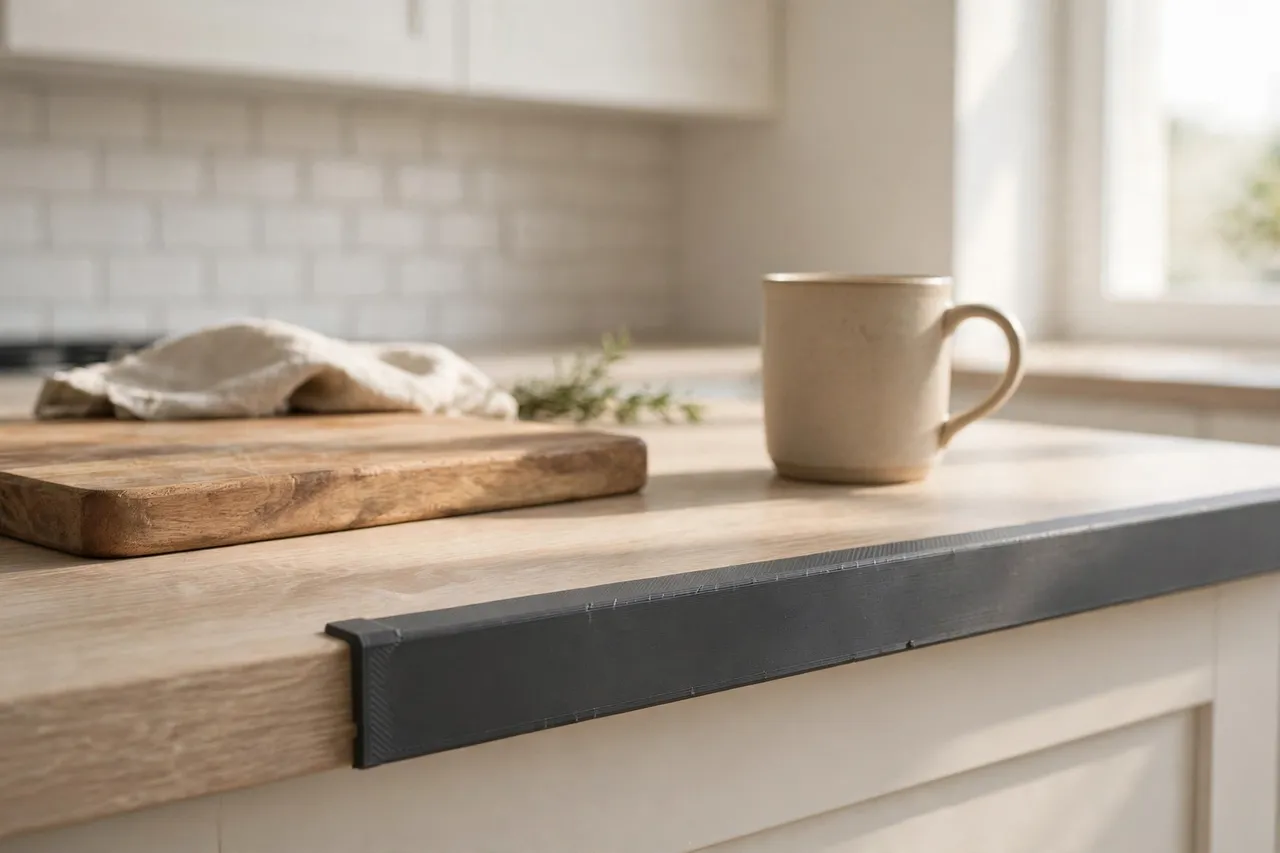
A 3D printed edge protector is a light-duty guard that clips or sticks over a vulnerable counter edge and absorbs those everyday knocks instead of the counter itself. It is not a repair for a badly damaged counter, and it is not a structural part: if a counter edge is already crumbling, delaminated, or water-damaged, the honest fix is a proper counter repair or replacement, not a cover. But for a sound counter with exposed edges that get knocked — a breakfast bar end, a laundry counter, a workshop bench edge — a printed protector is a cheap, replaceable shield that keeps the counter looking good for longer.
This guide covers measuring your counter profile, choosing a fixing style, printing protectors in a forgiving material, and fitting them neatly.
What You Need
Edge protectors are long, low parts, so check your printer’s build area before designing: a protector for a long straight edge may need to be printed in sections that join end to end.
Materials and tools
- A home 3D printer, with a build area long enough for your chosen protector section length
- TPU for a soft, cushioning protector, or PETG for a firmer guard that holds its shape
- Calipers or a ruler, a pencil, and a profile gauge or a piece of card for tracing the edge shape
- A utility knife, fine sandpaper, and a clean cloth
- Double-sided tape or silicone adhesive, if you choose a stick-on design rather than a clip-on one
- A spirit level or straightedge for checking long runs
TPU is the standout choice here: it cushions impacts, grips the edge gently, and is forgiving if the profile is slightly off. It is slower to print and needs a printer that handles flexible filament well, so test a small piece first. PETG is a good fallback: firmer, easier to print, and still far kinder to a counter edge than a bare knock.
Suggested print settings
- Layer height: 0.20 mm for PETG; 0.20 to 0.24 mm for TPU, which prints more reliably slightly thicker.
- Walls: 3 to 4 perimeters for PETG; 3 perimeters for TPU, which gets its toughness from flexibility rather than wall count.
- Infill: 30 to 40 percent, grid or gyroid, for a protector that cushions without feeling hollow.
- Top and bottom layers: 4 or more, for a smooth outer face.
- Orientation: Print the protector lying on its side or flat, so the long edge prints cleanly and any clip arms are strong.
- Supports: Usually none for a simple channel profile; avoid enclosed shapes that trap support inside.
Print one short test section first and check it on the real counter edge before committing to a full run. Profile errors are much cheaper to find in a 100 mm test than in a metre of protector.
Design Considerations
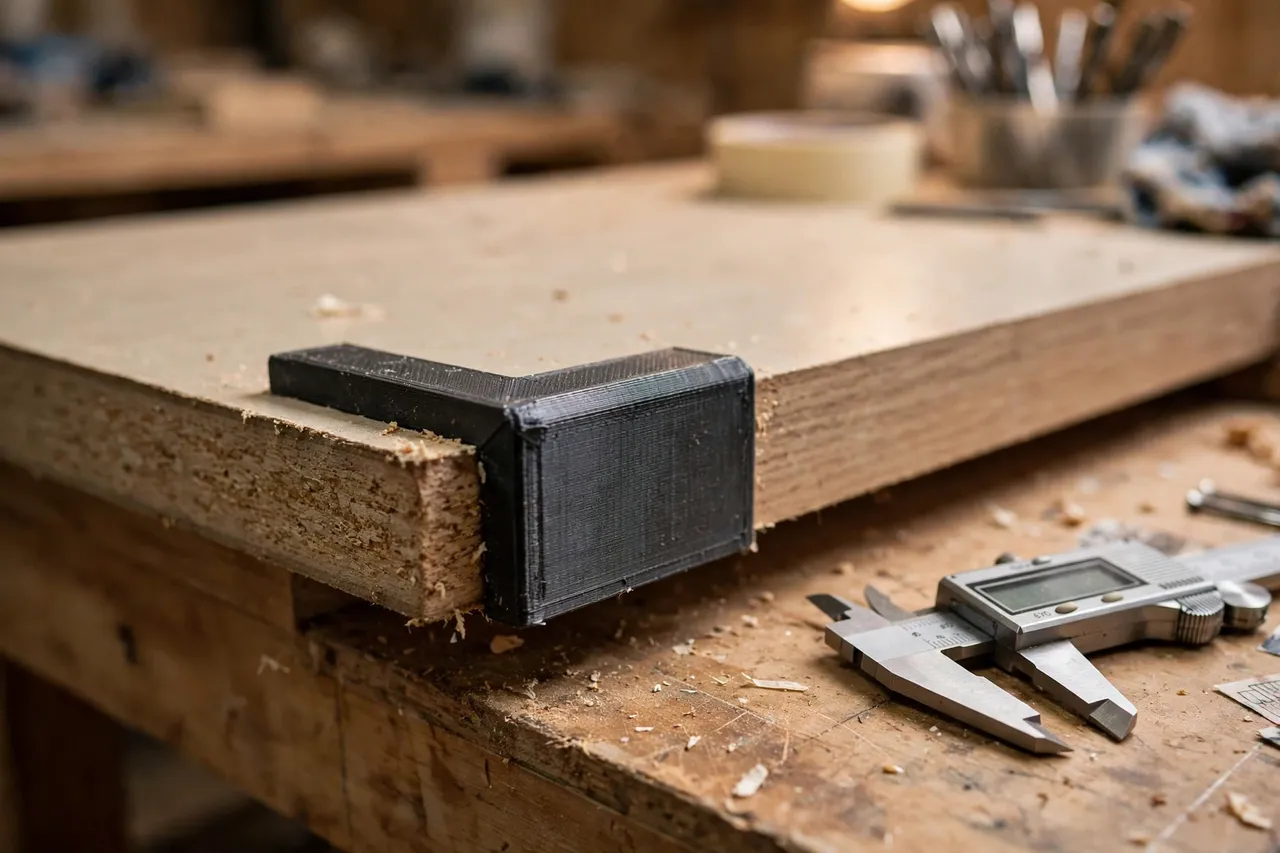
A countertop edge protector is essentially a long channel or cap that matches the counter’s edge profile. The profile is everything — a protector that does not match will rock, gap, or fall off.
1. Trace the real profile
Counter edges are not all square. Some are rounded, some have a small drip groove underneath, some are bevelled, and laminate edges often have a slight radius from the wrapping process. Use a profile gauge, or press a piece of stiff card against the edge and trace it, to capture the actual shape. Design the protector’s inner channel to that traced profile, with about 0.5 mm of clearance so it slides on without forcing.
2. Choose clip-on or stick-on
A clip-on protector grips the counter edge with spring arms and can be removed for cleaning — ideal for a counter you wipe down often. A stick-on protector uses double-sided tape or a bead of silicone and suits edges where a clip cannot grip, such as a very thin or rounded profile. Stick-on protectors are harder to remove cleanly, so only use adhesive where you are happy for the protector to stay long-term, and test the adhesive on a hidden spot first.
3. Design in sections for long edges
Most home printers cannot print a full counter length in one piece. Design the protector in sections of 150 to 250 mm, with a simple butt joint or a small overlapping step where sections meet. Butt joints are simplest and look fine if the sections are aligned carefully; stepped joints hide the seam better but need more precise printing. Either way, keep section ends square so they meet cleanly.
4. Keep it low-profile and easy to clean
A protector that sticks out far from the edge will catch on clothing and cleaning cloths, and one with deep grooves will trap crumbs and grease. Keep the outer profile smooth and close to the counter edge, with rounded outer corners and no unnecessary ridges. A protector that wipes clean in one pass is one that will actually stay on the counter.
Step-by-Step: Printing the Protectors
- Trace the counter edge profile with a gauge or card, and measure the counter thickness.
- Decide clip-on or stick-on based on the profile and how often you want to remove the protector.
- Model a short section of protector matching the traced profile, with rounded outer corners.
- Print a single test section and check it on the real counter edge for fit, grip, and appearance.
- Refine the profile. Rocking? Tighten the inner channel. Too tight? Add 0.2 mm of clearance and reprint.
- Print the full set of sections once the test fits, plus a spare section or two.
- Clean up stringing, lightly sand any rough outer faces, and check section ends meet squarely.
Step-by-Step: Fitting the Protectors
- Clean the counter edge thoroughly, removing grease and dust so a clip grips well and adhesive bonds properly.
- Dry-fit all sections along the edge, checking the joints meet neatly and the run looks straight.
- Adjust section positions so joints fall in sensible places, away from the spots that get knocked most.
- Fit clip-on sections by pressing them firmly onto the edge, working from one end to the other.
- Fit stick-on sections by applying tape or adhesive to the inner channel, pressing firmly, and holding each section in place briefly.
- Check the full run by running a hand along it: it should feel smooth, with no rocking, lifting corners, or sharp section joints.
- Leave adhesive to cure for the time its manufacturer recommends before heavy use, if you used a stick-on design.
Tips for Better Results
- Use TPU where you can. Its cushioning is genuinely better for a part whose whole job is absorbing knocks.
- Print spare sections. A damaged section can then be swapped in minutes without a new print session.
- Match the counter colour. A protector close to the counter colour disappears; a contrasting one looks like an add-on.
- Keep joints away from corners. Corners take the most knocks, and a joint at a corner is the first thing to fail.
- Wipe the protector with the counter. Including it in your normal cleaning routine stops grime building up behind it.
Common Mistakes to Avoid
- Designing from a assumed square edge. Trace the real profile; assumed profiles almost never fit.
- Printing one very long section. Long prints warp and fail more often, and a single long section is harder to fit than several short ones.
- Using a printed protector as a heat shield. TPU and PETG soften with heat — never rest hot pans on them.
- Gluing a protector over damaged, wet counter. Fix water damage and delamination properly first; a cover only hides it while it worsens.
- Making the protector too proud. A bulky guard catches on everything and gets knocked off faster than a slim one.
Care, Storage, and When to Choose an Alternative
Wipe protectors when you clean the counter, and check clip-on sections occasionally to make sure they have not worked loose. Replace any section that is cracked, deeply gouged, or no longer grips — that is exactly the damage it was there to absorb, and replacing it is the point.
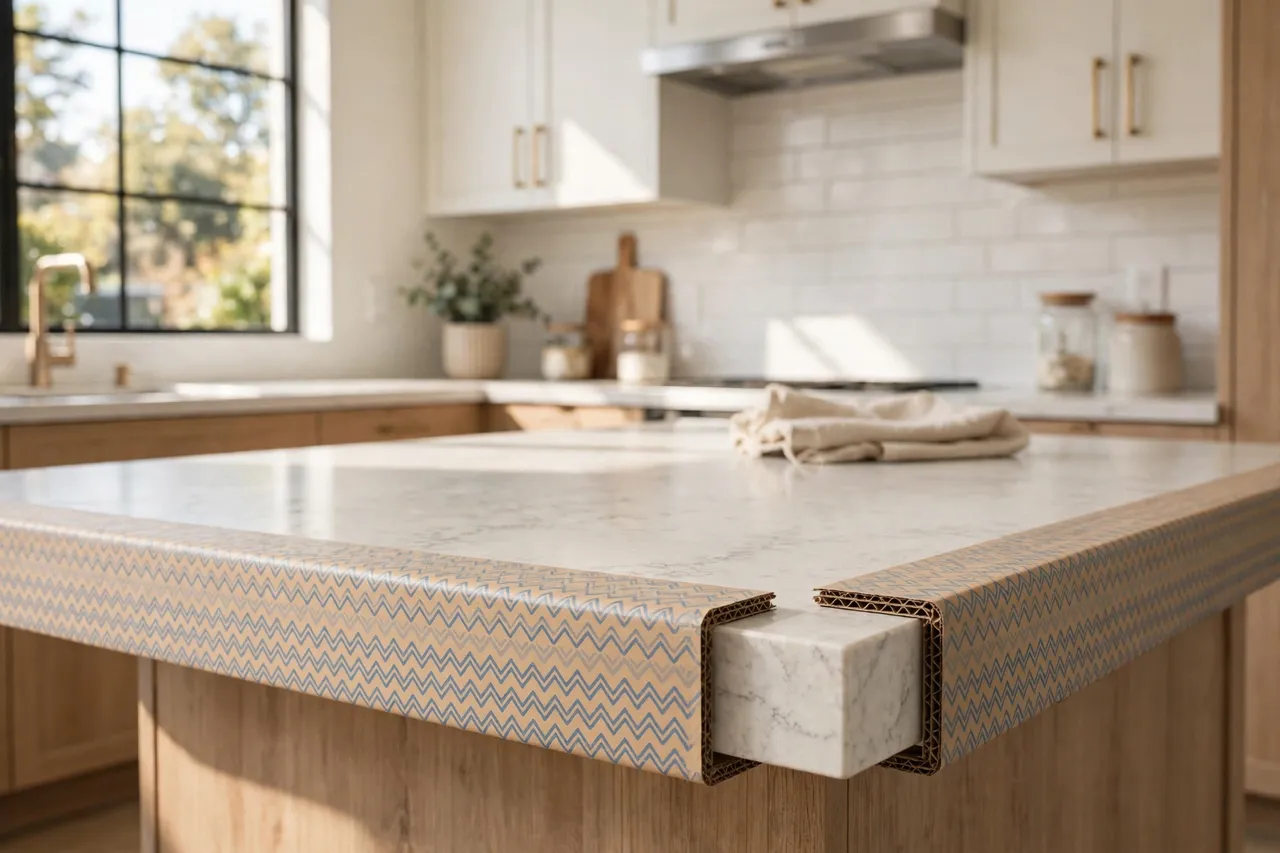
Choose a manufactured edge trim or a professional counter repair when the counter edge is structurally damaged, water-damaged, or delaminating, when the counter is stone or solid surface that needs a proper fabricated edge, or when the edge must withstand heat, such as beside a hob. Manufactured metal or solid-surface trims also suit high-end kitchens where a printed protector would look out of place. For a sound laminate or timber counter with knock-prone exposed edges, a printed protector is a practical, honest shield.
FAQ
Will an edge protector work on a rounded counter edge?
Yes, if you trace the rounded profile and design the inner channel to match it. A clip-on design needs enough flat area to grip, so very heavily rounded edges may suit a stick-on design better.
Can I use a protector on a stone countertop?
On a sound stone counter, a soft TPU protector can cushion knocks, but it will not repair chips and it may not grip a polished stone edge well. For stone, a stick-on design or a manufactured trim is usually more reliable.
How do I clean behind a clip-on protector?
Simply slide or lift it off, wipe the edge and the protector, and refit it. That removability is one of the main advantages of a clip-on design.
My protector sections keep separating at the joints. What helps?
Check the section ends are square and the run is straight, and consider a small stepped joint instead of a plain butt joint. A dab of flexible adhesive at the joint can also help, provided you can still remove individual sections if needed.
Conclusion
Countertop edges do not need to look battered just because they live in a busy kitchen. A printed protector, traced to the real edge profile and fitted in neat sections, takes the knocks instead of the counter — and when it eventually gets marked, you simply print a fresh section and swap it in.
For the rest of the kitchen, you may also enjoy 3D Printed Furniture Corner Protectors and Edge Guards for Tabletops (furniture protection, not child-safety) and Cabinet Bumper Pads: 3D Print Soft TPU Bumpers to Quiet Slamming Doors and Drawers, which protect the other edges and corners that take daily knocks. Keep a spare section or two, keep the profile true, and the counter will stay looking newer for much longer.