Introduction
Wainscoting looks simple until you lay out the first wall. You measure, mark, measure again — and somehow the last panel still ends up narrower than the rest, or the gaps drift a little wider as you cross the wall. The eye is ruthless about this: uneven panels are visible from the doorway, even when each individual gap is only a few millimeters off.
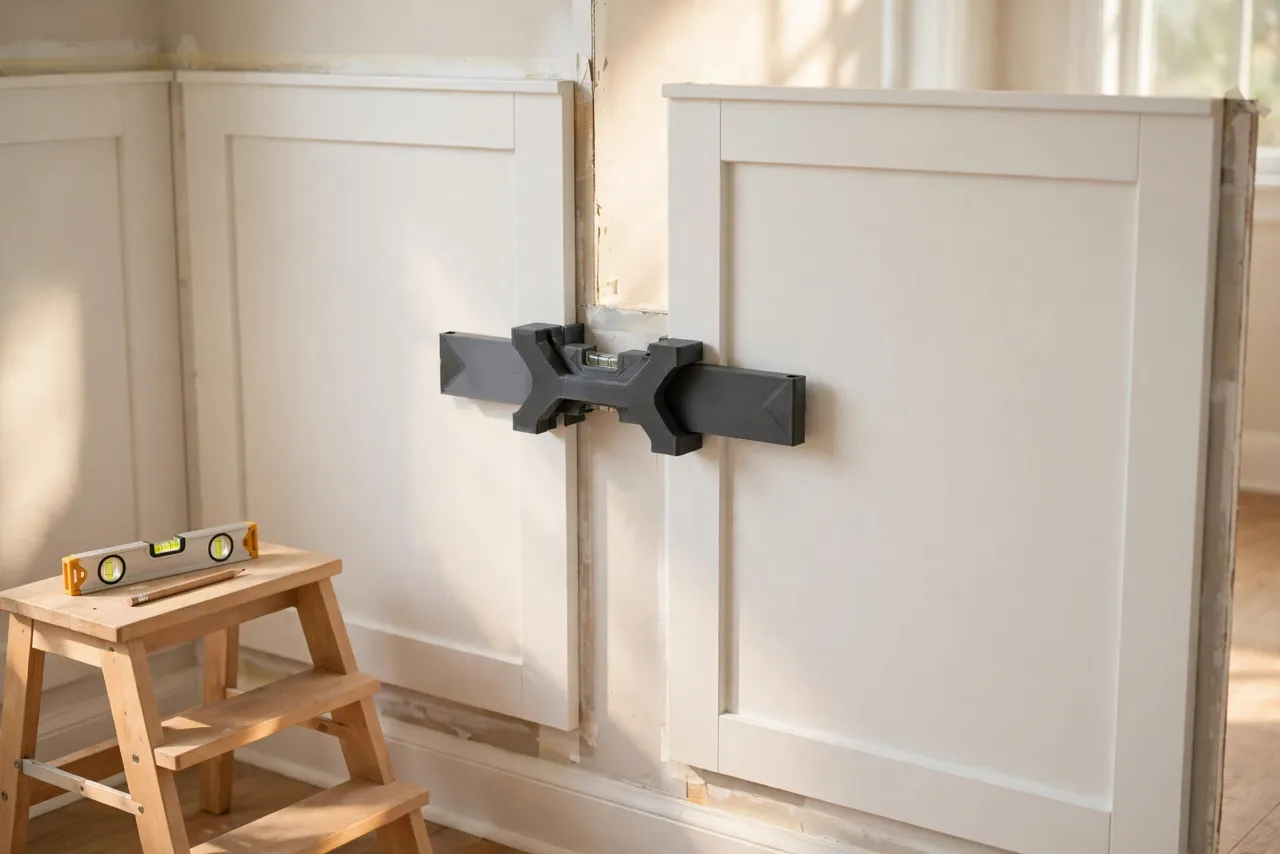
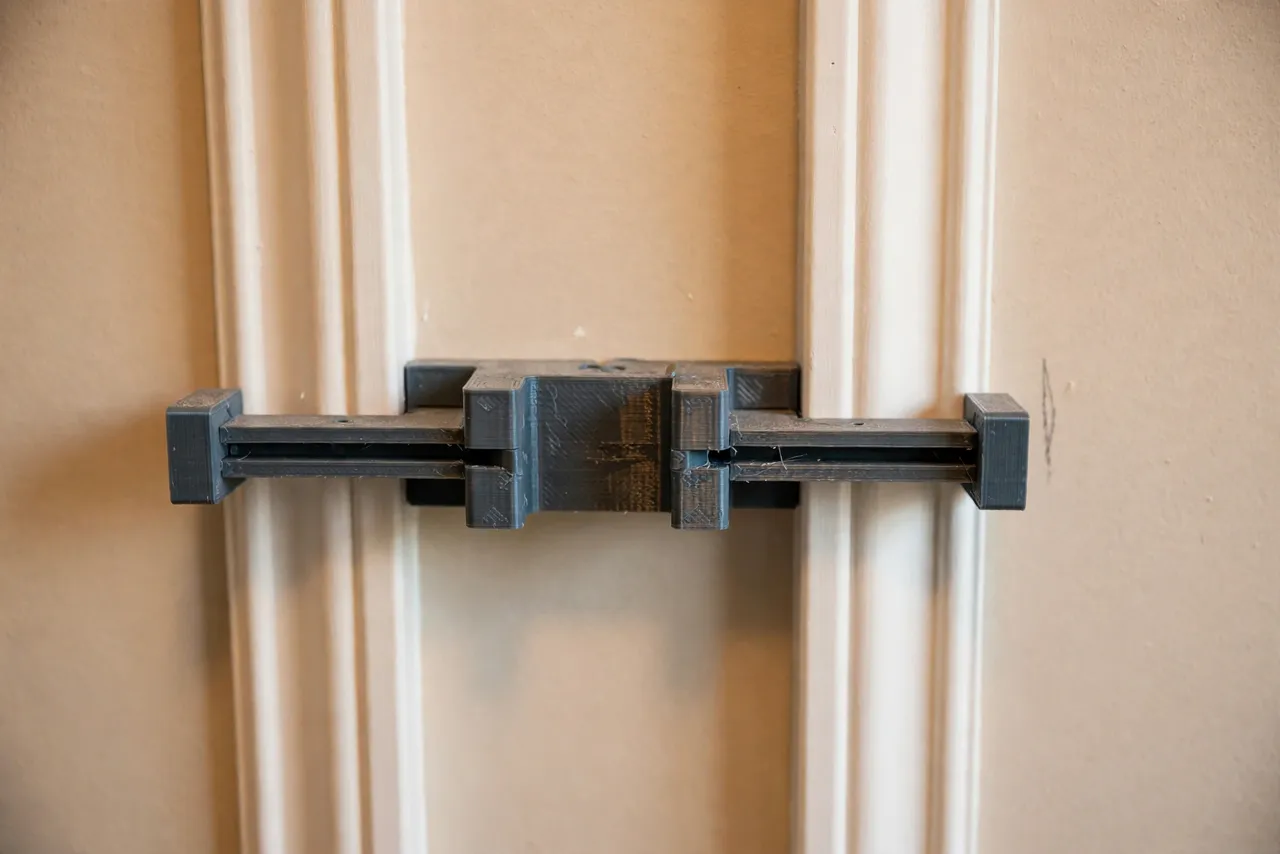
The fix is not more measuring. It is measuring once, locking the result into a physical gauge, and then letting that gauge do the repeating for you. A 3D printed wainscot panel spacing jig is exactly that: a small spacer block, or a pair of them, sized to your chosen gap and panel width, that you hold between panels as you work along the wall. Every gap comes out identical because the same piece of plastic sets every one.
Think of the jig as a layout aid only — it positions panels and marks layout lines, and it never carries load or replaces proper fastening to studs or the wall.
What You Need
The jig itself is a simple print. The real work is deciding your layout before you start nailing panels.
Materials and tools
- A home 3D printer with a modest build area; most jigs fit in 120 mm or less
- PLA or PETG filament; PETG survives toolbox life better
- A tape measure, a long level or laser level, and a pencil
- A calculator or a scrap of paper for the layout math (done once, up front)
- A saw for cutting stiles and rails, a nail gun or hammer, and adhesive if your method uses it
- Painter’s tape for holding layout marks on the wall
If you are planning the whole wall treatment, the layout thinking here pairs well with “3D Printed Picture Hanging Jig: Mark Perfect Positions Every Time, No Extra Holes,” which covers the same repeatable-marking idea on a smaller scale.
Suggested print settings
- Layer height: 0.20 mm is fine; accuracy here is about overall size, not fine detail.
- Walls: 3 to 4 perimeters for a rigid spacer that will not compress under hand pressure.
- Infill: 30 to 50 percent, grid or gyroid, so the jig holds its width.
- Top and bottom layers: 4 or more.
- Orientation: Print flat for the most accurate width.
- Supports: None needed.
Print two jigs, not one. Two spacers let you hold a panel in position at both ends while you check level and mark.
Design Considerations
A spacing jig can take several forms. Pick the one that matches your panel style.
1. The simple gap block
For applied molding wainscot — stiles and rails nailed over a flat wall — the jig is just a block exactly as wide as your chosen gap between stiles. Hold it between the last fixed stile and the next one, mark, and move on. Simple, fast, and hard to get wrong.
2. The panel-width gauge
For framed panels, where each panel is a rectangle of a fixed width, print a gauge that spans from one stile’s edge to the next stile’s position. This version carries both the gap and the panel width in one piece, so you never need a tape at all once layout is set.
3. Height and level registration
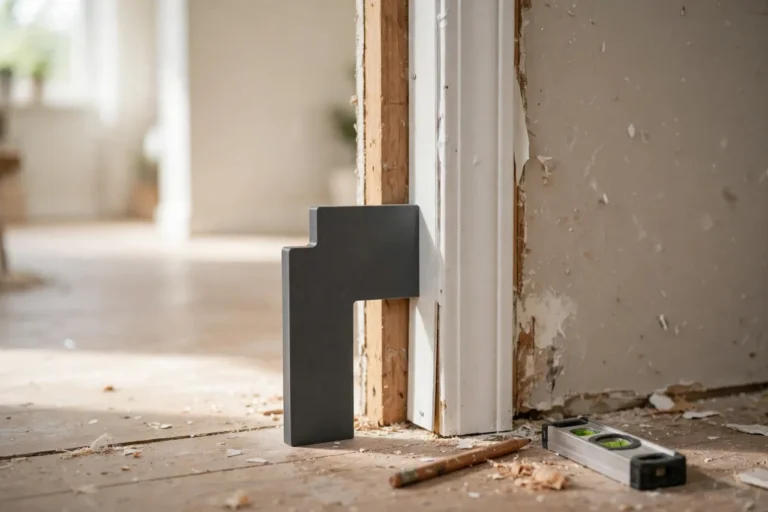
Add a small foot or notch that sits on the baseboard or chair rail line, so the jig also sets height. If your chair rail height is fixed, a jig that hooks over the baseboard keeps every panel’s bottom aligned without a separate measurement.
4. Sizing for your wall, not a generic wall
Walls are different lengths, and a good layout divides each wall into equal panels rather than forcing a standard panel width onto every wall. Measure each wall separately, work out how many equal panels fit, and size your jig to that wall’s result. A jig sized for the living room will not automatically suit the hallway.
Step-by-Step: Printing and Assembly
- Measure each wall end to end, noting outlets, vents, and doorways that break the run.
- Work out the layout per wall: choose a stile width and a target panel width, then divide the wall into equal panels, adjusting the panel width slightly so the end panels match the rest.
- Model the jig to your chosen gap width, or to your panel pitch if you are using the panel-width version.
- Print two copies and check them against each other — they must be identical.
- Sand any rough edges so the jig sits flat against the wall and panels without rocking.
- Label each jig with its width using a paint pen, especially if you made versions for different walls.
Step-by-Step: Using the Jig on a Wall
- Mark the chair rail height around the room with a level, and mark the baseboard top line.
- Mark the first stile position at the starting corner, using your layout math.
- Install the first stile, checking it is plumb.
- Place a jig against it and mark the next stile’s position, or hold the next stile against the jig directly.
- Work along the wall, leapfrogging the two jigs: one stays as a reference while you position the next stile, then you move the first jig forward.
- Check the final panel before fixing anything. If the last panel is coming out noticeably narrower, rework the layout now — shifting every panel by a few millimeters across the wall beats one skinny panel at the end.
- Install rails and panels once the stiles are set, then step back and check the whole wall from the doorway.
When you reach a doorway or an outlet, treat it as a break in the run: lay out the panels on each side of the obstruction separately, so the obstruction does not throw the whole wall off.
Tips for Better Results
- Do the layout math on paper first. A five-minute calculation saves an afternoon of repositioning.
- Use both jigs at once for long stiles — one at the top, one at the bottom — to keep the stile parallel, not just positioned at one end.
- Check plumb as you go. A spacing jig sets horizontal position; it cannot correct a leaning stile.
- Mark lightly in pencil and keep marks where the rail or trim will cover them.
- Dry-fit a full wall with tape before nailing anything, if this is your first wainscot job.
Common Mistakes to Avoid
- Measuring each gap from scratch. That is exactly how drift creeps in. Trust the jig.
- Using one layout for every wall. Different wall lengths need different panel counts.
- Forgetting outlets and switches. A stile landing on an outlet box means rework; plan around them in the layout.
- Letting the jig compress or tilt. Press it flat against the wall; a tilted jig gives a wider gap than its true width.
- Nailing the first panel before checking the last. Always walk the whole layout before committing.
Care, Storage, and When to Choose an Alternative
Store jigs flat, keep PLA away from heat, and hang them on a peg with their width marked. A worn or chipped jig can be reprinted in under an hour.
For a single small wall, careful tape-measure layout may be just as fast. For a hallway, a staircase wall, or a whole room, a printed jig pays for itself immediately in evenness and speed — and if you ever add wainscot to another room, you already own the tool.
FAQ
What gap width should I choose between stiles?
There is no universal answer; it depends on your panel style. A common approach is to let the layout math decide: divide the wall into equal panels and let the gap fall out of the stile width and panel count, rather than forcing a round number.
Is PLA rigid enough for a spacing jig?
Yes, with solid walls and decent infill. The jig only needs to resist light hand pressure. PETG is the better choice if it will live in a toolbox or see heavy use.
Can one jig handle both the gap and the panel width?
Yes — the panel-width gauge version does exactly that, spanning from one stile to the next. It is slightly larger to print but removes the tape measure entirely during installation.
My last panel is still narrower than the rest. What went wrong?
The layout math was done for a different wall length, or an obstruction was not accounted for. Re-measure that wall, recalculate its panel count, and reposition — the jig makes re-marking fast.
Conclusion
Even wainscot panels are not a measuring skill; they are a measuring-once skill. A 3D printed spacing jig locks your layout into a physical tool, and then every panel on the wall inherits the same accuracy.
Print a pair, lay out one wall carefully, and the rest of the room will practically install itself.
If your wainscot project is part of a larger trim refresh, you may also enjoy our related guide, “3D Printed Coping Template for Baseboards: Cope Inside Corners Like a Trim Carpenter,” which keeps the baseboard below your new panels looking just as tight.