Introduction
Straight holes are easy. Angled holes are where freehand drilling falls apart: the bit skates across the surface, wanders off line, and exits somewhere you did not plan. Angled dowel joints, splayed legs, repaired chair rungs, and pocket-style screw joints all need holes that start exactly where intended and hold their angle all the way through.
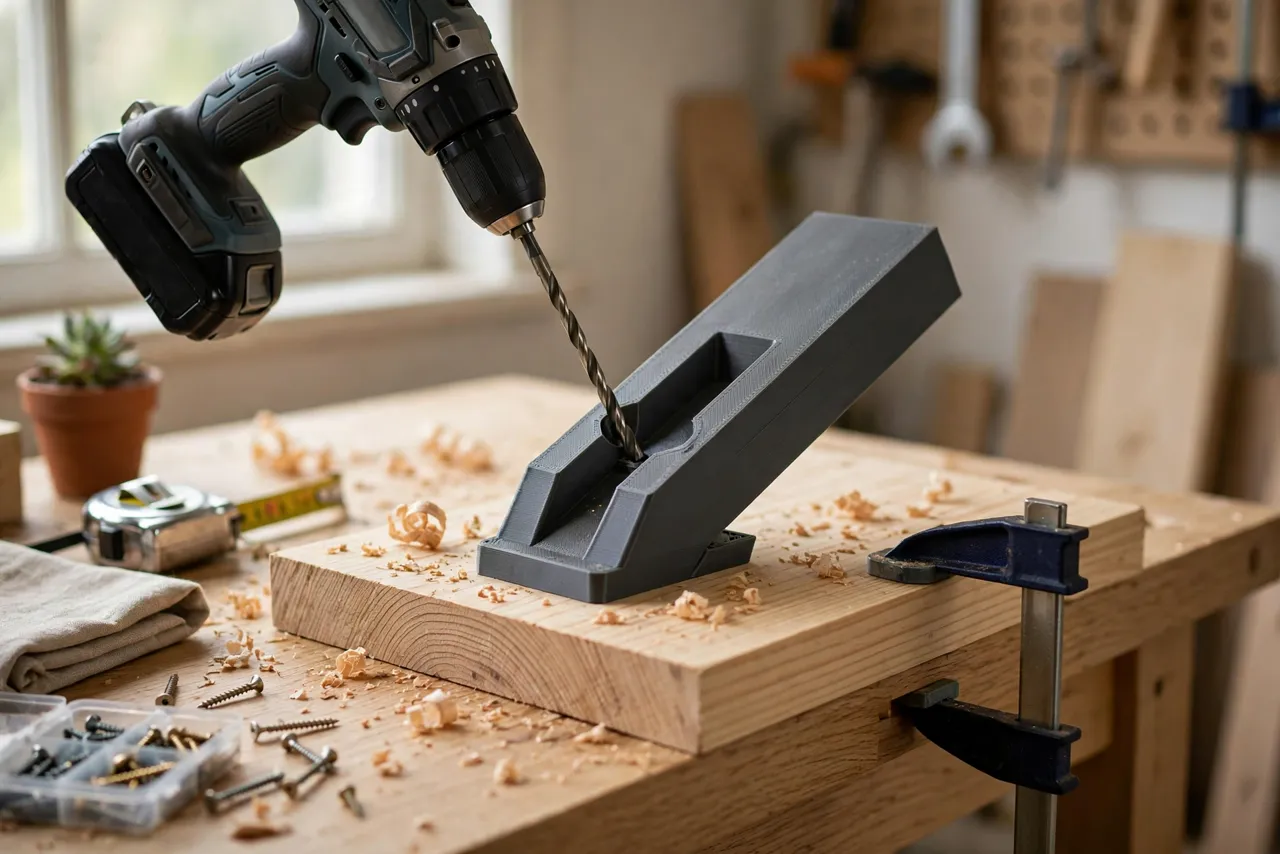
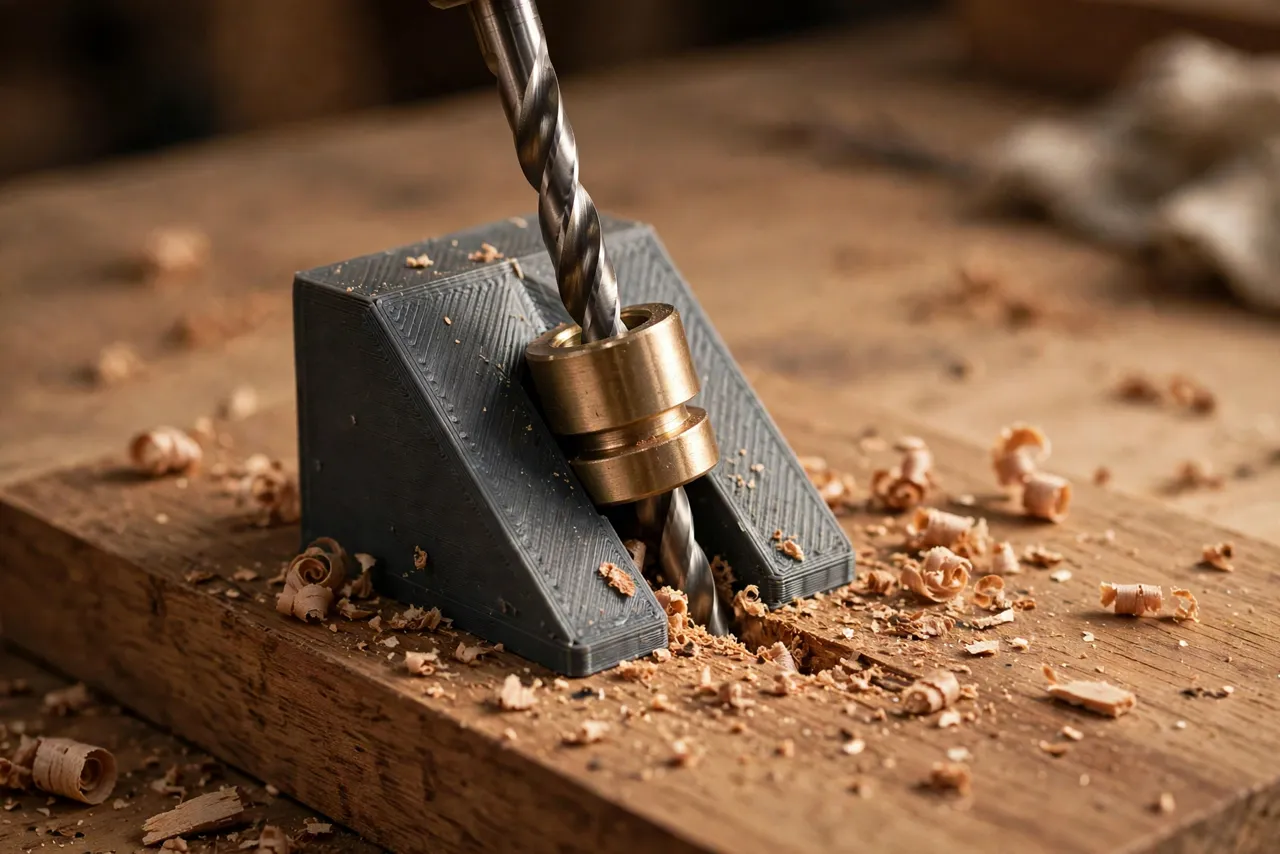
A 3D printed angled drilling guide solves both problems at once. It holds the bit at a fixed angle and gives it a starting point it cannot skate away from. You clamp the guide, drill through it, and the hole comes out at the angle you designed — repeatable across every hole in the joint.
A note on honest limits: a printed guide positions a drill bit; it is not a precision metal drill bushing for production work. For occasional home repairs and furniture joints it is accurate and reliable, especially with a metal bushing insert where the bit passes through. For high-volume or high-precision drilling, a manufactured metal guide is the better tool.
What You Need
The guide is a compact print, and the optional metal bushing is what turns it from good to excellent.
Materials and tools
- A home 3D printer with a modest build area
- PETG filament for a guide that resists drilling heat and clamping force better than PLA
- An optional short metal drill bushing or a section of metal tube sized to your drill bit
- A drill or drill press, drill bits, and a clamp
- A protractor or angle gauge for verifying the guide’s angle
- A pencil, a square, and scrap wood for testing
The layout thinking here is similar to “Pocket-Screw Drilling Guide: 3D Print a Jig for Strong Hidden Joints in Furniture Repairs,” which also uses a fixed-angle guide to make repeatable joints.
Suggested print settings
- Layer height: 0.16 to 0.20 mm for accurate angled faces.
- Walls: 4 to 5 perimeters — the guide takes clamping and drilling forces.
- Infill: 40 to 60 percent, grid or gyroid.
- Top and bottom layers: 5 or more.
- Orientation: Print so the angled guide channel is supported cleanly, or print in two halves and glue them if the angle makes single-piece printing awkward.
- Supports: As needed for the angled channel; remove carefully and clean the bore.
Print one test guide and check the angle before committing to a keeper.
Design Considerations
An angled guide is a block with a hole through it at an angle, plus a way to hold it still. Each part matters.
1. Choose the angle deliberately
Common angles are 15 degrees for splayed legs, 30 degrees for some dowel joints, and 45 degrees for diagonal repairs. Design the guide for the angle your project actually needs, and verify it with a protractor after printing — a guide that is off by 2 degrees gives joints that are off by 2 degrees.
2. Add a flat registration face
The guide needs a flat face that sits flush on the workpiece, so the angle is measured from a true reference. Keep that face generous and flat, and add a small fence or lip that registers against the workpiece edge so the guide lands in the same place every time.
3. Use a metal bushing for the bore
A bare printed bore wears quickly as the bit spins against it, and a worn bore guides nothing. Press a short metal tube or bushing into the bore, sized to your bit, and the guide stays accurate far longer. Size the bore in the model to the bushing’s outside diameter, with a snug press fit.
4. Make clamping easy
Add ears, slots, or a flat top the clamp can grip. A guide that cannot be clamped firmly will shift mid-drill, and a shifted guide is worse than no guide. Design the clamp points before you print, not after.
Step-by-Step: Printing and Assembly
- Decide the angle and bit size your project needs.
- Model the guide as a block with an angled bore, a flat registration face, an edge fence, and clamp ears.
- Print a test version and verify the angle with a protractor and a test drill in scrap.
- Fit the metal bushing if using one, pressing it in squarely.
- Clean the bore and check a drill bit passes through smoothly without wobble.
- Print the keeper in PETG if the test was PLA, using the same file.
Step-by-Step: Using the Guide
- Mark the hole position on the workpiece with a pencil, and mark the entry angle direction with an arrow.
- Clamp the guide in place, registration face flat, fence against the edge, bore over the mark.
- Check the angle direction one more time — angled holes are easy to mirror by accident.
- Start the drill slowly to establish the hole, then drill at a steady speed, clearing chips by backing out occasionally.
- Drill to the required depth, using a depth stop or tape flag on the bit.
- Release the clamp and check the hole with a dowel or a test screw before drilling the mating piece.
- Repeat with the same setup for every matching hole, so the joint’s angles all agree.
For a two-piece joint, drill one side, then use the assembled guide position — or a mating guide — to drill the second side, checking alignment with a dry fit before gluing or screwing.
Tips for Better Results
- Start with a center punch or awl mark under the guide bore to stop any initial skate.
- Use a brad-point bit in wood for a cleaner entry than a twist bit gives.
- Clear chips often. Packed chips overheat the bit and push it off line.
- Drill a test joint in scrap first. Angled joints hide their errors until assembly, so test before the real pieces.
- Label each guide with its angle using a paint pen, especially if you own several.
Common Mistakes to Avoid
- Mirroring the angle. The most common angled-hole error is drilling the mirror image of the intended angle. Mark direction arrows every time.
- Skipping the clamp. A hand-held guide shifts as the bit bites; clamp it.
- Drilling a bare printed bore without a bushing. It wears fast and the angle drifts with it.
- Forcing a dull bit. A dull bit wanders and overheats; sharpen or replace it.
- Ignoring exit blowout. Place scrap behind the workpiece where the bit exits, or drill from both sides for a clean exit.
Care, Storage, and When to Choose an Alternative
Store guides flat, keep bores clean of dust, and check the bore for wear before each job. A worn guide can be reprinted cheaply; a worn guide used anyway gives bad holes.
A manufactured metal angled guide, or a drill press with a tilting table, suits frequent or high-precision angled drilling better. For occasional home joints and repairs, a printed guide with a metal bushing is accurate, inexpensive, and easy to customize to odd angles.
FAQ
What angles can I print a guide for?
Any angle your design and printer can produce, from shallow 10-degree guides to steep 60-degree ones. Very shallow angles make long bores that are harder to print cleanly, so test those in scrap first.
Is PETG strong enough for a drill guide?
Yes, with thick walls and a metal bushing in the bore. The printed body positions and clamps; the bushing carries the bit contact.
Can I use the guide with a drill press?
Yes, and it is often more accurate that way. Clamp the guide and workpiece to the drill press table and drill through the guide as you would with a hand drill.
My angled holes do not line up between the two pieces. What went wrong?
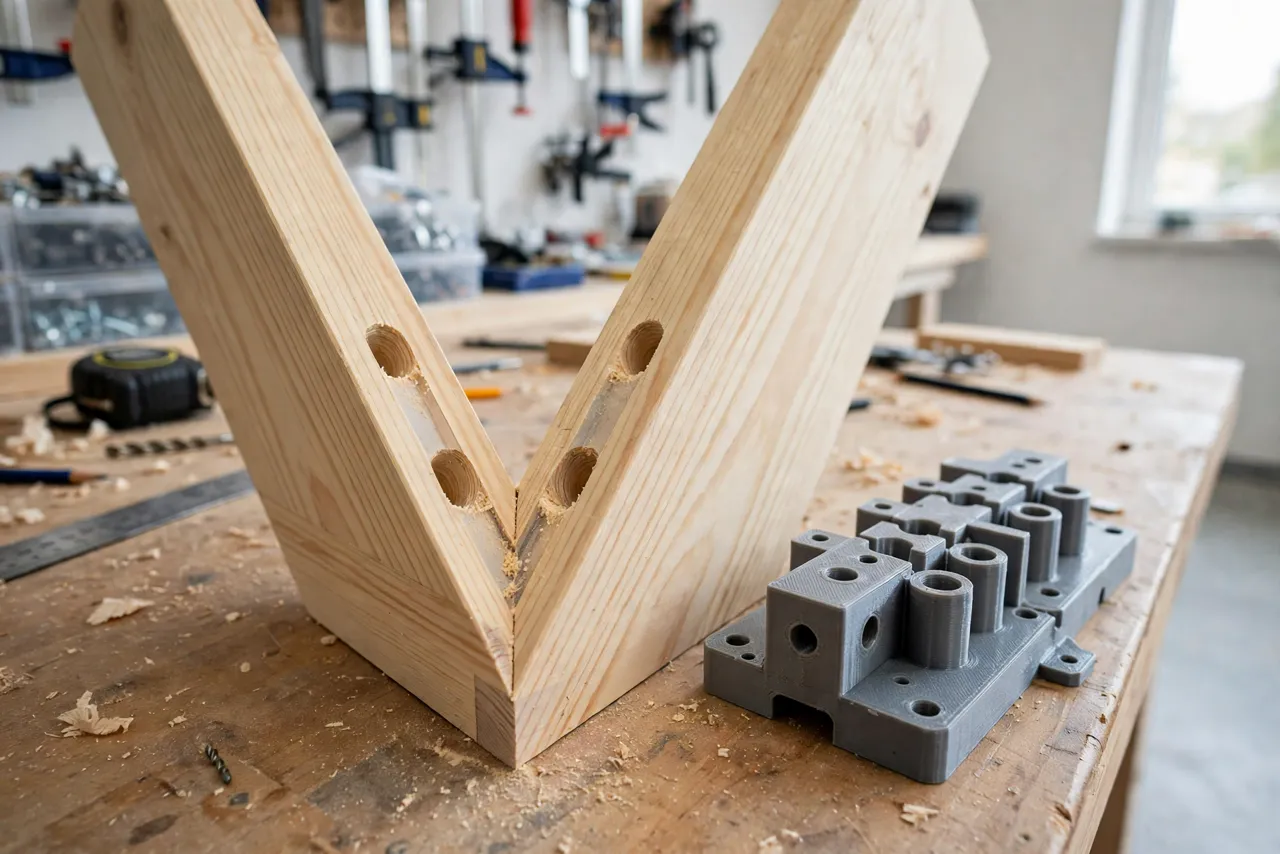
Usually the angle was mirrored on one piece, the guide shifted, or the entry marks were not transferred accurately. Dry-fit with dowels before committing, and check direction arrows on every hole.
Conclusion
Angled holes stop being intimidating the moment the angle is built into a tool instead of held in your hands. A 3D printed guide with a metal bushing gives you a fixed angle, a fixed entry point, and repeatable results across a whole joint.
Print one for the angle your next project needs, test it on scrap, and the joints that used to wander will start lining up the first time.
If angled joints are part of a bigger furniture repair, you may also enjoy our related guide, “3D Printed Doweling Jig: Make Straight, Strong Joints for Shelf and Table Repairs,” which covers the straight-hole side of the same joint-making skill.