Introduction
Every home has one cut that defeats straight tools: the tile wrapping a door architrave, the laminate meeting a curved skirting profile. You measure, sketch something hopeful, cut it — and the gap tells the whole room you guessed.
Curves do not fail you because they are complicated. They fail because measuring a profile with a ruler describes a shape in numbers it never had. Professional fitters do not measure these shapes at all. They copy them.
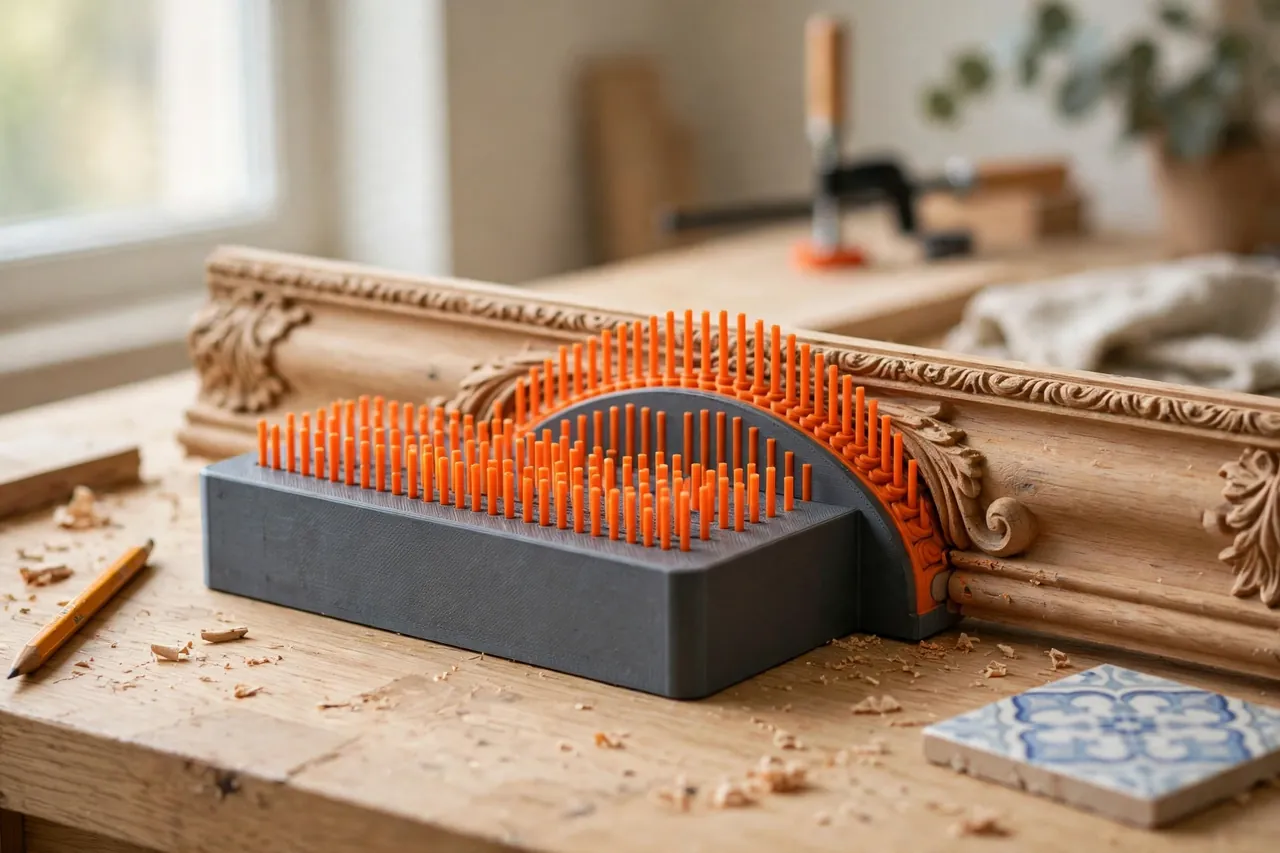
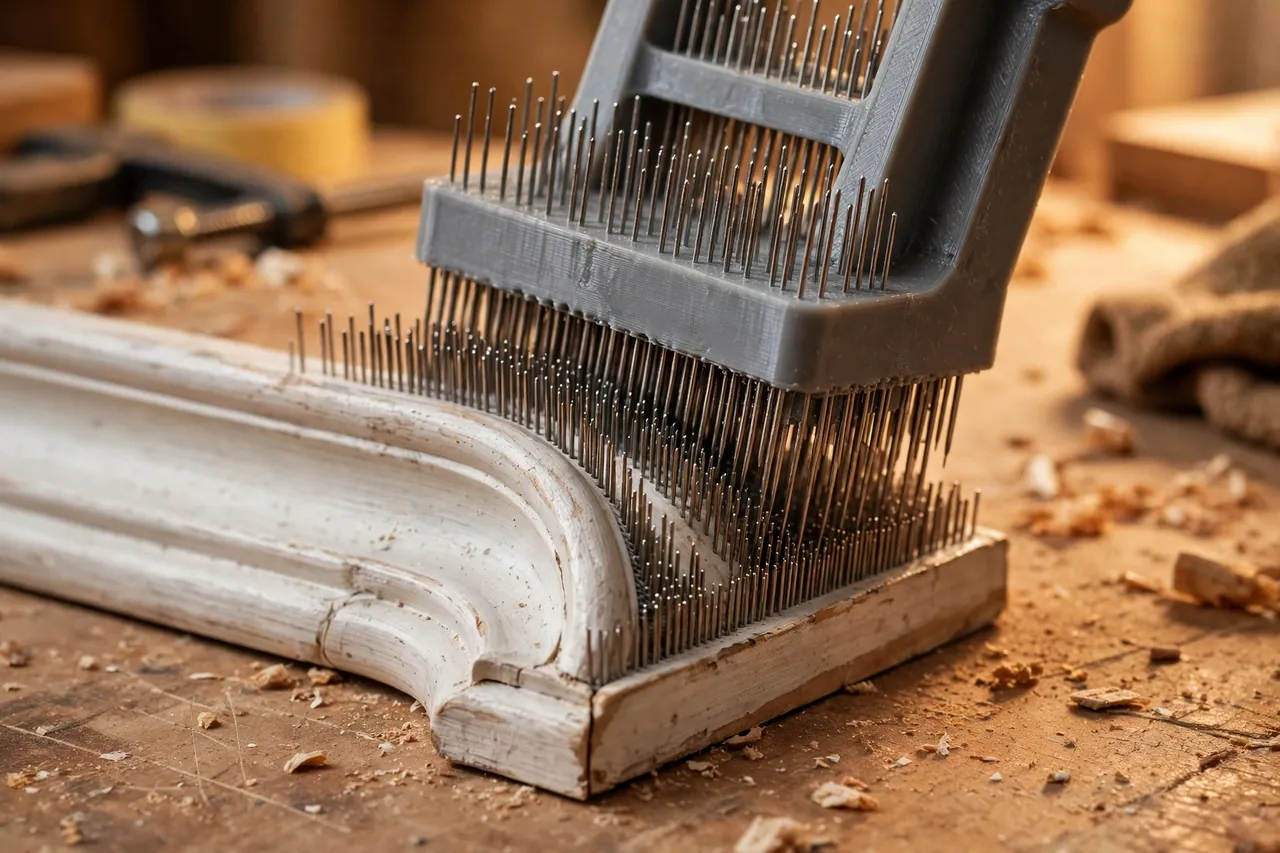
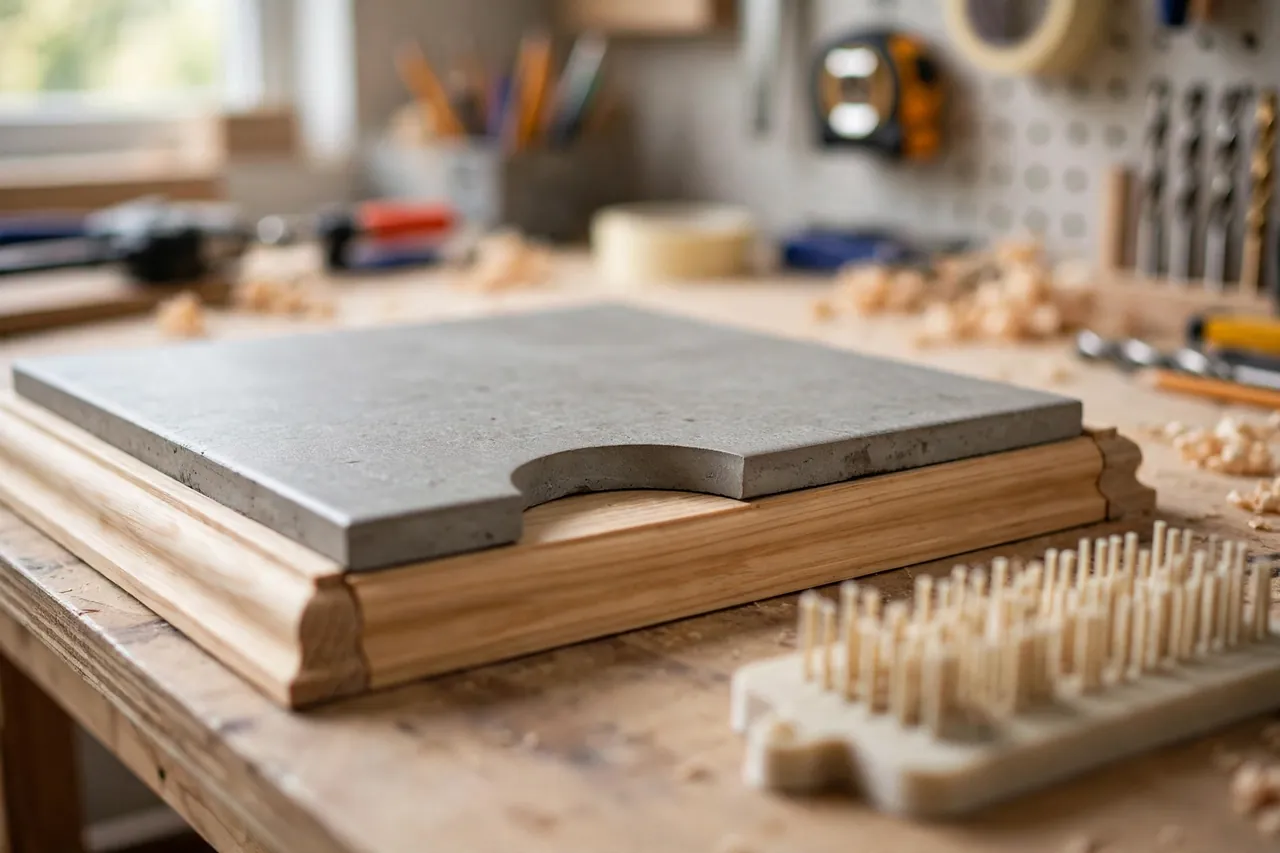
A contour gauge copies. It is a row of fine sliding pins in a frame: press it against the molding, trim, or pipe, and the pins shift to reproduce the exact profile. Lift it away, lay it on your tile or board, trace the line the pins are holding, and cut to a copy instead of a guess. A printed version lets you size the gauge to your work — wide for skirting, fine-pinned for detailed trim — for a few dollars of filament.
This guide covers designing, printing, and using a pin-style contour gauge for trim, tile, flooring, and shelving fits. It is a copying and layout tool only; it carries no loads, and its one promise is an honest line to cut to.
What You Need
The gauge is a frame plus many identical pins — the classic batch print. Print the frame once, print pins by the dozen, and assemble in minutes.
Materials and tools
- A home 3D printer with a build area to suit your frame width — 150 to 200 mm covers most trim work
- PLA filament for crisp, straight pins and frame, with PETG as an option for a site-tough frame
- A profile to copy for testing: a length of skirting, trim molding, or a pipe offcut
- The workpiece you are fitting: tile, laminate, vinyl, or board, plus its normal cutting tools
- A sharp pencil or fine marker for tracing the copied profile
- A ruler and calipers for frame sizing and pin-fit checks
- Fine sandpaper for easing pin sides if the first batch runs tight
PLA is the natural pin material: pins must be straight, stiff, and consistent, and PLA prints them that way cheaply. PETG pins can bow slightly, blurring detail. A good compromise is a PETG frame for toughness with PLA pins for fidelity.
Suggested print settings
- Layer height: 0.20 mm for pins and frame alike; consistency between pins matters more than finish.
- Walls: Print pins effectively solid — 3 to 4 perimeters on a thin pin achieves this.
- Infill: Frame at 40 to 60 percent for stiffness; pins at high infill or solid as their size dictates.
- Top and bottom layers: 4 or more on the frame, so its faces stay flat and the pin channels stay true.
- Orientation: Print pins lying flat and identically oriented, so every pin shares the same dimensions. Print the frame flat as it will be held.
- Supports: None if the frame’s pin channel is designed as an open slot with a retaining cover or end caps.
Print ten test pins and one frame section first. Pin fit — sliding freely, holding position — is the entire tool, so prove it small before printing a hundred pins.
Design Considerations
A contour gauge succeeds on pin fit and frame honesty. Get those two right and even ornate profiles copy cleanly.
1. Pin size balances detail against patience
Pins around 1.5 to 2.5 mm wide copy typical trim profiles faithfully — fine enough for molding detail, coarse enough to slide without jamming. Choose the thinner end for intricate trim, the thicker end for chunky skirting and pipework. Pin length of 25 to 40 mm covers most household profiles; stay as short as your profiles allow, since longer pins flex more.
2. The slide fit is the tool
Each pin must slide with light, even friction: free enough that gentle pressure moves it, firm enough that it holds position while you carry and trace. That fit is roughly 0.2 to 0.3 mm clearance per pin, tuned by test prints. Print pins in identical orientation and settings so they behave as a set.
3. A frame that stays straight and locks kindly
The frame holds the pin row straight, and any bow in it becomes a bow in every copy. Make rails generously deep, add end caps that retain pins without clamping them, and consider a locking cover that presses pins gently once a profile is captured. Mark one face as the tracing face, so copies are never mirrored by accident.
4. Width for your real work
Match frame width to your jobs: 125 to 150 mm handles most trim and architrave; 200 mm suits wide skirting. Very wide gauges are better built as two medium gauges in overlapping passes than as one flexy monster.
Step-by-Step: Printing and Assembly
- Measure your target profiles. Note the widest molding and deepest curve you expect to copy, and size width and pin length to them.
- Model the frame with its pin channel, end caps, and any locking cover, using your tested clearance.
- Print ten test pins and a short frame offcut. Slide the pins in and press the mini-gauge against a molding corner.
- Judge the fit. Pins should follow the profile under hand pressure and hold it when lifted. Adjust clearance in 0.1 mm steps until they do.
- Print the full pin batch in one orientation, one filament, one session if possible — sets behave better than mixtures.
- Print the frame and clean its channel thoroughly; a single whisker of stringing becomes a sticky pin for life.
- Assemble dry. Load all pins, slide each one through its full travel once, and swap out any pin that drags or rattles.
- Add the end caps and locking cover, then make a test copy of a known profile and verify it against the original before trusting the gauge on real work.
Step-by-Step: Using the Contour Gauge
- Reset the pins. Push the row gently against a flat surface so all pin ends sit flush and level before each copy.
- Press squarely onto the profile. Hold the gauge perpendicular to the molding’s run and push steadily until pin ends seat along the whole shape. Angled pressure copies a distorted profile.
- Use enough pressure, not force. Pins should travel because the profile pushes them, not because you are ramming the gauge. On delicate painted trim, let the gauge’s own advance do the work.
- Lock the pins if your design allows, or simply keep a steady grip that does not squeeze the frame’s sides.
- Lift straight away from the profile, without dragging sideways. A dragged lift smears the captured shape.
- Check the copy by eye against the original. Gaps or flattened detail mean a pin stuck — re-copy rather than correcting by imagination.
- Lay the gauge on your workpiece, reference face down as designed, aligned to the workpiece’s edge or layout lines.
- Trace the pin line with a sharp pencil or fine marker, holding each section of pins steady as the pencil passes. Trace in the correct orientation — offer the gauge back to the profile mentally before cutting, to catch any mirroring.
- Cut just outside the line, then creep to the fit with a file, sander, or second trim pass, test-fitting against the real profile as you close in.
Tips for Better Results
- Copy from the cleanest section. Paint drips and damage reproduce faithfully. Slide along the trim to its truest stretch before copying.
- Work in the same family as scribing. For long fits against wavy walls rather than molded profiles, you may also enjoy our related guide, “3D Printed Scribing Compass: Fit Cabinets, Counters and Panels Tight to Wavy Walls,” which covers the complementary technique.
Common Mistakes to Avoid
- Pressing at an angle. A tilted gauge copies a stretched lie. Square on, straight push, straight lift — every time.
- Tracing from the wrong face. Copying and tracing from opposite faces mirrors the profile, which matters on asymmetric trim. Mark and always use the one reference face.
- Cutting exactly on the first line. Even a good copy deserves a cautious cut: leave a whisker, test-fit, then trim to the true fit.
- Forcing pins into deep detail. If pins will not follow a very sharp internal corner, copy the profile in two overlapping passes instead of crushing pins into it.
- Storing the gauge with pins mid-travel. Store it flat, pins reset flush, ideally locked or covered, so the row you calibrated is the row you pick up next time.
Care, Storage, and When to Choose an Alternative
Store the gauge flat, pins reset and lightly locked, away from heat. Periodically slide every pin through its travel; any that stick get cleaned or replaced from your printed spares — keep five spares with the gauge.
Commercial metal-pin gauges are heavier, very durable, and excellent for trade use, and flexible curve rulers beat any pin gauge for long, gentle curves. For household trim, tile, and flooring, the printed gauge wins on fit: pin width and frame size matched to your moldings, light enough for vertical work, and cheap enough to own in two sizes.
FAQ
Can it copy a profile for both sides of a corner?
Yes. Copy each face separately, trace both onto the workpiece, and let the corner point be where the two lines meet.
What is the finest detail it can follow?
With 1.5 to 2 mm pins, detail down to a few millimeters reads clearly — beads, steps, and coves all copy recognizably. It will not reproduce detail smaller than a pin width; finish tiny features by hand fitting.
My pins keep sticking. How do I fix the slide?
Clean first — most sticking is debris, not dimensions. If clean pins still drag, reprint the batch with 0.1 mm more clearance rather than sanding a hundred pins.
Can I use it for flooring around door frames?
That is one of its best jobs. Copy the frame profile at floor level, transfer to the plank, and cut the notch that lets flooring pass neatly instead of stopping short with a beaded gap.
Conclusion
Awkward cuts stop being awkward the moment you stop measuring shapes and start copying them. A printed contour gauge — pins tuned to your printer, frame sized to your trim — puts a fitter’s oldest trick on your bench for an evening’s printing, and every tile, plank, and shelf afterward fits like it was always meant to.
Print ten pins, prove the slide, then build the full gauge and copy the molding that has been mocking you from the hallway.
For the surfaces that follow a good fit, “Contour Sanding Blocks: 3D Print Custom Blocks for Curved Trim and Furniture Repairs” helps you finish curved work to the same standard, and “3D Printed Sliding Bevel Gauge: Copy Any Angle and Transfer It Anywhere” is the natural companion for the angled — rather than curved — mysteries in your next project.