Introduction
Real houses are full of angles that are almost — but not quite — what they should be. The corner that should be 90 degrees is 88. The stair stringer that should match the standard pitch does not. Measure with a protractor, do the arithmetic, set your saw by numbers, and the trim still gaps, because numbers describe the angle you calculated, not the corner that actually exists.
A sliding bevel gauge sidesteps the numbers entirely. You press its stock against one surface, swing its blade against the other, lock it, and carry that exact physical angle to your saw or your workpiece. The corner itself becomes the measurement.
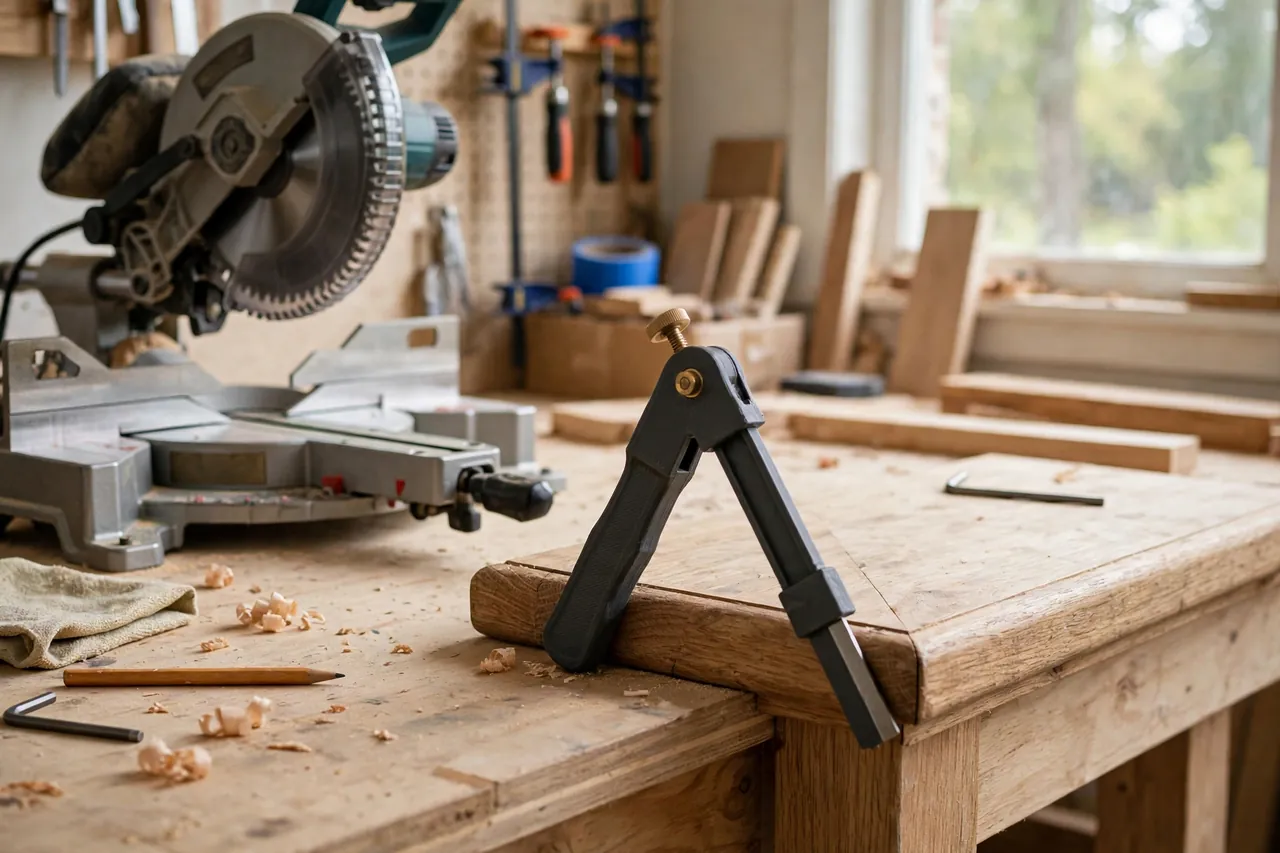
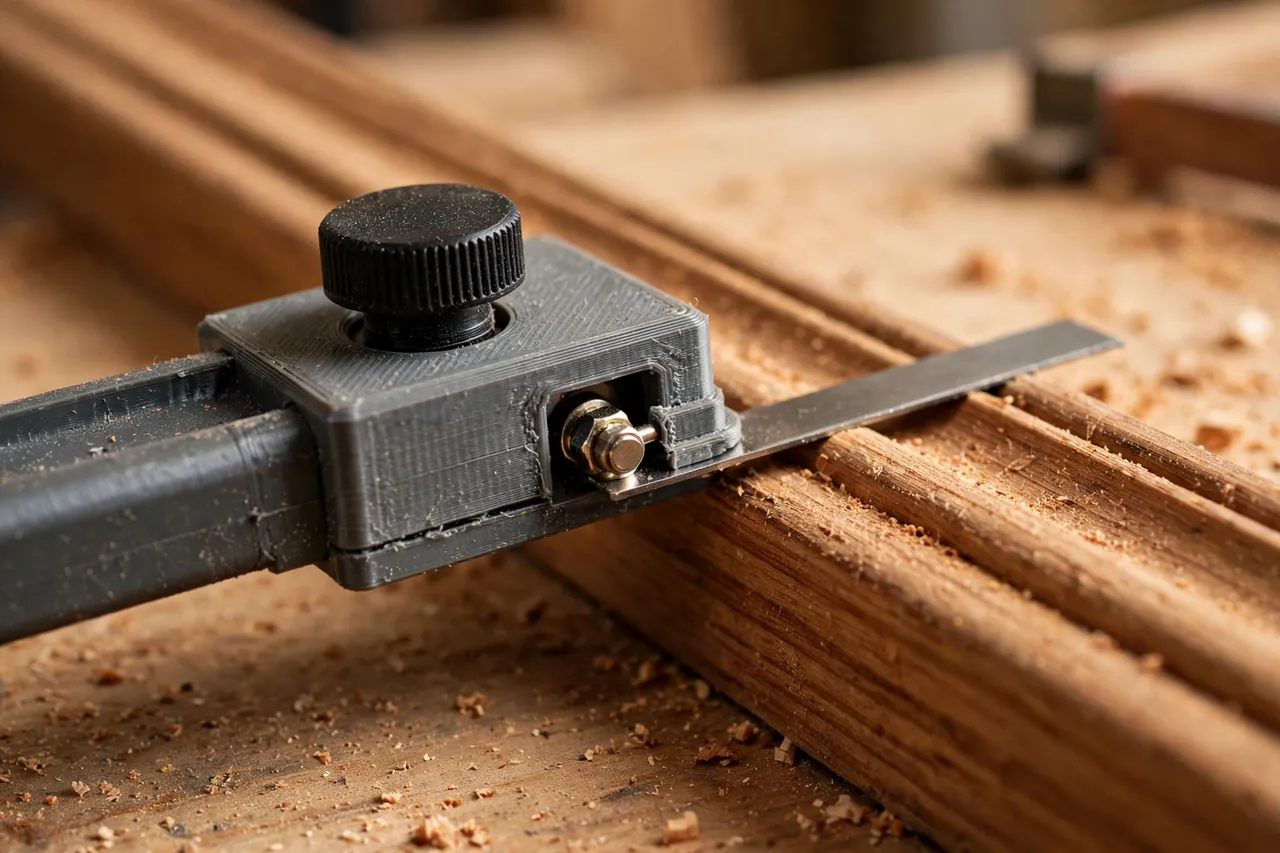
A 3D printed sliding bevel gauge is an ideal home version of this old tool: a stock, a slotted blade, and a locking knob, sized to your hand and your work. It costs a little filament, prints in an afternoon, and can be reprinted longer or shorter when a job demands it.
This guide covers designing, printing, assembling, and using one. It is a layout tool only — it copies and carries angles. It never guides a blade or bears any load itself.
What You Need
The gauge has three parts: stock, blade, and lock. Simple hardware does the clamping; the printing does the shaping.
Materials and tools
- A home 3D printer with a build area to suit your chosen blade length
- PETG filament for a durable gauge, or PLA for stiff test parts
- A bolt, washer, and wing nut or printed knob for the pivot lock — measure what you have
- The blade insert if you want one: a strip of thin hardwood or aluminum for a premium version
- Calipers and a steel ruler for checking slot and pivot dimensions
- A known square corner and a miter saw or protractor to verify copied angles
- A pencil, plus the trim or workpiece you are fitting
- Sandpaper or a small file for slot cleanup
PETG is the practical keeper choice: the pivot area gets clamped hard and often, and PETG flexes rather than cracking around the bolt. PLA prints a straighter, crisper blade for testing and is fine for light use, but store it flat so it stays true.
Suggested print settings
- Layer height: 0.20 mm, with accuracy focused on the blade edges.
- Walls: 4 perimeters, especially around the pivot hole and slot ends.
- Infill: 40 to 50 percent for the stock; the blade benefits from high infill or solid layers.
- Top and bottom layers: 4 or more so both faces stay flat and parallel.
- Orientation: Print stock and blade flat, largest faces down, for the straightest edges.
- Supports: None if the slot is modeled as a through-slot in a flat blade.
Print a test blade first and check its edges against a steel ruler before committing to the full set.
Design Considerations
A bevel gauge lives or dies on three things: straight edges, a pivot that does not wander, and a lock that truly locks.
1. Dead-straight reference edges
The inside edge of the stock and both edges of the blade must be straight — any bow becomes an angle error. Give the blade generous width, around 20 to 25 mm, so it registers firmly against surfaces. Check printed edges against a ruler held to the light; a visible sliver of light means sand the high spot or reprint.
2. A slot that gives useful reach
The blade’s slot lets it slide as well as swing, so it can reach into short returns or stretch across wide trim. Make the slot long — at least half the blade length — with clean parallel sides and 0.3 to 0.5 mm clearance around the pivot bolt. Rounded slot ends are stronger than square ones. The blade should slide smoothly with the lock loosened half a turn, never need forcing.
3. A pivot lock that clamps the faces, not just the bolt
Real locking comes from face friction: broad, flat mating surfaces between stock and blade, drawn together by the knob. Model a shallow recess for a washer to spread the load, and use a decent-sized knob your fingers can actually torque — 30 to 40 mm across is comfortable. If early tests slip, a thin rubber washer between the faces adds grip without bulk.
4. Stock length and blade length for your work
Trim work suits a compact gauge: a 100 mm stock with a 200 mm blade. Stair and roof layout rewards a longer blade, 250 to 300 mm, which averages out surface bumps for a truer reading. Print two sizes if you do both kinds of work; they share the same hardware and live happily in the same drawer.
Step-by-Step: Printing and Assembly
- Choose your sizes — stock length, blade length and width — based on the work you do most.
- Measure your hardware — bolt diameter and head size — so holes and recesses fit first time.
- Model stock and blade with pivot hole, slot, and washer recesses, keeping reference edges clean.
- Print test parts. Check edge straightness and slot fit before printing final versions.
- Clean up. Ease the slot, lightly sand mating faces flat, and clear the pivot hole.
- Assemble the pivot — bolt through stock and blade slot, washer, then knob — and confirm the blade swings and slides smoothly.
- Test the lock. Set a mid angle, lock firmly, and try to move the blade by hand. It should not creep at all.
- Print keepers in PETG if tests were PLA, and verify once more against a square.
Step-by-Step: Using the Gauge to Copy and Transfer an Angle
- Loosen the lock until the blade swings freely but does not flop.
- Seat the stock flat against the first surface — a wall, a stair tread, the edge of a board — with full contact along its length.
- Swing and slide the blade until it lies flat against the second surface. Look for even contact, not just tip contact.
- Lock the knob firmly while holding both parts in place. Locking can nudge a careless setup, so keep pressure on both pieces until the knob is tight.
- Lift the gauge away carefully without knocking it, and re-check the lock by offering it back to the corner once. It should drop straight back into place.
- Transfer to the workpiece. Lay the gauge on your trim, stock against the reference edge, and draw along the blade with a sharp pencil or knife.
- Or transfer to the saw. Set the gauge against the saw blade and fence to dial the miter angle by contact, not by the saw’s printed scale — contact is truth, scales are suggestions.
- Cut a test piece on scrap and offer it to the real corner before cutting the good material.
- Adjust by halves. If the test gaps at the heel, move the blade half the visible error, re-lock, and retest. Small corrections converge quickly.
- Cut the real piece and fit it. A copied angle, honestly transferred, should close with a uniform hairline at most.
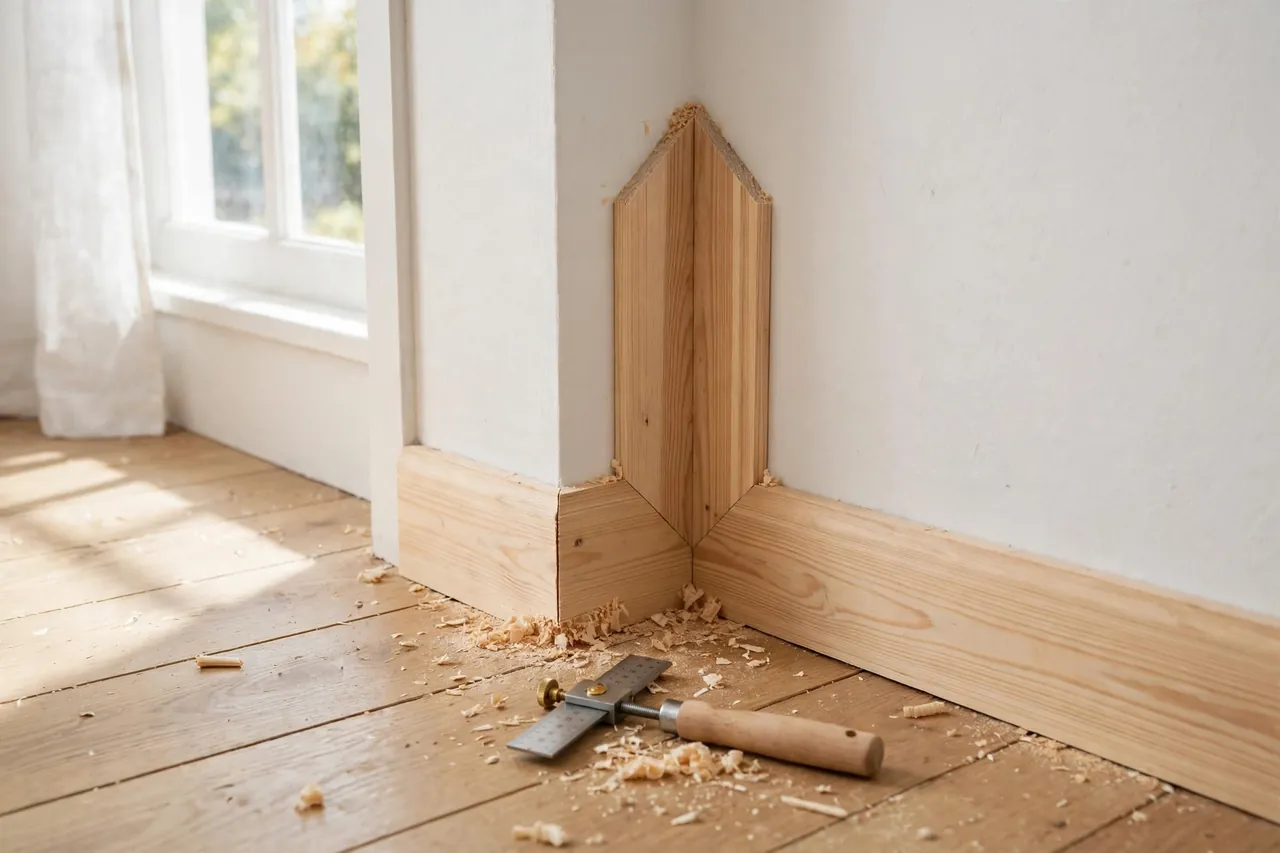
Copying from an existing fitted piece works the same way.
Tips for Better Results
- Register on long surfaces. The longer the contact on each side, the more surface bumps average out and the truer the angle.
- Lock, then verify, then move. The ten-second re-check against the corner catches most knocked settings before they cost material.
-
Mark which face was which. A small pencil arrow on the gauge — “wall side” — prevents mirrored transfers on asymmetric work.
-
Wax the stock faces lightly so the gauge slides into corners smoothly without sticking.
Common Mistakes to Avoid
- Reading the angle and setting by numbers. The gauge’s whole virtue is skipping numbers. Transfer by contact whenever you can.
- Under-tightening the lock. A blade that creeps a degree in your hand wastes a length of trim at the saw. Lock it properly and verify.
- Pressing the blade only at its tip. Tip-only contact on a bowed surface copies the bow, not the angle. Seat the full edge.
- Flipping the gauge between copy and transfer. Keep the same faces against the same references, or you will mirror the angle.
Care, Storage, and When to Choose an Alternative
Store the gauge flat in a drawer, lock loosely closed so the blade stays aligned with the stock, and keep PLA versions out of heat that could bow the blade. Check blade edges against a ruler each season; a warped blade is a reprint, not a repair.
A quality metal bevel gauge with a machined stock and a serious locking lever is better for daily trade use, heritage trim work, or setting machine fences where you will lean on it hard. For home repairs, stair trim, skirting, and one-off angled cuts, a printed gauge copies just as honestly — the corner cannot tell what your gauge is made of.
FAQ
How accurate is a printed bevel gauge compared with a metal one?
The copying method is identical, so accuracy depends on straight edges and a firm lock. A well-printed gauge with flat faces and a tight pivot matches metal for layout work. Where metal wins is durability under years of daily clamping.
Can I copy an angle from inside a tight corner?
Yes — that is what the sliding blade is for. Slide the blade short, swing it into the corner, lock it, then slide-extend it after removal for easier transfer. Just re-verify the angle after extending, in case the lock shifted.
My copied angle fits at one end of the trim but not the other. Why?
The corner itself likely twists — common in old plaster. Copy the angle at the exact height or position where the trim will sit, and if the corner varies along its length, favor the fit at the most visible point and ease the rest.
Should the blade be plastic or metal?
A printed blade is fine for most work and keeps the whole tool in one print session. If you want a thinner blade that slips into narrow gaps, print the stock and fit a strip of hardwood or aluminum as the blade — the pivot design stays the same.
Conclusion
Corners in real houses keep their own counsel. A sliding bevel gauge simply asks the corner what its angle is, remembers the answer without arithmetic, and repeats it at the saw.
Print one true, lock it firmly, verify before you cut, and angled trim stops being the job you save for last.
For the cuts that follow a copied angle, you may also enjoy our related guide, “3D Printed Miter Cutting Guide for Trim, Molding and Small Stock,” which helps small stock behave at the saw. And for laying out straight work to go with your angles, our guide “3D Printed Marking Gauge and Scriber Guides for Accurate Layout Lines in Wood Repairs” rounds out the same layout toolkit.