Introduction
The reveal is the small strip of door jamb left visible between the edge of the jamb and the edge of the casing. It is usually only about 5 to 6 mm wide, and it is one of the first things the eye checks on a finished doorway. When the reveal is even all the way around, the door looks professionally trimmed. When it wanders — 3 mm here, 9 mm there — the whole doorway looks slightly off, even if nobody can say why.
The trouble is that marking a reveal by eye, or by holding a ruler in place while you mark, invites drift. The gauge slips, the pencil line wobbles, and by the head of the door you have lost the line you started with.
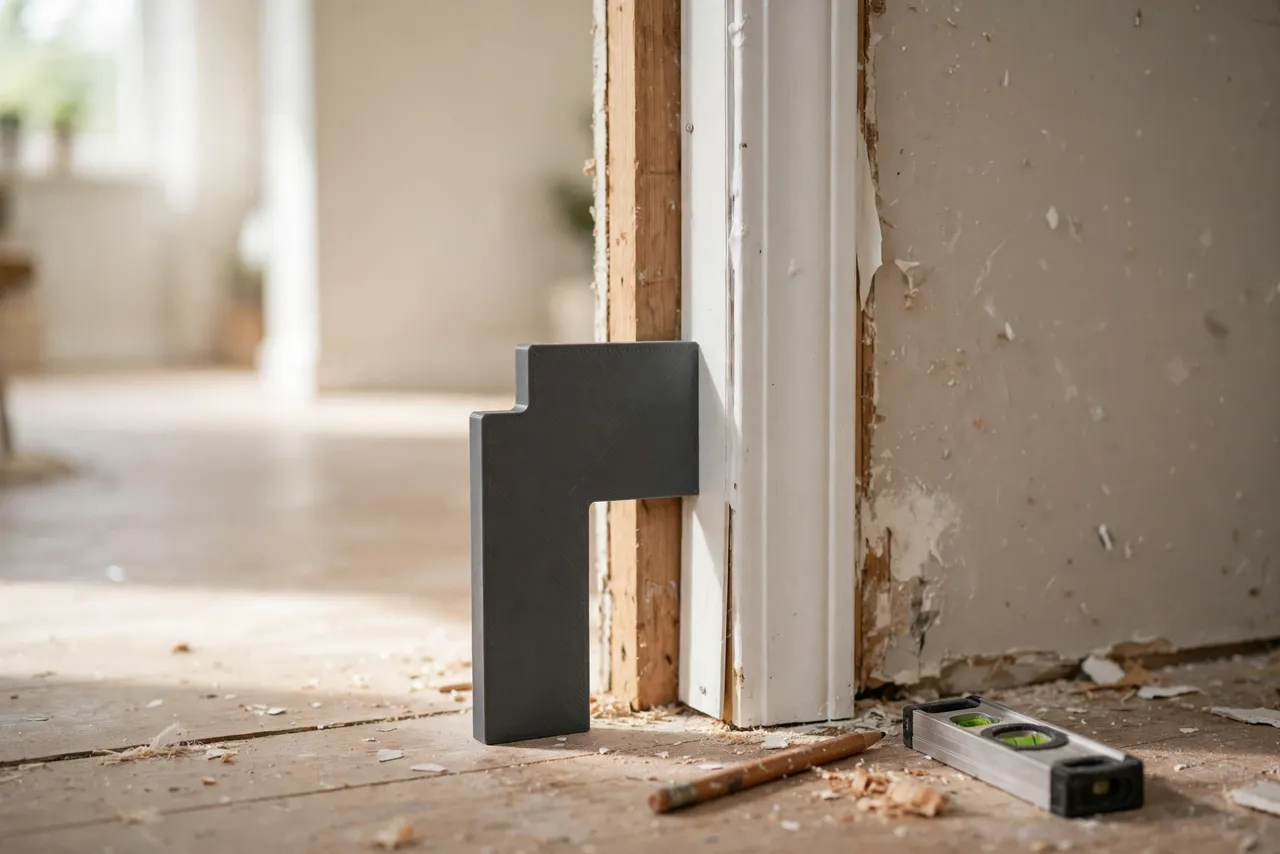
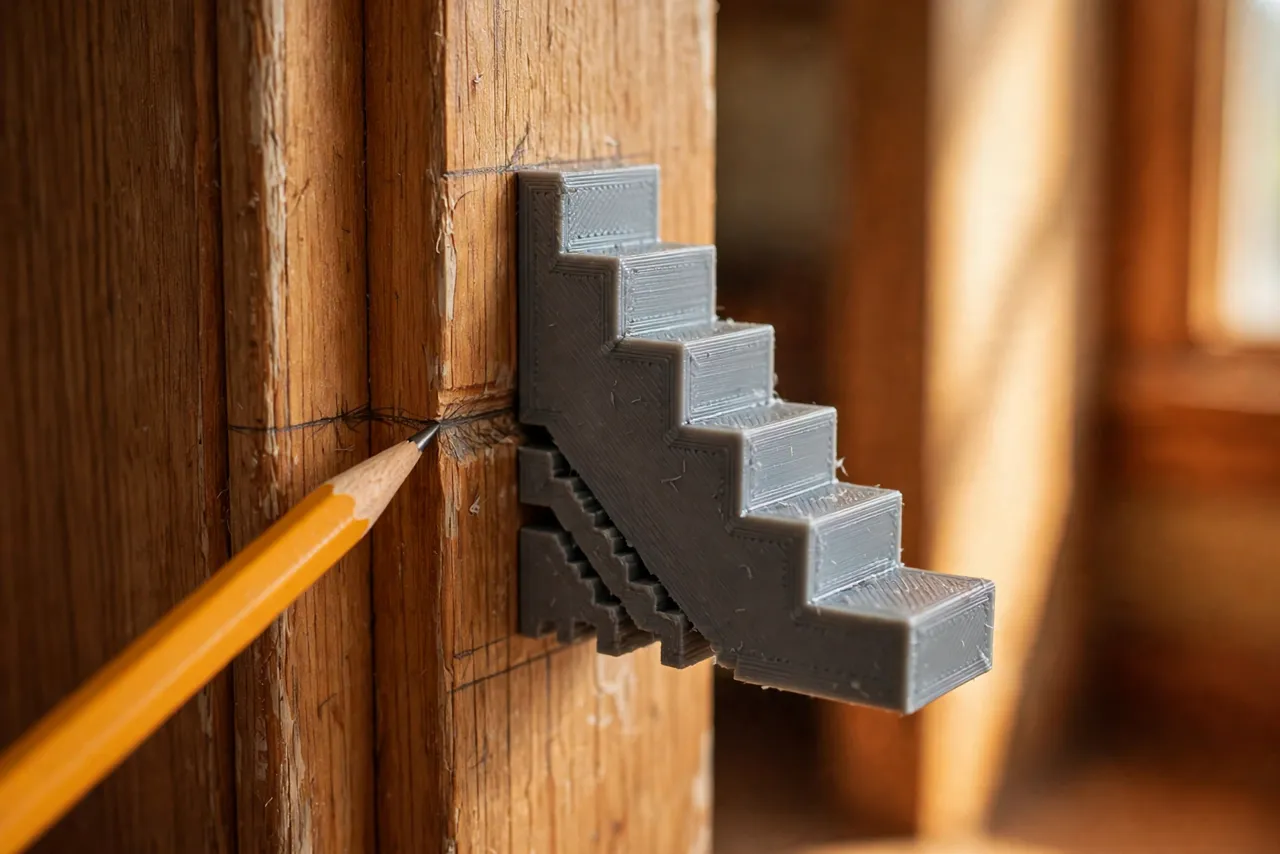
A 3D printed reveal gauge solves this mechanically. It is a small block with a step exactly as wide as your chosen reveal. You press it against the jamb edge, slide it along, and mark — or simply butt the casing against it — and the reveal comes out identical on every leg and every head, on every door in the house. Think of the gauge as a layout aid only: it positions trim and marks lines, and it never carries load or replaces proper nailing.
What You Need
This is one of the smallest prints in the workshop, and it takes minutes.
Materials and tools
- A home 3D printer; the gauge fits easily on any build plate
- PLA or PETG filament; either works, PETG lasts longer in a toolbox
- A ruler or calipers to confirm your chosen reveal width
- A pencil, a level, a miter saw or hand saw for the casing, and a nail gun or hammer
- Painter’s tape for temporary layout marks
If you are trimming several doors in one project, the repeatable-marking approach here matches the one in “3D Printed Picture Hanging Jig: Mark Perfect Positions Every Time, No Extra Holes,” where a fixed gauge replaces repeated measuring.
Suggested print settings
- Layer height: 0.20 mm is fine.
- Walls: 3 to 4 perimeters so the step edge stays crisp under handling.
- Infill: 30 to 50 percent, grid or gyroid.
- Top and bottom layers: 4 or more.
- Orientation: Print flat, step edge down, for the cleanest registration face.
- Supports: None needed.
Print two gauges. One for each side of the door lets you set both legs without walking the gauge back and forth.
Design Considerations
A reveal gauge is simple, but a few design choices make it much more useful.
1. Pick one reveal width and stick to it
The most common reveal is about 5 mm (roughly 3/16 inch), but the exact number matters less than consistency. Pick the width that suits your casing style, then use the same gauge on every door. Mixed reveals between rooms are noticeable; a consistent reveal across the house looks intentional.
2. Build in a jamb registration face
The gauge needs a flat face that sits flush against the jamb edge, with the step projecting exactly the reveal width. Keep the registration face at least 20 to 30 mm long so it cannot rock on a slightly rounded jamb edge. A short gauge on a rounded edge is a recipe for a wandering line.
3. Add a marking notch or edge
Some gauges include a small notch or a pencil ledge at the step, so you can mark the casing line without moving the gauge. Others are simply butted against the casing itself as a spacer during nailing. Either works; the notched version is better if you are marking before cutting, and the plain version is better if you are positioning casing live.
4. Make it easy to grip
A tiny gauge is easy to lose and fiddly to hold. Size the body generously — about 60 to 80 mm long — with a comfortable grip area behind the step. A gauge you can hold firmly is a gauge that stays put while you mark.
Step-by-Step: Printing and Assembly
- Choose your reveal width and confirm it suits your casing width and jamb depth.
- Model the gauge as a flat block with a registration face and a step of exactly the reveal width.
- Print two copies and check them against each other with calipers — they must match.
- Sand the registration face and step edge lightly until both are smooth and square.
- Label the gauge with its reveal width using a paint pen, so it never gets confused with another gauge later.
Step-by-Step: Using the Gauge to Case a Door
- Check the jamb is plumb and the door is hung before trimming. Casing cannot fix a jamb that leans.
- Set the first leg. Hold the gauge against the jamb edge, butt the casing against the step, and check the reveal with your eye along the full length.
- Mark the casing position at the top and bottom with a pencil, or tack the casing in place against the gauge.
- Repeat on the second leg with the second gauge, so both legs share the same reveal.
- Cut and fit the head casing the same way, using the gauge at both ends to keep the head reveal matching the legs.
- Check all three reveals from a step back before final nailing. Small adjustments now are free; after nailing they are not.
- Nail the casing, working from the middle outward, and re-check the reveal as you go — nailing can pull a casing slightly off line.
For mitered casing, cut the miters first and use the gauge to position the assembled pieces. For butt-jointed casing with a rosette or plinth block, use the gauge on the straight legs and let the blocks set the head position.
Tips for Better Results
- Use the same gauge on every door in the house. Consistency across doors matters as much as consistency around one door.
- Mark in pencil, not pen, so stray marks can be erased or covered by paint.
- Check the reveal in raking light as well as straight on; side light shows wander that front light hides.
- Keep a gauge in the trim kit with your nail gun and pencil, so it is always at hand during casing work.
- Re-check after the first few nails. A casing can creep as nails go in; a quick gauge check catches it early.
Common Mistakes to Avoid
- Eyeballing the reveal on the second leg. The first leg always looks right; it is the second leg that drifts.
- Using a different reveal on the head than the legs. The head reveal must match, or the doorway looks top-heavy or pinched.
- Pressing the gauge against the casing instead of the jamb. The jamb edge is the reference; the gauge registers there, not on the piece being positioned.
- Ignoring a jamb that is not flat. If the jamb edge waves, the reveal will wave with it. Flatten or shim the jamb first.
- Choosing a reveal so wide it looks like a mistake. Very wide reveals draw the eye; if you want a bold look, make it deliberate and consistent.
Care, Storage, and When to Choose an Alternative
Store gauges flat or on a peg, marked with their width. PLA is fine indoors; PETG is better for a toolbox that lives in a hot garage. A chipped step edge can be sanded once, then reprint.
For a single door, a small offcut block of the right thickness does the same job. The printed gauge earns its keep when you are casing several doors, or when you want the same reveal on doors trimmed months apart — the gauge remembers the width so you do not have to.
FAQ
What reveal width should I use?
About 5 mm is the most common choice and suits most casing styles. Wider casing can carry a slightly wider reveal, but the key is using the same width everywhere in the house.
Is PLA strong enough for a reveal gauge?
Yes. The gauge only resists light hand pressure. PETG is the better keeper for toolbox life, but PLA works fine as a layout tool.
Can I use the gauge on window casing too?
Yes, the same principle applies. Window casing uses the same reveal idea, and the same gauge works if the reveal width matches. Print a second gauge if your windows use a different reveal.
My reveal looks even but the casing still looks crooked. What is wrong?
Probably the jamb itself is not plumb, or the casing has a bow. Check the jamb with a level and the casing with a straightedge before blaming the gauge — the gauge can only repeat the reference it is given.
Conclusion
A consistent reveal is a small detail with an outsized effect on how finished a doorway looks. A 3D printed reveal gauge turns that detail from a test of steady hands into a mechanical certainty: press, mark, repeat.
Print a pair, pick your width, and every door you case from now on will carry the same clean, even margin.
If you are working through a whole house of trim, you may also enjoy our related guide, “3D Printed Miter Cutting Guide for Trim, Molding and Small Stock,” which keeps the cuts behind that clean reveal just as consistent.